How to Use Construction Photo Sharing Sites for Site Progress
Construction photo sharing sites let field teams document site progress with timestamps and geotags. Field teams upload daily site photos to track foundation work, framing, inspections, and punch list items. Clients and subs access high-res images without email chaos or version mix-ups. This guide compares top platforms, covers workflows, and shows how to set up sharing for faster approvals and fewer disputes.

What construction photo sharing sites actually do
A construction photo sharing site is a platform where field teams upload timestamped, geotagged images of site progress and make them available to everyone who needs them, including office staff, architects, owners, and subs, without requiring each person to have an account or chase down an email attachment.
The basic workflow: foremen take photos of concrete pours, steel erection, MEP rough-ins, or whatever the day's work involves. Those photos go into a shared workspace organized by date, phase, or location. Clients review them on their phones. Subs get links to their relevant folders only.
Photos do more than document progress. They back up change order requests with visual proof. They answer RFI questions faster than a written description ever could: "here's the condition in question" is a lot clearer than trying to explain it in an email. Over time, a well-organized photo library supports as-built documentation and speeds future bids.
Standard practice on active jobsites is daily captures at minimum: foundation pours, framing progress, MEP installations, inspection milestones. Drone shots add context for earthwork phases where ground-level photos don't capture the full picture. A good platform handles RAW files and high-megapixel images without compression, which matters when an inspector needs to zoom into a pour detail or a connection point.
When photos stay on personal phones or get emailed as compressed attachments, the detail is gone and the record is scattered. A central platform keeps originals accessible on any device, which cuts unnecessary site visits and moves approvals faster.
See also: Fastio Workspaces, Fastio Collaboration, Fastio AI.

Related guides
- How to Share Construction Progress Photos with Your TeamProgress photos keep everyone aligned on what happened on site. This guide walks through a practical workflow for...
- How to Share As-Built Drawings for Construction Closeout**As-built drawings file sharing** helps with construction closeout. These drawings show final built conditions,...
- How to Choose the Best Construction CAD File Sharing SolutionsGuide to construction cad file sharing: Construction teams share .dwg and .dxf files with general contractors, subs,...
- How to Share Construction Daily Logs EfficientlyConstruction daily logs sharing keeps subs, owners, and inspectors up to date on site progress. Traditional PDF emails...
- How to Improve Construction RFI File Sharing and CollaborationConstruction RFI file sharing centralizes attachments for inquiries and responses. Large commercial projects generate...
- How to Set Up a Construction Subcontractor File PortalConstruction subcontractor file portals simplify document sharing between general contractors (GCs) and subs. They...
More on this subject: Construction (16 guides)
Where traditional photo sharing breaks down
Email is the default on most jobsites, and it fails in predictable ways. High-res files exceed attachment limits, so people send compressed versions that lose the detail inspectors need. Subs forward chains to their own contacts, and now nobody knows which image is current or who has what version.
Google Drive and similar free tools compress uploads automatically. That's fine for sharing vacation photos; it's not fine when you need to zoom into a rebar splice or a concrete surface defect. And when you have dozens of external parties on a project, the permission management in those tools gets unwieldy fast.
Finding specific photos months later is where things really fall apart. Without consistent tagging and timestamps, hunting for "that photo of the slab crack near column B" can take hours. And without a verifiable timestamp, proving the sequence of events in a dispute gets much harder.
The cost problem is underrated. Enterprise photo documentation platforms charge per user, which sounds reasonable until you add all the subs, owner's reps, inspectors, and consultants who need access to a mid-rise project. On a complex job, that per-user bill adds up to real money for people who just need to look at photos.


Simplify Construction Photo Sharing Today
Fastio workspaces handle guests without seat costs, large files, and pinned markup. Built for construction photo sharing site workflows.
Features that actually matter in a photo sharing platform
Offline upload queuing is non-negotiable. Site Wi-Fi is unreliable. If the mobile app can't queue uploads and sync when signal returns, foremen will revert to emailing photos from the parking lot.
Guest access without account creation is the other thing most teams underestimate. Subs and clients don't want to create accounts on another platform. They want to click a link and see the photos. Platforms that require sign-ups get abandoned by external parties within a week.
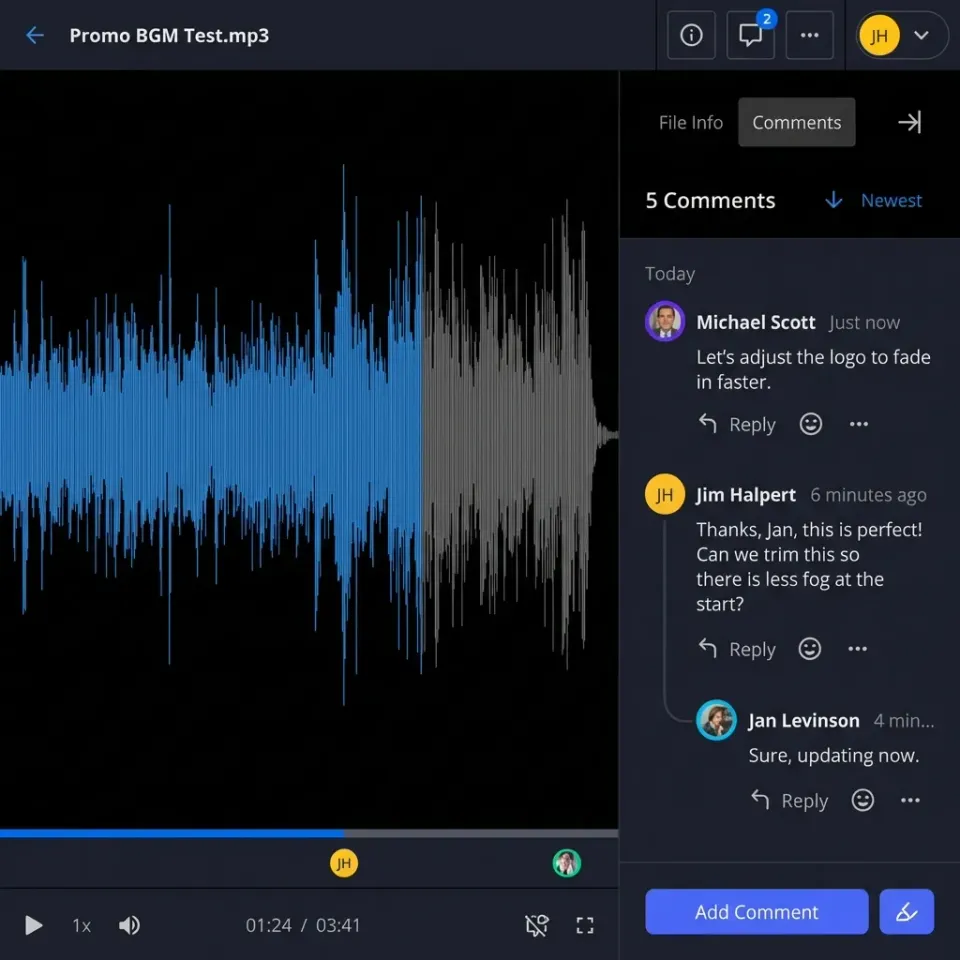
Pinned markup tools (where you can anchor a comment to a specific region of an image) are much more useful than general comments. "Crack visible at this exact location" is actionable. A comment that says "there's a crack somewhere in this photo" is not.
Automatic timestamps and geotags need to be captured at upload, not added manually. When a dispute comes down to whether a condition existed before or after a certain date, you need metadata that can't be faked retroactively.
Branded portals are a nice-to-have for owner-facing shares but not essential for everyone. What matters is that the owner can access photos without downloading an app or creating an account, and that you can revoke or expire that access when the project closes.

How the main platforms compare
Procore is the full-featured option, but the per-user pricing means every sub and owner rep adds to your bill. It makes sense for large GCs with the IT budget to support it. Fieldwire is more approachable for smaller crews but caps out on file size and guest access. Autodesk Build is strong if you're already deep in a BIM workflow; it's overkill if you just need to share photos.
Fastio's advantage is the pricing model. Guests on shares do not take a seat, so you can give subs and owner's reps access without adding paid seats. No file compression means high-res images stay high-res. It's not a full PM suite, but for photo documentation and sharing specifically, it's practical for teams of any size.
Setting up photo sharing in Fastio
Create a workspace named for the project like "Smith Tower" or whatever makes sense. Set up subfolders for each phase or trade: Foundation/, Framing/, MEP/, Inspections/. Inside each, add date-based subfolders as the project runs (2026-03-15/, 2026-03-16/, etc.) or create them weekly in batches.
Name files consistently. A convention like YYYY-MM-DD_phase-description.jpg makes searches fast and keeps folders readable. Batch upload at end of shift rather than one at a time.
Invite internal team members with full edit access. For subs and clients, use Share Link on the relevant folder; they get access without creating an account. Set expiration to end of project or refresh monthly.
For the owner, set up a branded portal with a password. They get a clean URL they can bookmark. Track whether they've viewed it; if they haven't opened the weekly update in three days, you have a record of that too.
Pin comments on any photos that need attention. Comments stay anchored to the image region, so when someone reviews it six months later they can see exactly what was flagged and when.
Archive completed phases by moving them to an "Archive" subfolder. Don't delete anything until well past the warranty period.
Mobile workflow
Enable offline queuing in the app settings. Upload batches over Wi-Fi at the end of the shift rather than one at a time over LTE. Keep originals uncompressed; the platform handles preview generation separately.
Getting more out of a photo library
Consistent tagging pays dividends months later. A tag structure of phase + trade + issue-type (e.g., "framing-structural-connection-detail") makes the library searchable in ways that dated folders alone don't support.
Fixed-angle shots for progress comparisons are worth the extra 30 seconds. Photographing the same column line from the same position every week makes progress visible in a way that a pile of undifferentiated shots doesn't.
Photos work better when they're linked to other documents. Embed photo folder links in daily logs and RFIs. When a change order is disputed, the supporting photos should be one click away from the written record.
Train crews on two things: take a few deliberate shots per shift rather than dozens of random ones, and name files consistently before upload. The first week of a project sets the pattern for the whole job.
For disputes specifically: timestamps and geotags are your evidence. A 2022 study in the Journal of Construction Engineering and Management found that consistent documentation reduces schedule disputes by up to 30% because there's a verifiable record. The photos need to exist and they need metadata that proves when and where they were taken.
What the numbers look like in practice
On a bridge rehabilitation project in Ohio, the GC required daily photo uploads from three prime subcontractors. The constraint: crews on a remote stretch of highway had LTE but no Wi-Fi, so the team enabled offline queuing on the mobile app and uploaded batches each evening from the staging area with stronger signal. Over eight months, timestamped photos resolved four potential delay disputes without a single formal claim. The project owner credited the photo library for cutting their own site-visit schedule from weekly to bi-weekly, saving roughly $1,200/month in consultant travel.

How other teams have used it
On a 10-story office building, the GC used photo sharing to document MEP rough-in. Each sub uploaded their work photos to a dedicated folder. The mechanical contractor pinned a note on a duct misalignment in an image. The GC caught it before drywall went up, avoiding a costly tearout.
On a residential subdivision grading project, drone photos overlaid with plans helped the civil engineer spot elevation errors early enough to correct with minimal rework. The owner got access to a branded portal for progress updates and stopped calling the superintendent's cell phone for status checks.
A bridge rehabilitation project used before/after pairs for permit compliance documentation. High-res images of the restored structural steel satisfied the permitting agency's documentation requirement, and final approval came faster than the team expected.
None of these required custom software or complicated setup. They required consistent photo capture, sensible folder organization, and a platform that didn't compress the files or lock out external viewers behind account creation.
How Fastio fits construction photo workflows
Fastio workspaces are organized by project, with folder-level permissions that let you give each sub access to exactly their section and nothing else. Subs and clients join via link with no account required, and guest access doesn't count against seat limits.
Files are stored without compression. A 24 MP JPEG from a construction camera stays at full resolution. The preview system generates optimized thumbnails for fast loading on mobile, but the original is always there when someone needs to zoom in.
The REST API and WebSocket events feed let Fastio connect to project management tools: when a new photo folder is created or a batch is uploaded, external systems can track events automatically.
Intelligence Mode indexes photo metadata and text in uploaded documents once enabled for the workspace. Queries like "show drainage photos from the week it rained" return cited results from the actual files.
A concrete subcontractor on a parking structure project used Fastio workspaces to share pour-progression photos with the structural engineer and owner's representative. The practical limitation: pinned comments work on uploaded images but not on embedded video thumbnails in the same folder, so the team kept video clips in a separate subfolder to avoid confusion. Within three months, the owner stopped requesting weekly written status emails because the photo folders gave them a real-time visual record. Change order approval time fell from 12 days on average to 4.

Frequently Asked Questions
Best apps for construction photos?
Procore, Fieldwire, Autodesk Build offer good integrations. Fastio supports unlimited guest sharing and markup on large images.
Can you test jobsite photo sharing on a trial?
Fastio's 14-day Business Trial offers full workspace access, high-resolution uploads, and unlimited guests. A credit card is required to start.
How to organize construction site photos?
Use folders by phase and date: Foundation/2026-03/. Add tags and use metadata search.
Do construction photo sites support markup?
The top ones do. Fastio lets you pin comments to specific image regions for precise feedback.
What is the best construction photo sharing site for subcontractors?
Fastio provides workspaces with guest links, no compression, and mobile access without requiring external subs to create accounts.
How often to share site progress photos?
Daily for active sites, weekly for milestones. It keeps approvals on track.
Related Resources

Simplify Construction Photo Sharing Today
Fastio workspaces handle guests without seat costs, large files, and pinned markup. Built for construction photo sharing site workflows.