How to Set Up a Claude Cowork Platform for Your Team
A Claude cowork platform gives your team and AI agents a shared space to work on documents and processes together. This guide covers how to set up persistent agent workspaces, configure the Model Context Protocol (MCP) server, and establish a secure, shared storage foundation for your Claude deployment.


What Is a Claude Cowork Platform?
A Claude cowork platform gives your team and AI agents a shared space to work on documents and processes together. Instead of treating AI as an isolated chatbot, this setup brings Claude directly into your team's file system, allowing it to read, write, and organize files alongside human colleagues.
The foundation of this system is the Model Context Protocol (MCP), an open standard that allows AI models to connect securely to local or cloud-based data sources. By combining Claude with an MCP-native storage solution like Fastio, organizations can build intelligent workspaces. When someone uploads a project brief, Claude immediately indexes it. The agent can then start working on related tasks without needing manual context uploads.
This approach eliminates the scattered files and copy-pasting typical of basic AI usage. According to MIT Sloan, agent-assisted teams see nearly 40% faster workflow completion when operating within a unified digital environment. The goal is moving away from temporary, single-user chat sessions toward a persistent, multi-user storage architecture where AI agents work directly alongside you.
Related guides
- How to Set Up OpenClaw for Multiple Users on a TeamOpenClaw assumes a single trusted operator per Gateway, but 65% of its user base sits in enterprise environments where...
- How to Set Up ClawHub for OpenClawClawHub is the public skill registry for OpenClaw, with over 13,000 community skills available. This guide walks...
- Claude Cowork vs Claude Code: Which One Should You Use?Claude Code now accounts for roughly 4% of all public GitHub commits, and Claude Cowork went generally available in...
- How to Set Up Cross-Platform Sync for Claude CoworkSyncing Claude Cowork across platforms keeps your files updated everywhere. Instead of dealing with isolated desktop...
- How to Set Up Claude Cowork on Windows: Installation and ConfigurationThree GitHub issues filed against Claude Cowork in early 2026 report the same failure: Cowork refuses to start on...
- How to Log In to Claude AI and Claude Cowork on Every PlatformClaude.ai drew 823.5 million visits in April 2026, and every session starts at a login screen. Five authentication...
More on this subject: Claude and Claude Code (280 guides)
Why Build a Claude Team Coworking Environment?
Most teams start using Claude through isolated web interfaces. While helpful for individual tasks, this disconnected model breaks down when teams need to collaborate on complex projects. A dedicated Claude coworking workspace solves three fundamental problems.
Persistent Memory and Context Basic AI sessions forget everything when you close the tab. A true cowork platform stores project files, guidelines, and previous outputs in persistent workspaces. Claude maintains context across sessions because it has direct access to the underlying storage layer, meaning you never have to re-upload the same onboarding documents twice.
Multi-Agent Coordination Complex operations often require multiple specialized agents. One agent might draft content while another reviews code. A shared storage foundation allows these agents to hand off work smoothly by reading and writing to the same directory structure, using version history and folder separation to coordinate work without conflicts.
Human-Agent Handoffs The most effective workflows involve human oversight. In a unified platform, an agent can generate a report, save it to a shared folder, and notify a human manager. The human can then review the file, add comments directly to specific regions, and instruct the agent to revise based on those comments.


Ready to build your AI agent workspace?
Get persistent cloud storage and full MCP server access to connect Claude directly to your team's files.
Phase One: Establish Your Core Fastio Workspace
To set up your Claude cowork platform, you first need a storage environment designed for both humans and agents. Fastio provides workspaces for AI agent accounts with built-in indexing once Intelligence Mode is enabled.
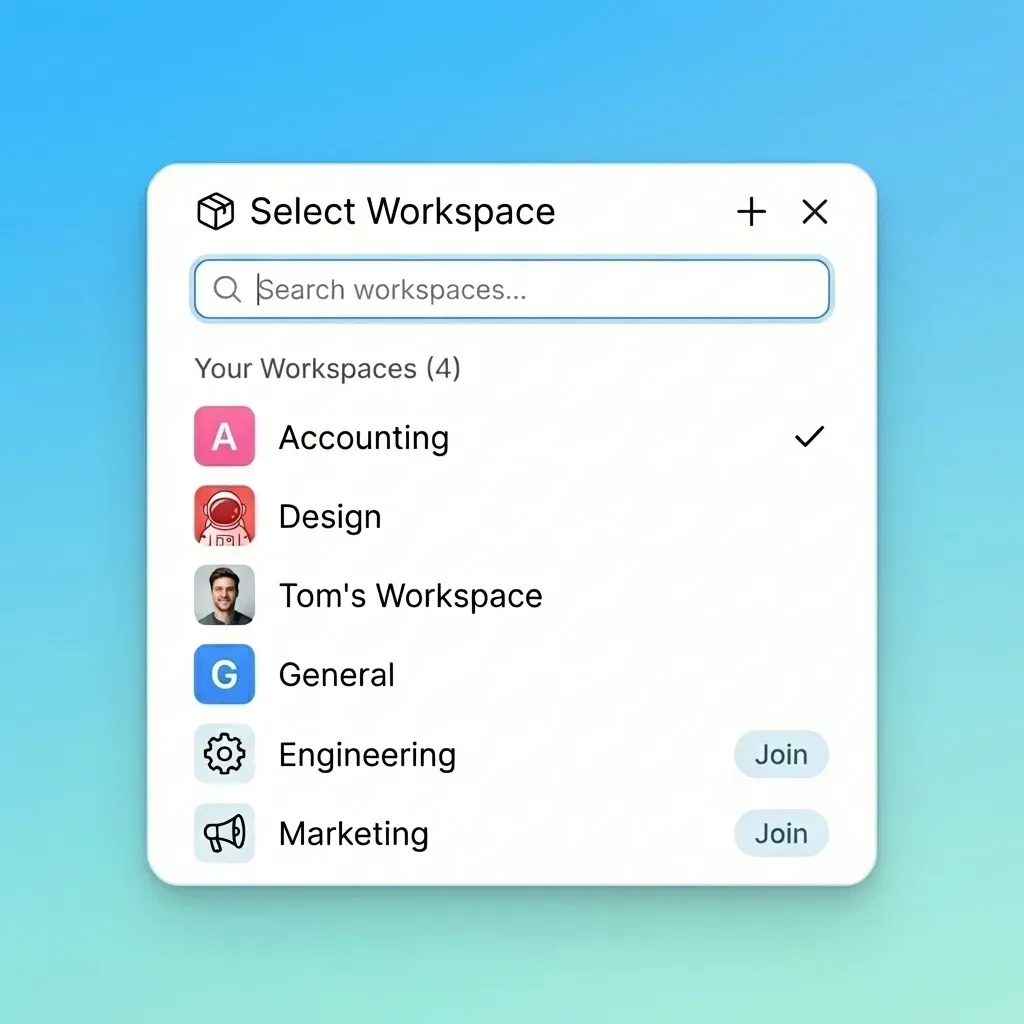
Create the organization: Register your Fastio account and set up your primary organization structure. This ensures that files belong to the organization, not individual user accounts. Provision agent accounts: Create dedicated API credentials and service accounts for your Claude agents. Fastio offers a 14-day Business Trial requiring a credit card to evaluate agent workflows. Build shared workspaces: Create distinct workspaces for different projects or departments. Enable Intelligence Mode: Toggle Intelligence Mode on for these workspaces. Once enabled, this automatically indexes all uploaded files, enabling semantic search and built-in Retrieval-Augmented Generation (RAG).
Once established, you have a foundation where files are owned by the organization, ending the siloed sharing that often happens with older storage providers.
Phase Two: Configure the Model Context Protocol (MCP) Server
With your workspaces ready, you must connect Claude to your storage environment. The Model Context Protocol (MCP) bridges the gap between Claude's reasoning engine and your files. Fastio offers an official remote MCP server with a consolidated MCP toolset, covering every capability available in the human UI.
Add the connector: In Claude Desktop, open Customize, then Connectors, add a custom connector and paste https://mcp.fast.io/mcp/tools. The server uses Streamable HTTP for reliable, long-running connections. Sign in and scope access: Select Connect and sign in to Fastio in the window that opens. On the Review Permissions screen, choose Read Only or Read & Write and only the workspaces Claude needs to access. Turn it on in a chat: In a chat, turn Fastio on from the + menu under Connectors.
Once connected, Claude can autonomously list directories, read documents, create folders, and upload new files directly to your Fastio workspaces. Because the connection is bi-directional, any file you upload via the web interface is instantly visible to Claude via MCP.
Phase Three: Use Natural Language File Management
With Fastio's remote MCP server connected, Claude can manage files and workspaces through standard conversational prompts without requiring custom scripts.
Natural Language Commands You can ask Claude to list workspace contents, search for specific assets, generate reports, or organize folders using plain English. Claude translates these requests into the appropriate MCP tool calls against Fastio.
Model Agnostic Access Because Fastio uses open protocols like Streamable HTTP for MCP, you are not locked into a single AI provider. The same workspace infrastructure connects to Claude, OpenAI models, or local models, giving your organization flexibility as AI capabilities evolve.

Phase Four: Monitor Events for Reactive Agent Workflows
A truly autonomous Claude cowork platform doesn't wait for human prompts; it reacts to changes in the workspace. By monitoring Fastio's activity feed or WebSocket events, you can build event-driven workflows that trigger agent actions promptly.
Real-Time Event Streams Fastio provides an activity feed and WebSocket events feed that stream file creations, modifications, and member actions in real time. Your application can listen to these events to trigger agent logic.
Automating Routine Workflows When someone uploads a file to a designated processing folder, your system detects the event and prompts Claude to read the file, extract relevant data, create a summary document, and move the original file to an archive folder.
This reactive architecture reduces unnecessary polling and ensures that your AI agents operate on the freshest data the moment it becomes available.
Best Practices for Human-Agent Collaboration
Setting up the technical infrastructure is only the first half of a successful Claude cowork platform. You must also establish operational rules to ensure humans and agents work together safely and efficiently.
Use Descriptive File Naming Agents rely heavily on semantic meaning. Name files clearly (e.g., "Marketing_Strategy_Draft_version-two.pdf") rather than using generic names. This improves the accuracy of Claude's semantic search and the built-in RAG capabilities provided by Fastio's Intelligence Mode.
Establish Clear Hand-off Protocols Define exactly how humans and agents signal that work is ready for review. For example, instruct Claude to move completed files into a specific review directory, or monitor Fastio's activity feed to track when an agent uploads a new file.
Coordinate Concurrent Access with File Locks and Version History When multiple agents or humans work in the same workspace, use Fastio's advisory file locks to coordinate edits. An agent or team member acquires a lock before updating a document, heartbeats it while working, and releases it when finished. If another agent attempts to lock the same file, it gets an HTTP 409 and can wait. Fastio preserves complete file version history automatically so any previous version can be restored, ensuring full data integrity.
Security Considerations for AI Agent Access
Granting an AI agent access to your corporate file system requires strict security controls. A Claude cowork platform must prioritize data protection at every level of the architecture.
Implement Granular Permissions Never grant an agent global access to your entire organization. Use Fastio's granular permissions to restrict agents to specific workspaces or folders. If an agent is tasked with analyzing marketing data, it should have no read or write access to the HR or Finance workspaces.
Maintain an Audit Trail Always monitor what your agents are doing. Fastio provides detailed activity tracking at the workspace, folder, and per-file levels. Review these logs periodically to ensure agents are accessing the correct files and following security protocols. Every read, write, and permission change executed by Claude is recorded in the activity log, retained according to your plan.
Secure External Sharing If your agents are permitted to share files externally (e.g., sending a generated report to a client), mandate the use of link controls. Configure the system to automatically apply password protection, expiration dates, and view-only restrictions to any link generated by an AI agent.
Sources
References used to verify factual claims in this guide.
-
Agent-assisted teams see nearly 40% faster workflow completion
Frequently Asked Questions
How do I set up a Claude cowork platform?
You can set up a Claude cowork platform by creating an organization in Fastio, provisioning dedicated agent accounts, and building shared workspaces. Next, configure the Model Context Protocol (MCP) server in your Claude Desktop settings, granting the AI secure access to read and write files directly within your team's persistent storage environment.
Can multiple Claude agents share a workspace?
Yes, multiple Claude agents can share a single Fastio workspace alongside human team members. They can read the same source documents, hand off tasks to one another by moving files between directories, and use advisory file locks and version history to coordinate work on shared documents.
Does Claude remember previous conversations in a cowork platform?
Yes. While basic chat interfaces forget context when closed, a cowork platform solves this by storing outputs in persistent Fastio workspaces. Claude can re-read previous documents, guidelines, and project histories at the start of any new session, ensuring continuity across long-term projects.
What is the Model Context Protocol (MCP)?
The Model Context Protocol (MCP) is an open standard that allows AI models like Claude to connect securely to external data sources. Fastio provides an official MCP server with a consolidated MCP toolset, enabling Claude to perform complex file operations like uploading, moving, and indexing documents autonomously.
Are files uploaded by Claude secure?
Yes, files managed by Claude within Fastio are secured with encryption at rest and in transit. Administrators can restrict agent access using granular permissions, monitor all agent activity through detailed audit logs, and mandate expiration dates or password protection on any externally shared links.
Related Resources

Ready to build your AI agent workspace?
Get persistent cloud storage and full MCP server access to connect Claude directly to your team's files.