How to Master BIM Collaboration for Large Projects in 2026
BIM collaboration is the backbone of modern construction, but sharing gigabyte-sized Revit and ArchiCAD files often slows projects to a crawl. This guide shows you how to overcome file size limits, ensure version control, and improve coordination between distributed teams without expensive hardware upgrades.

What is BIM Collaboration?
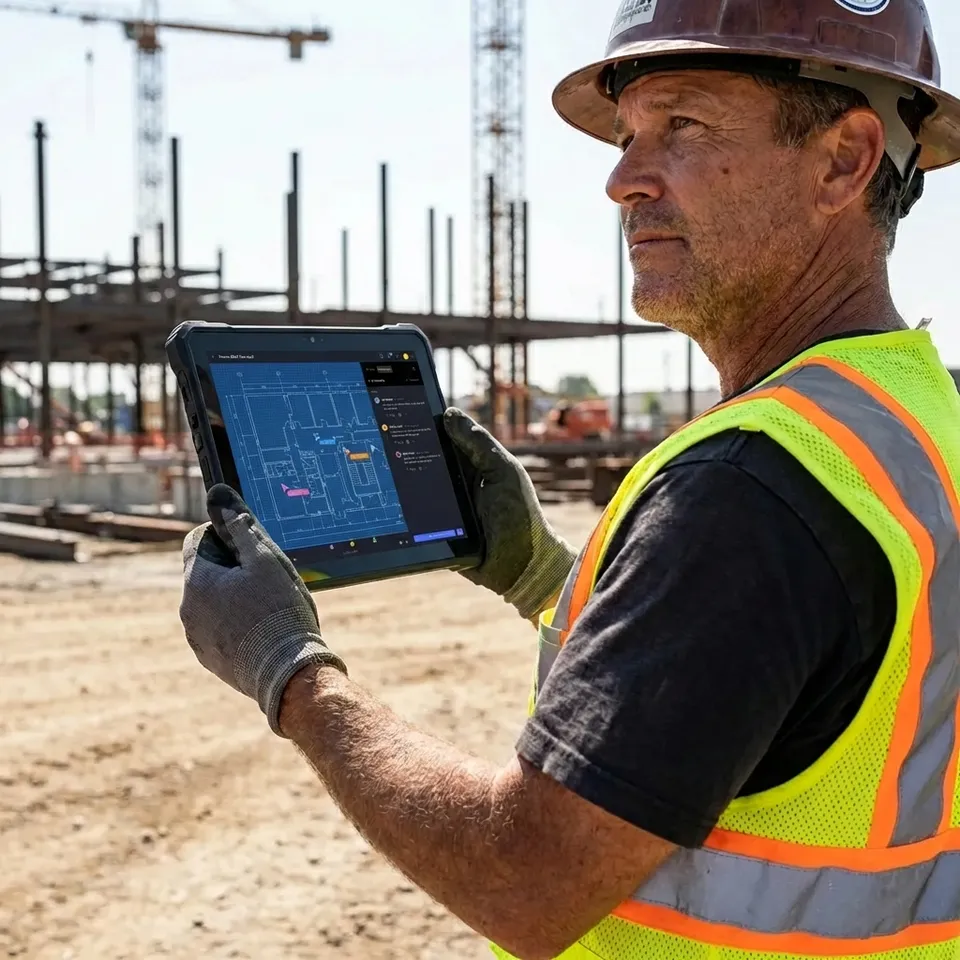
BIM collaboration is the process of multiple stakeholders, including architects, engineers, and contractors, working together on Building Information Modeling files to share 3D models and project data in a shared digital environment. Unlike traditional 2D CAD workflows, BIM requires managing complex, data-rich models that evolve constantly throughout the project lifecycle. This approach ensures everyone works from the same information, which cuts down on construction errors. Good collaboration isn't just about software compatibility. It's about data logistics. When a structural engineer updates a column in a shared model, the MEP consultant needs that information immediately to avoid clashes. This requires a "Common Data Environment" (CDE) that acts as a single source of truth for all project files. Centralized documentation helps teams reduce rework costs by up to 20%, as potential design conflicts are identified and resolved in the digital twin long before ground is broken on the actual job site.
Helpful references: Fastio Workspaces, Fastio Collaboration, and Fastio AI.

Related guides
- How to Manage Creative Projects Without Drowning in Files and FeedbackCreative project management is the discipline of planning, organizing, and overseeing creative work from concept to...
- How to Set Up Construction Document Management That Actually WorksConstruction document management is the organized storage, versioning, and sharing of blueprints, permits, contracts,...
- How to Build a Creative Agency Workflow That Saves Hours on File ManagementA creative agency workflow is the structured sequence of steps an agency follows to manage client projects, from brief...
- How to Set Up an Employee Document Portal That People Actually UseAn employee document portal gives your team self-service access to pay stubs, tax forms, benefits information, and...
- How to Collaborate on Blender Projects with Remote TeamsBlender collaboration is the practice of multiple artists working together on 3D projects, sharing .blend files,...
- Best Client Collaboration Software for Agencies and TeamsClient collaboration software helps agencies manage review cycles, collect structured feedback, and run approval...
More on this subject: Team Collaboration (125 guides)
What to check before scaling bim collaboration
While software like Autodesk BIM Collaborate Pro handles the modeling, the underlying infrastructure often struggles with the sheer weight of the data. BIM files such as Revit .rvt, ArchiCAD .pln, and Navisworks .nwd can easily exceed 500MB, with point cloud scan data reaching into the terabytes. These massive assets are necessary for high-fidelity modeling but create significant friction when teams are spread across different geographic regions or working from home offices with limited bandwidth. According to a 2024 industry report, 43% of BIM managers cite "slow data transfer" as their primary collaboration bottleneck. Standard cloud storage solutions often fail here because they rely on slow sync clients that choke on large changes. Waiting 30 minutes for a model to sync before a meeting isn't just annoying. It burns billable hours and delays critical decisions. For a large project with dozens of consultants, these minutes add up to hundreds of lost hours over the project duration, directly affecting the profitability of the firm and the timeline of the client.
BIM Collaboration Software vs. File Sharing
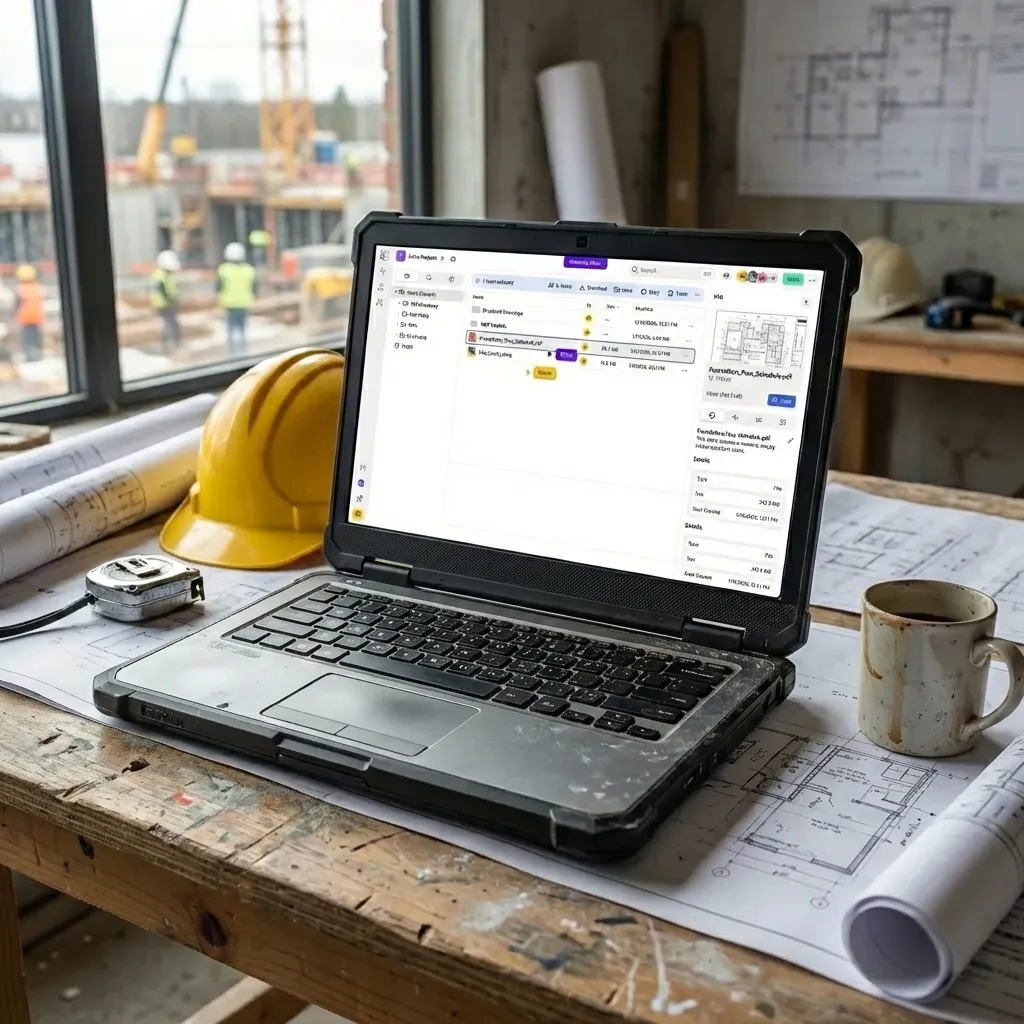
It is critical to distinguish between authoring tools and transport mechanisms. Most teams need both to function effectively.
BIM Authoring & Coordination Platforms:
- Autodesk Construction Cloud: The industry standard for Revit-heavy workflows.
- Trimble Connect: Excellent for Tekla users and openBIM (IFC) projects.
- Revizto: Great for clash detection and issue tracking on iPads.
High-Speed Data Transport: Tools like Fastio sit underneath these platforms or run alongside them. They handle the "heavy lifting" of moving raw model files, huge point cloud datasets, and final render archives that are too bulky for standard CDE web uploads. For example, a drone survey team might generate 50GB of reality capture data daily. Uploading this to a web portal is impractical; a dedicated file transfer pipeline ensures this data reaches the design team overnight. This hybrid approach, using a CDE for coordination and a high-speed pipeline for data transport, is the gold standard for large-scale projects. It ensures that the design team spends their time solving engineering challenges rather than troubleshooting file upload failures or waiting for progress bars. By separating the high-frequency coordination data from the high-volume asset data, you optimize both the software performance and the team's productivity.


Collaborate on Files with Your Team
Share massive Revit files and point cloud data instantly with Fastio's accelerated global network. Files up to 100 GB on the Enterprise plan, and no version conflicts.
Best Practices for Sharing BIM Models
To keep your project moving, follow these protocols for data exchange:
1. Establish a Federation Strategy Never try to share the entire building as one file. Break models down by discipline (Architectural, Structural, MEP) or by zone (Podium, Tower A, Tower B). This keeps individual file sizes manageable (ideally under 300MB) for easier opening and saving.
2. Standardize Exchange Formats
While native files (like .rvt) are best for editing, use open standards like IFC (Industry Foundation Classes) for reference and coordination. IFC files are generally lighter and can be opened by almost any BIM software, preventing "version lock" where stakeholders can't open a file because they have an older software version.
3. Use Delta Syncing for Updates When sharing daily updates, you shouldn't need to re-upload the entire 1GB model. Advanced file transfer tools use "delta sync" technology to detect only the bits that changed (e.g., the 5MB of modified walls) and transmit just those parts. This cuts sync time from hours to seconds, allowing for more frequent updates and better alignment between team members.
4. Implement a Quality Control (QC) Gate Before publishing a model to the shared environment, ensure it passes a basic internal audit. Check for "ghost" objects, unnecessary CAD links, and unpurged families. A clean model performs better for everyone and prevents coordination errors caused by legacy data. This extra step in the workflow keeps the federated model lightweight and responsive for all team members.

Security and Version Control
In a collaborative environment, overwriting a file can be catastrophic. A solid BIM collaboration workflow must include immutable version histories that allow you to roll back to any previous state if a model becomes corrupted or an error is introduced. This level of transparency is essential for maintaining trust between the various firms involved in a high-stakes construction project.
Locking and Check-Outs To prevent two architects from editing the same file simultaneously, which often creates a conflict copy that is difficult to merge, use a system that supports file locking. When a user opens a file for editing, it should be locked for others until they save and close it. This prevents the loss of work and ensures that the integrity of the central model is always maintained.
Audit Trails You need to know who downloaded the model and when. If a contractor builds off an outdated plan, liability disputes arise. A secure portal provides a complete audit log of every download event, proving exactly which version of the model the contractor received. This documentation is invaluable for project management and legal protection, ensuring that everyone is held accountable for using the most current project data.
Sources
References used to verify factual claims in this guide.
-
Centralized documentation helps teams reduce rework costs by up to 20% by identifying and resolving design conflicts in the digital twin
-
Navisworks nwd files exceed 500MB with point cloud scan data reaching terabytes
-
43% of BIM managers cite slow data transfer as primary collaboration bottleneck in 2024 industry report
-
BIM teams wait 30 minutes for model to sync before meetings
-
Drone survey team generates 50GB of reality capture data daily
-
Keep individual BIM file sizes manageable under 300MB
-
Sharing daily BIM updates requires reuploading entire 1GB model
-
detect only the bits that changed (e.g., the 5MB of modified walls) and transmit just those parts
Frequently Asked Questions
What is the best way to share Revit files with external consultants?
The best method is using a specialized file transfer tool or Common Data Environment (CDE) that supports large files and versioning. Avoid email, which has size limits, or standard consumer cloud storage, which may corrupt linked files. Platforms that offer a 'direct link' or 'portal' experience allow consultants to download the latest federated model without needing full access to your internal server.
How do I handle BIM collaboration with slow internet?
For sites with poor connectivity, use tools that support 'resumable uploads' and 'delta sync.' Resumable uploads ensure that if the connection drops, you don't start over. Delta sync only transfers changed data, which cuts bandwidth usage . Also, consider shipping physical drives for the initial bulk transfer of terabyte-scale point cloud data, then switching to digital sync for daily updates.
Can I use Dropbox for BIM collaboration?
You can, but it comes with risks. Dropbox and Google Drive are general-purpose tools. They often struggle with the 'linked file' relationships in Revit (Central vs. Local files) and don't offer file locking, leading to conflicted copies. For professional BIM workflows, dedicated solutions or file systems built for heavy assets are safer and more efficient.
Related Resources

Collaborate on Files with Your Team
Share massive Revit files and point cloud data instantly with Fastio's accelerated global network. Files up to 100 GB on the Enterprise plan, and no version conflicts.