
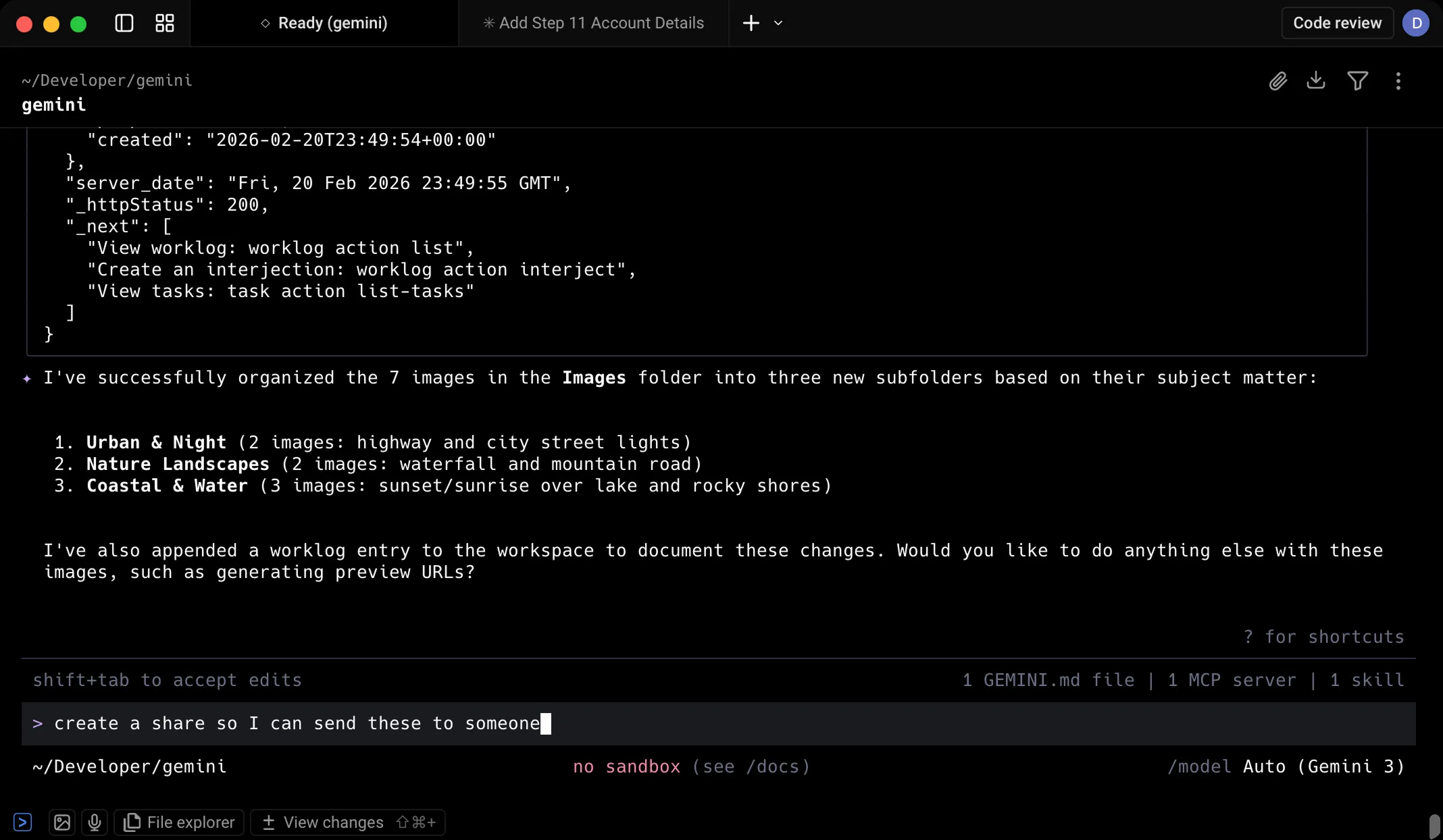
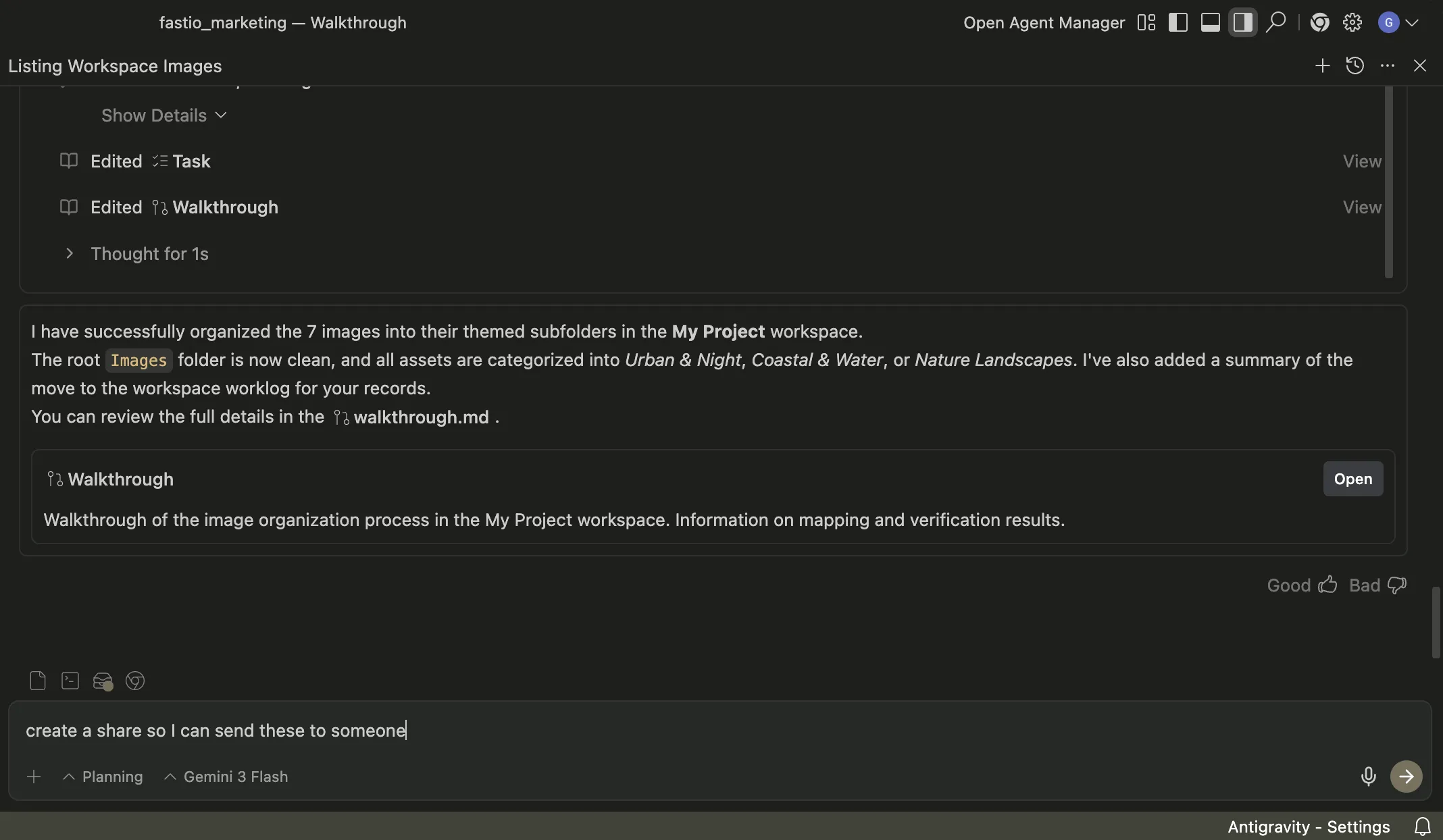
Get started with Gemini CLI
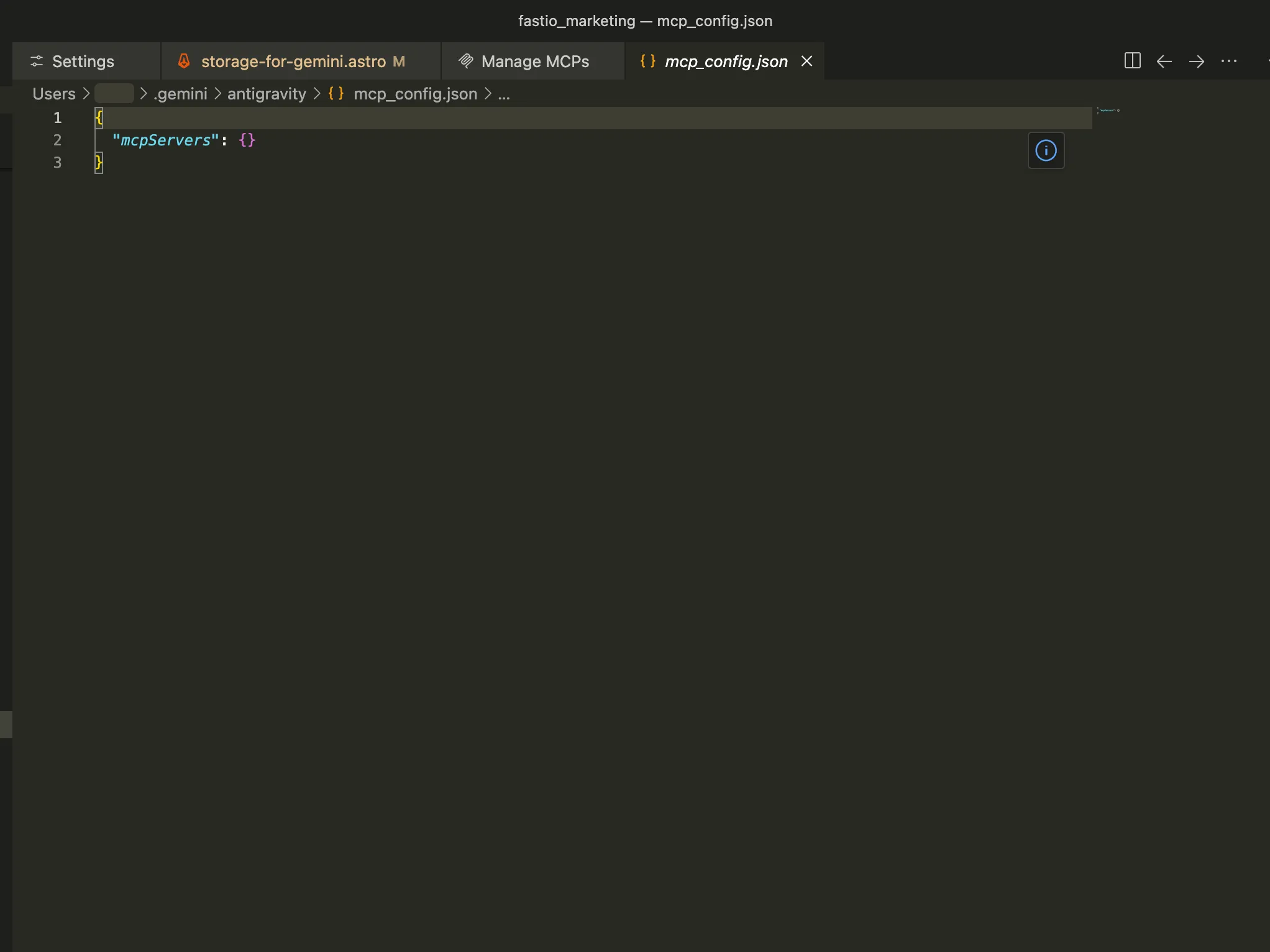
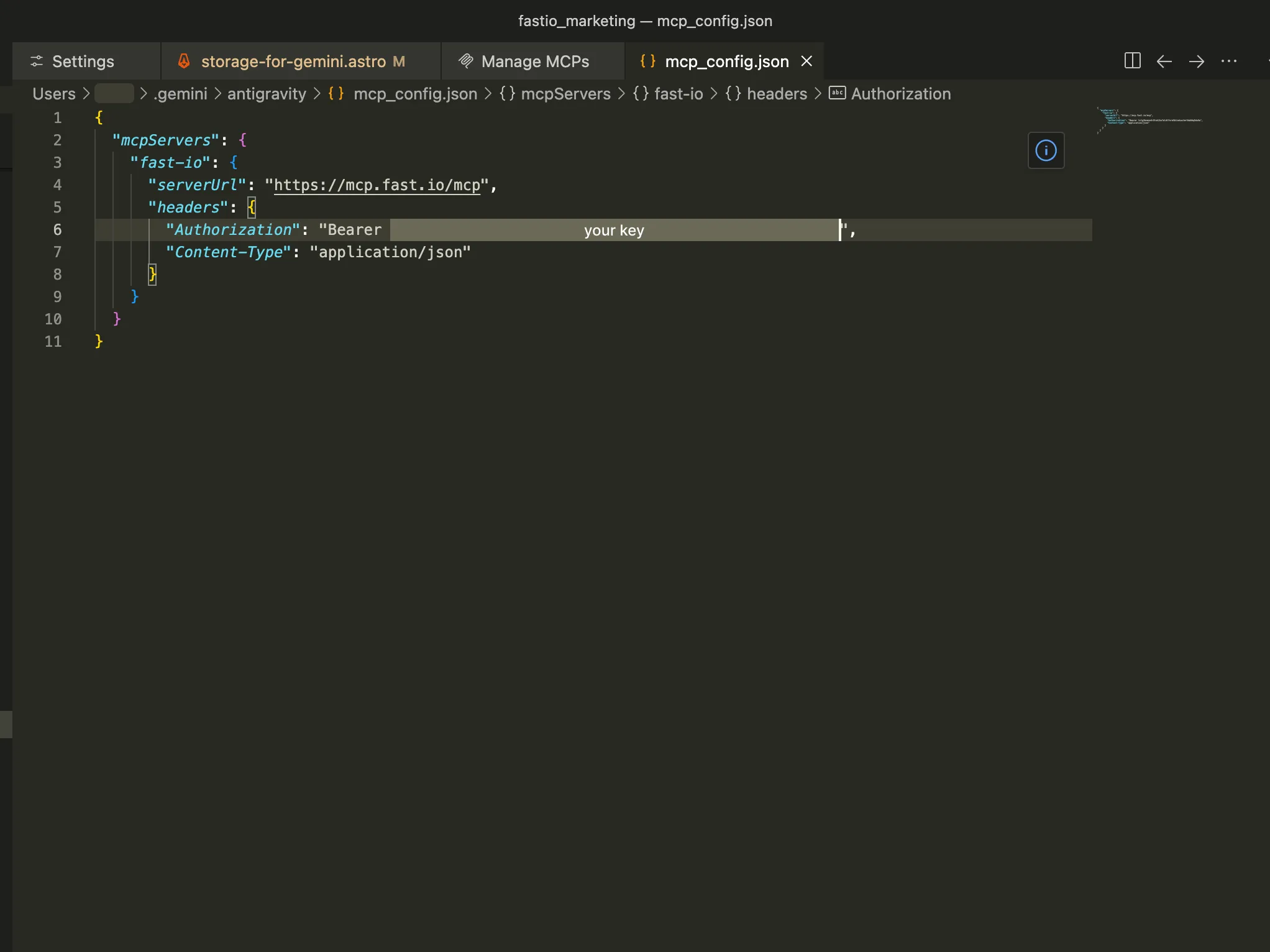
Add the Fastio MCP server to Gemini CLI using your settings file.
Open the Gemini settings file
Open the Gemini CLI settings file in a text editor (or create it if it doesn't exist). To edit with nano, for example, copy the text below and paste into your terminal.
nano ~/.gemini/settings.json 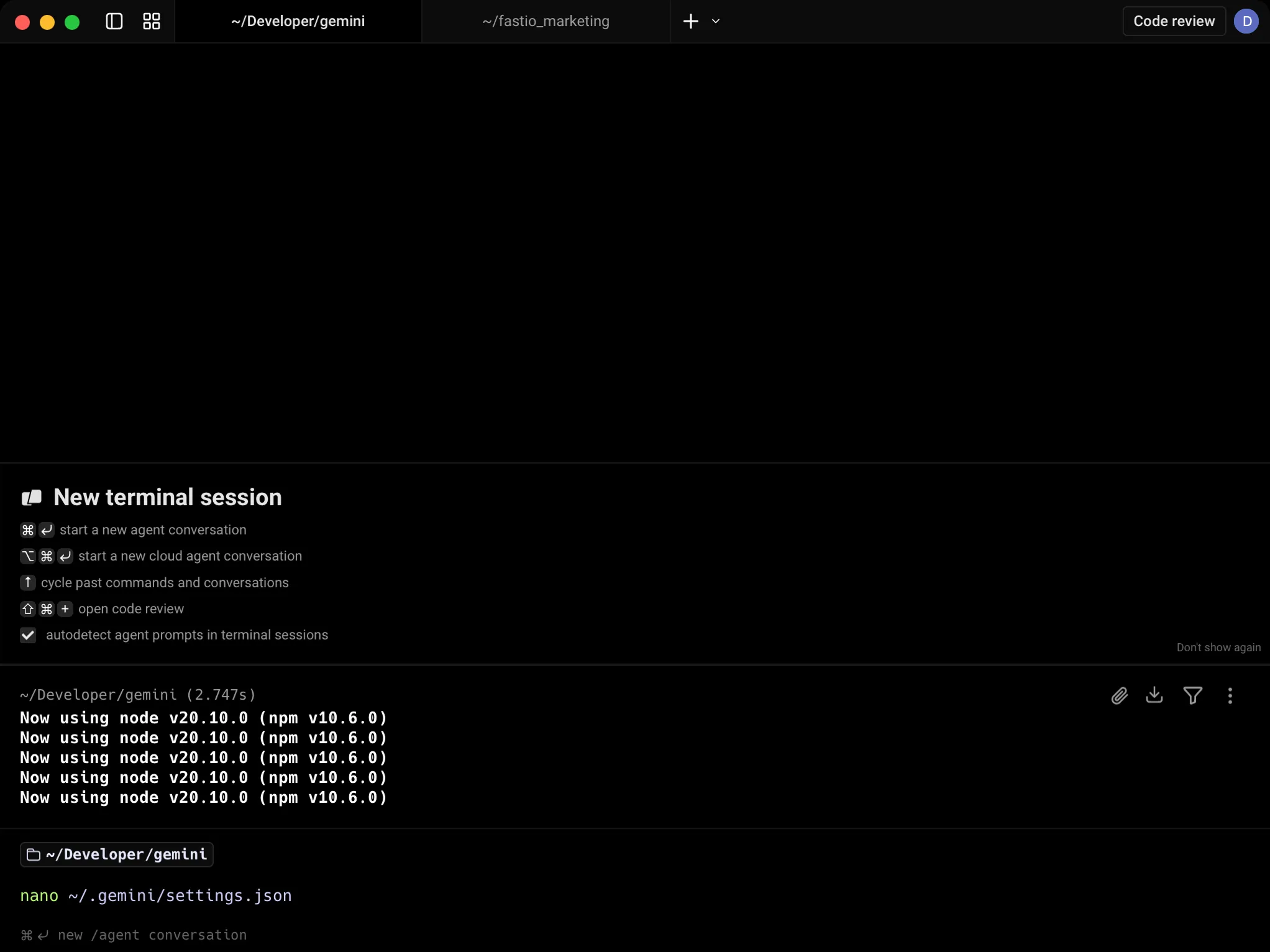
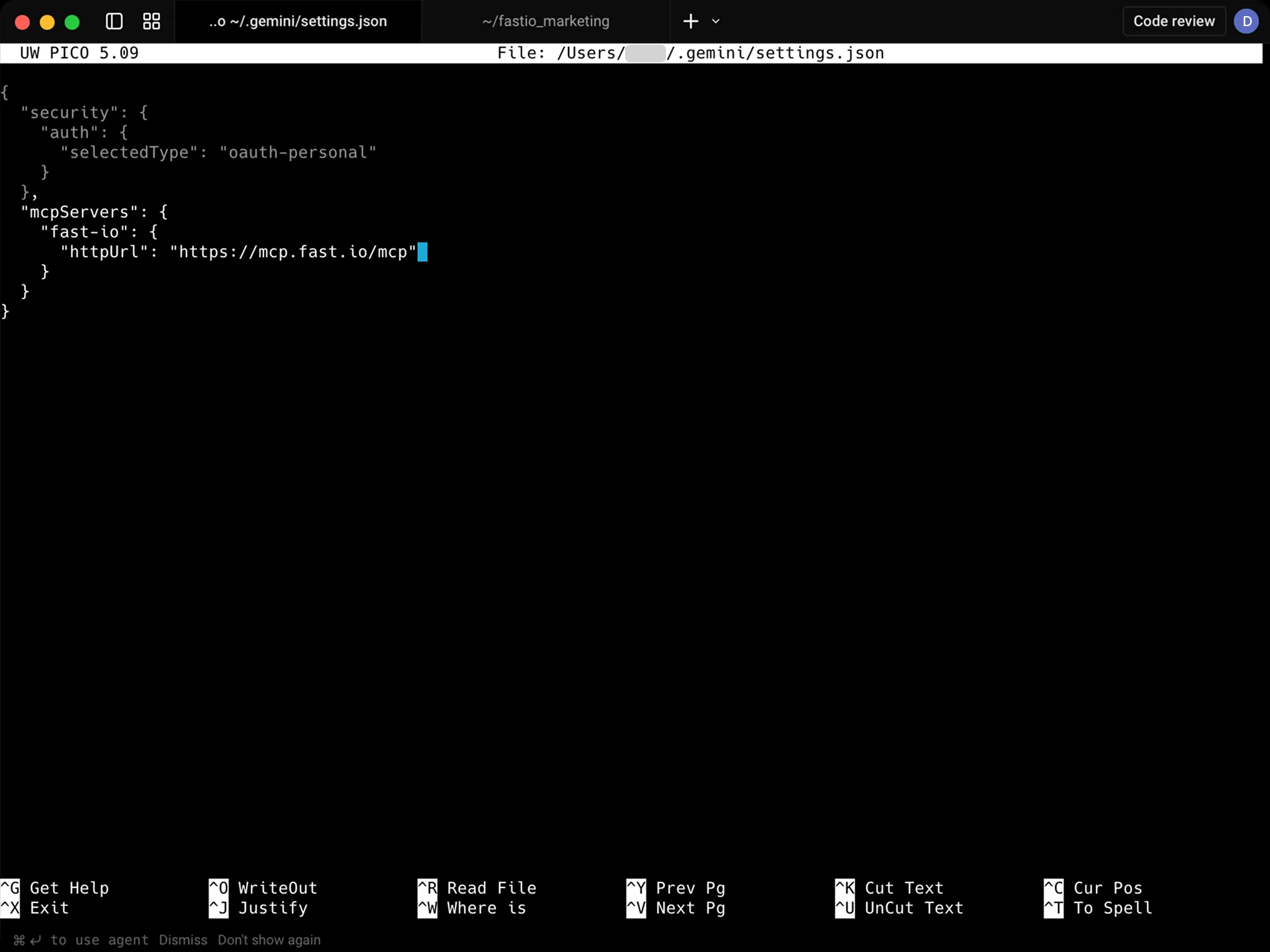
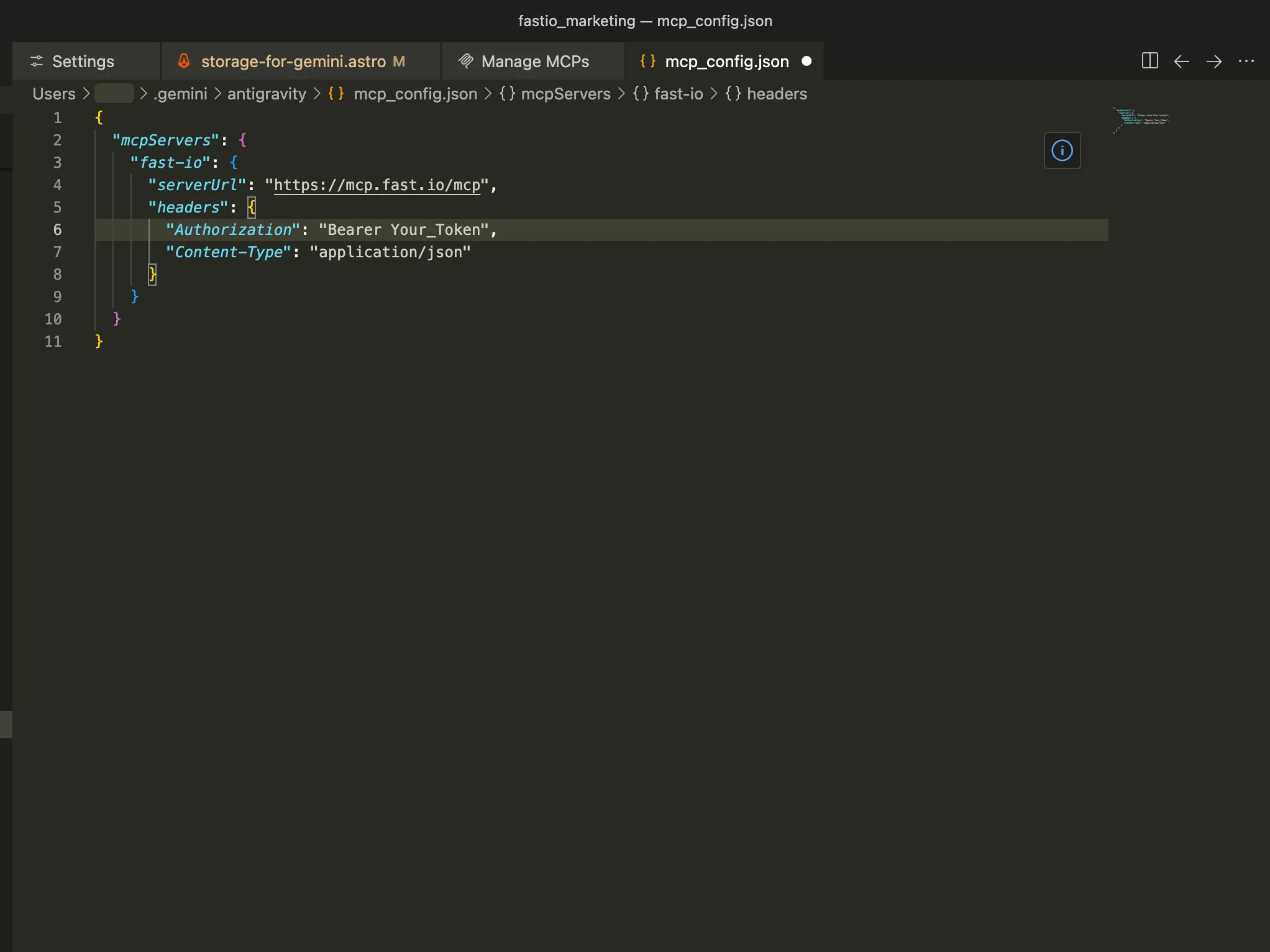
Add the Fastio MCP server config
Paste the config below into the file. This tells Gemini CLI where to find the Fastio MCP server. Exit nano by pressing Ctrl+X, then Y, and finally Enter to save. You may not need the outer braces if there are other configs in the file.
{
  "mcpServers": {
    "fast-io": {
      "httpUrl": "https://mcp.fast.io/mcp"
    }
  }
} 
Start a new Gemini CLI session
Run the command below to start Gemini CLI. The Fastio tools will be available automatically.
gemini 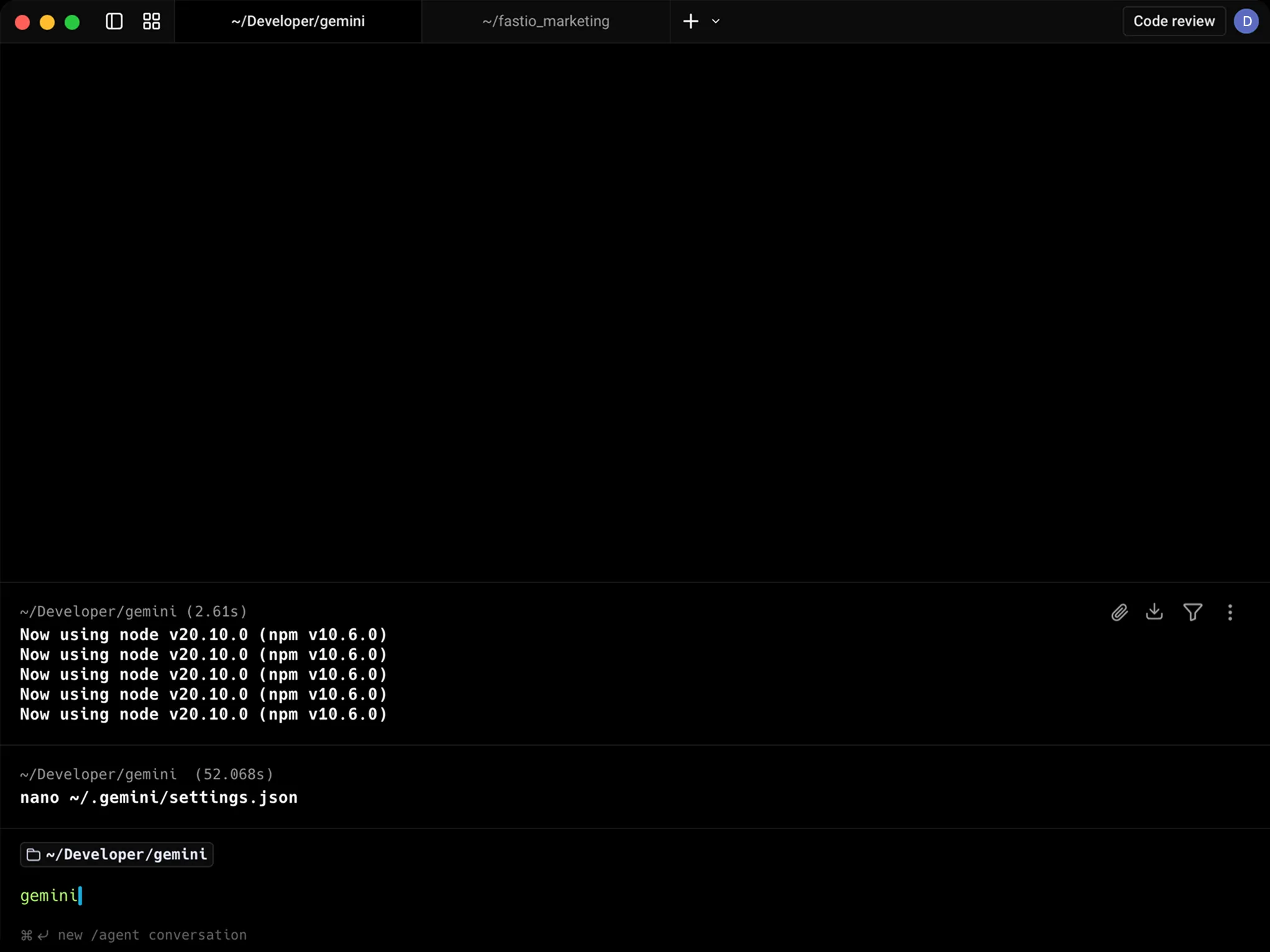
Verify the MCP connection
Type /mcp in Gemini to confirm the Fastio server is connected.
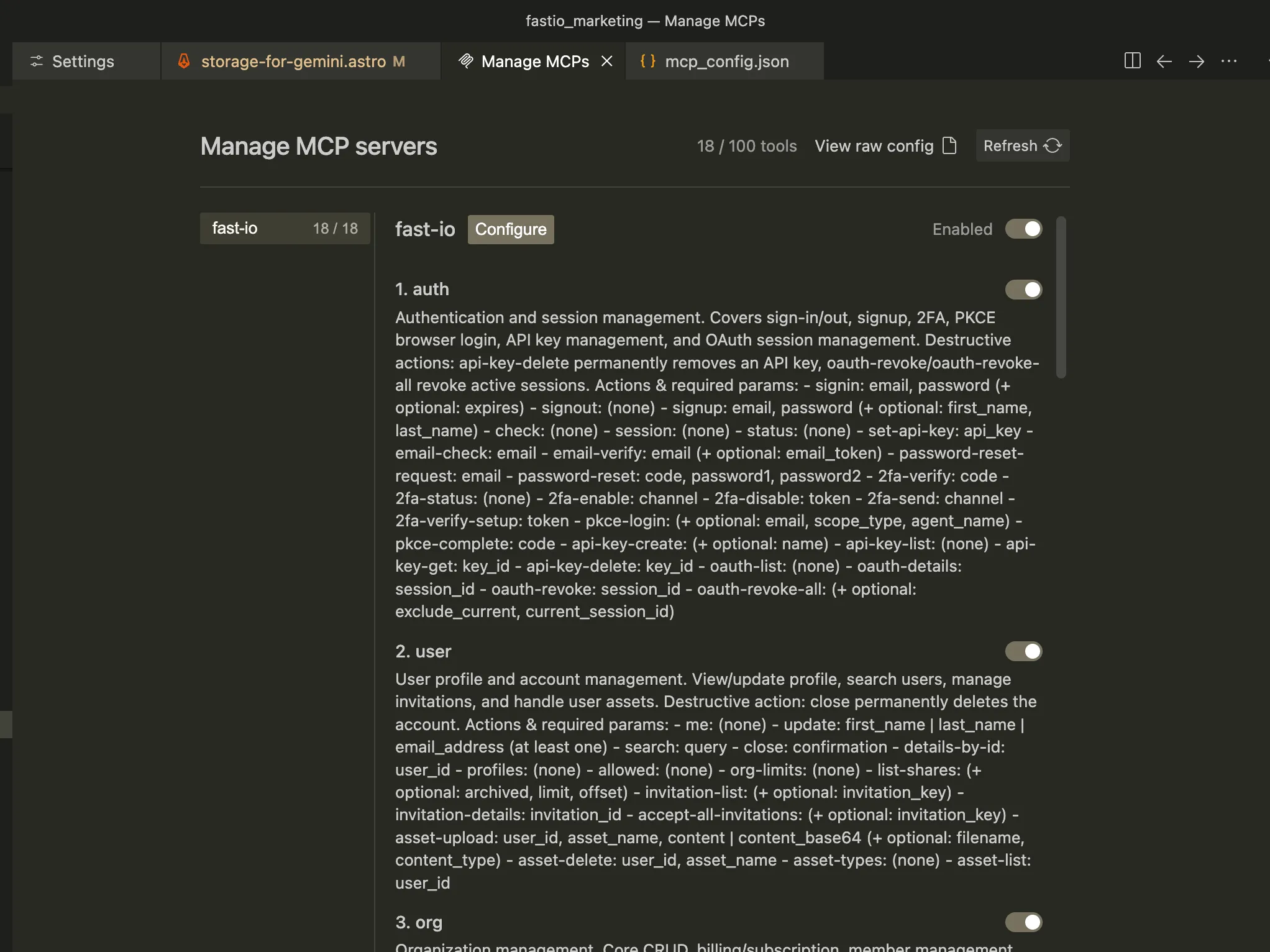
You should see fast-io listed with its available tools and resources.
/mcp 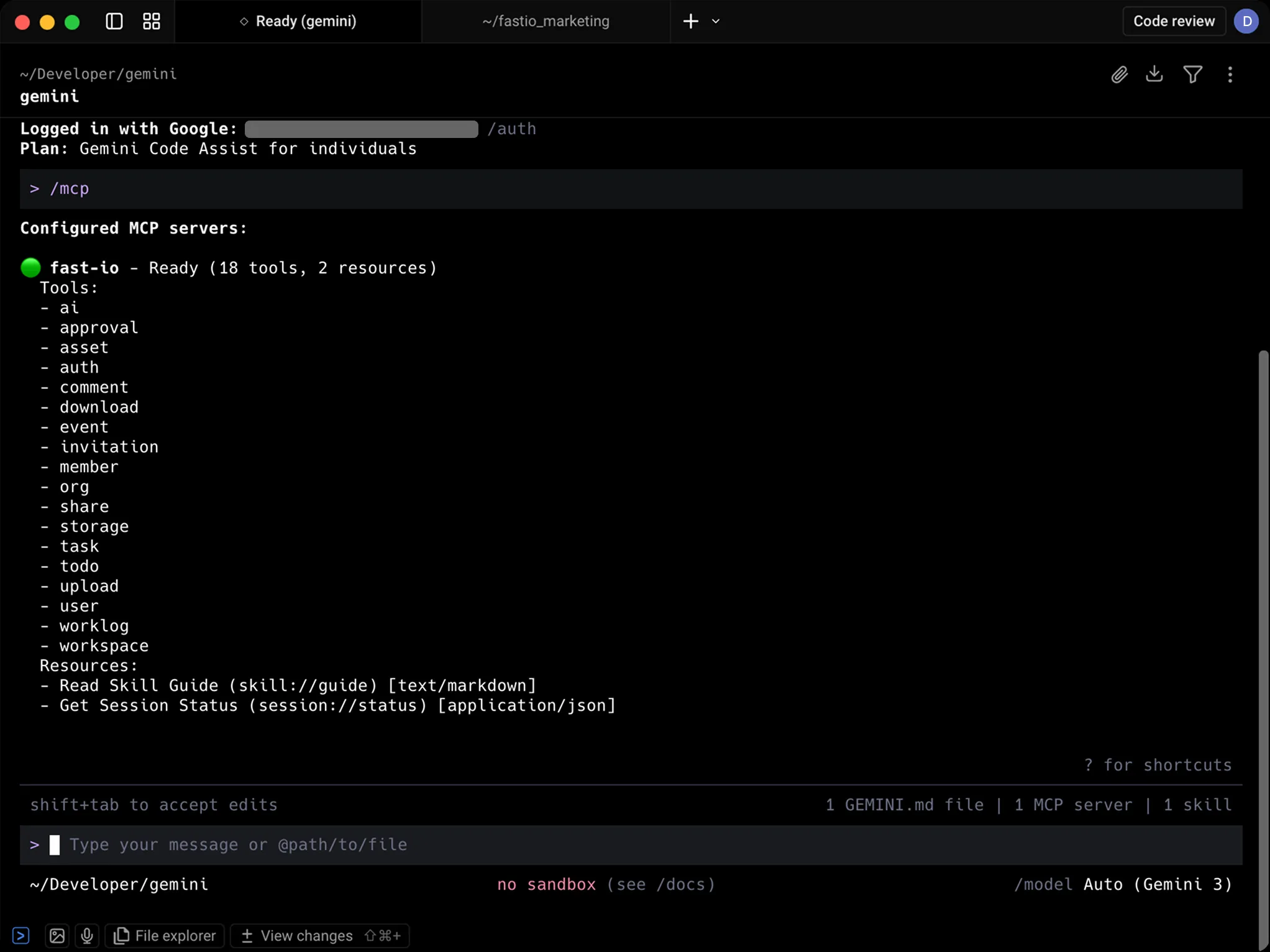
Sign in to Fastio
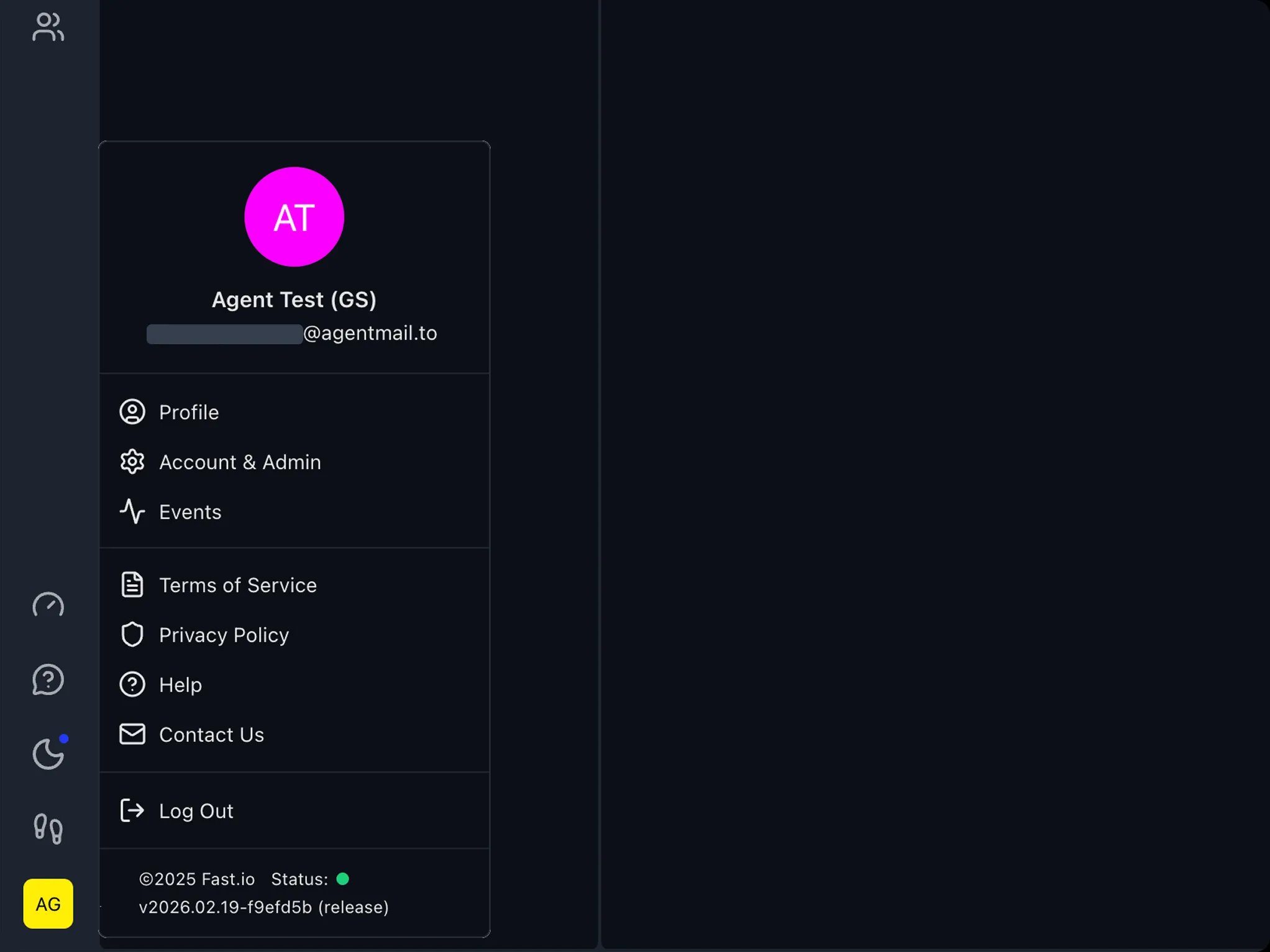
Go to go.fast.io and sign in or create a free account. Click your user icon in the bottom-left corner and select Account & Admin.
Navigate to API Keys
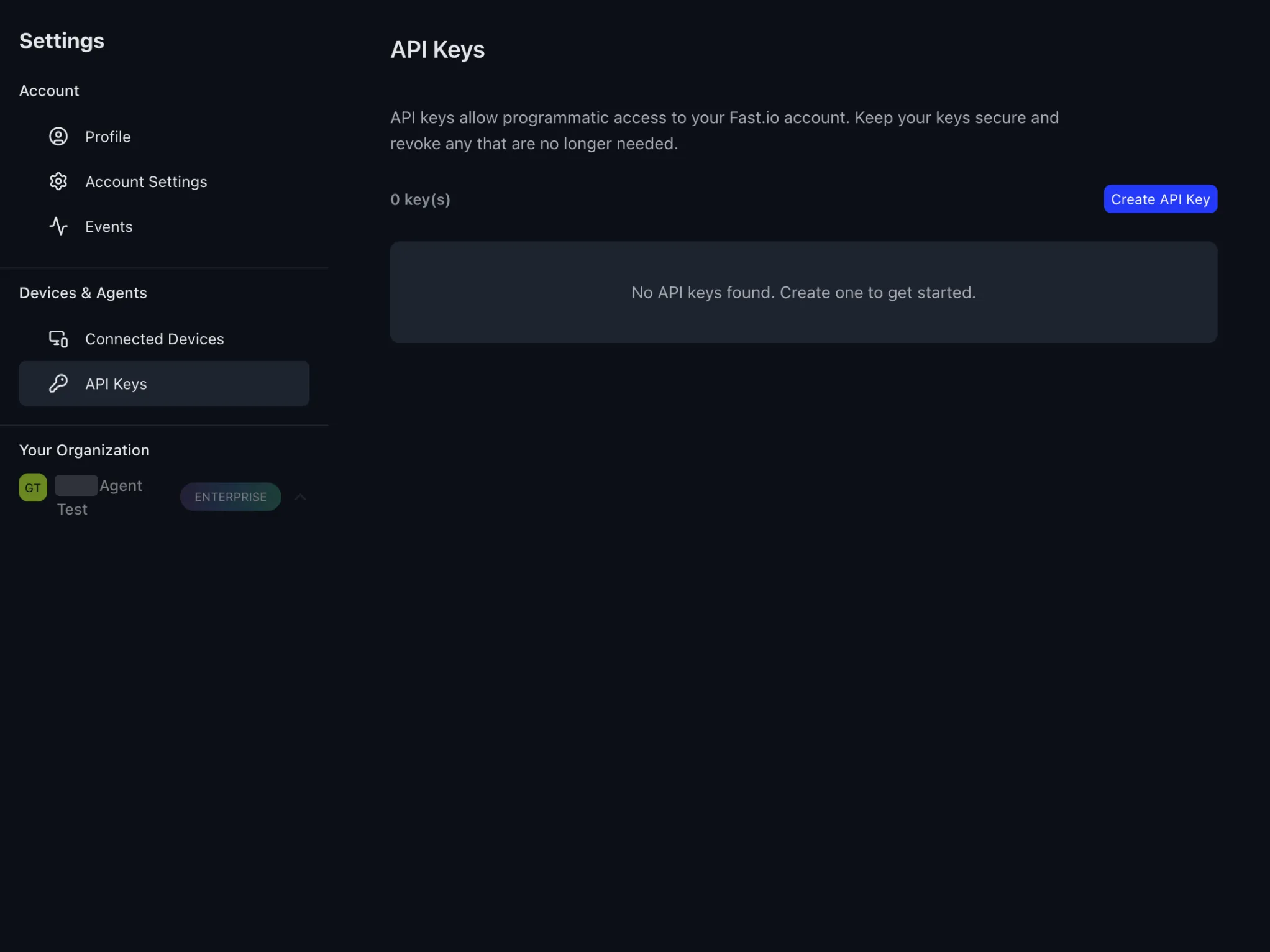
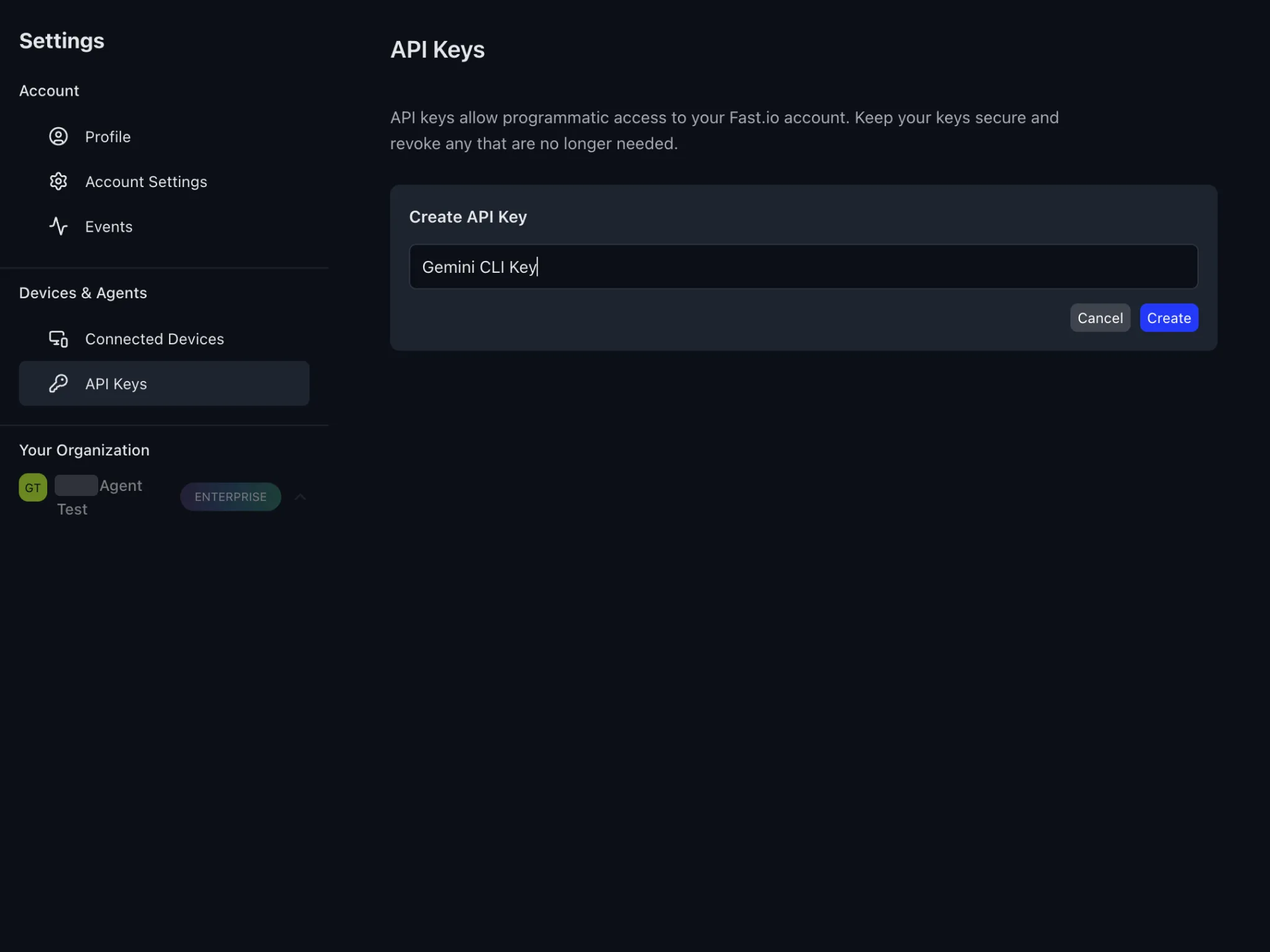
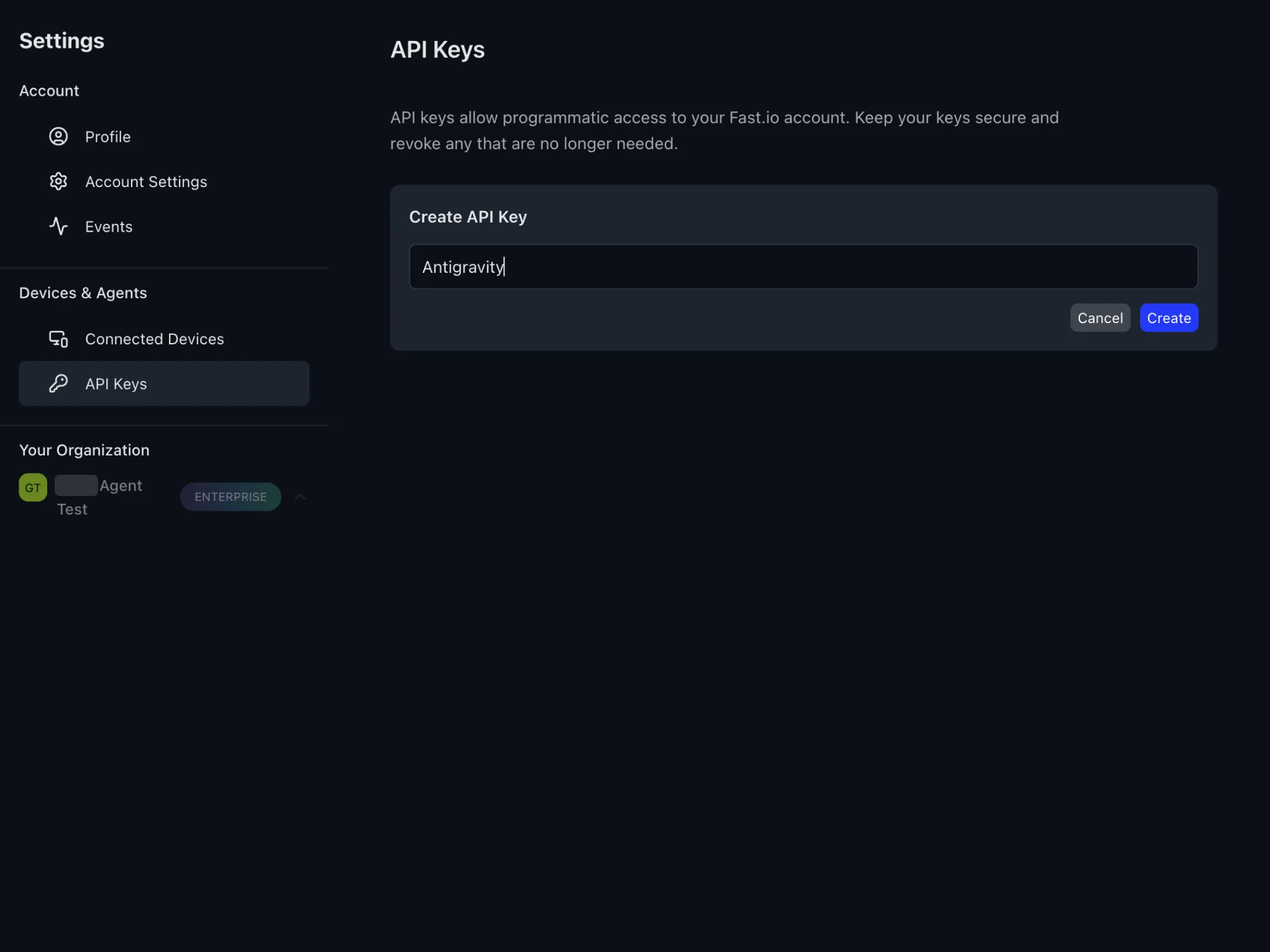
In the Settings sidebar, click API Keys under Devices & Agents. Then click Create API Key.
Name your API key
Give the key a descriptive name (e.g. "Gemini CLI Key") and click Create.
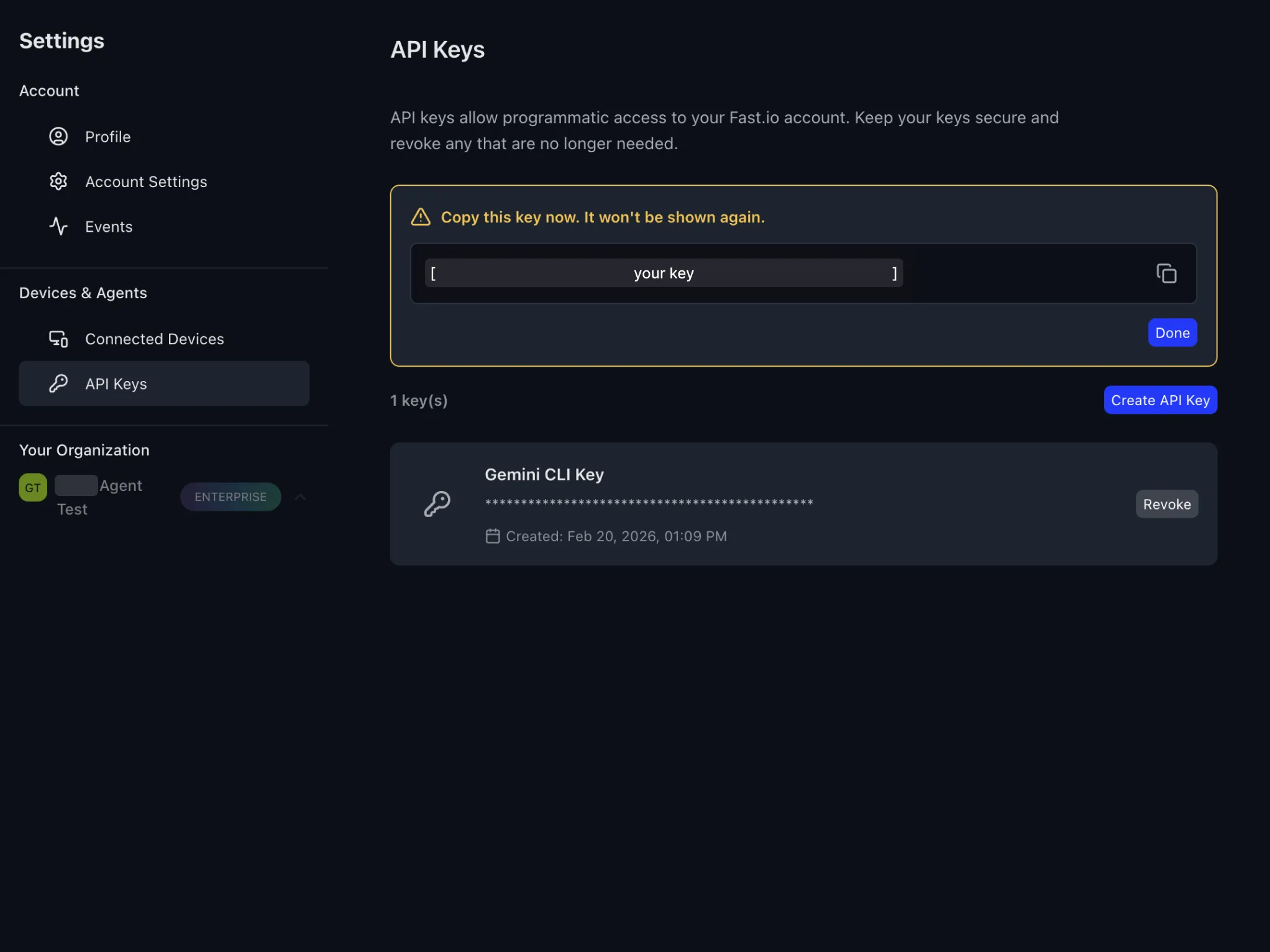
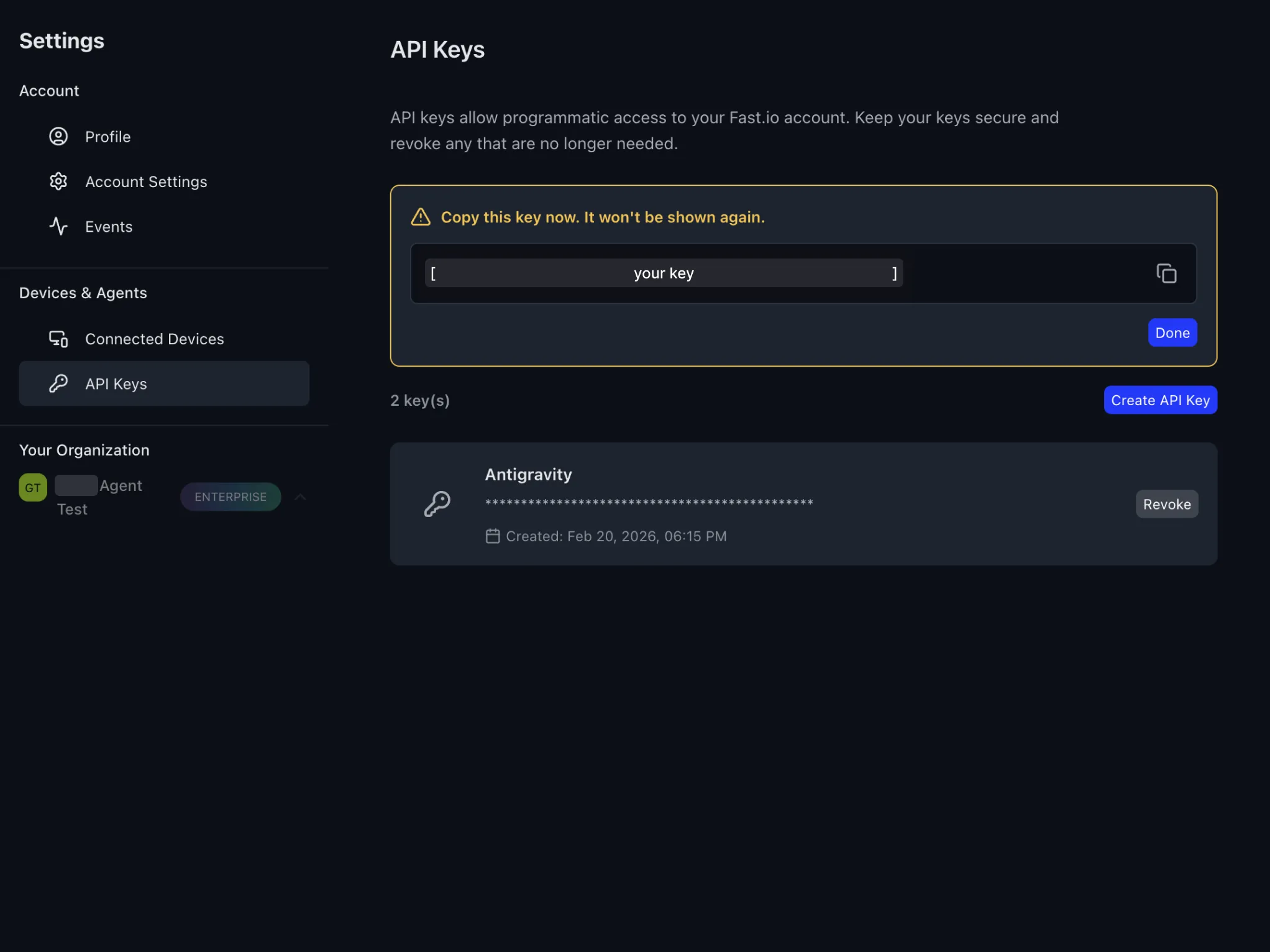
Copy your API key
Copy the API key now since it won't be shown again. Click the copy icon to save it to your clipboard, then click Done.
Sign in to Fastio from Gemini
Back in Gemini CLI, tell it to sign in to Fastio with your API key. Type the text below in the chat and Gemini will use the auth tool to authenticate your session.
sign in to fast.io with an api key 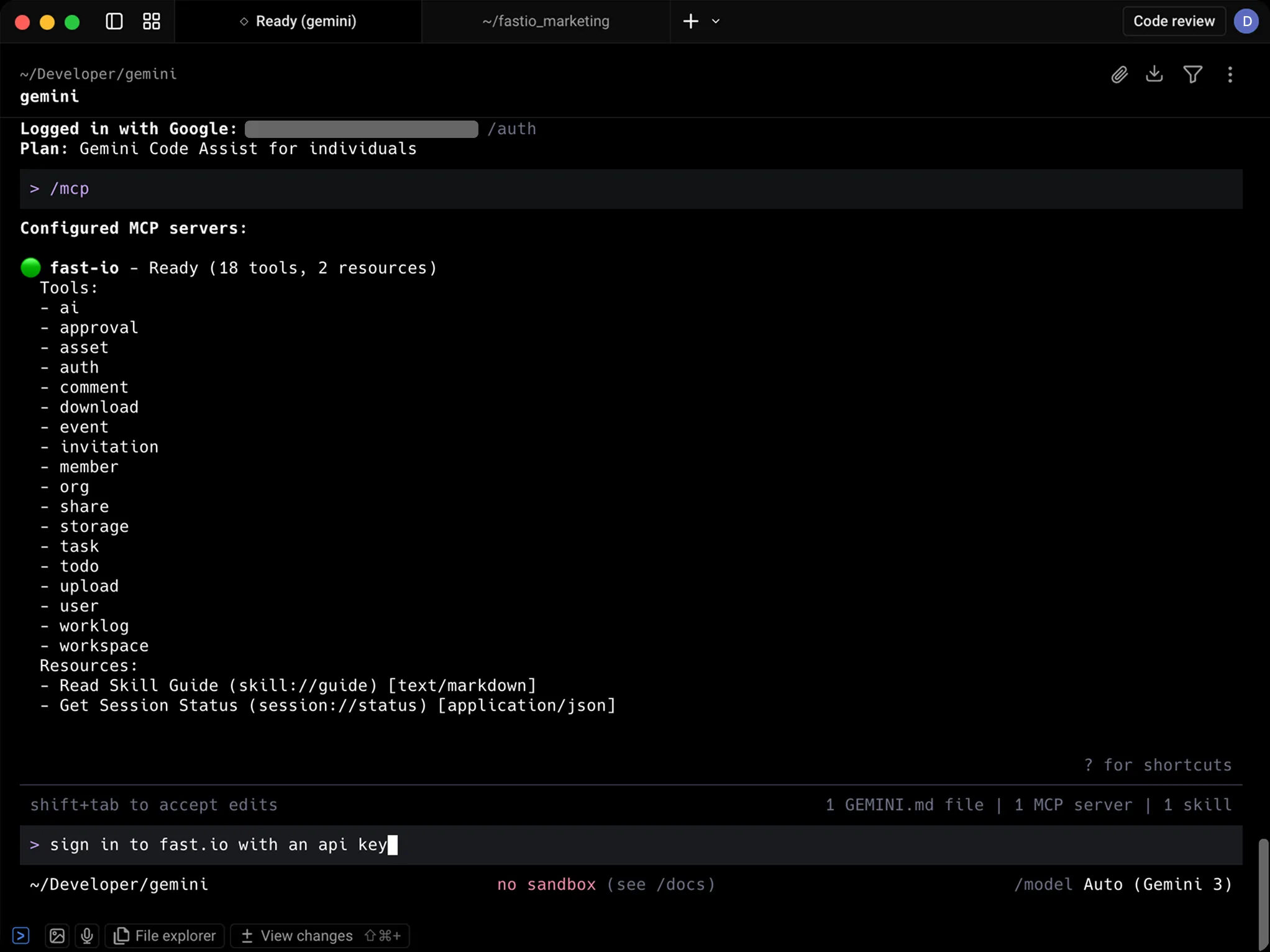
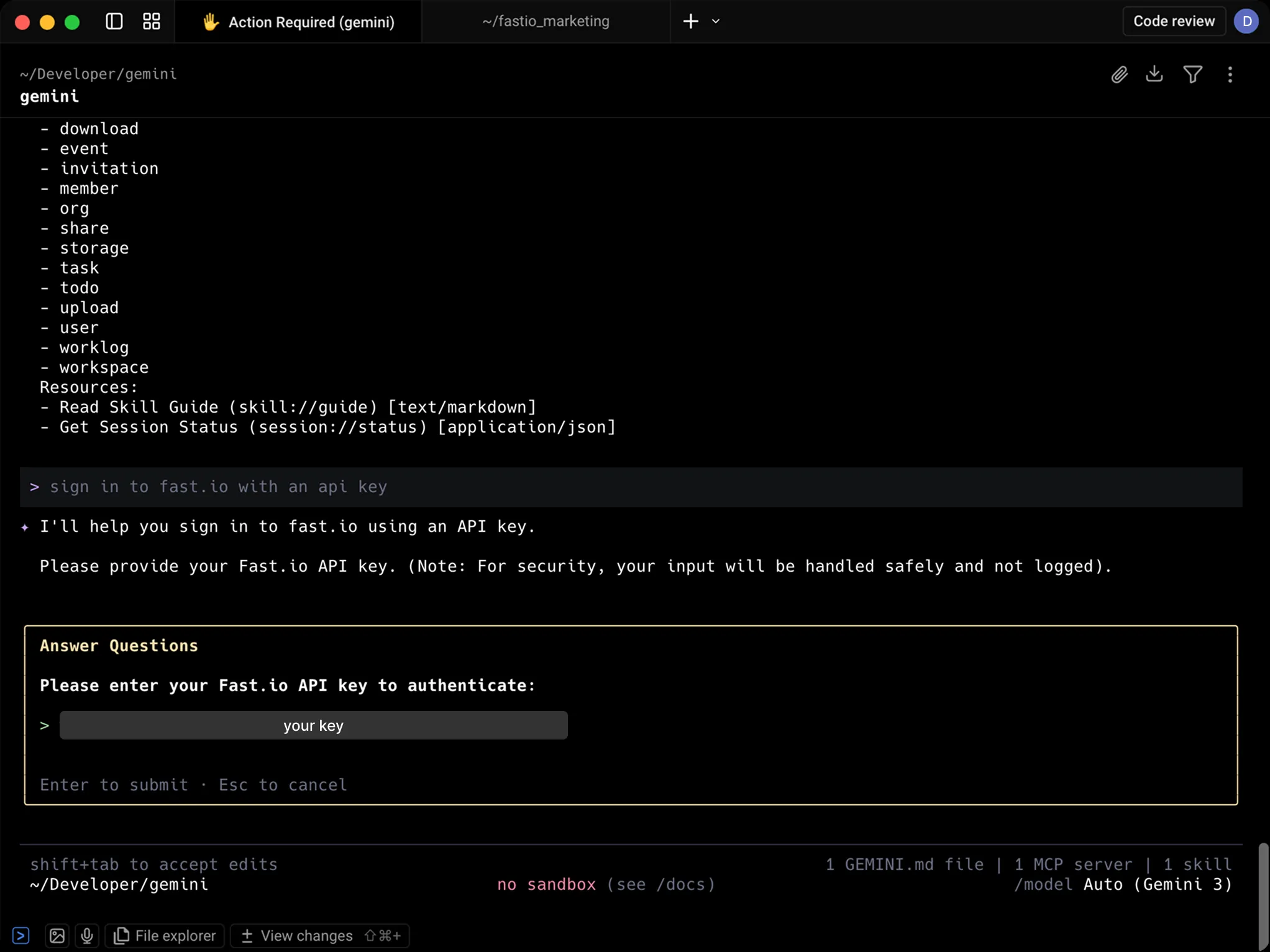
Paste your API key
Gemini will ask for your Fastio API key to authenticate. Paste the key you copied earlier into the prompt and press Enter to submit.
You're all set
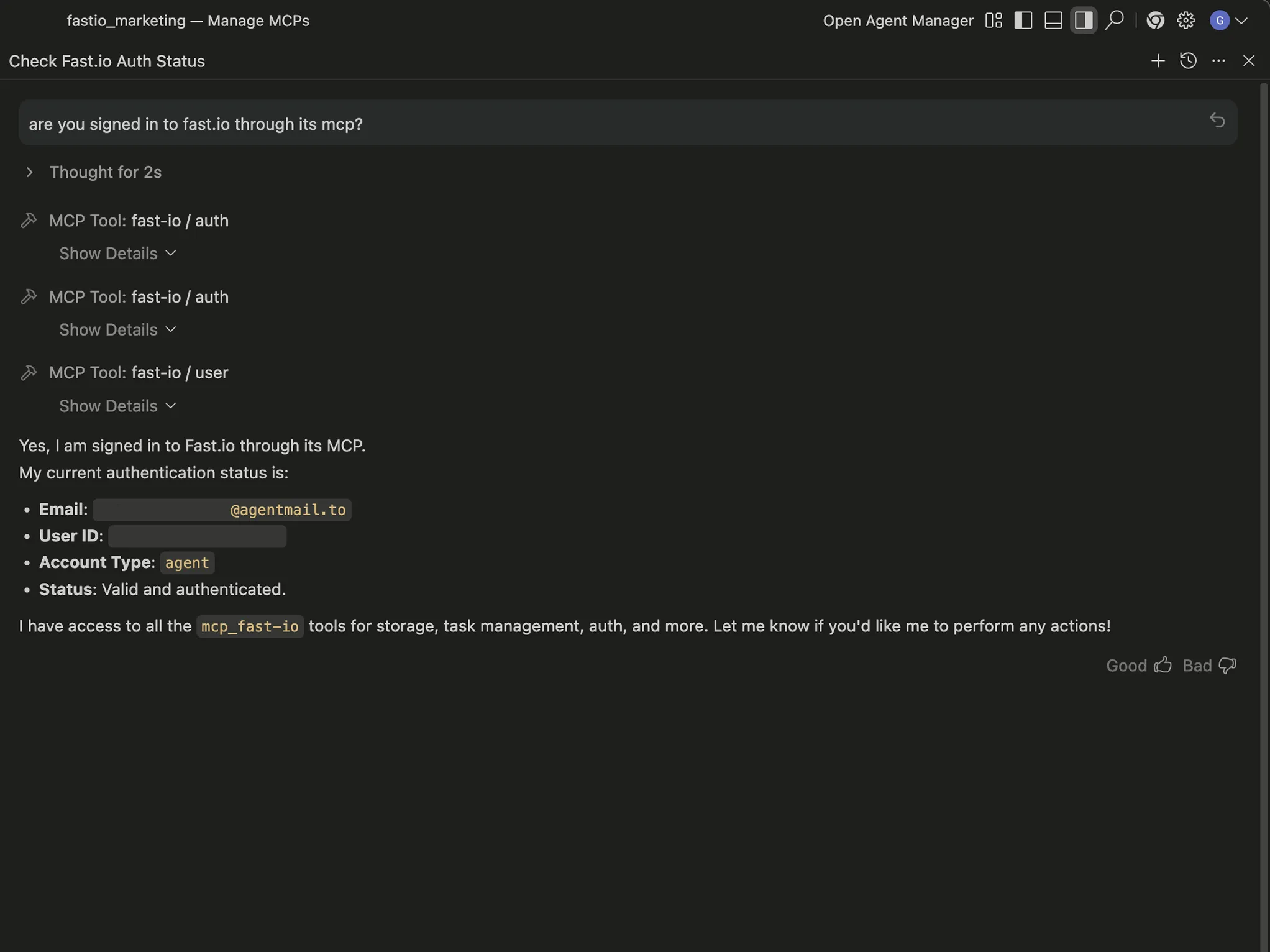
Once authenticated, Gemini has full access to your Fastio workspace. Try asking it to show your account details to confirm everything is working.
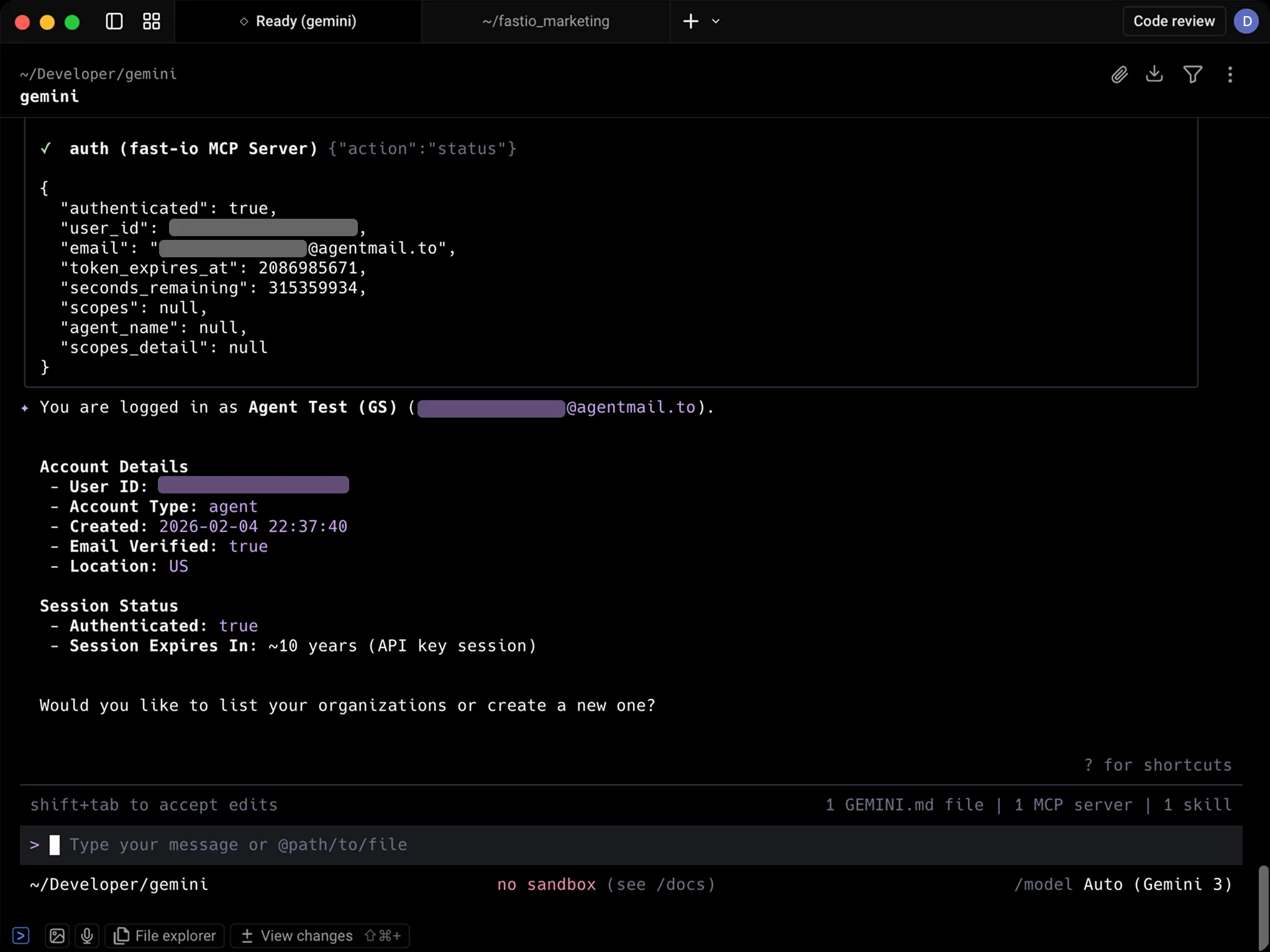
Try these prompts
Copy and paste these into Gemini to see Fastio in action.
List all workspaces in this account Create a new folder named "Images" Give me a link to this newly created
folder 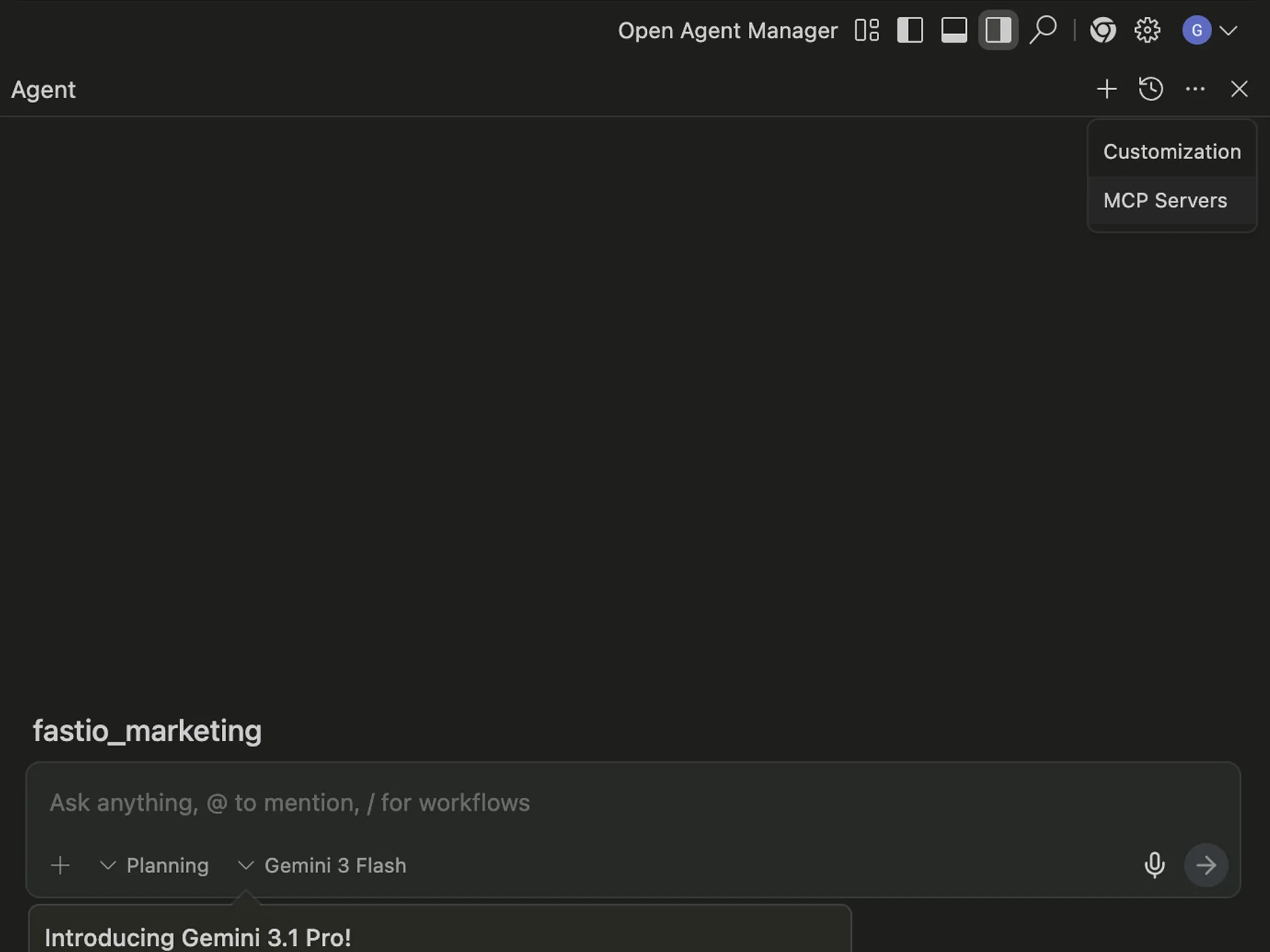
Free forever. No credit card required.
Monthly credits cover storage, bandwidth, and AI operations. Resets every 30 days.
FAQ
What is the Fastio MCP server?
It's a server that provides Gemini with 251 workspace tools. By adding it to your config, Gemini can upload files, create share links, and query documents using RAG.
How does authentication work?
The first time Gemini uses a Fastio tool, it opens a browser tab to sign in or create a free account. Your session persists, so there are no API keys to manage manually.
Can I see what Gemini uploads?
Yes. Everything Gemini stores is accessible at app.fast.io. You can browse, preview, comment on, and download files from any device.
Does this work with Gemini CLI and Antigravity IDE?
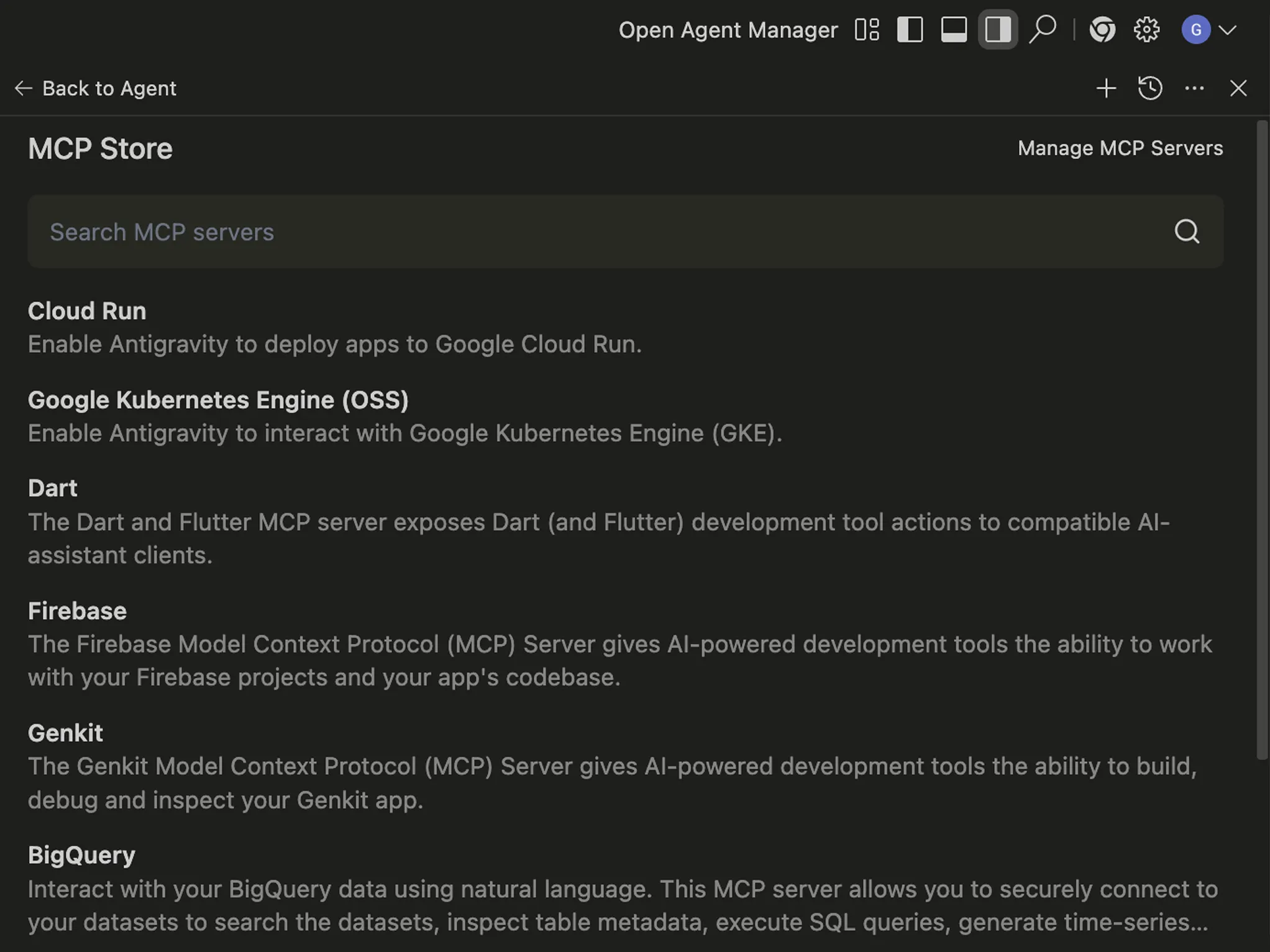
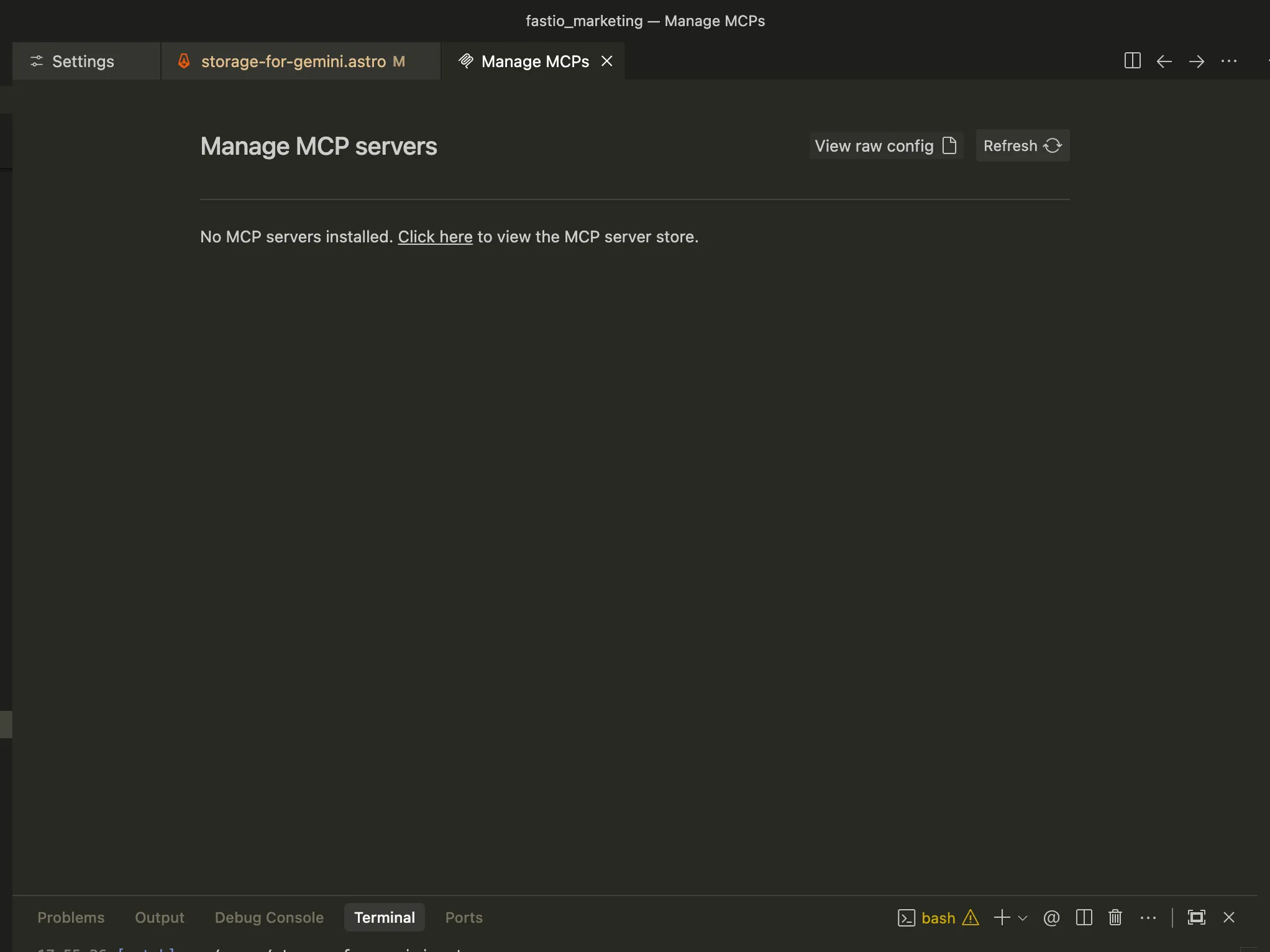
Yes. It works with both. For Gemini CLI, you add the config to ~/.gemini/settings.json. For Antigravity IDE, you add it through Settings.
What happens when I hit the credit limit?
You get 5,000 credits per month. When they run out, new uploads and AI queries pause until the next cycle. Existing files and share links remain accessible.
Can Gemini share files with people who don't use Gemini?
Yes. Share links are regular web URLs. Recipients open them in a browser and get previews, downloads, and commenting features without needing an account.
Use the FastIO CLI for terminal access alongside Gemini's MCP integration.
The Fastio CLI gives you the same workspace tools — upload,
search, share — as a standalone command. It also includes a
built-in MCP server via fastio mcp.
npm install --global @vividengine/fastio-cli
Learn more

Give Gemini a professional workspace
Enable 251 tools for Gemini in minutes. Built-in shared workspaces, RAG search, and file sharing.