
Get started with Claude Desktop
Connect Fast.io to Claude Desktop with a custom connector.
First, we'll ensure Claude can upload to Fast.io
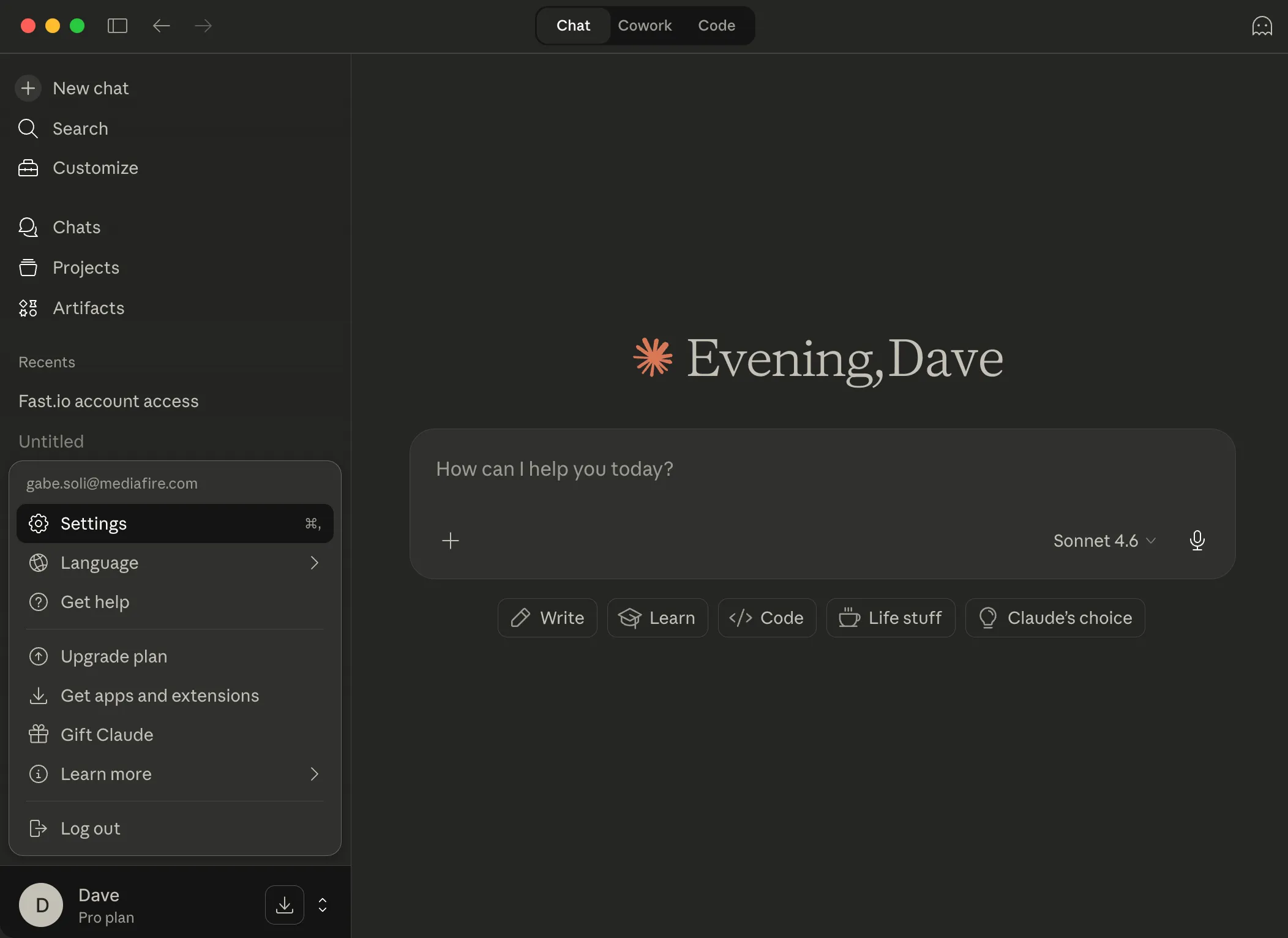
Open Claude Desktop and click the user menu in the bottom-left corner. Select Settings.
Add *.fast.io to allowlist
Go to Capabilities, scroll down to Domain allowlist, paste the domain below, then click Add. This allows Claude to upload files to your workspaces.
*.fast.io 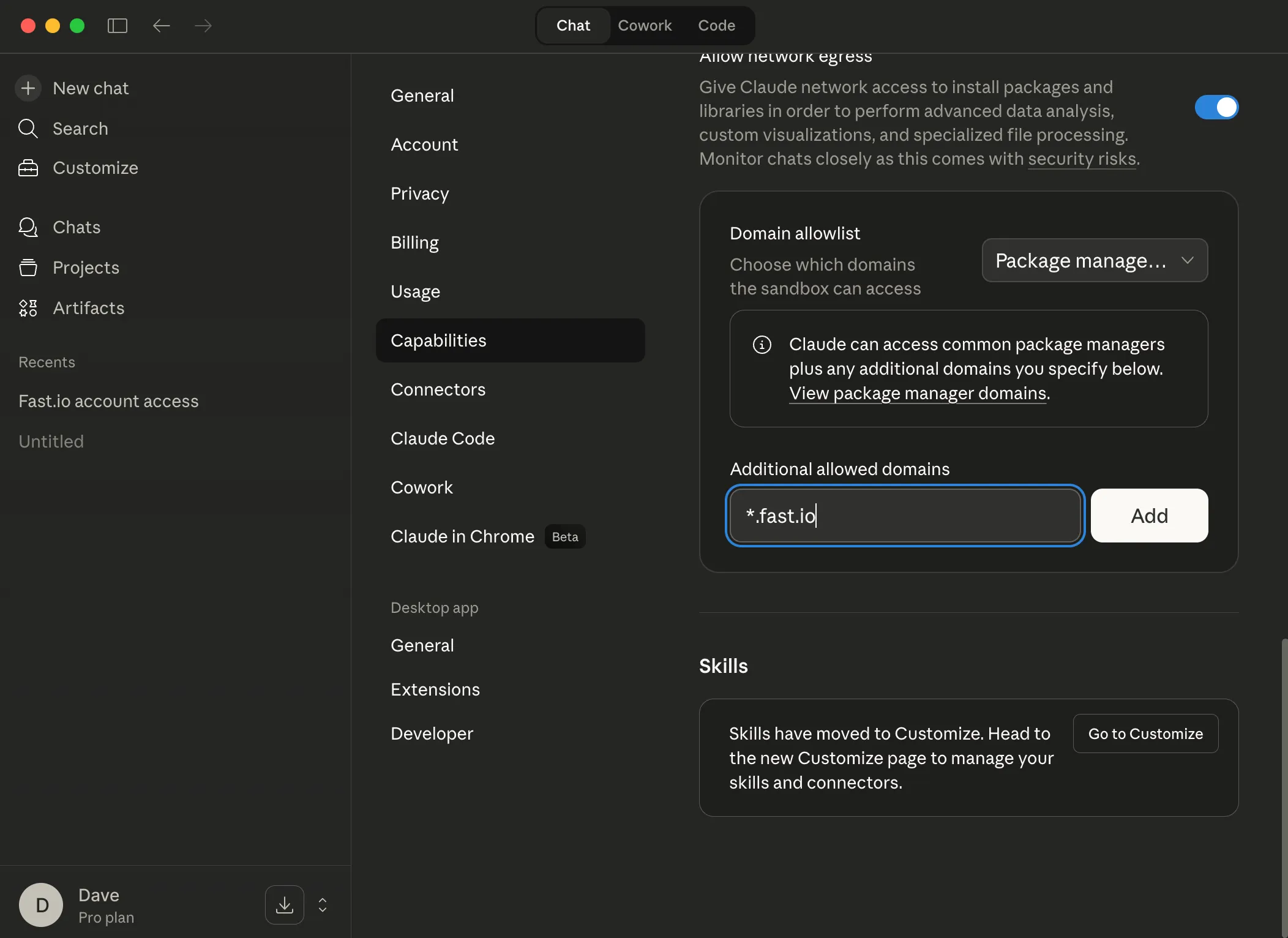
Go to Customize to add the connector
Click Customize in the left sidebar.
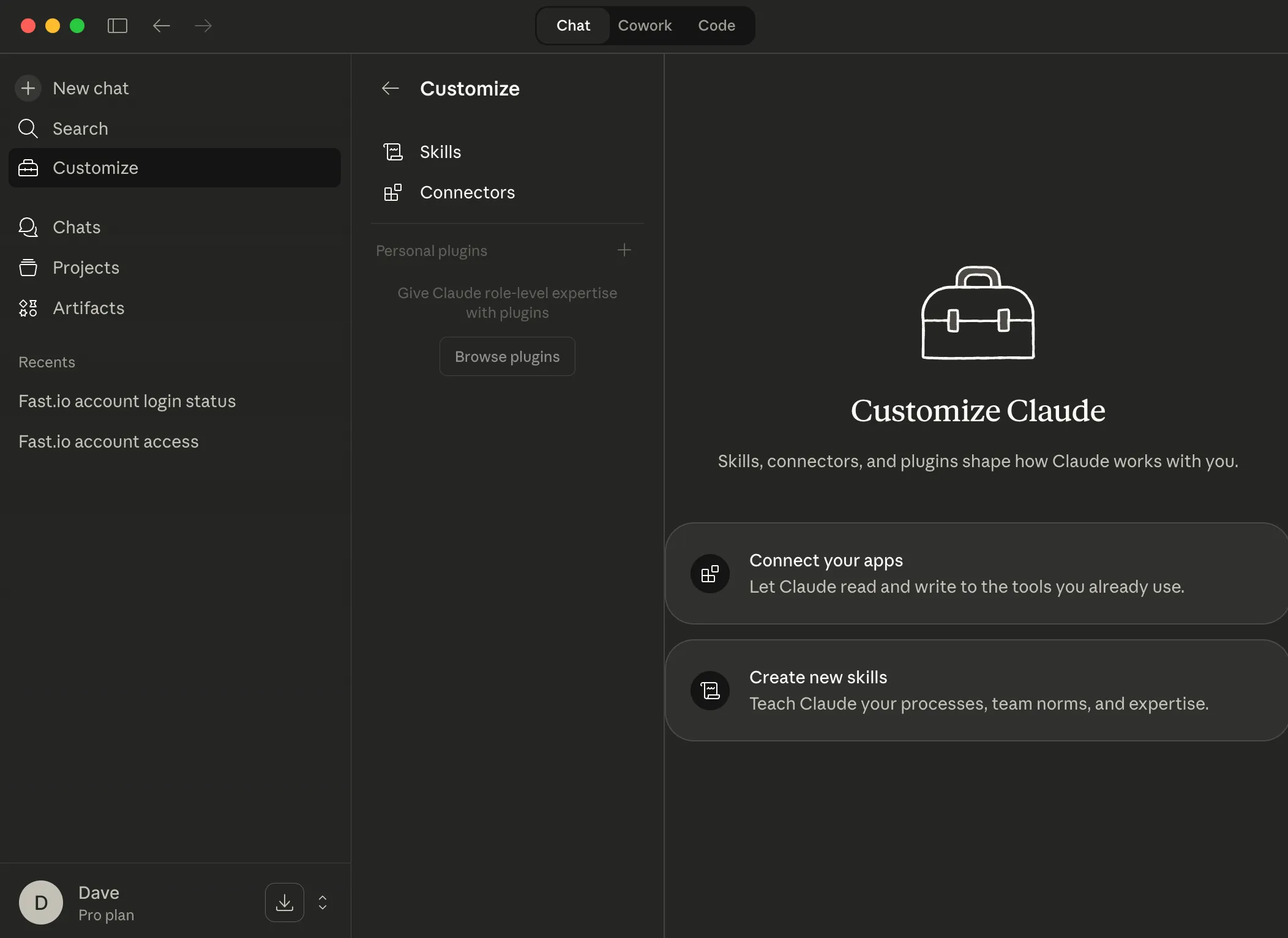
Go to Connectors
Select Connectors in the menu.
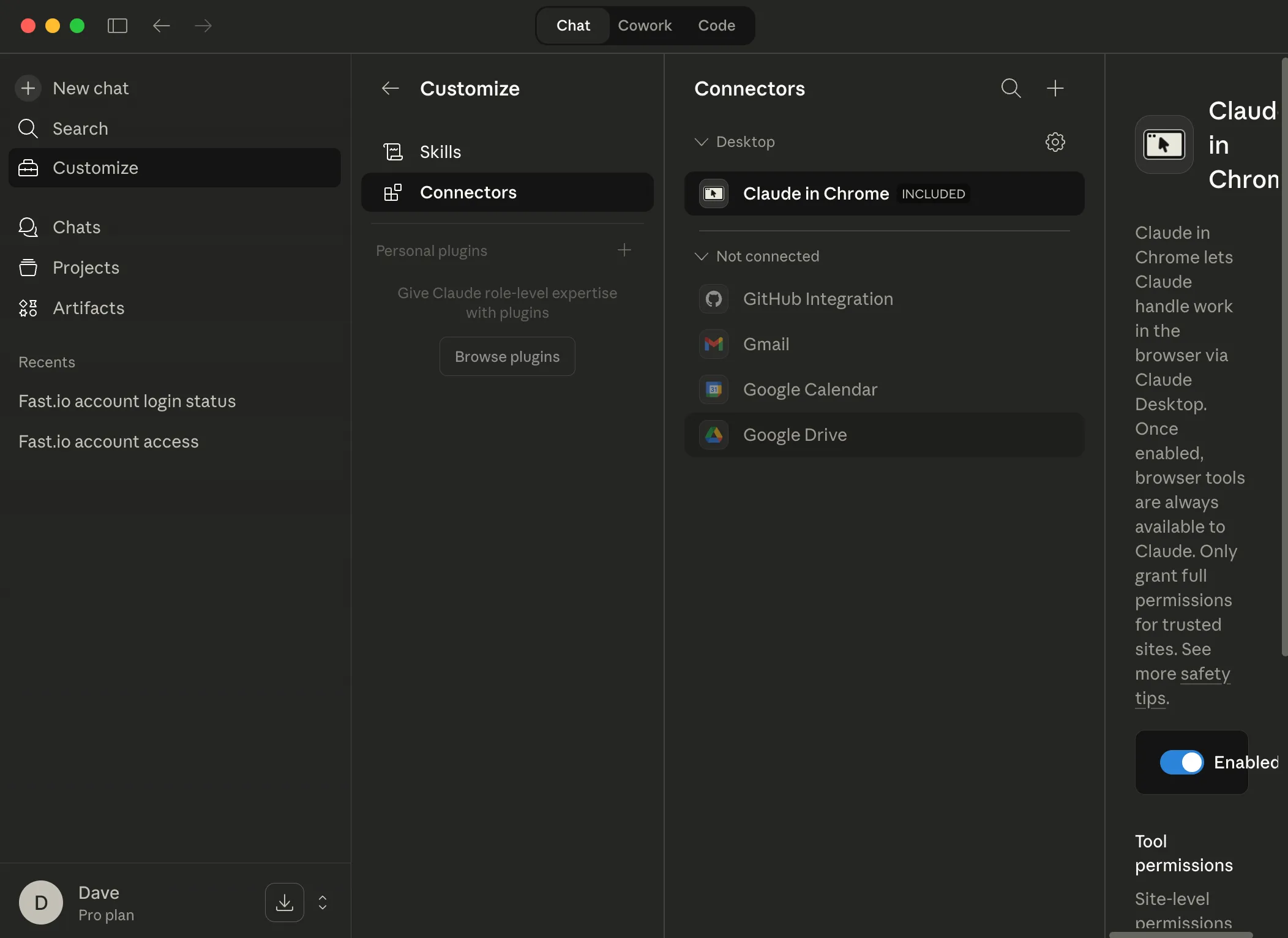
Add a custom connector
Click the + button at the top of the Connectors list and select Add custom connector from the dropdown.
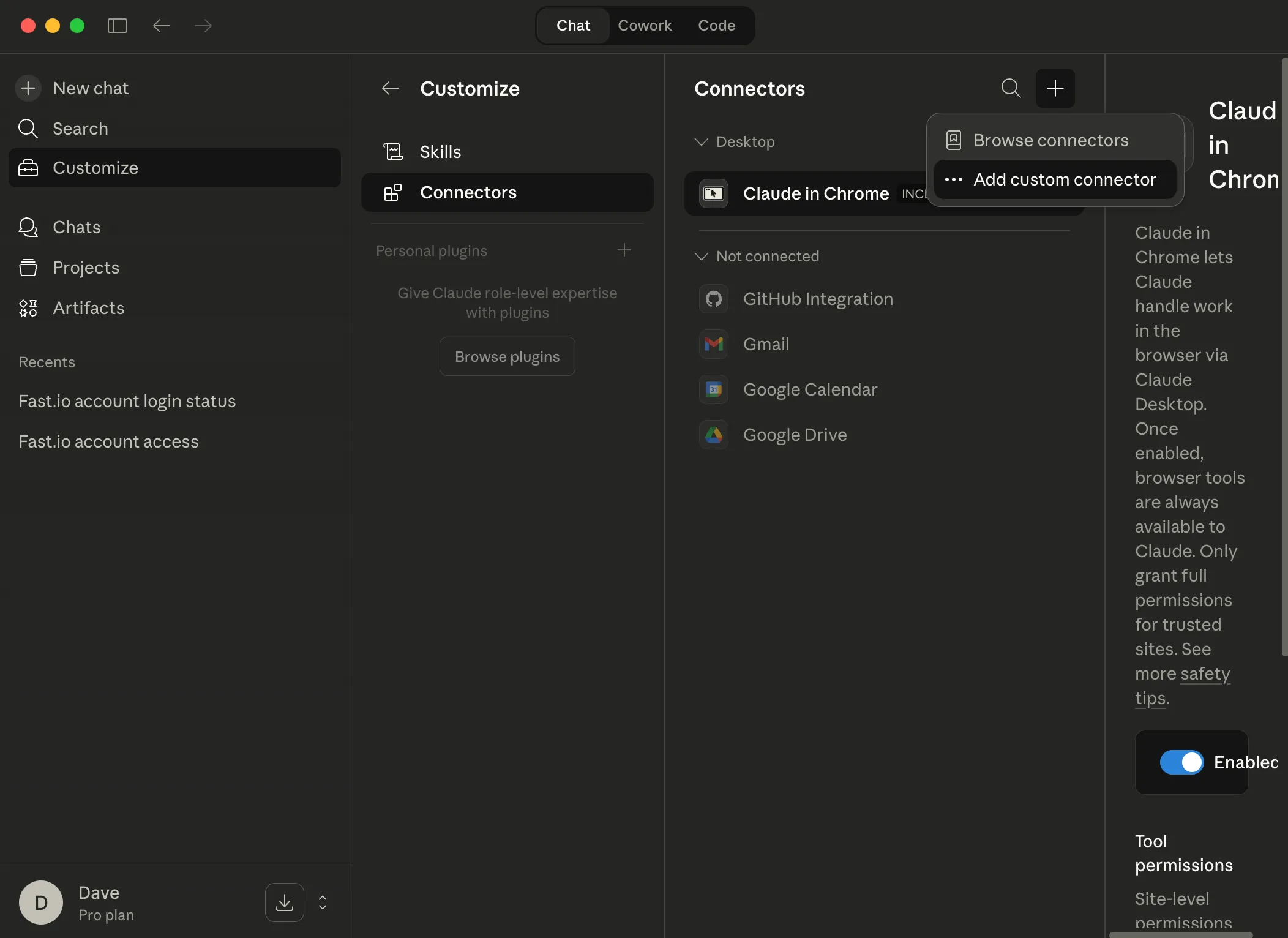
Enter the connector name
In the dialog, enter the connector name below (or another name if you desire).
fast-io 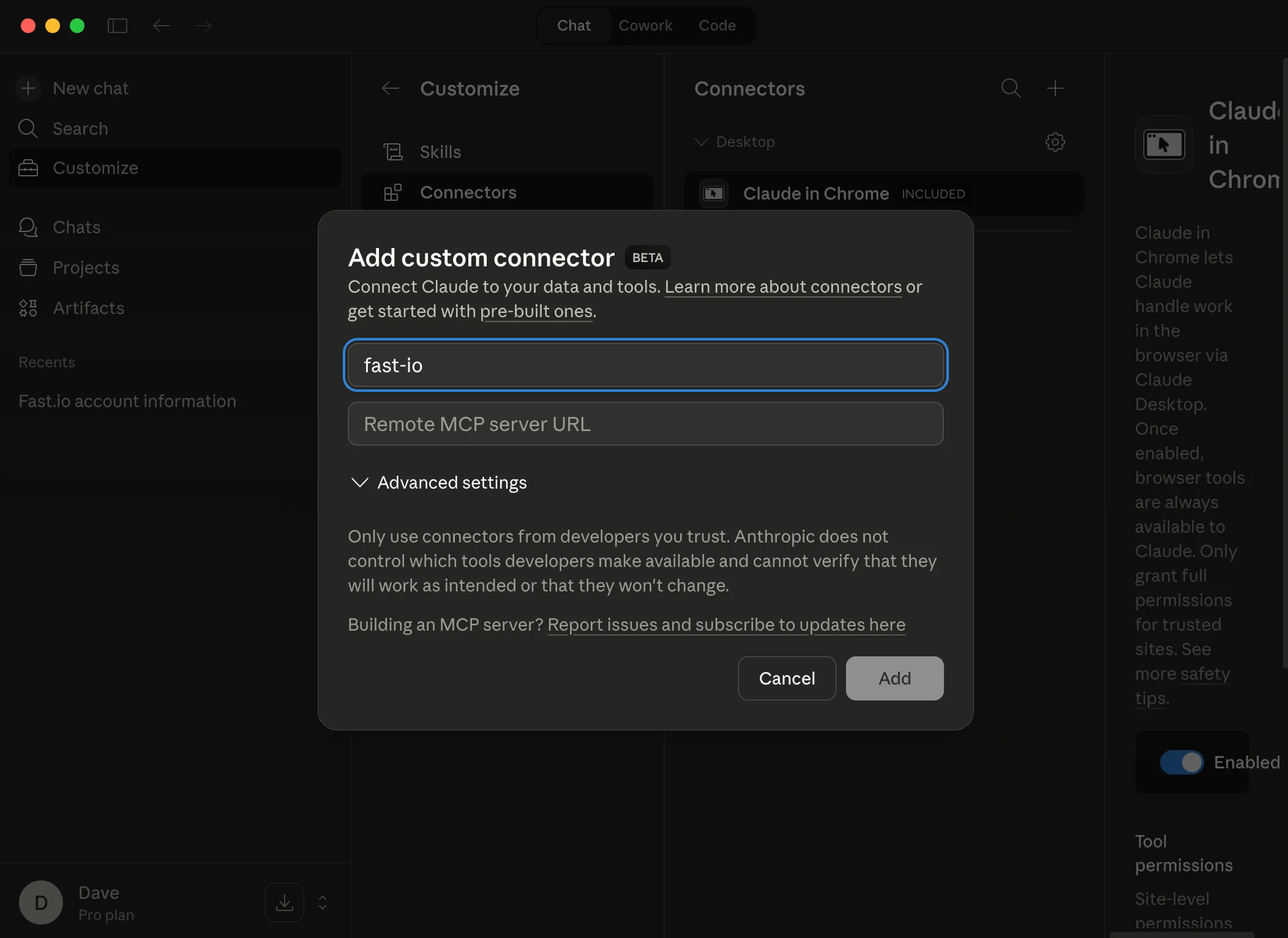
Add the MCP server URL
Paste the MCP URL below into the Remote MCP server URL field, then click Add.
https://mcp.fast.io/mcp 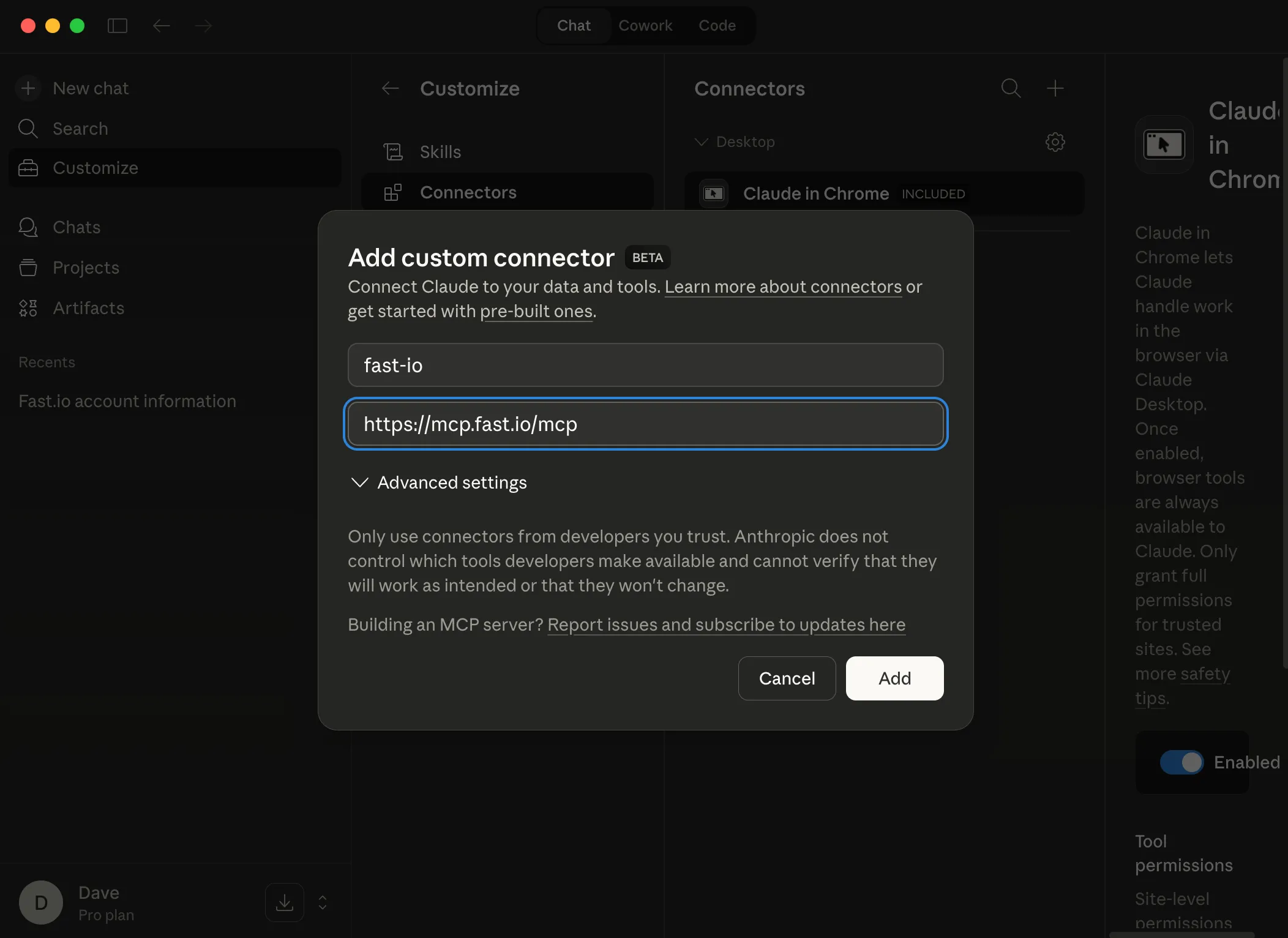
Connect to the Fast.io MCP Server
The Fast.io connector is now added. With it selected, click the Connect button in the right pane. If you don't see this button, (you may have previously connected to Fast.io).
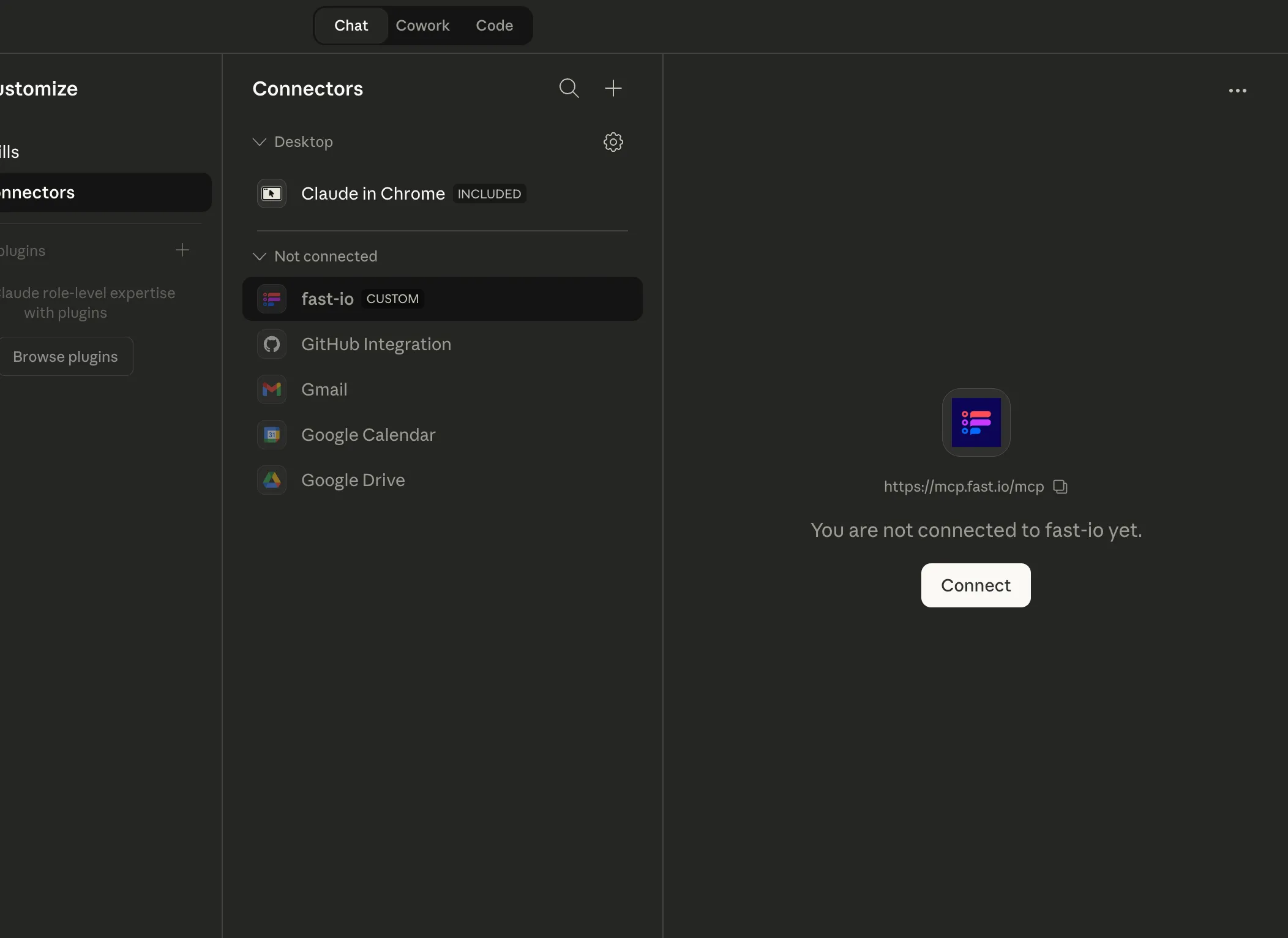
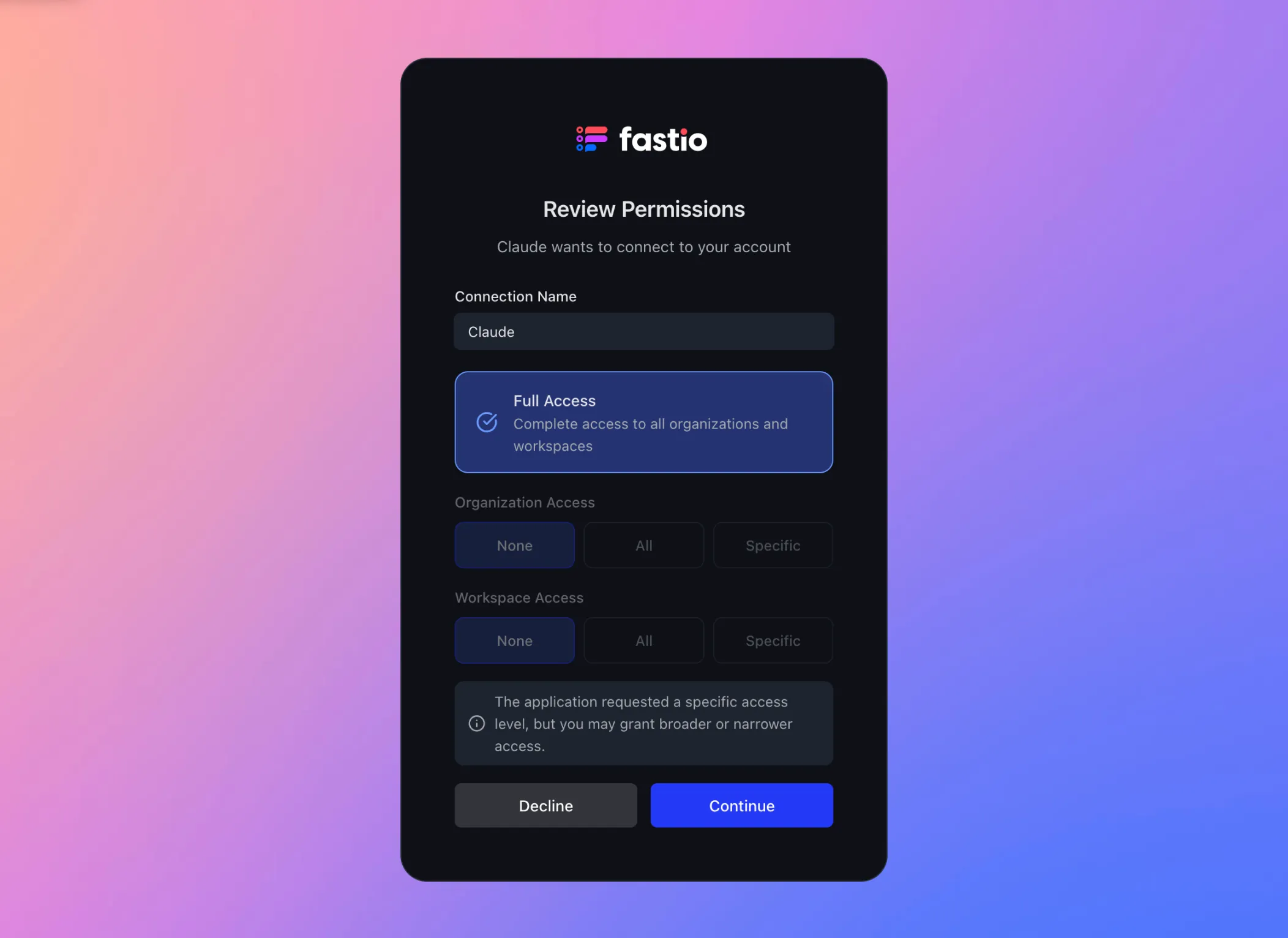
Review permissions
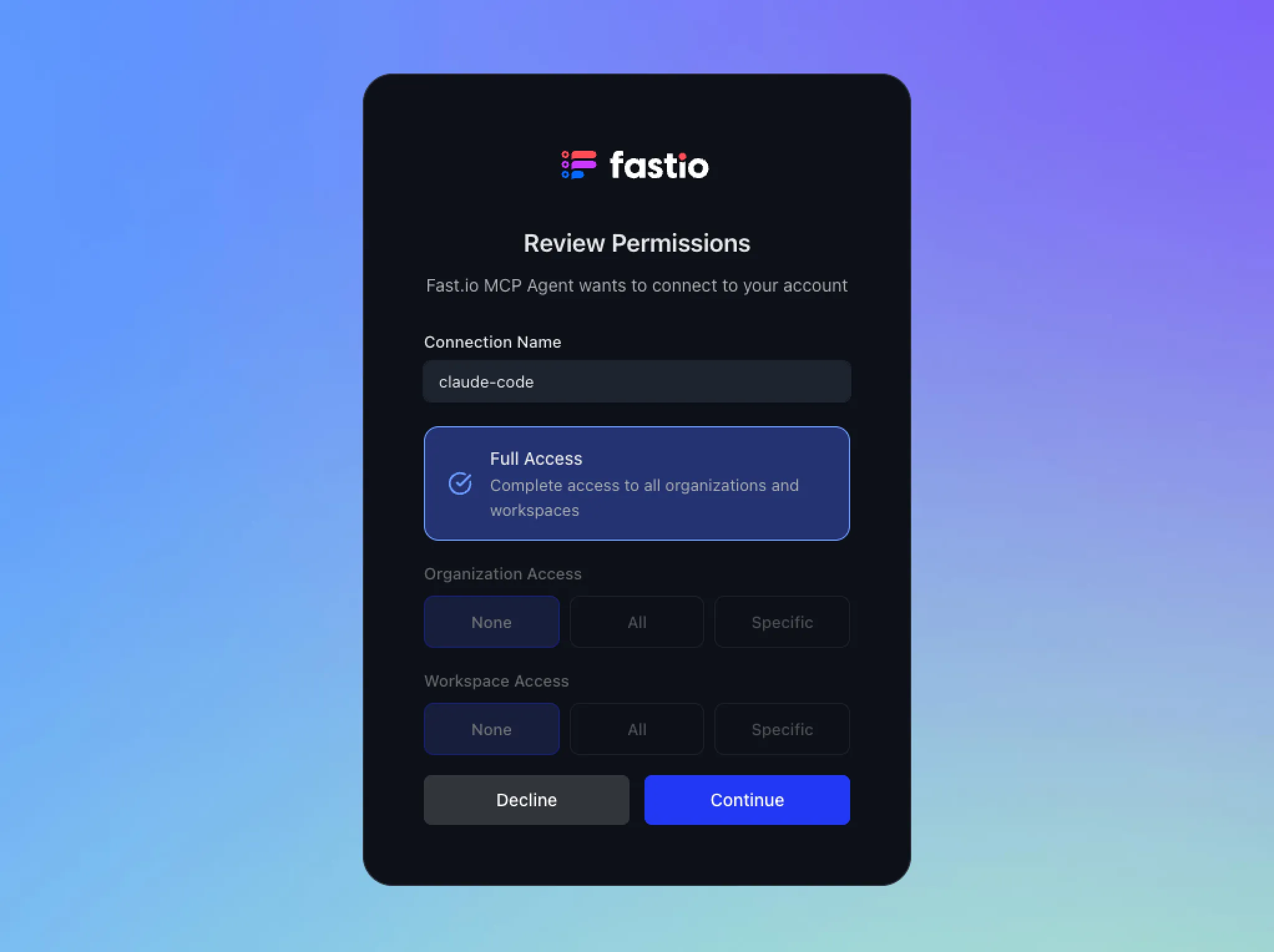
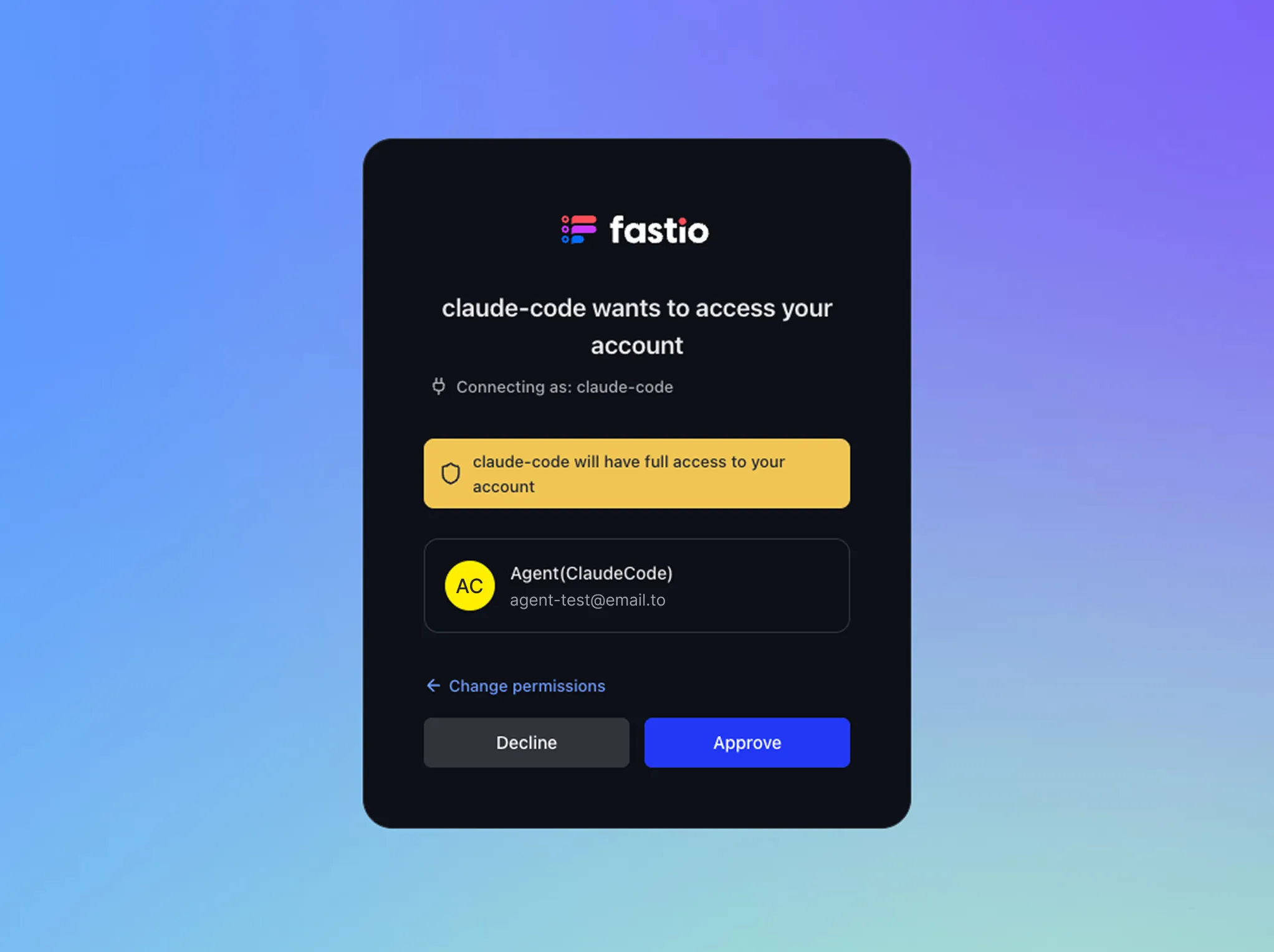
You'll be redirected to Fast.io to review the permissions for the Fast.io MCP Agent. Here, you can configure organization and workspace access. Click Continue when ready.
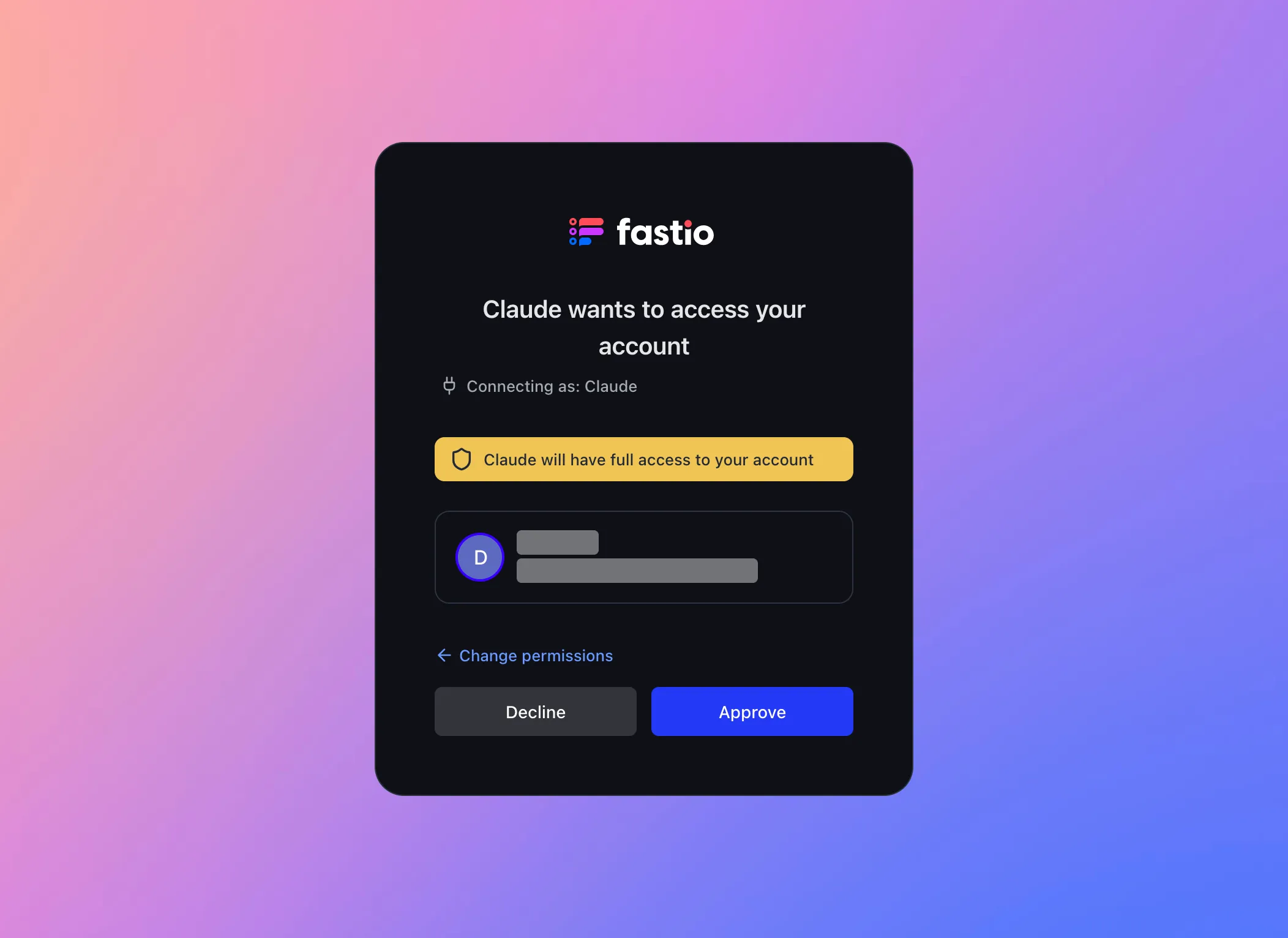
Approve the connection
Confirm the connection by clicking Approve to grant the Fast.io MCP Agent access to your account.
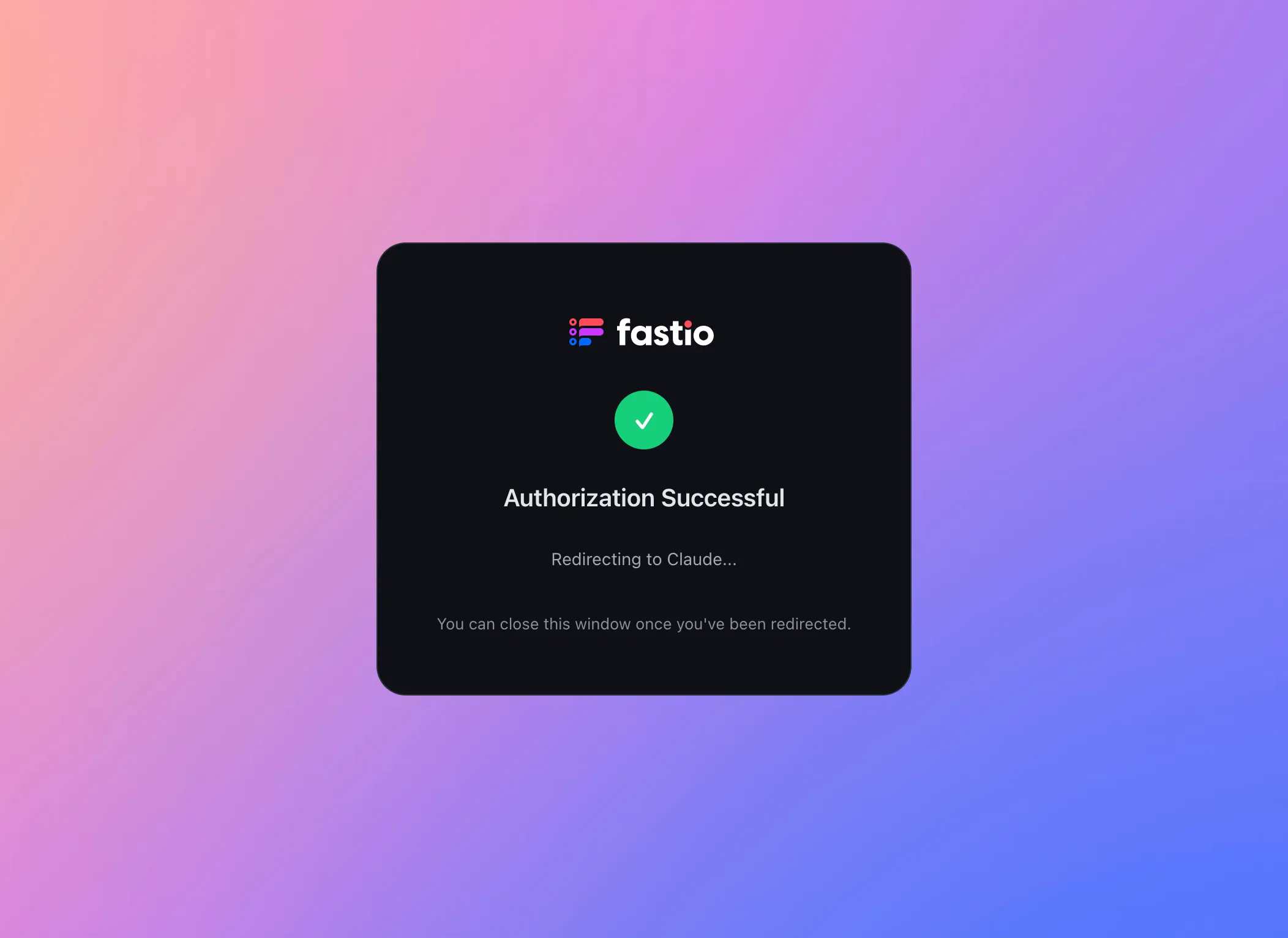
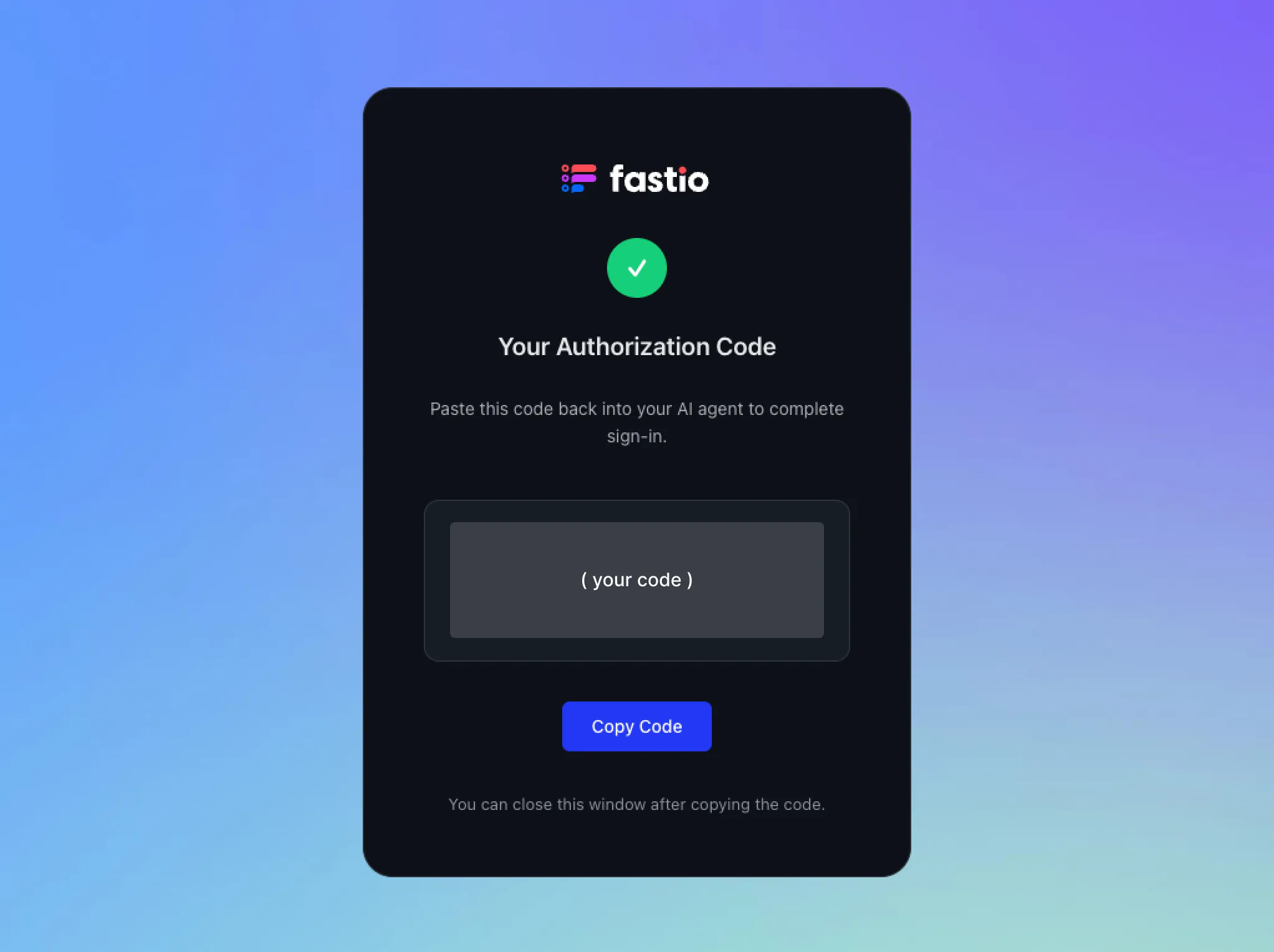
Authorization successful
After approval, you'll see a confirmation page. You'll then automatically be redirected back to Claude Desktop.
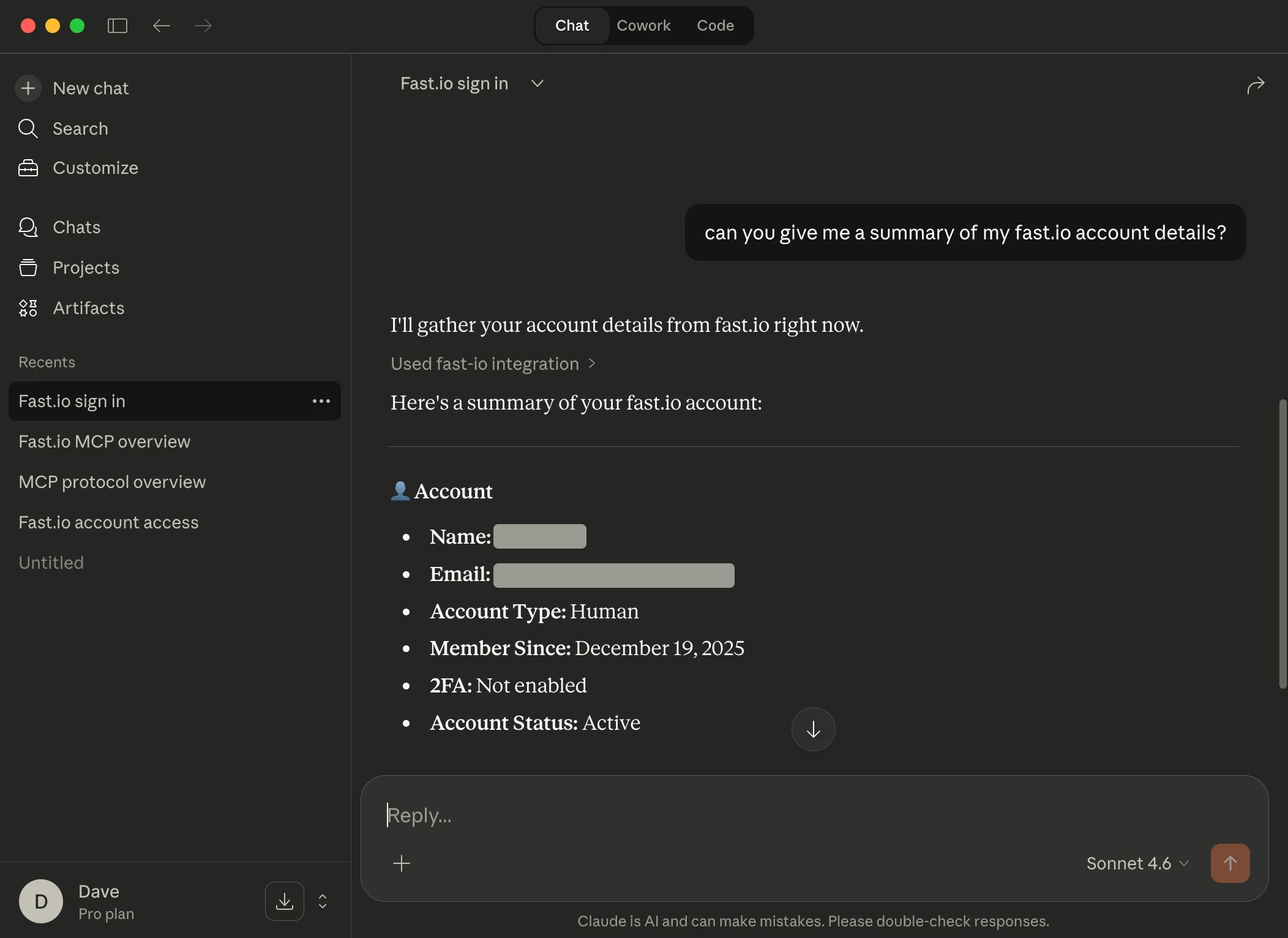
You're all set
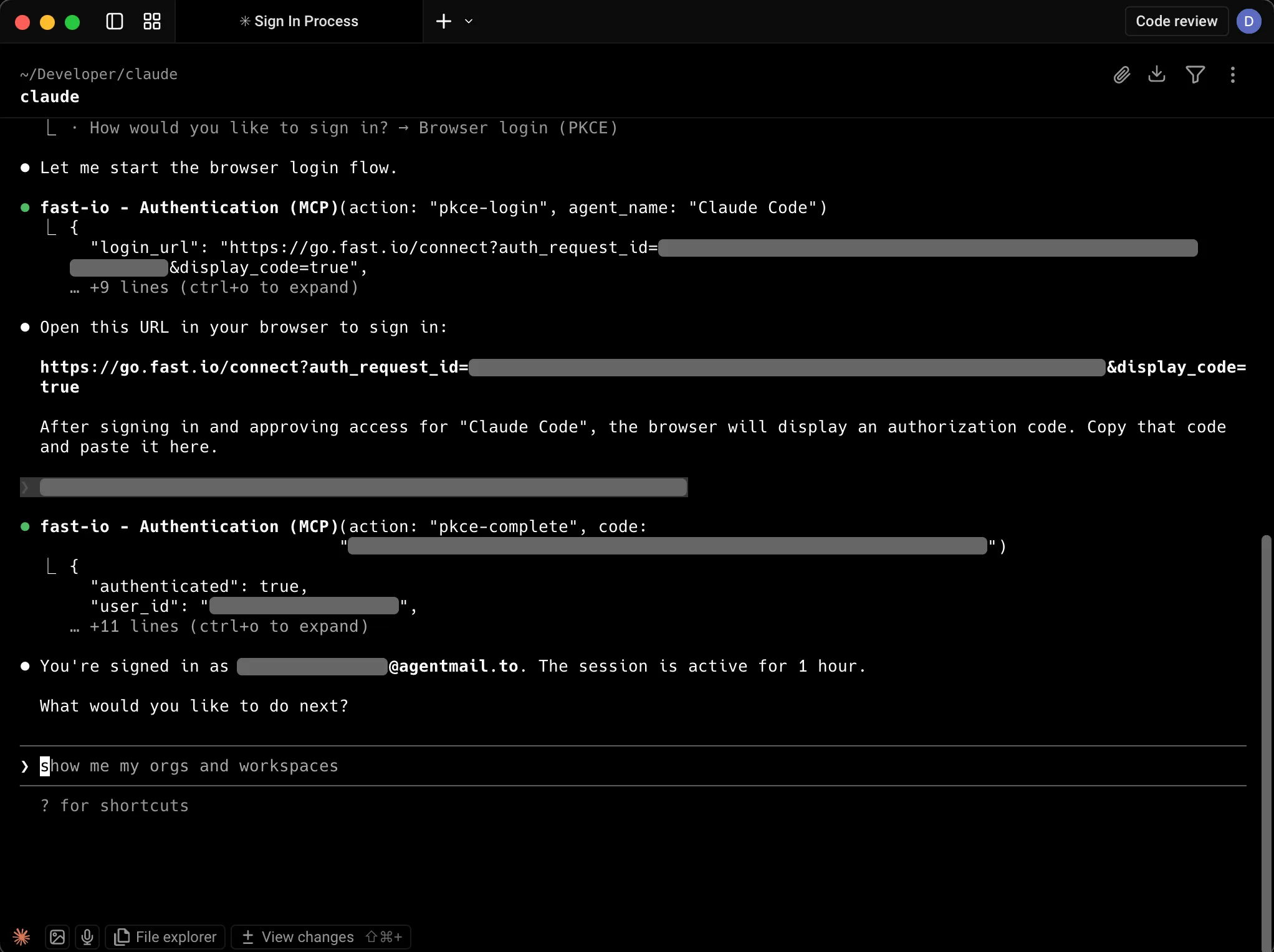
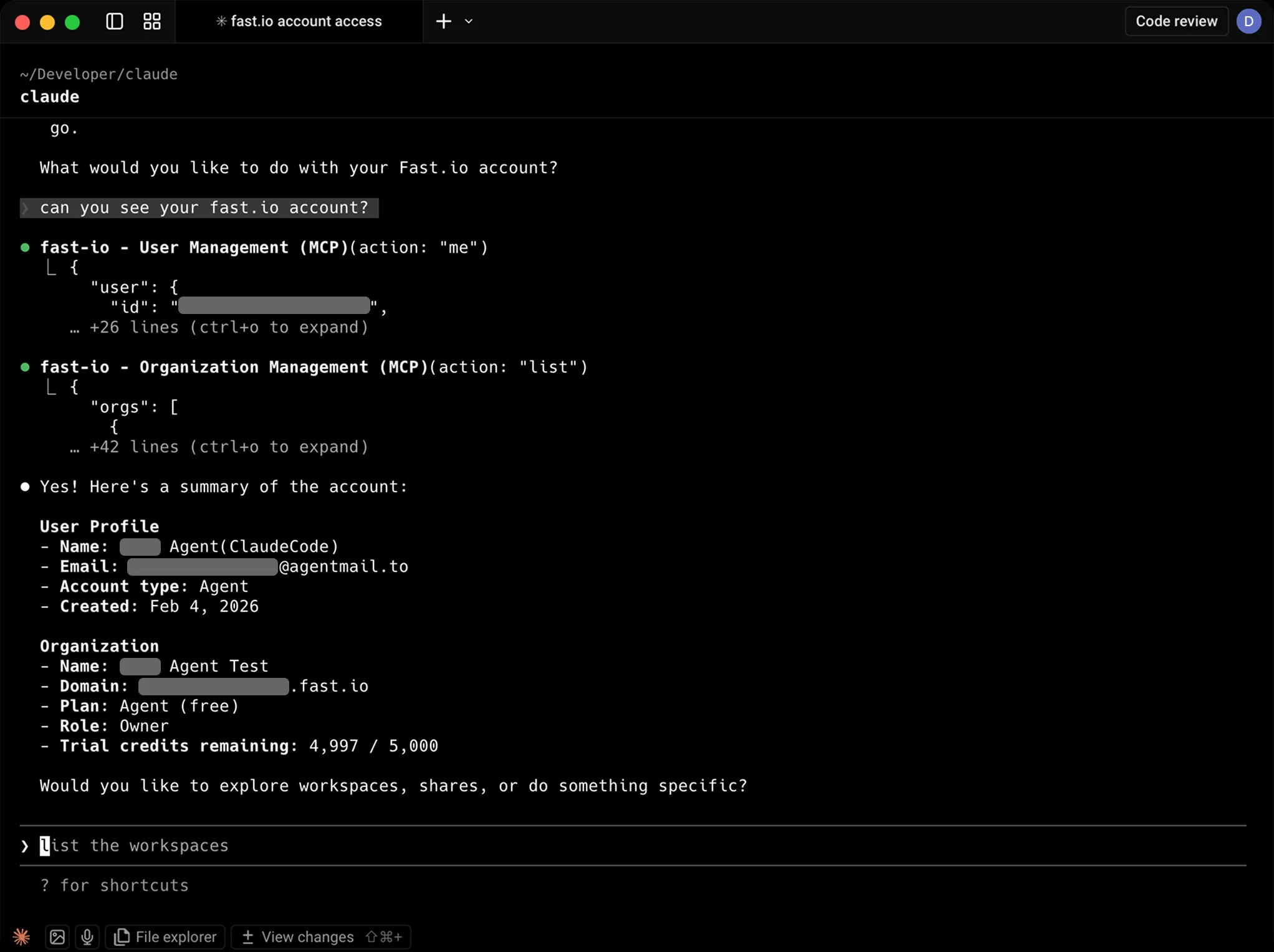
Claude is now connected to your Fast.io account. You can ask Claude for details about your account to confirm the connection.
Try these prompts
Copy and paste these into Claude to see Fast.io in action.
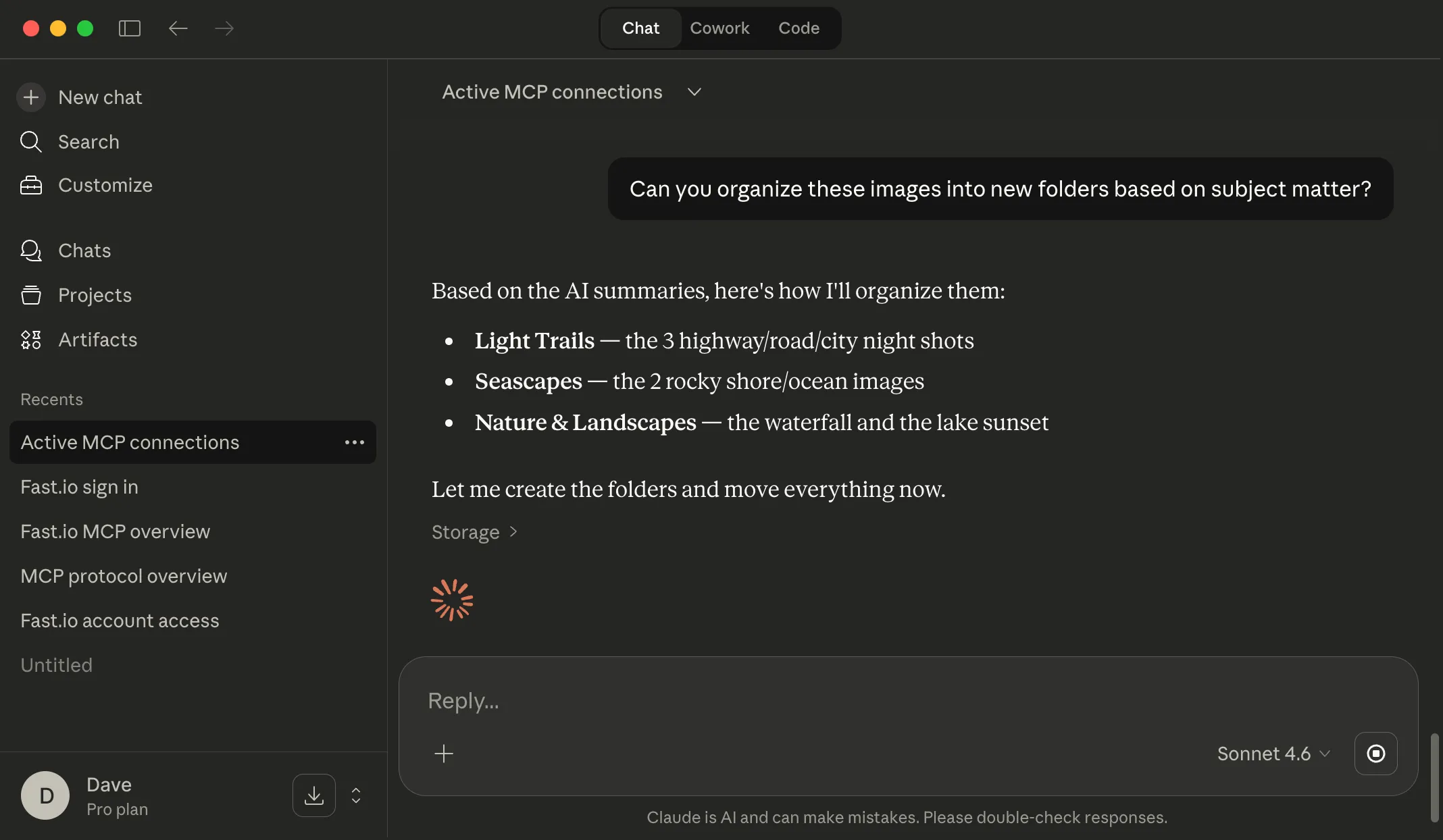
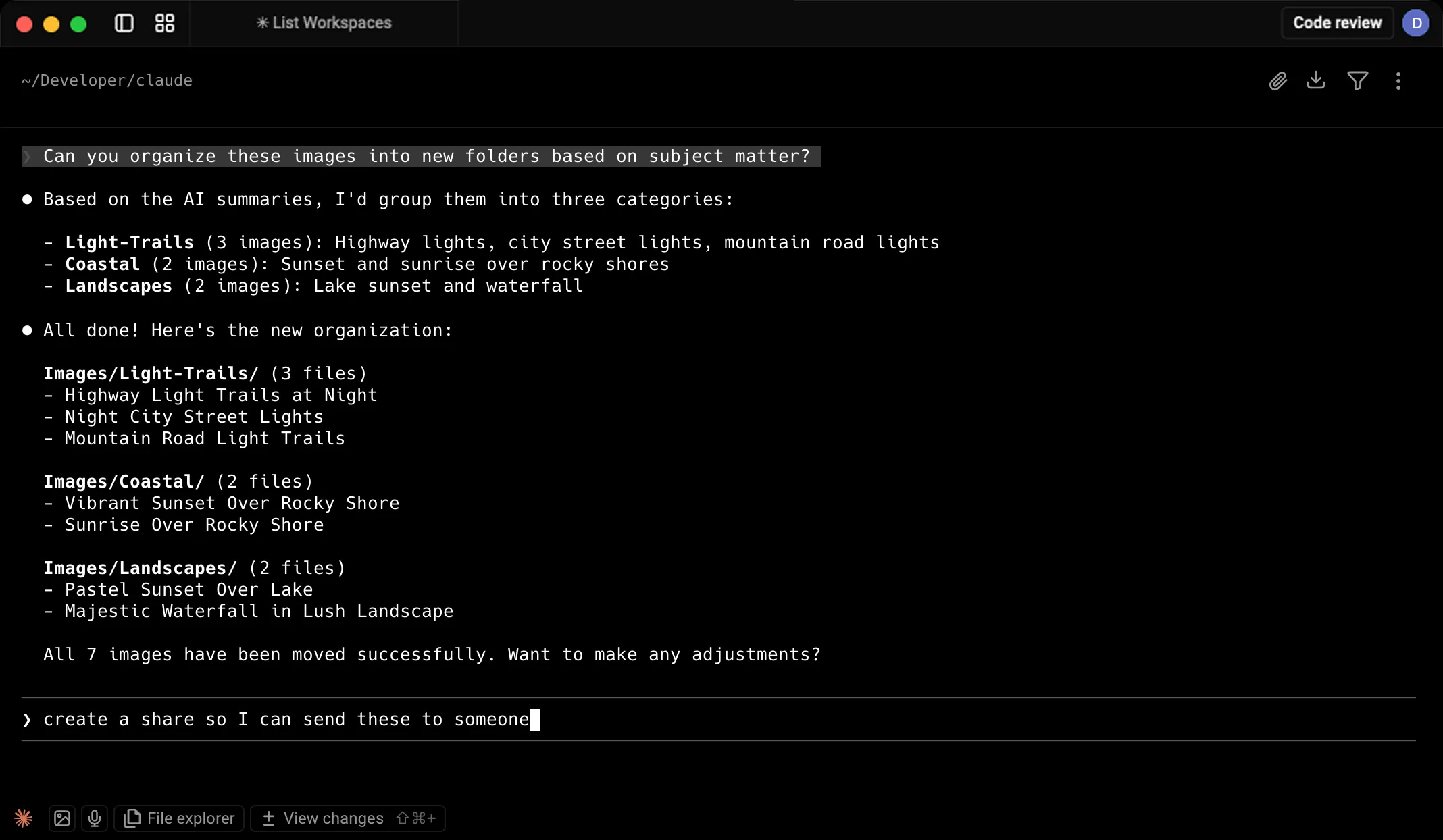
List all workspaces in this account Create a new folder named "Images" Give me a link to this newly created
folder 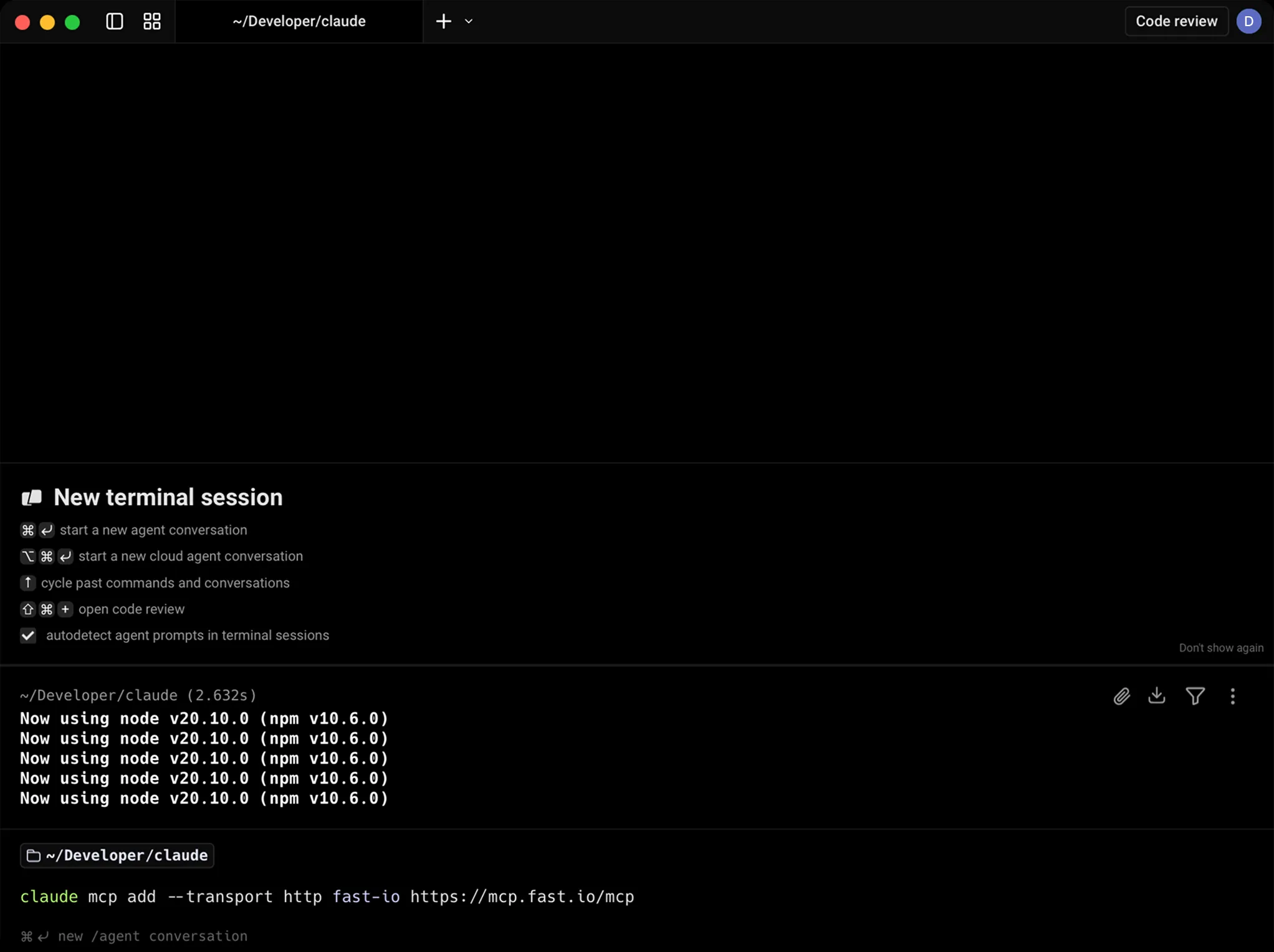
Everything your agents need to get work done
Give Claude a secure space to store, analyze, and share files alongside your team.
API
org-create-workspace Create project-scoped workspaces on demand. Intelligence mode auto-indexes files for RAG.
Files + Folders
workspace-storage-* CRUD, move, copy, versions, locks, previews for 10+ formats. Chunked uploads up to 1GB.
Import
web-upload Import files from any URL. OAuth support for Google Drive, OneDrive, Box, Dropbox. No local I/O.
Semantic Search
workspace-search Find files by meaning, not keywords. "Show me contracts with indemnity clauses" works.
AI Chat (RAG)
ai-chat-create Ask questions across entire workspaces. Auto-summarization, citations, metadata extraction.
MCP Server
mcp.fast.io 251 tools via Streamable HTTP or SSE. Session state persisted in Durable Objects.
Webhooks
webhook-create Real-time notifications for file events. Build reactive workflows without polling.
Ownership Transfer
org-transfer-ownership Build for humans, then hand off. Agent keeps admin access after transfer.
Shares & Content Portals
share-create Three modes: Send (deliver), Receive (collect), Exchange (collaborate). Password protection, expiration, branding.
Comments & Annotations
comments-* Region-anchored feedback on images, timestamps on video/audio, page-specific on PDFs. Threaded replies.
Free forever. No credit card required.
Monthly credits cover storage, bandwidth, and AI operations. Resets every 30 days.
FAQ
What is the Fast.io MCP server?
It's a server that provides Claude with 251 workspace tools. By adding it to your config, Claude can upload files, create share links, and query documents using RAG.
How does authentication work?
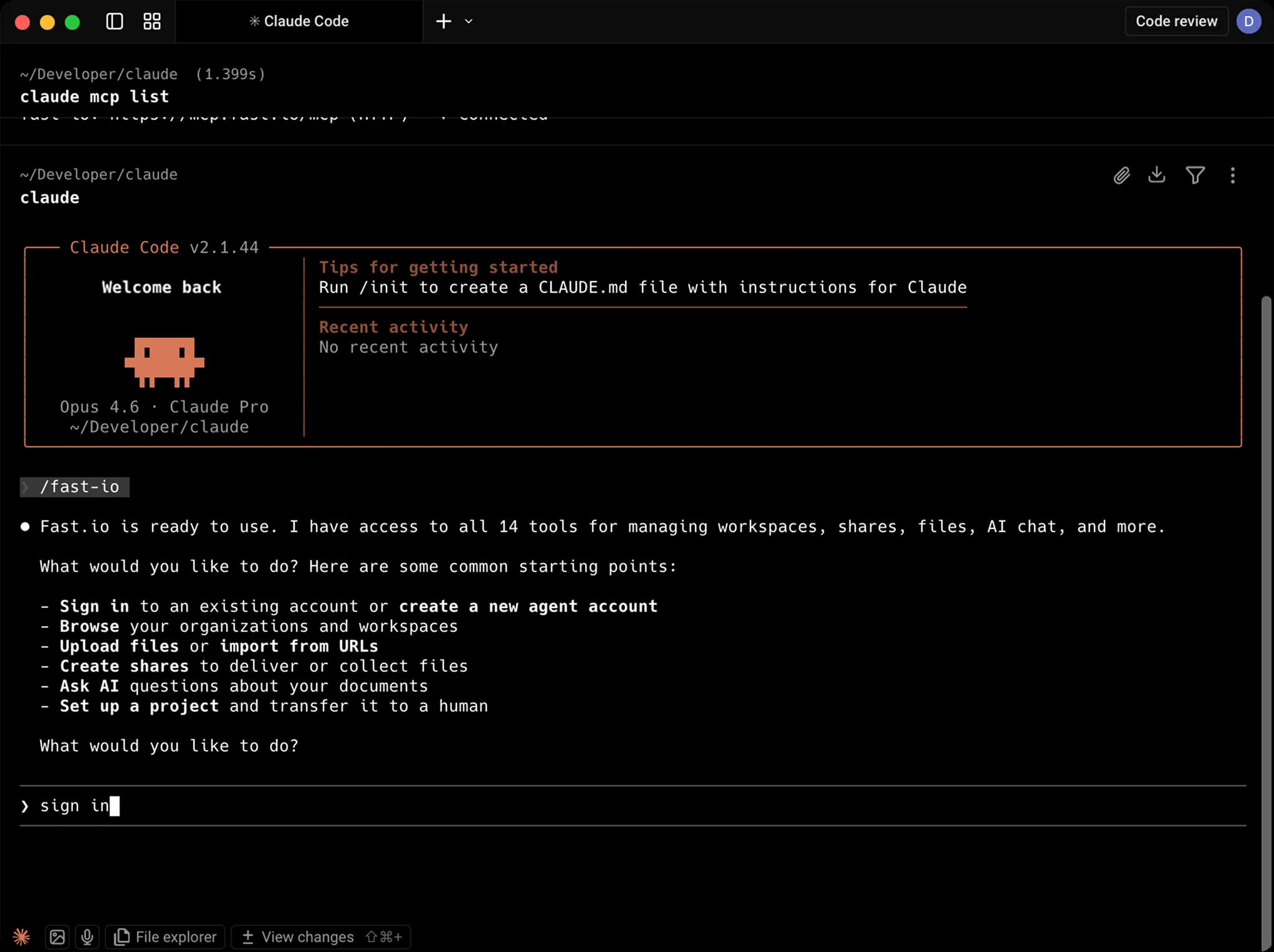
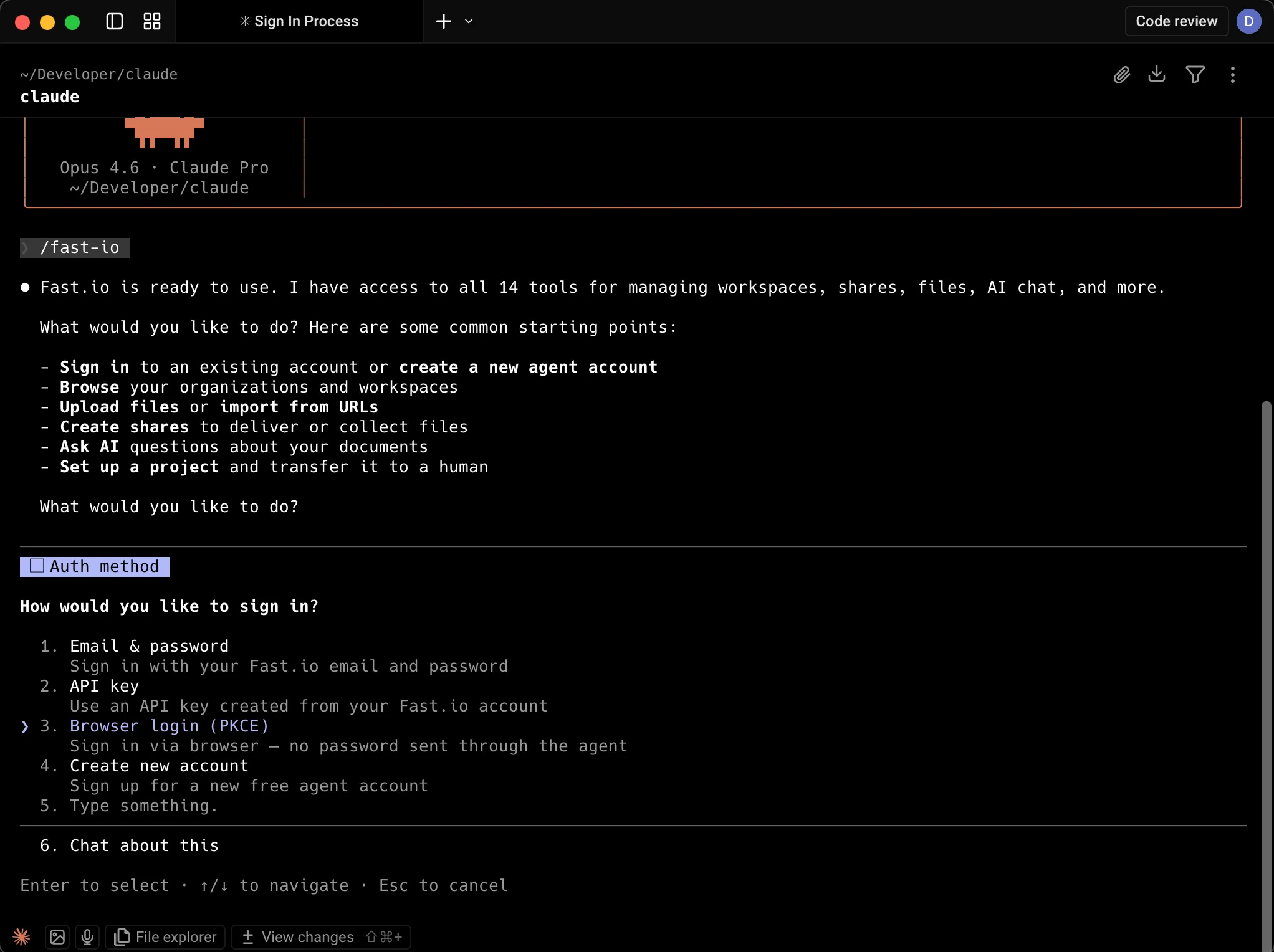
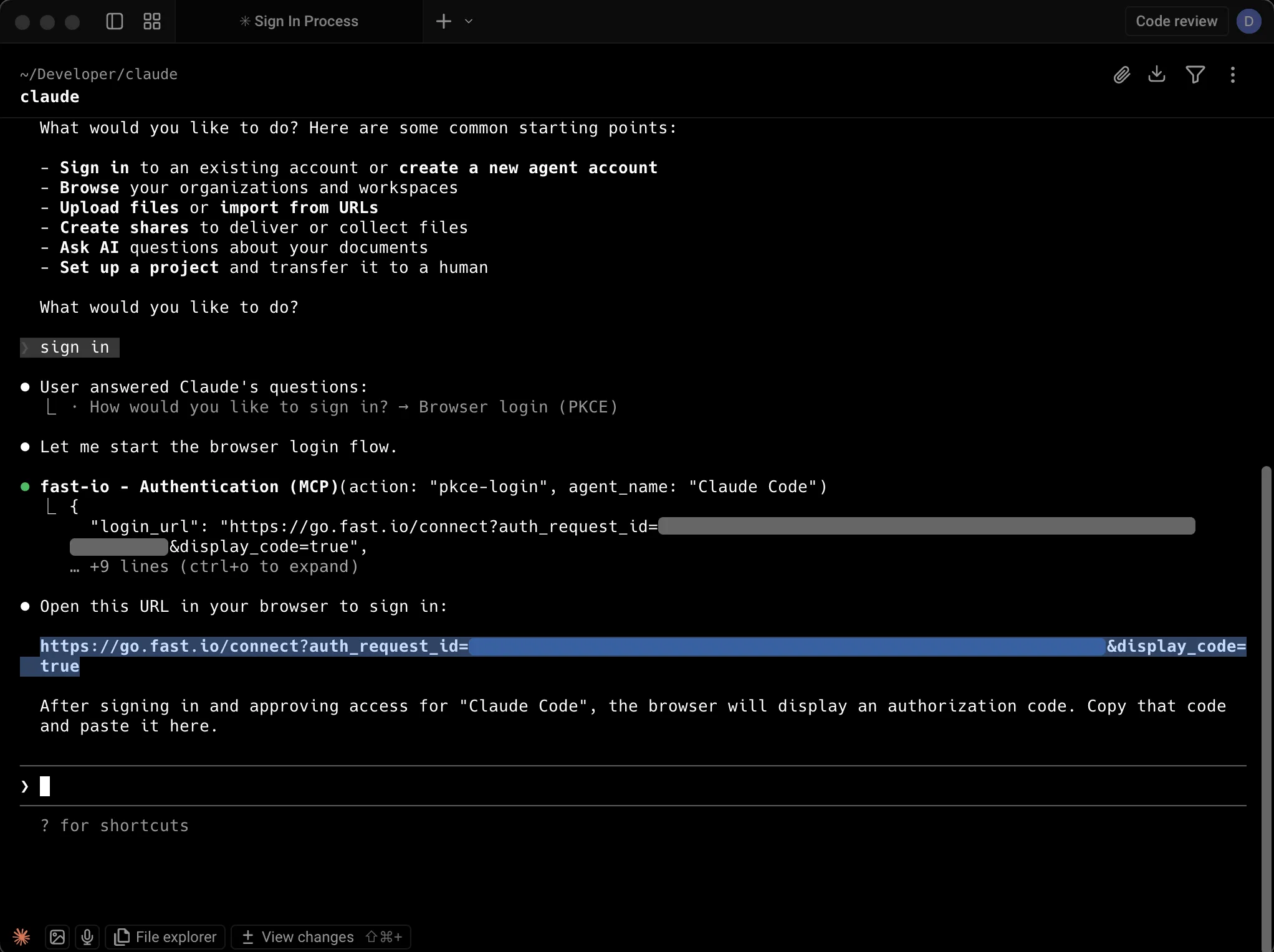
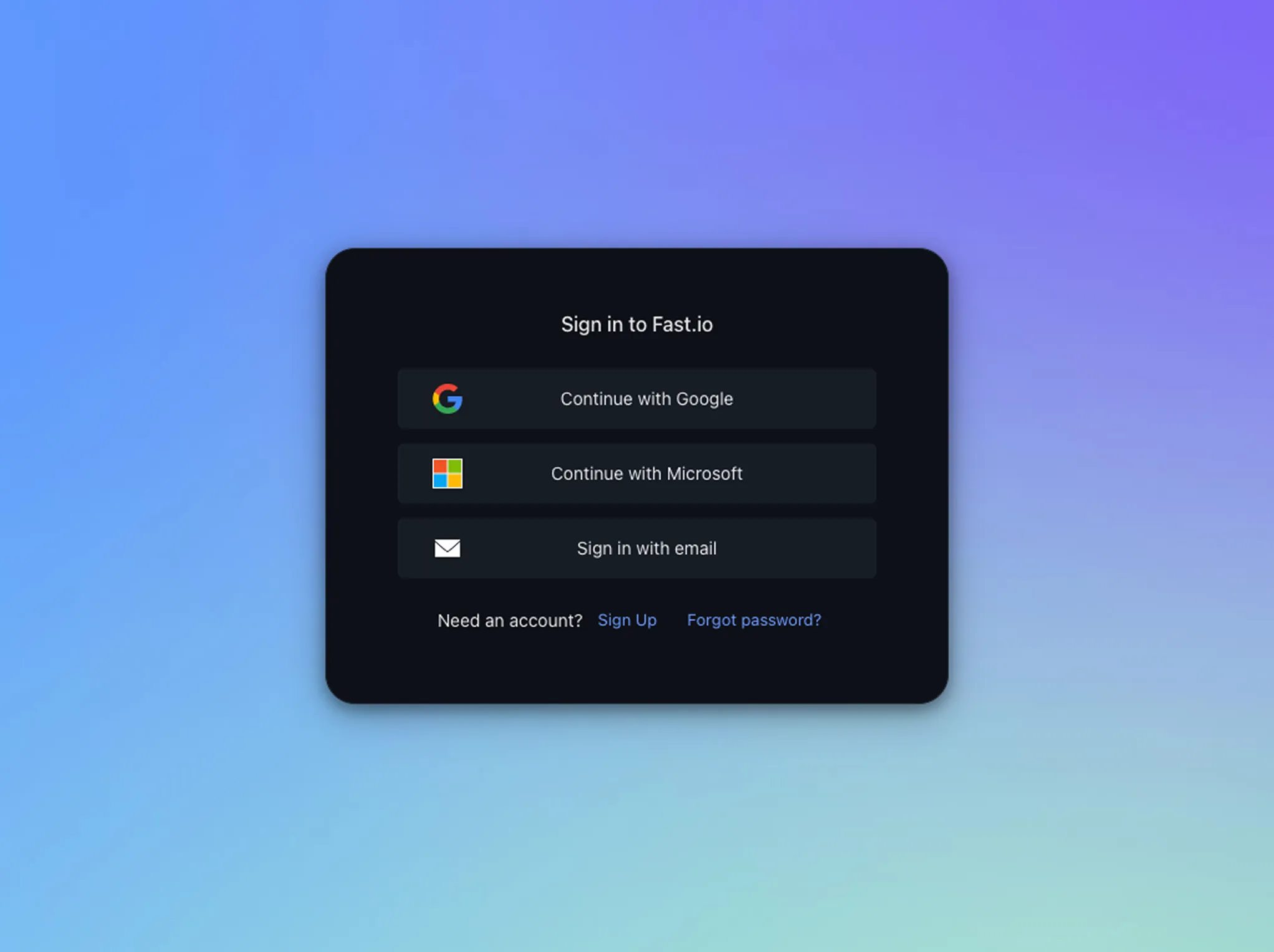
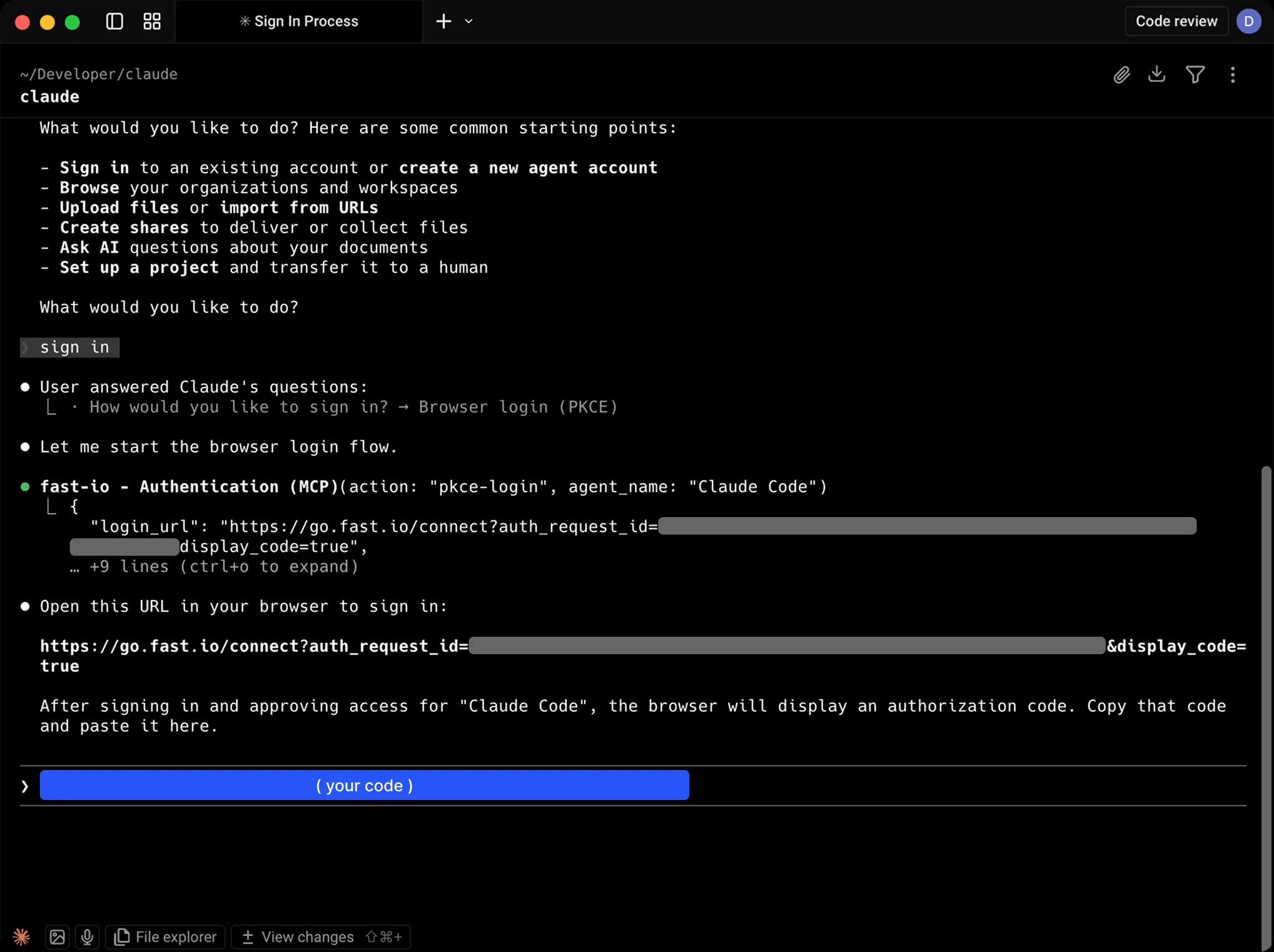
The first time Claude uses a Fast.io tool, it opens a browser tab to sign in or create a free account. Your session persists, so there are no API keys to manage manually.
Can I see what Claude uploads?
Yes. Everything Claude stores is accessible at app.fast.io. You can browse, preview, comment on, and download files from any device.
Does this work with Claude Desktop and Claude Code?
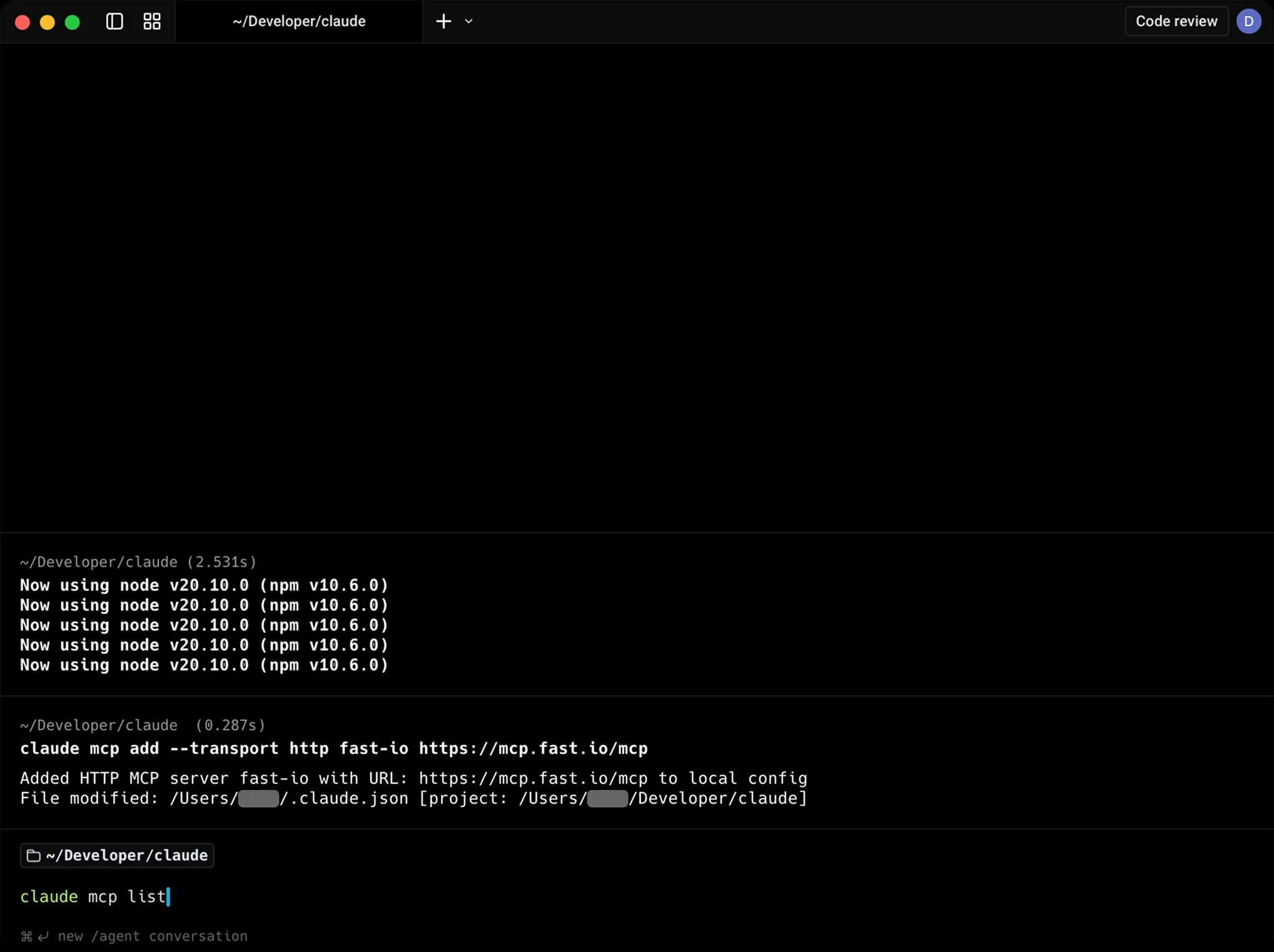
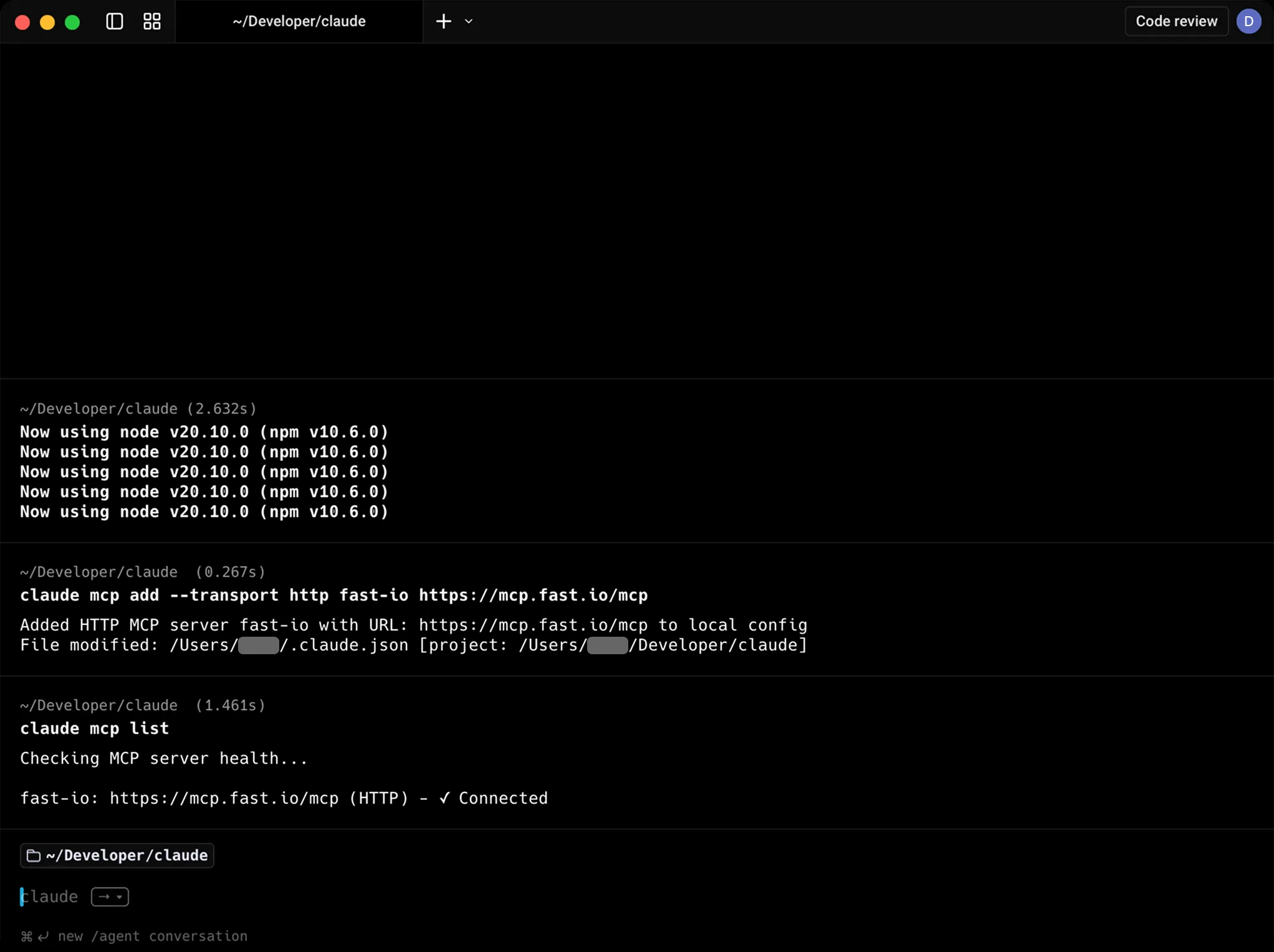
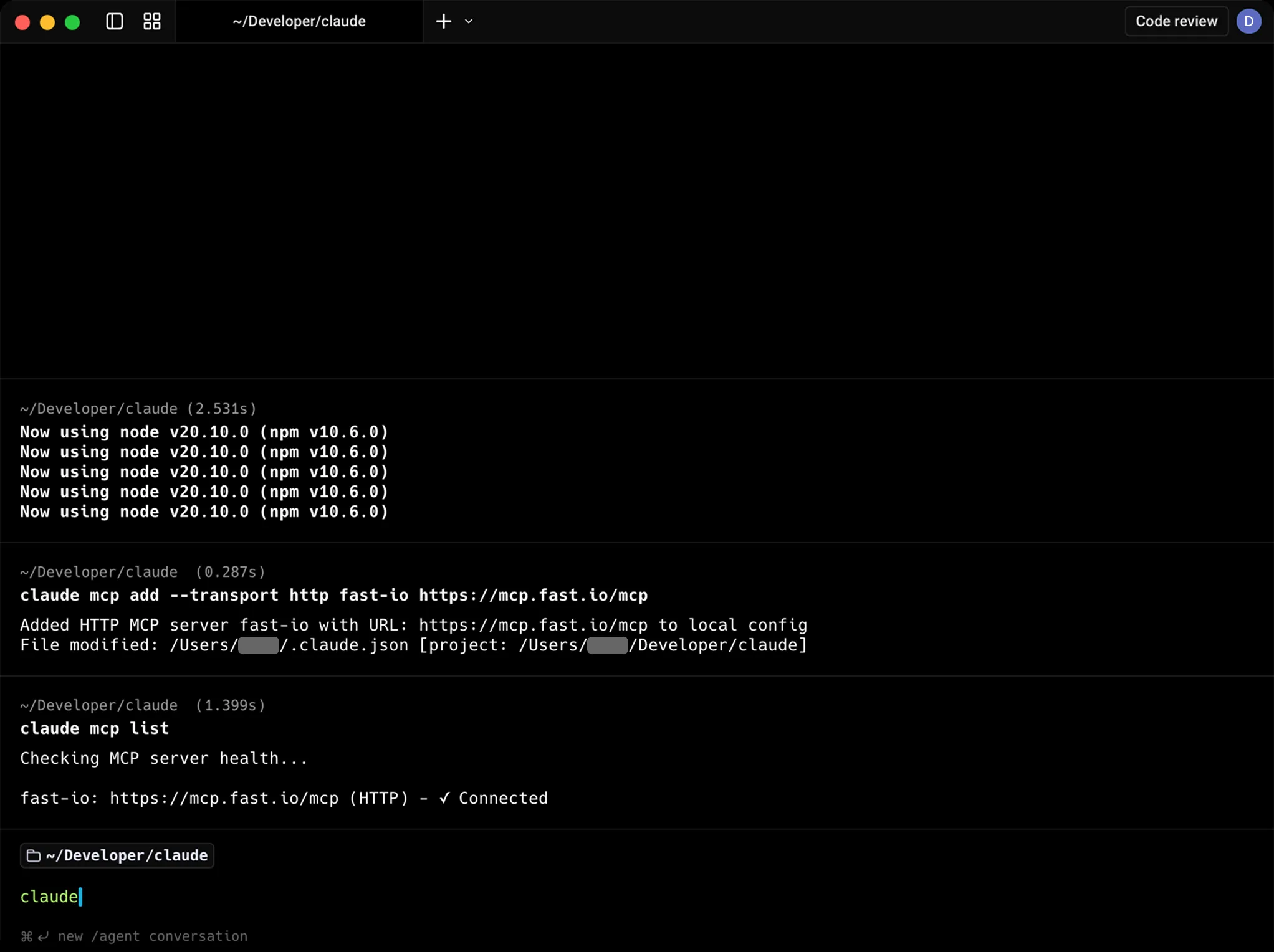
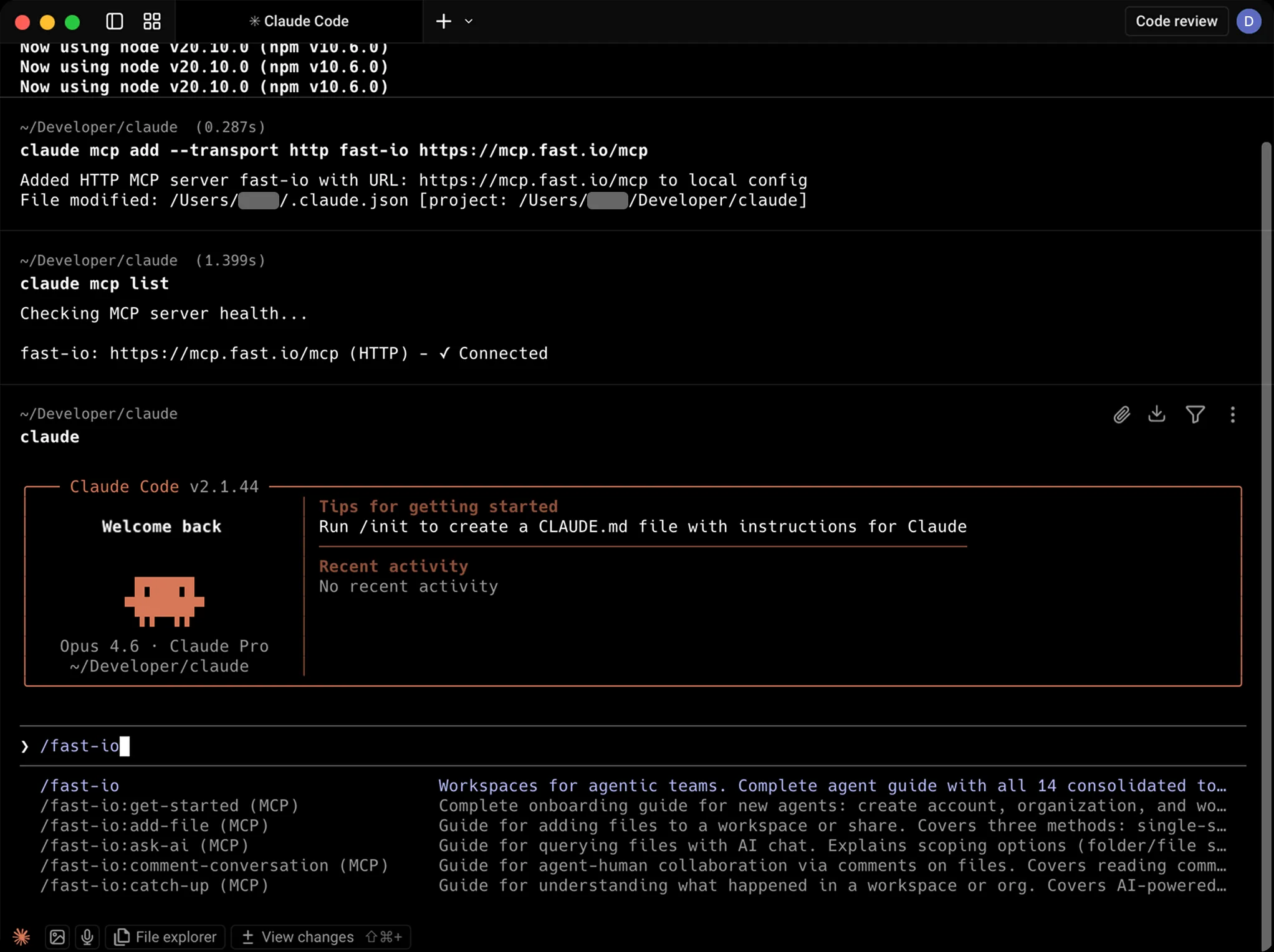
Yes. It works with both. For Claude Desktop, you add the MCP config to your settings. For Claude Code, you use the 'claude mcp add' command.
What happens when I hit the credit limit?
You get 5,000 credits per month. When they run out, new uploads and AI queries pause until the next cycle. Existing files and share links remain accessible.
Can Claude share files with people who don't use Claude?
Yes. Share links are regular web URLs. Recipients open them in a browser and get previews, downloads, and commenting features without needing an account.
Claude Code users are already in the terminal.
The Fastio CLI gives you the same workspace tools — upload,
search, share — as a standalone command. It also includes a
built-in MCP server via fastio mcp.
npm install --global @vividengine/fastio-cli
Learn more

Give Claude a professional workspace
Enable 251 tools for Claude in minutes. Built-in shared workspaces, RAG search, and file sharing.