Windsurf Token Limits (Now Devin Desktop): Cascade Context, Quotas, and Rules File Caps
The Windsurf token limit encompasses the dynamic prompt token budget allocated to Cascade per turn in the editor renamed Devin Desktop by Cognition in June 2026, bounded by plan quotas and strict character limits on system rules files. Rather than exposing an unconstrained context window, Cascade combines local AST indexing, automated transcript summarization, and daily quota envelopes. Understanding these thresholds prevents context thrashing and preserves reasoning quality.


What Is the Windsurf Token Limit in Cascade?
The Windsurf token limit encompasses the dynamic prompt token budget allocated to Cascade per turn in the Windsurf IDE (renamed Devin Desktop by Cognition in June 2026), bounded by plan quotas and strict character limits on system rules files. In Devin Desktop, Cascade does not operate with a static or unconstrained context buffer. While modern foundation models support expansive raw context windows, practical coding trajectories face strict operational and financial boundaries.
Every conversational turn in Cascade requires assembling an active prompt payload. This payload combines system prompts, developer rules, active editor buffers, cursor coordinates, terminal command outputs, retrieved codebase index snippets, and conversational history. Because agentic loops execute multi-step trajectories involving repeated file inspections and code modifications, unmanaged token accumulation can rapidly deplete context windows and exhaust subscription quotas.
To govern consumption, Devin Desktop structures token boundaries across four distinct operational layers:
- Dynamic Turn Budget: The working memory allocated to each individual prompt, combining system prompts, active file context, and conversational exchanges.
- System Rules File Caps: Hard character ceilings enforced on persistent instructions, capping global rules files at 6,000 characters and workspace rule files at 12,000 characters.
- Trajectory Invocation Limits: The operational cap on autonomous agent actions, configured by default to pause after 40 tool invocations per prompt.
- Account-Level Rolling Quotas: Daily and weekly usage allowances that refresh automatically based on calendar dates, replacing legacy static credit pools.
Understanding how these boundaries interact prevents unexpected execution halts, maintains agent reasoning precision, and avoids costly token waste during intensive development sprints.
Related guides
- Claude CSV File Limit: Token Caps, File Limits, and Data WorkaroundsThe Claude CSV file limit allows uploads up to 30MB in Projects or 500MB in individual chats, but tabular datasets are...
- Cursor Token Limit: Composer Windows, Agent Caps, and File Context WorkaroundsThe Cursor token limit defines the maximum token capacity allocated for codebase context, prompt history, and agent...
- Windsurf Context Window (Now Devin Desktop): Cascade Token Limits, Indexing, and MCPThe Windsurf context window (in the editor renamed Devin Desktop in June 2026) governs the active token budget and...
- OpenAI Codex Token Limits: Context Windows, Request Caps, and WorkaroundsThe Codex token limit refers to the maximum number of prompt and generation tokens permitted in a single OpenAI Codex...
- How to Manage Aider Token Limits: Repo-Map Budgets, Chat History, and MCP RetrievalThe Aider token limit is governed by two configurable thresholds: the repository map budget set by --map-tokens...
- Windsurf Rate Limits (Now Devin Desktop): Cascade Quotas, Token Caps, and IndexingWindsurf rate limits (in the editor renamed Devin Desktop in June 2026) govern daily and weekly token budgets for...
More on this subject: AI Coding Assistants (109 guides)
Windsurf Rules Character Limits: Global and Workspace Caps
Developers rely on system instructions to enforce coding standards, architectural guidelines, and framework constraints across their projects. In Windsurf and Devin Desktop, these instructions are managed through the Rules engine. To preserve context space for source code and conversational reasoning, the platform enforces strict character ceilings on rules files.
According to official Devin Desktop documentation, workspace rule files are limited to 12,000 characters each, while the global rules file is limited to 6,000 characters. These limits measure the raw character count of the markdown content itself, excluding any YAML frontmatter.
Global vs Workspace Rule Architecture
Rules operate across different scopes within the development environment:
- Global Rules (
~/.codeium/windsurf/memories/global_rules.md): A single file applied universally across every workspace opened on the machine. This file is capped at 6,000 characters (roughly 1,200 to 1,500 tokens). Because global rules are injected into every prompt payload, verbose instructions here permanently reduce the context available for project code. - Workspace Rules (
.devin/rules/*.mdor.windsurf/rules/*.md): Modular markdown files stored within project repositories. Each individual rule file is capped at 12,000 characters (roughly 2,500 to 3,000 tokens). Windsurf discovers rules from the current directory, subdirectories, and parent directories up to the repository root. - Legacy Root Rules (
.windsurfrules): The legacy single-file configuration at the project root is still supported for backward compatibility, but developers are encouraged to migrate to modular files in.devin/rules/.
When a rule file exceeds its character limit, the overflow content is dropped. More critically, if multiple workspace rules are active simultaneously, the combined volume can push critical codebase snippets out of the active prompt.
Optimizing Rule Activation Modes
To prevent rules from consuming the context window on every turn, workspace rules support four activation modes defined in YAML frontmatter using the trigger field:
---
trigger: glob
globs: src/api/**/*.ts
---

All API route handlers must validate input schemas using Zod and return standardized JSON error envelopes.
The table below outlines how each activation mode impacts your prompt token budget:
Structuring rules with glob and model_decision triggers ensures that Cascade only ingests instructions when they are strictly relevant, preserving active tokens for multi-file code reasoning.
Why Pinning Files and Long Sessions Trigger Context Thrashing
A frequent misconception among developers using AI coding assistants is that modern models can absorb entire codebases in an active session without performance degradation. In Cascade, every conversational step compounds prompt token consumption. When developers pin numerous files or allow sessions to run for dozens of turns, the agent inevitably encounters context thrashing.
The Mathematics of Compounding Agent Trajectories
Cascade operates as an autonomous agent that reads files, executes shell commands, inspects linter feedback, and generates diffs. Because standard LLM inference is stateless, the entire accumulated transcript must be re-transmitted on every successive turn.
Consider the token progression of a typical multi-turn refactoring task using a frontier model like Claude Opus:
- Turn 1 (Prompt Ingestion): The developer submits a prompt. Cascade receives system instructions, global rules, active file buffers, and retrieved codebase context.
- Turn 2 (File Inspection): Cascade calls a search or file inspection tool. The file contents return as an observation.
- Turn 3 (Transcript Re-Submission): Cascade processes the next step. The input payload now includes the initial prompt, system rules, the tool call parameters, and the complete inspected file.
- Turn 5 (Multi-File Expansion): After inspecting three related modules and running a build command, the accumulated transcript expands rapidly across each successive tool execution.
- Turn 8 (Trajectory Accumulation): Cumulative token expenditure across the session multiplies as earlier tool inputs, outputs, and diffs are re-parsed.
When sessions grow this large, two failure states occur: account quota exhaustion and context thrashing.
Understanding Context Thrashing
To prevent hard context window overflow crashes, Windsurf triggers automated session summarization when conversations approach model capacity. The IDE applies lossy compression to early dialogue turns, replacing detailed tool observations and prompt text with condensed narrative summaries.
While summarization keeps the session alive, it causes context thrashing. In this degraded state, the agent loses fine-grained memory of constraints established at the start of the session. Symptoms of context thrashing include:
- Reverting previously approved modifications or rewriting working utilities.
- Repeating tool searches for function definitions that were already reviewed.
- Forgetting negative constraints, such as explicit instructions to avoid specific packages.
- Generating incomplete code diffs due to fragmented knowledge of surrounding files.
Troubleshooting Guide: Session Hygiene Best Practices
To stop Windsurf from running out of context and avoid context thrashing, adopt these operational guidelines:
- Reset Chat Sessions Every 5 to 10 Turns: Do not treat Cascade as an ongoing monolith. Once an isolated task or module implementation is complete, commit the code and click the
New Sessionicon (Cmd/Ctrl+L). Starting a fresh thread clears the accumulated transcript while leaving file changes intact. - Avoid Monolithic Pinning: Using
@codebaseor pinning entire directories forces large volumes of syntax into the prompt. Instead, use targeted file mentions (@file) only for the immediate interface or test under development. - Rely on Fast Context and Indexing: Let Windsurf's local Abstract Syntax Tree (AST) parser and Fast Context subagent retrieve relevant symbols dynamically rather than manually loading full source files.
- Configure Ignore Lists: Add build outputs, generated types, lockfiles, and minified bundles to
.codeiumignore. Excluding non-essential assets prevents the local indexer from injecting useless tokens into Cascade prompts.
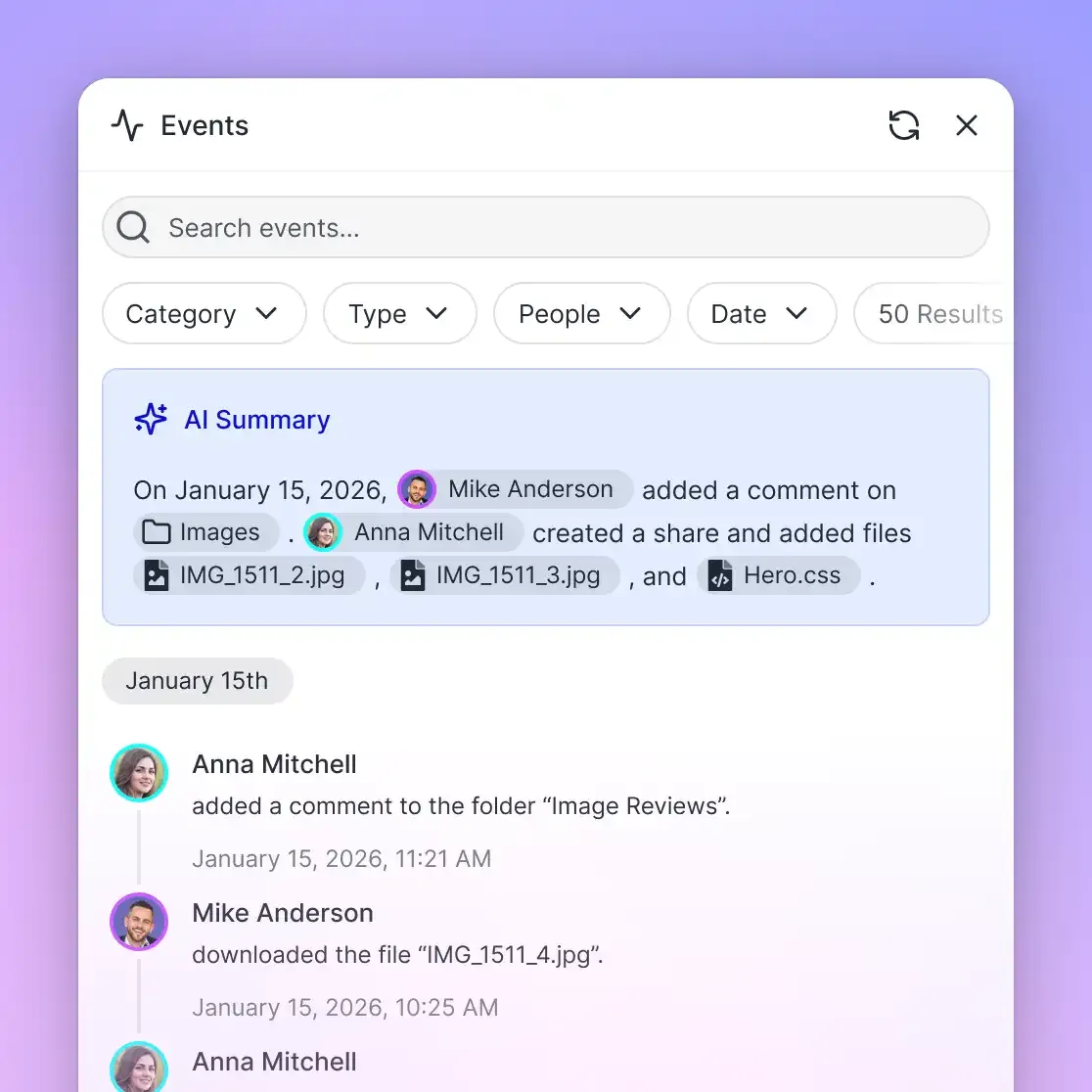


Overcome the Windsurf Token Limit with Shared Workspaces
Connect project documentation and architectural schemas to Fast.io via MCP to solve the Windsurf token limit. Keep Cascade focused on code while querying external context on demand. Starts with a 14-day free trial.
Windsurf Quotas and Rate Limits Across Plan Tiers
Account quotas and upstream provider rate limits form the final boundary governing Cascade token consumption. In March 2026, Devin Desktop replaced legacy credit pools with an automated quota-based usage system structured around rolling daily and weekly allowances.
Understanding the difference between provider-level rate limits and account-level quotas is essential for troubleshooting unexpected halts:
- Operational Rate Limits (HTTP 429): Concurrency and throughput limits enforced upstream by foundation model providers (such as Anthropic and OpenAI). When upstream clusters experience infrastructure congestion, requests fail with temporary HTTP 429 status codes. In this scenario, account quotas remain intact, and waiting a few moments resolves the issue.
- Account Usage Quotas: The contractual allowance of prompt tokens and model completions included with your subscription plan. Quotas refresh automatically on calendar dates. Hitting an account quota pauses Cascade execution until the next scheduled reset or until extra usage is enabled.
Daily vs Weekly Budget Pacing
Windsurf implements an intentional imbalance between daily and weekly allowances. According to official Devin Desktop documentation, your daily quota is more than 1/7 of your weekly quota, enabling users who work on weekends to fully use their weekly allowance.
This dynamic structure accommodates sprint-based development. A developer who works intensively across three days can draw down higher daily allocations without being restricted to a rigid one-seventh fraction each day. However, sustained peak usage throughout the week will hit the weekly ceiling before the mathematical sum of seven daily caps is reached.
Model Multipliers and Token Conservation
Not all models draw down quotas at the same rate. High-reasoning models carry substantial token cost multipliers:
- Frontier Reasoning Models: Flagship options like Claude Opus and OpenAI o3 consume significant quota per token due to extensive internal reasoning traces.
- Balanced Production Models: Options like Claude 3.5 Sonnet, GPT-4o, and Gemini 2.5 Pro provide dependable coding capability with moderate token expenditure.
- Specialized SWE Models: The internal SWE family (including SWE-1.7 and SWE-1.6) is optimized specifically for software engineering tasks and features lower token burn rates.
- Base Free Models: Lightweight base models marked as free do not draw down daily or weekly quotas at all, serving as a fallback when premium quotas are exhausted.
Subscribers on Pro, Teams, and Max plans can configure extra usage in account settings to continue working after exhausting included allowances, billing additional tokens directly at API list prices.
Offloading External Context to Fast.io Workspaces via MCP
While local AST indexing handles primary repository code effectively, modern software engineering requires extensive external context: API specifications, SDK manuals, architectural RFCs, compliance requirements, and product design documentation. Storing these reference files inside local code directories or pinning them in Cascade chats creates severe context bloat, accelerating quota depletion and triggering premature summarization.
This dynamic closely mirrors the constraints documented for Claude Projects. Anthropic's documentation on file uploads notes that while a chat accepts up to 20 files at up to 500MB each, a project accepts files up to 30MB each with no fixed file count cap, but the total content must fit within Claude's context window. The practical ceiling on a project is the context window itself, and reaching it forces developers to seek external solutions. In Windsurf, dragging static documentation into Cascade produces the identical bottleneck.
Rather than cramming static reference files into local repositories or rules files, engineering teams offload documentation to external shared workspaces connected via the Model Context Protocol (MCP).
Comparing Context Management Approaches
Developers typically evaluate three paths for managing large technical corpora alongside coding agents:
- Local Repository Clones: Keeping documentation inside the local workspace code tree. This bloats local AST indexes, consumes disk space on every machine, and forces Cascade to parse irrelevant markdown during normal code searches.
- Commodity Cloud Storage: Storing documentation in Google Drive, Dropbox, or Box folders. While adequate for human file storage, standard cloud drives lack semantic indexing for AI agents, forcing developers to manually download and attach raw files to chats.
- Intelligent Workspaces on Fast.io: Centralizing technical documentation in an org-owned Fast.io workspace. Files are indexed automatically for hybrid search, and Cascade queries the corpus remotely via MCP, receiving only precise, relevant passages.
How Fast.io MCP Works with Cascade
Connecting Windsurf to Fast.io shifts the context burden from local prompts to an external intelligence layer:
- Automated Ingestion and Indexing: Teams populate workspaces by uploading files or importing them directly from Google Drive, Dropbox, Box, or OneDrive. When Intelligence Mode is enabled, Fast.io AI storage builds a hybrid index combining full-text search, semantic vector embeddings, and search-by-metadata-value without requiring a separate vector database.
- Precise Remote Retrieval: Instead of ingesting a 100-page API specification into Cascade's prompt, the agent issues a semantic search tool call to the Fast.io MCP endpoint. Fast.io returns the exact two-paragraph contract or endpoint schema required.
- Preserving Context and Quotas: A remote search consumes only a few hundred tokens of observation data instead of tens of thousands of tokens of raw file text, leaving Cascade's context window open for code generation and preventing daily quota exhaustion.
- MCP Tool Limit Compliance: Cascade enforces a documented limit of 100 total tools across all configured MCP servers. Fast.io provides a consolidated MCP toolset, ensuring all workspace, storage, search, and collaborative capabilities register well within Cascade's tool ceiling.
Configuring the Fast.io MCP Server in Windsurf
Devin Desktop and Windsurf configure MCP connections via mcp_config.json, located at ~/.config/devin/mcp_config.json on macOS and Linux (or %APPDATA%\devin\mcp_config.json on Windows), with legacy support for ~/.codeium/windsurf/mcp_config.json.
Windsurf supports stdio, Streamable HTTP, and SSE transports. To connect Cascade to Fast.io using Streamable HTTP, add the coding-agent endpoint https://mcp.fast.io/mcp/code to your configuration:
{
  "mcpServers": {
    "fastio": {
      "url": "https://mcp.fast.io/mcp/code",
      "headers": {
        "Authorization": "Bearer ${env:FASTIO_API_KEY}"
      }
    }
  }
}
Once saved, Cascade automatically discovers Fast.io's workspace tools. When refactoring code against external specifications, Cascade searches the workspace, extracts the relevant schemas, and generates code grounded in verified documentation.
Teams can manage persistent project references alongside storage for AI agents, maintaining full per-file version history and a detailed activity log of changes. Creating an account is free; doing real work requires an organization on a paid subscription. Every organization starts with a 14-day free trial that requires a credit card. Paid subscription tiers on Fast.io pricing include Starter, Business, and Enterprise plans. By separating transient code reasoning from durable external knowledge, engineering teams eliminate context thrashing while keeping Cascade operating at peak performance.
Sources
References used to verify factual claims in this guide.
-
Workspace rule files in Devin Desktop are capped at 12,000 characters each, while the global rules file is capped at 6,000 characters.
-
Devin Desktop allocates daily quotas that exceed one-seventh of the weekly allowance to accommodate burst usage.
Frequently Asked Questions
What is the token limit in Windsurf Cascade?
Cascade operates on dynamic prompt token budgets rather than a single fixed context limit. While underlying foundation models provide extensive context windows, Cascade dynamically budgets prompt assembly across system instructions, rules files, active buffers, and conversational history. Sessions that approach model limits trigger automatic lossy summarization to prevent crashes.
What is the character limit for Windsurf rules files?
Devin Desktop limits workspace rule files in `.devin/rules/` to 12,000 characters each and the global rules file (`global_rules.md`) to 6,000 characters. These limits apply strictly to markdown content and exclude YAML frontmatter. Content exceeding these thresholds is truncated or dropped from prompt context.
How do I stop Windsurf from running out of context?
To prevent context exhaustion and context thrashing, reset Cascade chat sessions every 5 to 10 turns using `Cmd/Ctrl+L`. Avoid pinning large directories with `@codebase`, exclude build directories in `.codeiumignore`, use `glob` or `model_decision` activation modes for workspace rules, and query external documentation remotely via MCP instead of attaching large files.
How do Windsurf daily and weekly quotas reset?
Windsurf usage quotas reset automatically on calendar dates. Daily allowances exceed one-seventh of the weekly envelope to support concentrated development sprints on weekends. When quotas run out, Cascade pauses agentic execution until the next calendar reset unless extra usage is enabled on Pro, Teams, or Max plans.
How does connecting Fast.io over MCP reduce Cascade token consumption?
Connecting a Fast.io workspace via MCP allows Cascade to execute remote semantic searches over indexed project documentation. Instead of attaching a 50-page PDF or API reference that consumes tens of thousands of tokens, Cascade receives only the precise excerpt relevant to its current query, preserving prompt tokens and preventing context thrashing.
Related Resources

Overcome the Windsurf Token Limit with Shared Workspaces
Connect project documentation and architectural schemas to Fast.io via MCP to solve the Windsurf token limit. Keep Cascade focused on code while querying external context on demand. Starts with a 14-day free trial.