How to Set Up Data Room Webhook Integration for VDRs
Real-time event feeds send instant alerts for file events in virtual data rooms (VDRs), including uploads, changes, and access attempts. Fastio data rooms let you stream real-time events via WebSockets or poll the activity feed. This guide covers event monitoring and integration steps for due diligence workflows.

What Are Data Room Webhooks?
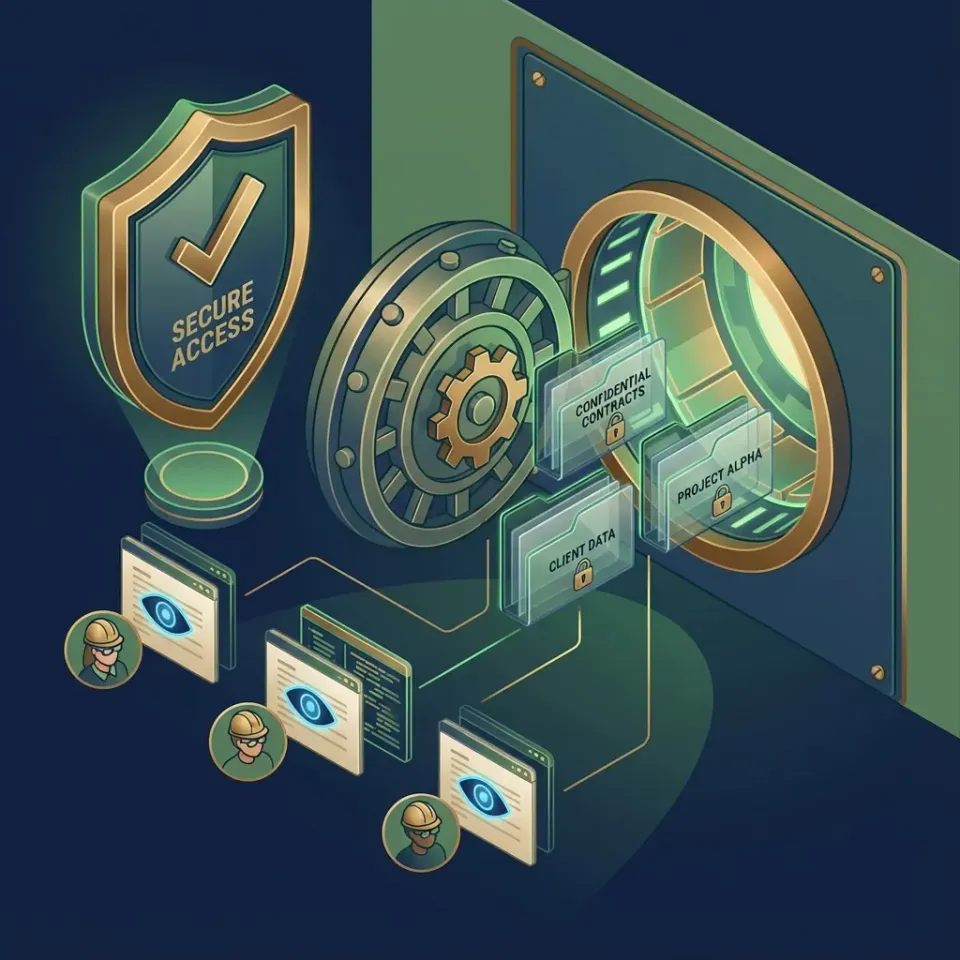
Data room webhooks and event integrations send notifications to external systems when files are uploaded, viewed, or modified in virtual data rooms (VDRs). During M&A due diligence or compliance audits, instant alerts flag when investors review sensitive disclosures.
Most traditional VDRs rely on email notifications or manual dashboard checks. Fastio provides programmatic real-time monitoring through a WebSocket events feed and a pollable activity feed. Instead of exposing public webhook URLs and managing ingress firewalls, systems maintain an outbound connection to receive events as they occur.
Typical events include document additions, version updates, and viewer access. Payloads include workspace identifiers, file metadata, and timestamps to drive automated review workflows.
Helpful references: Fastio Workspaces, Fastio Collaboration, and Fastio AI.

Key Events in Fastio Data Rooms
- file_added: New document uploaded to the data room.
- file_modified: Version update or metadata change committed.
- file_accessed: Viewer opens or downloads a document.
- share_access: External guest enters the branded portal.
Related guides
- How to Set Up a Private Placement Data RoomA private placement data room is a secure virtual workspace where issuers share private placement memorandums,...
- How to Set Up a Data Room Folder Structure That Speeds Up Due DiligenceA well-organized data room folder structure helps reviewers find documents quickly and keeps your deal on schedule....
- How to Set Up a Data Room for Renewable Energy ProjectsRenewable energy transactions involve dozens of specialized documents that generic file-sharing tools weren't built to...
- How to Set Up a Multi-Agent Data Room for Secure CollaborationA multi-agent data room gives AI agents a secure place to work together on files. Version history and permissions...
- How to Set Up AI Agent Due Diligence Data RoomsDue diligence data rooms with AI agents automate document reviews in secure VDRs. Manual DD takes weeks. AI agents...
- How to Set Up a Bankruptcy Data Room for Creditors and BiddersA bankruptcy data room is a secure virtual workspace used to share financial records, asset inventories, and legal...
More on this subject: Data Rooms and Due Diligence (53 guides)
Why Use Webhooks for VDR Event Notifications?
Manual polling wastes bandwidth and delays alerts, whereas real-time event streaming delivers notifications instantly. Diligence teams require prompt notice when high-priority documents are accessed.
AI agents benefit significantly from event-driven architectures. Rather than running continuous polling loops, agents listen to the real-time event stream and trigger analysis scripts the moment a file arrives.
Fastio logs every event to a detailed activity log while broadcasting updates to connected clients.
This table highlights the operational advantages of real-time event feeds over manual polling.



Stream Real-Time Data Room Events
Enable real-time VDR alerts with Fastio's 14-day Business Trial. Automate due diligence workflows with live event feeds. Sign up today.
Prerequisites for Setup
Before you begin, create a Fastio account. The 14-day Business Trial requires a credit card and provides full access to workspaces, audit logs, and real-time feeds.
You will need an environment capable of opening a secure WebSocket connection or sending authenticated HTTP GET requests to poll the activity feed, such as a Node.js or Python backend.
Finally, generate a long-lived API token from the developer settings in your Fastio dashboard. Store this token securely as an environment variable in your application.
Step-by-Step Webhook Setup
Create Data Room: Start a new workspace, configure role permissions, and set up folder structures.
Generate API Key: Create a scoped API key in developer settings for programmatic access.
Connect Event Stream: Open a secure WebSocket connection to Fastio's real-time events feed, passing your API key in the authorization header.
Listen for Events: Subscribe to file events such as
file_addedorfile_accessedto trigger automated scripts.Verify Audit Log: Inspect the activity log in the Fastio dashboard to ensure all actions are recorded.
Frequently Asked Questions
What are data room webhooks and real-time alerts?
Data room alerts notify external systems when files are uploaded, viewed, or modified during virtual data room due diligence.
How does Fastio deliver real-time data room alerts?
Fastio provides a WebSocket events feed and an activity feed API that clients can poll, streaming updates without configuring external webhook URLs.
What events are tracked in Fastio data rooms?
Tracked events include file uploads, version updates, document downloads, and guest share access, all recorded in the audit log.
Can I test real-time alerts on the Fastio trial?
Yes, Fastio offers a 14-day Business Trial requiring a credit card that includes full access to workspaces, audit logs, and real-time feeds.
Related Resources

Stream Real-Time Data Room Events
Enable real-time VDR alerts with Fastio's 14-day Business Trial. Automate due diligence workflows with live event feeds. Sign up today.