How to Secure Large File Transfer for Small Business
Small businesses share large files with clients and teams. They deal with sensitive documents, videos, and designs too big for email. Threats are rising and budgets tight, so choose tools with good security and no per-user costs. This guide reviews risks, features, pricing, and setup for safe, affordable transfers.
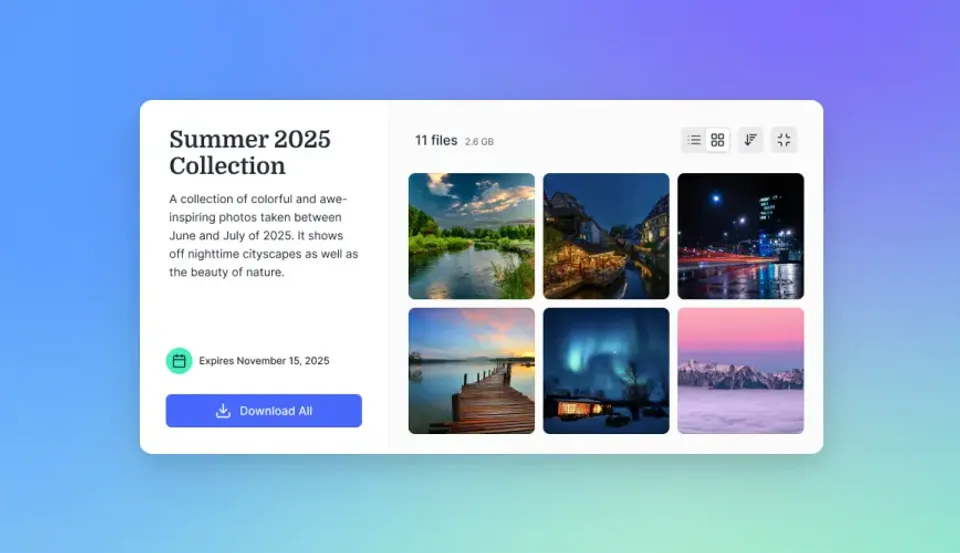
Why Secure Large File Transfers Matter for Small Businesses
Small businesses send proposals, contracts, videos, and designs that go beyond email limits. Secure sharing keeps them safe from hackers or unwanted access. Verizon's 2025 Data Breach Report shows SMBs face cyber risks almost four times higher than big companies.
Data leaks cost money and client trust. A shared link without a password or expiration stays open forever. Use platforms with encryption for storage and transfers. View-only links and access logs handle most threats.
Marketing agencies need this for campaign files. Construction firms use it for blueprints. Track views and revoke access fast to avoid problems without slowing work.
Helpful references: Fast.io Workspaces, Fast.io Collaboration, and Fast.io AI.

Real-World SMB Scenarios
Design firms send big mockups or videos to clients. FTP risks hacks. Email fails on size. Secure platforms add passwords, view-only, expiration, and view tracking so only clients see files.
Key Breach Statistics
Verizon's 2025 report says SMBs get hit nearly four times more than large firms. Third-party risks are up. Ransomware hits many cases. Email and free tools don't cut it for business shares.
What to Check Before Scaling Secure Large File Transfer
Email attachments often hit size limits and lack tracking. Free services like WeTransfer let links expire quickly, forcing re-uploads. Public links without passwords allow anyone with the URL to download files.
Per-user pricing adds up for small teams. Dropbox Standard costs $375 a month for 25 users. Without watermarks or domain restrictions, files can spread easily.
Phishing attacks using fake share links target small businesses. Weak encryption leaves data exposed during transfer. Missing logs mean no proof if disputes arise.
Breach Impact on Small Businesses
Losing client trust hurts more than cleanup. Backups aid recovery, but secure shares prevent issues upfront.
Key Security Features for SMB File Transfers
Encryption protects files at rest and in transit. Even intercepted data remains unreadable, which is why banks and governments rely on it.
Access controls include password-protected links, automatic expiration, view-only mode, domain whitelists, and watermarks. Passwords secure shares even if someone guesses the link. Expirations close access after a set time. View-only prevents downloads for client reviews. Logs track every view and download for dispute resolution.
Set permissions at workspace, folder, or file level. Clients get view access; teams handle edits.
Multi-factor authentication (MFA) adds login checks. Single sign-on (SSO) works with Google Workspace or Okta.
Unlimited guests cost nothing extra. Domain rules limit shares to specific emails like @client.com. Watermarks brand previews and downloads. Full audit logs record all activity.
Choose platforms that include these features at no additional cost.



Share Files Without Limits on Fast.io
Fast.io free: 50 GB storage, 10,000 credits/mo, encryption, access controls. Fits small business budgets with no per-seat fees. Start sharing securely. Built for secure large file transfer small business workflows.
SMB Pricing vs Security Balance
Small businesses want pro security at low cost. Per-user plans add up fast. Fast.io bills by credits for storage and bandwidth, seats bundled.
Fast.io Pro starts at $multiple/mo base plus usage, including storage and seats (extras $multiple/mo). It saves teams over multiple% vs Dropbox while covering security features like logs and domains.
Setting Up Secure Transfers with Fast.io
Sign up free. No credit card. Free plan gives credits monthly for most small business needs.
Make a workspace. Name for project or client. Set private or org-wide. Permissions: edit for team, view for clients. Keeps files project-organized.
Upload files. Drag-drop or chunked for up to multiple GB (Pro). Chunked splits files, resumes if drops.
Create share. Add password, expiration, view-only, watermark, domain limit. Good for client sends.
Check logs for views/downloads. Monitor active projects.
Revoke links instantly if needed.
Files remain encrypted, and you can monitor live views.
Test it: Share sample with coworker. Check logs and revoke. Document steps for team.

Advanced Controls
Branded portals for clients. SSO and MFA for teams.
Best Practices for Ongoing Security
Set link expirations weekly. Use view-only for client reviews. Turn on MFA and SSO. Review logs monthly for odd activity.
Train team on phishing. Fake shares ask for logins. Check sender emails. Avoid creds on surprise sites.
Share only needed files. Use workspaces per client/project.
Test restores every quarter.
Video teams can preview with HLS streaming and add frame comments without full downloads.
Write a security guide: Share rules, report issues, yearly training.
Hold team reviews quarterly on threats and fixes.
Document access rules, audit trails, and retention policies before rollout so staging results are repeatable in production. This avoids late surprises and helps teams debug issues with confidence.
Frequently Asked Questions
What is the best secure large file transfer for small business?
Fast.io suits small businesses with strong security and low costs. It offers end-to-end encryption, access controls, full logs, and no fees for unlimited guests.
Are there free secure large file tools?
Fast.io free plan has 50 GB storage, 10,000 credits/mo, password shares, expiration. No card needed, good for occasional shares.
How does encryption work for large files?
Fast.io encrypts at rest and transit with AES/TLS. Handles files over multiple GB safe from grabs.
What pricing fits SMB secure sharing?
Credit-based like Fast.io Pro $10/mo base. No per-seat for guests, covers heavy use.
Can SMBs share unlimited with clients securely?
Yes. Platforms like Fast.io give unlimited guests passwords, expiration, view-only, watermarks. No client charges.
Related Resources

Share Files Without Limits on Fast.io
Fast.io free: 50 GB storage, 10,000 credits/mo, encryption, access controls. Fits small business budgets with no per-seat fees. Start sharing securely. Built for secure large file transfer small business workflows.