How to Share ProRes RAW Video with Remote Production Teams
Sharing ProRes RAW video for remote teams requires high-performance storage that preserves the underlying Bayer pattern data and metadata without proxy-only limitations. While many platforms force editors into low-resolution workflows, modern cloud solutions now support the massive bitrates required for full-res RAW collaboration. This guide explores how to eliminate the 20% time loss associated with transfer latency and build a scalable remote post-production pipeline.
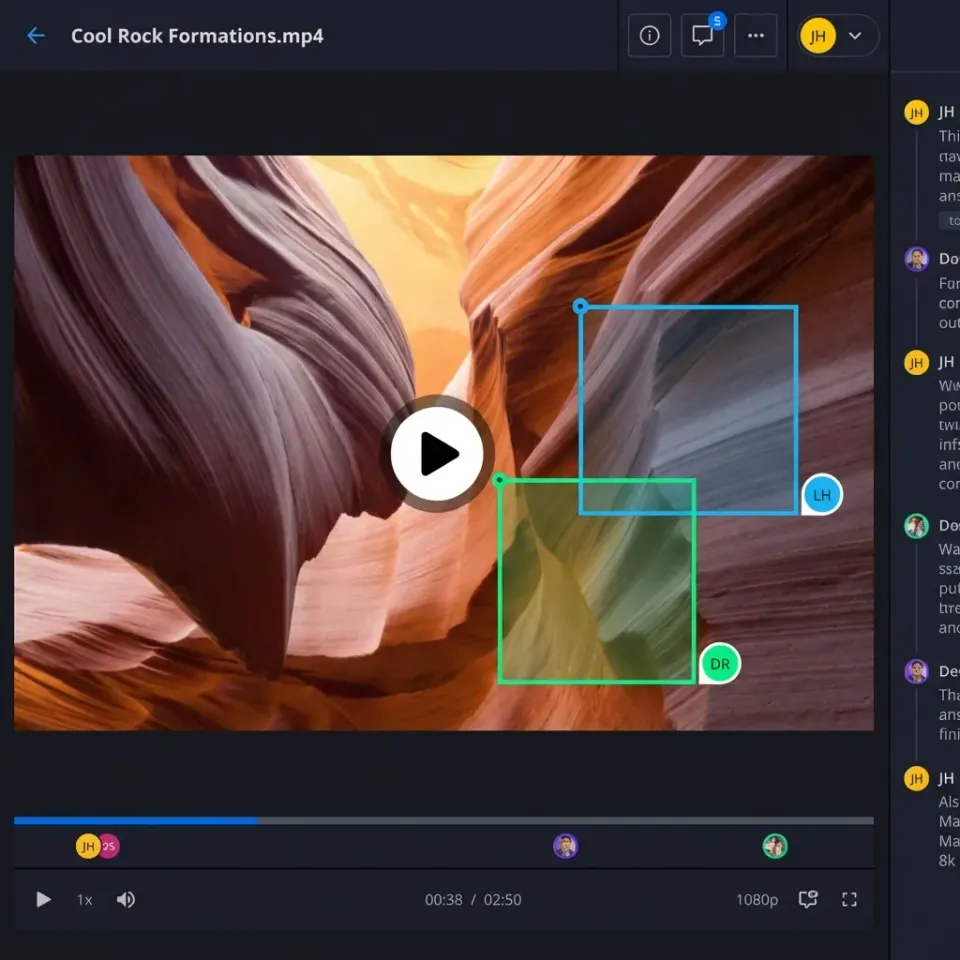
The Challenge of Sharing ProRes RAW Remotely
ProRes RAW has changed the production landscape by combining the performance of ProRes with the flexibility of RAW video. However, this flexibility comes with a significant data burden. Because ProRes RAW preserves the original Bayer pattern data from the camera sensor, file sizes are substantially larger than standard compressed formats. In a remote production environment, these files create a bottleneck that standard cloud storage cannot handle.
Traditional file sharing tools often struggle with the sheer volume of data. When a single minute of multiple ProRes RAW footage can exceed several gigabytes, a standard upload becomes a multi-hour ordeal. This latency is not just a nuisance, it is a financial drain. Industry data indicates that remote video teams lose approximately 20% of their billable time waiting for file transfers to complete or for cloud sync processes to catch up.
To solve this, production houses must move beyond the "upload and download" model. The goal is to create a unified workspace where the RAW data is available to every editor, colorist, and assistant director simultaneously, regardless of their physical location.
Helpful references: Fast.io Workspaces, Fast.io Collaboration, and Fast.io AI.
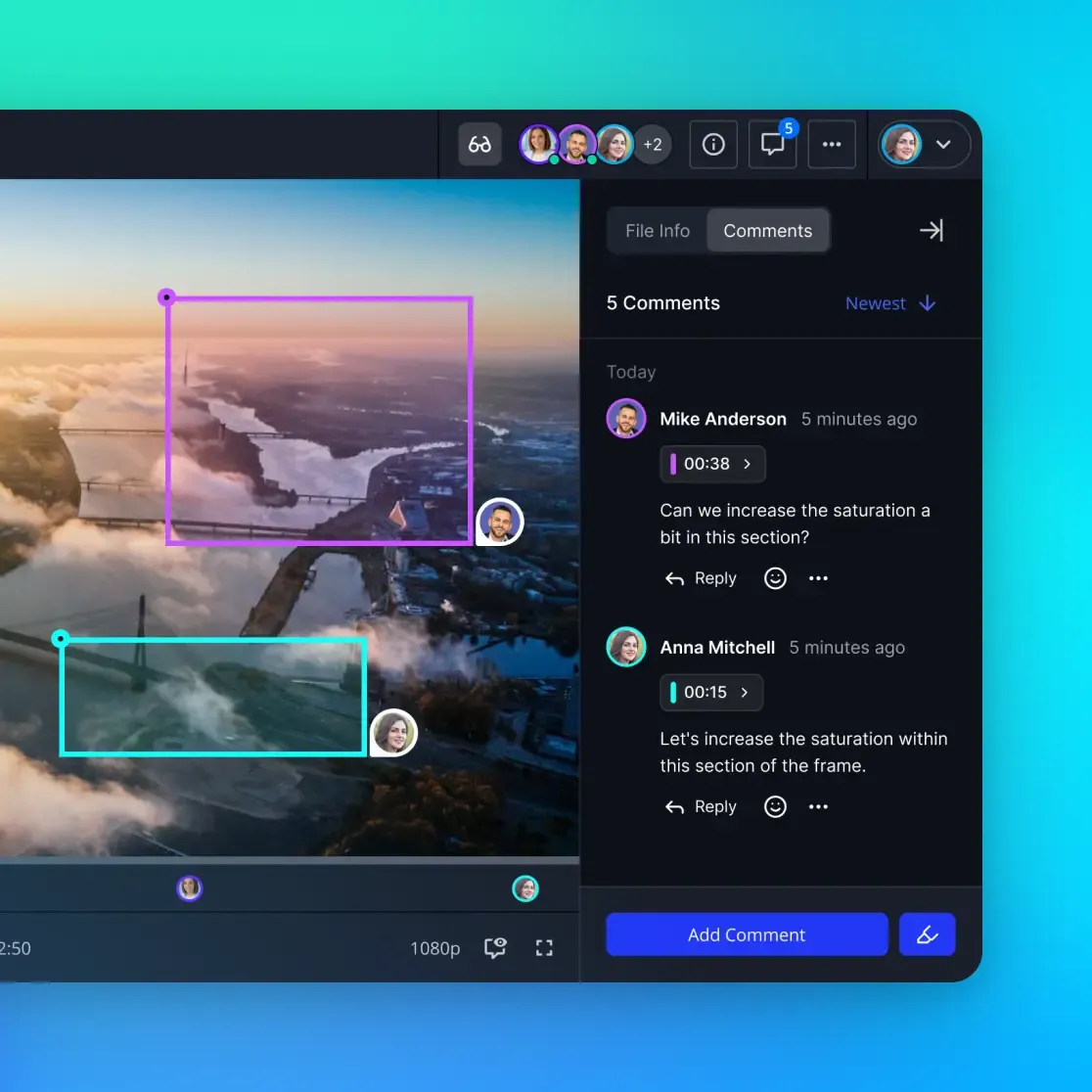
Why High Bitrates Break Traditional Workflows
Understanding why standard tools fail starts with the numbers. ProRes RAW bitrates can exceed 500 Mbps depending on the resolution and frame rate. Most consumer-grade cloud storage services throttle upload speeds or impose strict file size limits that make sharing a multiple "day one" shoot nearly impossible. Even if the upload succeeds, the egress fees for downloading that footage to multiple remote editors can quickly balloon a project's budget.
Also, the metadata associated with ProRes RAW is sensitive. Unlike standard video files, ProRes RAW carries specific instructions for ISO, white balance, and exposure that must be interpreted correctly by the editing software. Many file sharing platforms strip this metadata or fail to preserve the file structure required for "sidecar" files and folder-based RAW formats.
Fast.io addresses these issues by treating the workspace as a high-speed data hub. Instead of treating video files like static documents, the platform is optimized for high-bitrate streams. This allows remote teams to access the full-resolution RAW data with the same responsiveness they would expect from a local RAID array.


Stop Waiting for ProRes RAW Transfers
Ditch the proxy workflow and share full-res RAW footage with your remote team. Start your 50GB free workspace today. Built for prores raw video sharing remote teams workflows.
5 Steps to Setting Up a Remote ProRes RAW Workflow
Setting up a professional remote workflow requires more than just a fast connection. You need a structured approach to ensure data integrity and team synchronization. Follow these five steps to establish a reliable pipeline for your production. 1.
Centralize Your RAW Assets: Upload your original camera files to a high-performance workspace. Avoid using multiple personal drives; a single source of truth prevents version conflicts. 2.
Preserve Metadata Structure: Ensure your transfer method maintains the original folder hierarchy. ProRes RAW relies on specific file relationships that must remain intact for the editing software to recognize the RAW controls. 3.
Enable Intelligence Indexing: Use a platform that can index your video metadata. This allows assistants to find specific clips based on camera settings or scene notes without scrubbing through hours of footage. 4.
Configure Granular Access: Assign specific permissions to your team. A colorist may need full-res access to the RAW files, while a producer might only need viewing rights to the assembly edit. 5.
Automate Sync and Backups: Set up automated routines to mirror your cloud workspace to a local backup. This provides a safety net while keeping the cloud version as the primary collaboration point. In practice, this workflow eliminates the need for "sneaker-net", shipping physical hard drives across the country. By keeping the high-resolution data in a shared workspace, you allow your team to start grading and finishing the moment the footage is uploaded.
Moving Beyond Proxy-Only Limitations
For years, the standard answer to remote video editing was the "proxy workflow." Editors would create low-resolution H.multiple files to share remotely, then "relink" to the original RAW files at the end for color grading. While this works for simple edits, it creates a massive disconnect during the creative process. A director cannot judge the true quality of a shot on a low-res proxy, and a colorist cannot start their work until the full-res files arrive.
Fast.io allows for full-res RAW collaboration. This means your remote team is always looking at the master footage. Because the platform supports massive file sizes and high-speed streaming, the "relinking" step becomes optional rather than mandatory. This shift in workflow can shave days off a post-production schedule, especially on tight turnaround projects like commercials or episodic television.
This approach matters because it preserves the creative intent from the camera to the final delivery. When your team can see the full dynamic range and detail of the ProRes RAW files in real-time, they make better creative decisions faster.

Evidence and Benchmarks: The Cost of Latency
The technical superiority of a RAW-first workflow is supported by clear industry data. Research into remote post-production efficiency shows that the primary bottleneck is not software performance, but data availability. When editors spend multiple% of their day managing files, that equates to one full day per week lost to administrative overhead.
Benchmarks comparing Fast.io to traditional cloud providers show a significant advantage in sustained transfer speeds. While standard services often peak early and then throttle, a dedicated high-performance workspace maintains the multiple Mbps+ throughput required for ProRes RAW. This stability is what allows for "live" editing directly from the cloud without the stuttering and buffering that plagues consumer tools.
Also, the elimination of egress fees on specific high-performance tiers provides a predictable cost model. In a traditional cloud environment, every time an editor opens a file, it costs money. In a unified production workspace, the data remains accessible without the "penalty" of high-volume usage.
Frequently Asked Questions
Can you share ProRes RAW files for remote editing?
Yes, you can share ProRes RAW files for remote editing by using high-performance cloud workspaces that support high-bitrate transfers. Unlike standard file sharing services, these platforms preserve the Bayer pattern data and metadata, allowing remote editors to access the full-resolution RAW controls without needing local copies of every file.
How do you manage ProRes RAW metadata in the cloud?
ProRes RAW metadata is managed by ensuring your cloud platform preserves the original file structure and sidecar data. High-performance workspaces like Fast.io can index this metadata, making it searchable and ensuring that your editing software recognizes ISO, white balance, and exposure settings exactly as they were recorded on set.
What is the minimum internet speed for remote RAW editing?
For smooth remote editing of ProRes RAW at full resolution, an internet connection with at least multiple Mbps download speed is recommended. However, if your workspace supports intelligent streaming, you can often work effectively on slower connections while the platform manages the data priority in the background.
Does sharing ProRes RAW files compress the video quality?
No, sharing ProRes RAW files through a professional workspace does not compress the video. These platforms are designed to handle 'bit-for-bit' transfers, ensuring that the multiple-bit RAW data remains identical to what was captured by the camera sensor.
How does Fast.io handle massive video files?
Fast.io is optimized for high-bitrate media, supporting files up to multiple and maintaining sustained transfer speeds that exceed multiple Mbps. This allows production teams to treat the cloud workspace like a local high-speed drive, enabling full-resolution collaboration without the need for traditional proxy workflows.
Related Resources

Stop Waiting for ProRes RAW Transfers
Ditch the proxy workflow and share full-res RAW footage with your remote team. Start your 50GB free workspace today. Built for prores raw video sharing remote teams workflows.