How to Build a Professional Photography Portfolio Website
A photography portfolio website is your digital storefront, but most builders silently crush your image quality. This guide shows you how to build a portfolio that preserves every pixel, attracts high-value clients, and simplifies your delivery workflow without technical headaches.
What is a Photography Portfolio Website?
A photography portfolio website is an online gallery showcasing a photographer's best work to attract clients and display their visual style. Unlike social media, where algorithms control who sees your photos, a dedicated portfolio gives you complete control over the viewing experience. It works as your always-on sales agent, letting potential clients view your expertise, check your pricing, and book your services directly. For professional photographers, a portfolio is not just a collection of pretty pictures. It is a business tool. According to industry data, photographers with professional portfolios receive more inquiries than those relying on Instagram or Facebook alone. Add this: 94% of first impressions are design-related, meaning the platform you choose matters just as much as the photos you take. A professional site also gives you permanence and reliability. Social media accounts can be deleted or hacked overnight. Your own website remains the central hub of your business that you fully own and control. This professional presentation builds immediate trust with high-value clients who expect a polished brand experience.
Helpful references: Fast.io Workspaces, Fast.io Collaboration, and Fast.io AI.

Why Most Portfolio Websites Fail (The Compression Trap)
The biggest mistake photographers make is ignoring image compression. You spend thousands on high-quality lenses and hours in Lightroom or Capture One to perfect your sharpness, contrast, and color grading. Then you upload those files to a standard website builder, and the platform's aggressive compression algorithm ruins your hard work. Most popular builders automatically resize and compress images to save bandwidth and improve load times for their own servers. This creates visible banding in gradients, soft edges where there should be crisp detail, and subtle color shifts that destroy your creative intent. For a casual user sharing vacation photos, this is fine. For a professional photographer trying to sell premium services, it's unacceptable. Your portfolio needs to display your work just as you exported it from your editing suite.
The Solution: Use a platform that supports high-resolution storage and direct delivery without hidden processing. Fast.io, for example, lets you host full-resolution files and serve them directly to clients or embed them without any quality loss. This means when a creative director or potential high-end client zooms in on your work, they see the natural grain and sharp detail you intended.


Share Files Without Limits on Fast.io
Stop letting compression ruin your hard work. Create a beautiful, branded portal for your clients with Fast.io.
Top Features Every Photography Website Needs
When evaluating portfolio builders, look beyond the templates. A pretty theme cannot hide poor functionality. Here are the non-negotiable features for a professional site:
- Zero-Compression Display: Your images must look crisp on high-resolution monitors and high-density retina displays. High-resolution screens expose every flaw, so your hosting must preserve the fine details of your work as you intended.
- Fast Loading Speeds: 53% of mobile users leave a site that takes longer than 3 seconds to load. A professional portfolio uses optimization techniques and global delivery networks to serve images instantly from the server closest to the viewer.
- Client Proofing Areas: A private section where clients can review and select images without the public seeing their personal shots. This simplifies the feedback process and eliminates the need for endless email chains or confusing messages.
- Direct Download Links: The ability to send zip files or high-res downloads directly from your site. This makes the delivery process smooth and professional, reinforcing your brand at the final touchpoint with the customer.
- Custom Domain Name: Your own .com address builds trust immediately and improves your search engine rankings, making it easier for local clients to find your services when they search online.
How to Create Your Photography Portfolio in 5 Steps
Building your site does not have to be a month-long project. Follow this proven workflow to get online quickly.
1. Curate Ruthlessly Do not upload every photo from your hard drive. Pick your best images per category to showcase only your highest level of skill. If you shoot weddings, portraits, and commercial work, create separate galleries for each to keep the user experience focused. Potential clients want to see consistency and mastery in a specific style, not a random variety of every shoot you have ever done. Quality always beats quantity in a professional portfolio.
2. Choose Your Platform Decide if you want an all-in-one builder (like Squarespace or Wix) or a dedicated storage solution (like Fast.io linked to a custom frontend). All-in-one builders are easier but limit your file controls. Storage-first solutions give you total quality control.
3. Prepare Your Files Export your images for web viewing. Even if you use a high-quality host, you should convert to sRGB color space to ensure colors look correct on all monitors.
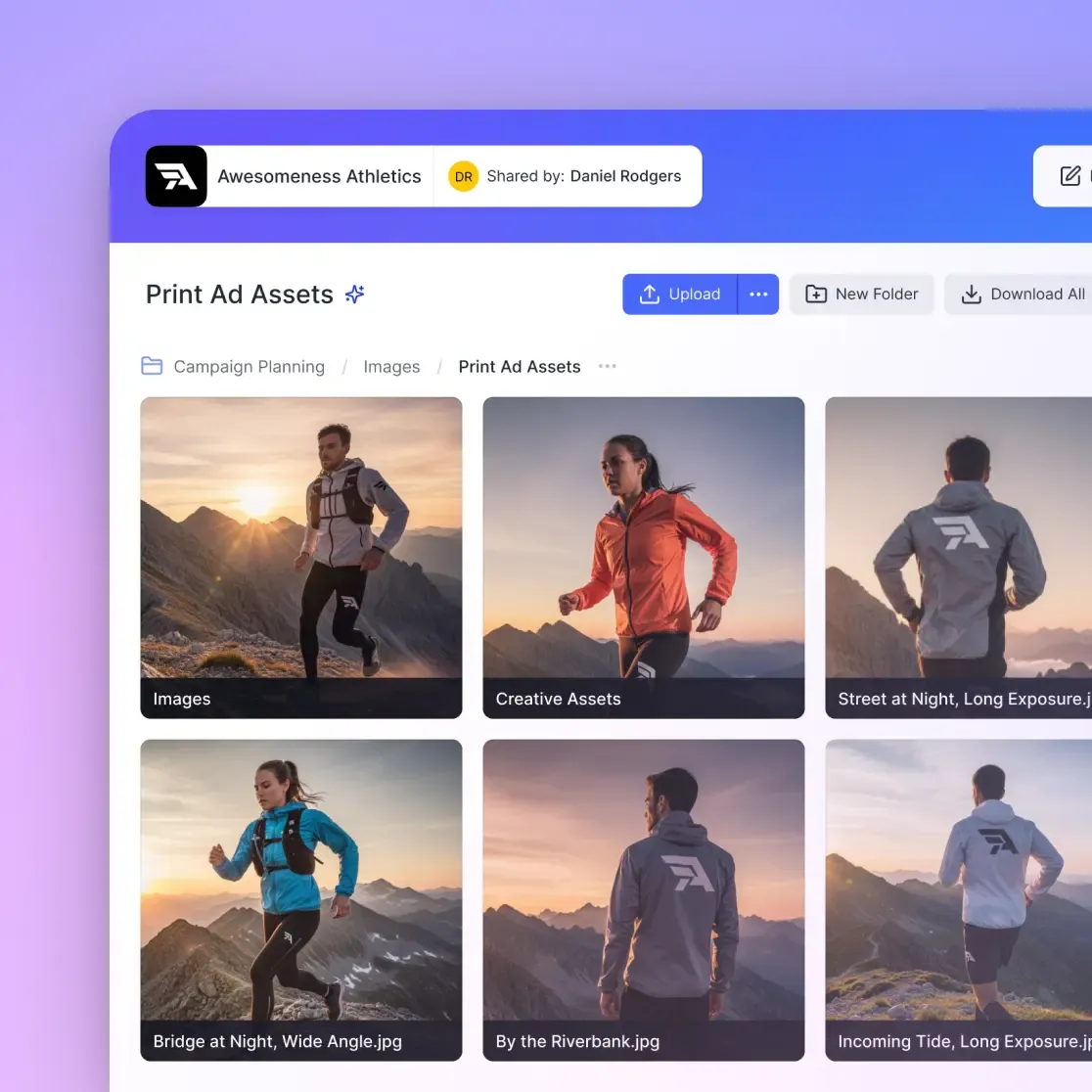
4. Set Up Client Delivery Your portfolio attracts the client, but your delivery keeps them. Set up a branded portal where they can download their final files. This separates you from amateurs using WeTransfer or Google Drive links.
5. Add Your 'About' and 'Contact' Pages People buy from people. Write a bio that explains your style and approach. Include a clear contact form, not just an email address, to capture lead details right away.
Best Photography Portfolio Builders Compared
There are dozens of options, but these three categories cover most needs.
Verdict: For the main "marketing" site, Squarespace is often the easiest start. However, for the working part of your portfolio, which includes delivering proofs, sharing high-res assets, and archiving work, Fast.io is the superior backend choice that works alongside your workflow.

Frequently Asked Questions
What is the best website for a photography portfolio?
The best website depends on your technical skills. For pure visuals, Squarespace is excellent. For workflow and file delivery, Fast.io offers the best backend storage and sharing without compression.
Do photographers need a website?
Yes. Social media reaches a broad audience, but a website converts them into paying clients. It establishes professional credibility and gives you a platform you own, unlike Instagram or TikTok.
How do I create a photography portfolio for free?
You can start with Fast.io's free plan, which gives you 50GB of storage and a branded portal. Adobe Portfolio is also free if you already pay for the Creative Cloud photography plan.
Should I watermark my portfolio images?
Generally, no. Watermarks distract from the image quality and can look amateurish. If you are worried about theft, upload lower-resolution versions (2000px wide) for the public gallery and keep the full-resolution files in a secure Fast.io vault.
Related Resources

Share Files Without Limits on Fast.io
Stop letting compression ruin your hard work. Create a beautiful, branded portal for your clients with Fast.io.