Best Loom Alternatives for Video Messaging and File Sharing
Loom changed how teams communicate with async video, but it has limitations around video quality, file storage, and long-term organization. This guide compares the best Loom alternatives based on video quality retention, file management capabilities, and pricing. We cover free options, sales-focused tools, and platforms built for creative teams who need more than basic screen recording.
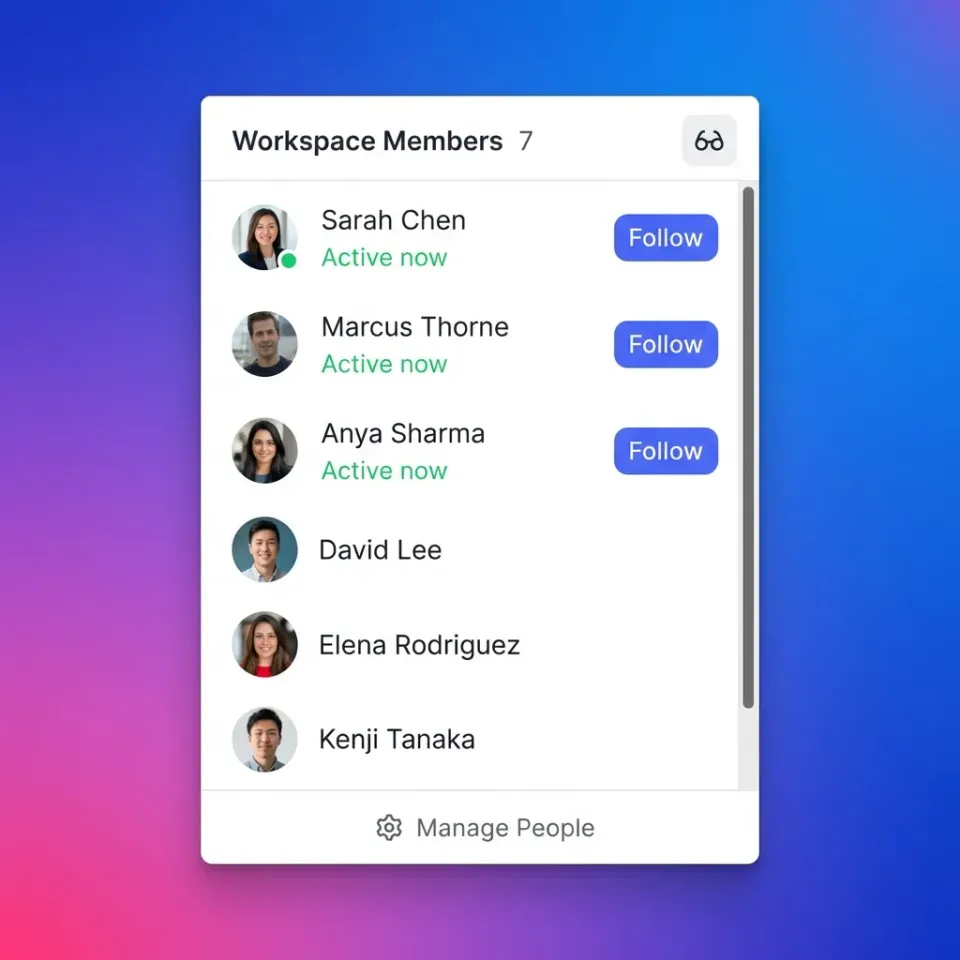
What Makes a Good Loom Alternative?
A Loom alternative is a video messaging or async communication tool that lets teams record and share video messages without live meetings. Most Loom comparisons focus on recording features like screen capture, webcam overlay, and basic editing. But the real differentiators show up after you hit record:
- Video quality retention: Does your 4K recording stay 4K, or get compressed to save bandwidth?
- File organization: Where do recordings live after a week? Can you find them?
- Viewer experience: How fast do videos load? Can viewers comment on specific moments?
- Team workflows: Can collaborators review, approve, and organize videos together? Async video reduces meeting time by 29% according to workplace studies. Video messages also see 3x higher engagement than text. But these benefits only matter if your videos stay accessible and organized.
Helpful references: Fast.io Workspaces, Fast.io Collaboration, and Fast.io AI.
Top 5 Loom Alternatives Compared
Here are the strongest Loom alternatives, each with a different strength:
1. Fast.io: Best for Video Quality and File Management
Fast.io treats video as a first-class file type. While Loom compresses uploads, Fast.io preserves original quality and delivers via HLS streaming (the same technology Netflix uses). Videos start instantly with zero buffering.
Best for: Creative teams, video producers, agencies delivering client work
Key advantages:
- No compression on uploads, originals preserved
- Frame-accurate commenting for precise feedback
- Organized workspaces instead of endless video lists
- Usage-based pricing (not per-seat)
2. Vidyard: Best for Sales Teams
Vidyard built its entire platform around sales prospecting. You get detailed viewer analytics, CRM integrations, and templates for outreach videos.
Best for: Sales teams sending personalized video pitches
Pricing: Free tier available. Plus plan at published pricing/month.
3. ClickUp Clips: Best for Project Management Integration
If your team already uses ClickUp, Clips removes friction. Record videos and embed them directly in tasks and docs. AI transcription included.
Best for: Teams already in the ClickUp ecosystem
Pricing: Free plan available. Paid from published pricing/month.
4. Tella: Best for Polished Recordings
Tella focuses on making recordings look professional without editing skills. Section-based recording, AI filler word removal, and clean layouts.
Best for: Content creators, course builders
Pricing: Pro at published pricing, Premium at published pricing.
5. OBS Studio: Best Free Option OBS is free, open-source, and endlessly customizable. The learning curve is steep, but power users can build sophisticated recording setups.
Best for: Technical users who want complete control
Pricing: Free forever.



Start with loom alternative on Fast.io
Fast.io preserves video quality, organizes files in workspaces, and enables frame-accurate collaboration. See how teams manage video at scale.
Is There a Free Alternative to Loom?
Yes. Several free options exist, though each has tradeoffs:
OBS Studio gives you unlimited recording with no watermarks or time limits. The catch: no cloud hosting, sharing, or analytics. You record locally and handle distribution yourself.
ClickUp Clips offers free screen recording if you use ClickUp's free tier. Recordings embed in your project management workflow.
Zight (formerly CloudApp) has a free tier for individuals with basic screen recording and GIF creation.
Loom's free tier still exists and allows up to 25 videos per person with 5-minute limits. For teams who need organization and collaboration, free tools usually hit walls around storage limits, video length, or missing features like commenting. Paid tools typically cost $8 to published pricing monthly.
Why Teams Switch from Loom
Loom works well for quick screen recordings. Teams typically outgrow it for three reasons:
Video Quality Degradation
Loom compresses uploads to reduce bandwidth costs. A crisp product demo becomes fuzzy. Code in screen recordings becomes hard to read. For casual internal updates, that's fine. For client deliverables or detailed technical content, it's not.
File Organization Chaos
Loom stores videos in a flat library. After a few months, finding specific recordings requires remembering exact titles or scrolling through hundreds of thumbnails. There are no folders, workspaces, or project-based organization.
Limited Collaboration Features
You can comment on Loom videos, but feedback stays surface-level. No frame-accurate timestamps for precise feedback. No approval workflows. No way to organize review cycles. Teams managing video at scale need infrastructure that Loom wasn't built to provide.

What Is the Best Video Messaging App?
The best video messaging app depends on your primary use case:
For sales prospecting: Vidyard. Deep CRM integrations, viewer tracking, and templates built for outbound. You can see exactly when prospects watch and which parts they rewatch.
For internal team updates: Loom or ClickUp Clips. Quick recordings, easy sharing, minimal friction. If it's just "here's what I worked on today," simplicity wins.
For creative and video production teams: Fast.io. When video quality matters, when you need frame-accurate feedback, when recordings are project assets (not disposable messages), you need proper file management.
For documentation and training: Scribe or Tella. Automated step capture, polished output, reusable guides. Most teams need different tools for different contexts. A quick internal update doesn't need the same infrastructure as a client video deliverable.
How Fast.io Handles Video Differently
Fast.io isn't a screen recording tool. It's cloud storage built for teams who work with video and large files.
HLS Streaming vs Progressive Download
Loom and most alternatives use progressive download. Your browser downloads the video file while playing. If you jump ahead, you wait. Buffering happens constantly. Fast.io uses HLS (HTTP Live Streaming). Videos start instantly. Scrubbing works without delay. Quality adapts to connection speed. This is the same technology used by Netflix and YouTube.
Original Quality Preserved
When you upload to Fast.io, your file stays exactly as uploaded. No compression. No quality loss. Web-optimized proxies are generated for fast viewing, but the original remains downloadable.
Frame-Accurate Feedback
Comments pin to specific video frames. Instead of "around the two-minute mark," reviewers click exactly where feedback applies. Editors know precisely what to fix.
Organization That Scales
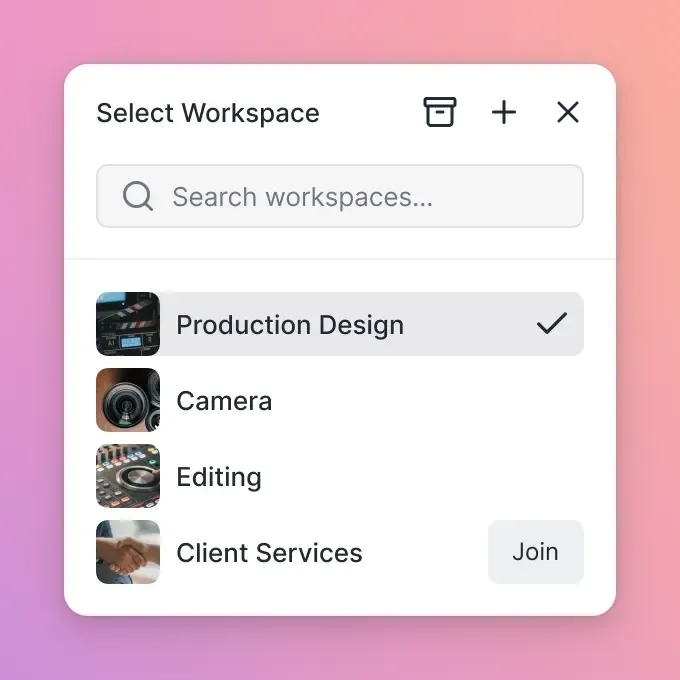
Videos live in workspaces alongside other project files. Storyboards, scripts, raw footage, and final exports all stay together. When projects end, archive the workspace. When you need that video six months later, you find it in context.
Pricing That Makes Sense
Fast.io uses usage-based pricing instead of per-seat costs. Large teams with occasional video needs pay for what they use, not per-person licenses.
Choosing the Right Tool for Your Team
Match the tool to your actual workflow:
You send quick video updates internally: Stick with Loom or use ClickUp Clips if you're already in that ecosystem. Simplicity matters more than features.
You create sales prospecting videos: Vidyard is purpose-built for this. Analytics and CRM integration justify the cost.
You deliver video work to clients: You need quality retention, organized workspaces, and professional collaboration. Fast.io fits this use case.
You build courses or documentation: Tella for polished video, Scribe for automated guides.
You want maximum control and zero cost: OBS Studio if you can handle the setup. The async video market has matured beyond "Loom vs not Loom." Each tool carved out a specialty. Your job is matching that specialty to your actual needs.
Frequently Asked Questions
What is better than Loom?
It depends on your use case. For sales prospecting, Vidyard offers better analytics and CRM integration. For video quality and file organization, Fast.io preserves original quality and provides workspace-based organization. For teams in ClickUp, Clips integrates directly with your project management. Loom remains solid for quick internal updates where simplicity matters most.
Is there a free alternative to Loom?
Yes. OBS Studio is completely free and open-source with unlimited recording, though it requires local file management. ClickUp Clips offers free screen recording within their free project management tier. Zight provides a free tier for individuals. Loom itself has a free plan with 25 videos and 5-minute limits.
What is the best video messaging app?
Vidyard is best for sales teams who need prospect tracking. Fast.io is best for creative teams who need video quality and file organization. ClickUp Clips is best for teams already using ClickUp. Tella is best for polished, professional-looking recordings. The best app depends on whether you prioritize recording features, viewer analytics, file management, or workflow integration.
Why do companies switch from Loom?
The most common reasons are video quality compression, lack of file organization, and limited collaboration features. Loom compresses uploads which degrades quality for detailed content. Videos pile up in a flat library without folders or workspaces. Comment features lack frame-accurate timestamps for precise feedback. Teams with serious video workflows eventually need more infrastructure.
How much do Loom alternatives cost?
Pricing varies widely. OBS Studio is free. ClickUp Clips starts at published pricing/month. Tella is $19-49/month. Vidyard Plus is published pricing/month. Fast.io uses usage-based pricing instead of per-seat costs, which often reduces total spend for larger teams. Most paid tools offer free trials.
Related Resources

Start with loom alternative on Fast.io
Fast.io preserves video quality, organizes files in workspaces, and enables frame-accurate collaboration. See how teams manage video at scale.