7 Best Jumpshare Alternatives for Business File Sharing in 2026
A Jumpshare alternative is a file sharing tool that offers similar instant sharing and screen recording with better business features and larger file limits. Jumpshare limits free users to 250MB per file, which leaves business users searching for options with larger uploads, better team management, and stronger organization features.
Why Look for a Jumpshare Alternative?
Jumpshare combined file sharing with screen recording and GIF creation. It's quick, visual, and easy to use for one-off shares. But that simplicity becomes a limitation when teams need more. The main friction points:
- File size caps: Free accounts max out at 250MB per file. Even paid plans have restrictions that don't work for video files, design assets, or project archives.
- Limited organization: Jumpshare treats sharing as ephemeral. Files pile up without clear project structure or workspace hierarchy.
- Per-seat pricing: As teams grow, costs scale linearly. A 20-person creative team pays for 20 seats whether they're power users or occasional viewers.
- No persistent collaboration: Comments and feedback lack context. There's no way to track who viewed what or when. If you're hitting these walls, here are seven alternatives worth considering.
Quick Comparison: Jumpshare vs Top Alternatives
The right choice depends on whether you need a direct Jumpshare replacement (quick screenshots and sharing) or something better suited for team collaboration and large file delivery.
1. Fast.io: Best for Teams Managing Large Files
Fast.io takes a different approach to file sharing. Instead of per-seat pricing that punishes team growth, it uses usage-based billing. Your 25-person team doesn't pay 25x the cost of a solo user.
What makes it stand out:
- No per-file size limits: Upload video projects, CAD files, or entire project archives without compression
- Organization-owned files: When someone leaves, files stay with the company. No scrambling to transfer ownership.
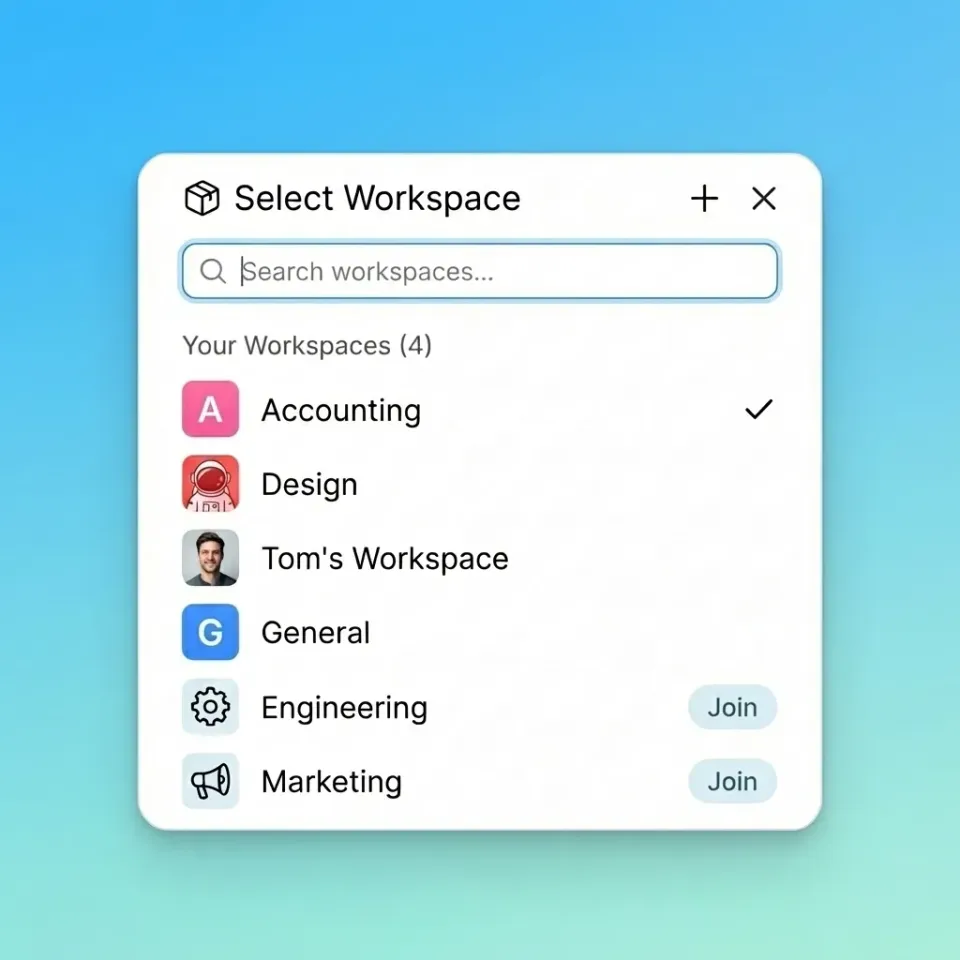
- Workspaces: Group files by project, client, or team. Open workspaces let colleagues discover and join without manual invites.
- Real-time presence: See who's viewing a workspace right now. Follow a teammate's cursor during reviews.
- HLS streaming: Video files stream instantly with adaptive quality. No waiting for downloads to preview a cut. Fast.io works especially well for creative teams dealing with video, design, and large media assets. The combination of unlimited file sizes, workspace organization, and built-in video streaming solves problems Jumpshare wasn't designed to handle.
Where it's different from Jumpshare: Jumpshare focuses on quick capture and share. Fast.io focuses on team collaboration around files that stick around. If you need GIF creation and instant screenshots, look elsewhere. If you need project organization and large file handling, Fast.io is the better fit.



Start with jumpshare alternative on Fast.io
Try Fast.io free. No file size limits, usage-based pricing, and workspaces that keep your team organized.
2. Loom: Best for Video Communication
Loom owns video messaging. Record your screen, add your face in a bubble, and share instantly. It's become the default for async video communication in remote teams.
Strengths:
- Quick recording and sharing
- Viewer analytics (who watched, how much)
- Team video libraries
- Transcriptions and AI summaries
Limitations:
- Not a file sharing tool. You can't upload existing files or organize project assets.
- 45-minute recording cap on most plans
- Per-seat pricing at published pricing/month adds up fast
Best for: Teams that want video updates, tutorials, and feedback. Not a replacement if you need actual file storage and sharing.
3. Dropbox: Best for General Cloud Storage
Dropbox is the default answer when someone says "cloud storage." That's both its strength and weakness.
Strengths:
- Ubiquitous. Everyone knows how to use it.
- Strong sync client for local file access
- Paper for basic collaboration
- Wide integration ecosystem
Limitations:
- Per-seat pricing hits hard for teams (published pricing on Business plans)
- Sync conflicts happen. "Conflicted copy" files pile up.
- User-owned files create chaos when people leave
- Video playback requires downloading, not streaming
A 25-person team on Dropbox Business pays around published pricing. The same team on usage-based alternatives can spend 70% less for equivalent storage.
Best for: Teams already embedded in the Dropbox ecosystem, or individuals who need local sync. Less ideal for teams managing large media files or wanting streamlined collaboration.
4. WeTransfer: Best for One-Off File Sends
WeTransfer does one thing well: send large files to someone without making them create an account. Upload, add their email, done. Files expire in 7 days (or 28 on paid plans).
Strengths:
- No signup required for recipients
- Simple, beautiful interface
- 2GB free transfers, up to 200GB on Pro
Limitations:
- Files expire. No persistent storage.
- No folder structure or organization
- No collaboration features
- Limited tracking (who downloaded what)
Best for: Freelancers sending files to clients. Agencies delivering final assets. Anyone who needs a digital courier, not a filing cabinet. If you're looking for WeTransfer with persistence and organization, check alternatives that keep files around.
5. ShareX: Best Free Option for Screenshots and GIFs
ShareX is the power user's screenshot tool. Open source, infinitely customizable, and completely free. It captures screenshots, records GIFs and videos, and uploads to wherever you point it.
Strengths:
- Free and open source
- Captures anything: regions, windows, scrolling pages, GIFs, video
- Upload to 80+ destinations (Imgur, your own server, cloud storage)
- Annotation tools, OCR, color picker, and dozens of utilities
Limitations:
- Windows only
- Steep learning curve with an overwhelming settings menu
- No built-in cloud storage. You bring your own destination.
- No team features or shared libraries
Best for: Power users on Windows who want complete control over their capture workflow. Not for teams or anyone wanting a managed solution.
6. MEGA: Best for Encrypted Storage on a Budget
MEGA offers 20GB free with end-to-end encryption. That's a lot of secure storage at no cost. The paid plans are aggressive too, with 2TB for around €10/month.
Strengths:
- 20GB free, encrypted by default
- No per-file size limits
- Desktop sync client
- Affordable paid tiers
Limitations:
- Clunky interface compared to modern tools
- Basic sharing features
- No team workspaces or collaboration
- Video must download to preview
Best for: Privacy-conscious users who want cheap, encrypted storage. Less ideal for teams needing collaboration features. Security is not just about checking boxes on a features list. It requires encryption at rest and in transit, granular access controls, and comprehensive audit logging. Look for platforms that build security into the architecture rather than bolting it on as an afterthought.
7. Tresorit: Best for Security-First Teams
Tresorit positions itself as the secure alternative to mainstream cloud storage. End-to-end encryption, Swiss hosting, and compliance certifications for regulated industries.
Strengths:
- Zero-knowledge encryption (Tresorit can't read your files)
- Swiss data residency
- Compliance features for healthcare, legal, finance
- Decent collaboration within the encryption constraints
Limitations:
- €12/user/month minimum
- Encryption adds friction to sharing
- No native video streaming
- large max file size
Best for: Teams handling sensitive data who need verifiable security. Law firms, healthcare, financial services. Less ideal for creative teams where easy sharing matters more than encryption. Security is not just about checking boxes on a features list. It requires encryption at rest and in transit, granular access controls, and comprehensive audit logging. Look for platforms that build security into the architecture rather than bolting it on as an afterthought.
How to Choose the Right Alternative
Match the tool to your actual workflow:
You need Jumpshare but bigger: Fast.io gives you the quick sharing plus workspaces, unlimited file sizes, and team features. The usage-based pricing means you're not penalized for having a large team.
You mostly share video updates: Loom is purpose-built for async video. It's not trying to be file storage.
You're already in Dropbox: The switching cost might not be worth it unless per-seat pricing is killing you or you're hitting video playback limitations.
You send files and forget them: WeTransfer does ephemeral transfers perfectly. Don't overthink it.
You want free and don't mind complexity: ShareX for capture, MEGA for storage. Both require more setup than commercial options.
Security is non-negotiable: Tresorit. The price premium buys verified encryption.
Questions to Ask Before Switching
- What's your largest file? If it's over 2GB regularly, eliminate free tiers.
- How many people need access? Per-seat pricing kills budgets at 10+ users.
- Do files need to stick around? Ephemeral sharing (WeTransfer) vs persistent workspaces (Fast.io) are different use cases.
- Do you review video? Streaming vs downloading changes the workflow completely.
- Is encryption required by policy? This narrows the field to Tresorit and MEGA.
Frequently Asked Questions
Is Jumpshare safe?
Jumpshare uses SSL encryption for transfers and stores files securely. However, it lacks end-to-end encryption, meaning the company can technically access your files. For sensitive documents, consider alternatives like Tresorit that offer zero-knowledge encryption where even the provider cannot read your data.
What is the limit on Jumpshare?
Free Jumpshare accounts can upload files up to 250MB each with 2GB total storage. The Plus plan (published pricing) increases this to large storage. The Business plan (published pricing) adds branding and analytics but keeps similar limits. These caps can be restrictive for video files or large design assets.
Is Jumpshare free to use?
Jumpshare offers a free tier with large storage and 250MB per-file limits. You can share files, record your screen, and create GIFs without paying. The free version includes basic link sharing but lacks password protection, custom domains, and advanced analytics available in paid plans.
What's the best Jumpshare alternative for teams?
For teams, Fast.io offers the best balance of features and pricing. Unlike Jumpshare's per-seat model, Fast.io uses usage-based billing so large teams don't pay proportionally more. It includes workspaces for organization, real-time presence to see who's active, and no file size limits for large media assets.
Can I self-host a Jumpshare alternative?
ShareX is the closest self-hosted option. It's free, open source, and lets you capture screenshots, GIFs, and videos. You can configure it to upload to your own server, S3 bucket, or other destinations. The tradeoff is significant setup complexity and Windows-only support.
Related Resources

Start with jumpshare alternative on Fast.io
Try Fast.io free. No file size limits, usage-based pricing, and workspaces that keep your team organized.