How to Implement HLS Video Streaming for Corporate Communications
Video works well for company updates, but standard files often struggle on corporate VPNs or risk leaking on public social sites. This guide explains how HLS (HTTP Live Streaming) fixes these problems. It breaks video into small pieces for fast delivery that works securely on any device without buffering.
What is HLS Video Streaming and Why Does It Matter for Teams?
HLS, or HTTP Live Streaming, is a protocol developed by Apple. Unlike a standard MP4 file that a browser tries to download all at once, HLS breaks video into small pieces delivered over standard HTTP. For company updates, this small change makes the difference between a successful broadcast and an employee stuck looking at a spinning wheel.
HLS for corporate comms helps internal video announcements and training sessions play on any device without buffering. Industry data shows that the enterprise video market grew by nearly 50% between 2020 and 2024 as companies replaced long emails with video updates.
When you use HLS, your video server creates several versions of the same video at different quality levels. As an employee watches, the player automatically switches between these versions based on their connection speed. If someone is on weak home Wi-Fi, they get a lower resolution that keeps playing smoothly. If someone is on the high-speed office backbone, they get crisp 1080p.
Helpful references: Fast.io Workspaces, Fast.io Collaboration, and Fast.io AI.
5 Reasons to Use HLS Instead of MP4 for Company Videos
Many internal teams still share raw MP4 files via email or basic cloud storage. While this works for small clips, it fails during high-stakes moments like quarterly meetings or mandatory compliance training.
Here are five reasons why HLS is better for company video:
- Adaptive Bitrate Streaming (ABR): HLS changes video quality in real-time. This cuts down on buffering issues in corporate networks because the player never tries to download more data than the network can handle.
Fast Seeking: Because the video is segmented, viewers can skip to the middle of a two-hour presentation instantly. With a standard MP4, the browser often has to download everything before that point before it can start playing. 3.
Works on Any Device: HLS is the native standard for iOS, Android, and all modern web browsers. You don't need specialized plugins or proprietary software to reach your team. 4.
Network Efficiency: HLS segments can be cached by existing corporate proxy servers and CDNs. When hundreds of employees watch the same video at once, your network only has to fetch the segments from the origin server a few times. 5.
Stronger Security: HLS allows for individual segment encryption. When paired with workspace permissions, it prevents your sensitive executive broadcasts from being easily downloaded or shared outside the company.


Manage Your Video Production on Fast.io
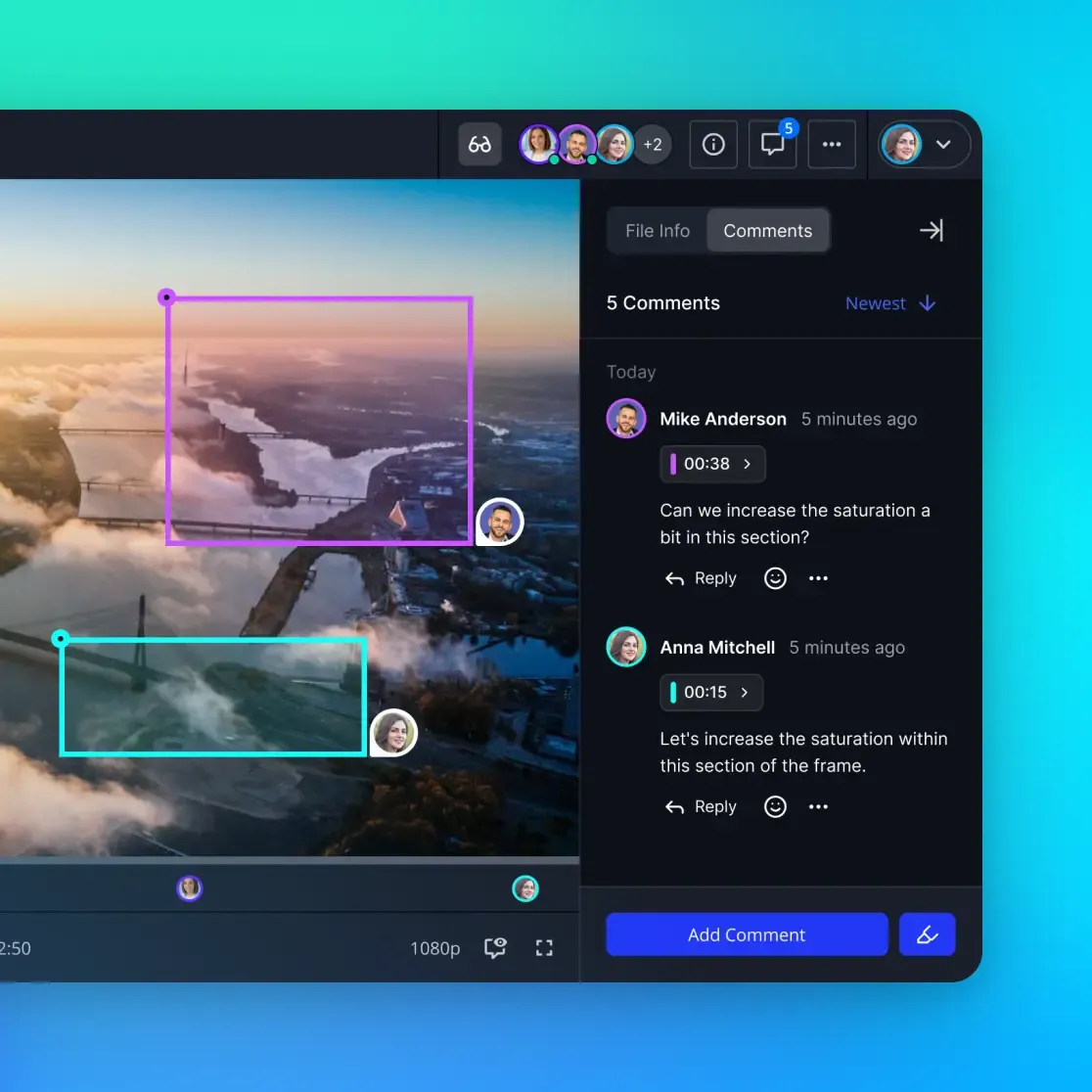
Stop relying on public links for private updates. Fast.io gives you secure workspaces to host internal HLS video with 50GB of free storage. No credit card required. Ideal for HLS video streaming corporate communications.
Solving the Security Gap in Corporate Video Hosting
The biggest risk for internal video isn't a technical glitch; it's a security leak. Public platforms like YouTube or Vimeo are built for discovery. Even "unlisted" or "private" links can be leaked, and these platforms lack the deep, file-level workspace permissions that security teams need.
When you use a secure workspace, video security is tied to your existing login (SSO) and workspace hierarchy. When an executive records a sensitive update about a merger or a restructure, that video shouldn't live on a platform where a secret link is the only defense.
By hosting HLS content within a secure workspace like Fast.io, you get audit logs that show exactly who watched the video and when. You can restrict access to specific departments or project teams without managing separate passwords for every file. This level of control separates a professional video strategy from a collection of loose links.
Step-by-Step Guide to Hosting Secure Internal Videos
Setting up an HLS stream doesn't take an engineering degree. You can automate most of the conversion and hosting process.
Step 1: Prepare Your Source Content
Record your video in the highest quality possible, typically 1080p or higher. Make sure your audio is clear, as employees are more likely to forgive low video quality than poor audio quality. Use a standard container like .MOV or .MP4 for your master file.
Step 2: Transcode to HLS Renditions
You need to convert your master file into an HLS "package." This includes the .m3u8 manifest files and the .ts video segments. For a standard corporate broadcast, we recommend creating at least three versions:
- Low: 360p at 800 kbps
- Medium: 720p at 2500 kbps
- High: 1080p at 5000 kbps
Step 3: Upload to a Secure Workspace
Upload the entire folder containing your manifest and segments to your Fast.io workspace. If Intelligence Mode is on, the workspace can index the content automatically. This allows employees to search for specific terms mentioned in the video later.
Step 4: Configure Access Controls
Set your workspace permissions to "Invite Only" or restrict it to your company's email domain. If the video is for a specific department, move it to a sub-folder with inherited permissions for that group.
Step 5: Embed or Share the Link
Use the secure share link from the workspace. Because the content is HLS-ready, the player will automatically detect the manifest and start the adaptive stream for the viewer.
Evidence and Benchmarks: The Impact of Proper Video Delivery
If a video takes more than two seconds to load, people often stop watching. According to research from Akamai and UMass Amherst, viewers start abandoning videos if they don't play within two seconds, with each additional second of delay increasing abandonment rates by 5.8%.
Industry benchmarks show that companies switching from standard file sharing to HLS saw a measurable increase in video completion rates. This is mostly because it removes "buffering fatigue" and lets mobile employees watch content over LTE or 5G without interruption.
Research also shows that 80% of employees prefer watching a video over reading text when the content is easy to find. When you make video easy to watch, internal communications go from being a chore to something people value.
Maximizing the Value of Video with Workspace Intelligence
Don't let your videos disappear into a folder once a meeting ends. You can set up your workspace to index these files automatically for search and AI analysis. When an employee needs to remember a policy mentioned in a town hall six months ago, they shouldn't have to re-watch the whole hour.
With built-in RAG (Retrieval-Augmented Generation), employees can ask questions directly to their workspace. They might ask, "What were the three goals for Q3 mentioned in the CEO's July video?" The system can then cite the specific timestamp in the HLS stream where that information lives. This turns your video archive into a living knowledge base that helps your team long after the initial broadcast.

Frequently Asked Questions
How do I host secure internal company videos?
To host secure internal videos, use a workspace that supports granular permissions and HLS streaming. Avoid public platforms like YouTube. Instead, upload your HLS-encoded video folders to a private Fast.io workspace and restrict access to specific team members or your company's SSO-verified domain.
What is the best format for corporate video streaming?
HLS (HTTP Live Streaming) is the best format for company video. It balances security and device compatibility with adaptive bitrate performance. Unlike MP4 files, HLS prevents buffering on busy corporate networks by adjusting quality in real-time.
Do I need a special player to watch HLS videos?
No, most modern browsers and mobile devices support HLS natively. If you are embedding the video in an internal portal, players like Video.js or Plyr can be easily configured to handle HLS manifests (.m3u8 files) for all users.
Can HLS videos be encrypted for extra security?
Yes, HLS supports AES-multiple encryption for each individual video segment. When combined with workspace-level access controls, this means that even if a segment is intercepted, it cannot be played without authorization.
How does HLS help employees working on slow connections?
HLS uses Adaptive Bitrate Streaming (ABR). The player monitors the connection speed and automatically selects the highest quality rendition that can play without buffering. If the connection drops, the player switches to a lower resolution instantly to keep the video moving.
Related Resources

Manage Your Video Production on Fast.io
Stop relying on public links for private updates. Fast.io gives you secure workspaces to host internal HLS video with 50GB of free storage. No credit card required. Ideal for HLS video streaming corporate communications.