How to Use AI Agent Knowledge Graph Storage
Knowledge graph storage for AI agents acts as a structured data layer that lets agents understand connections between entities. Unlike basic file storage, it maps relationships to prevent hallucinations and improve context. This guide explores how to implement graph storage, compares top databases, and explains why connected memory is essential for autonomous workflows.
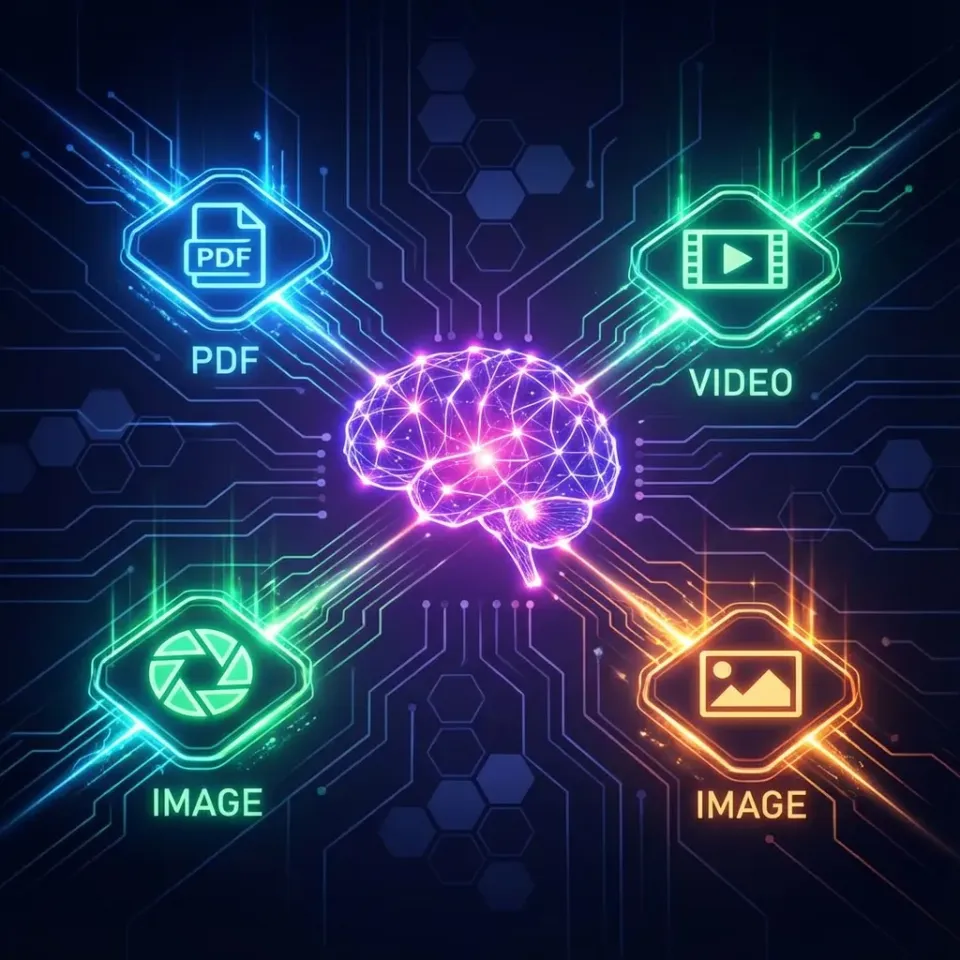
What Is Knowledge Graph Storage for AI Agents?
Knowledge graph storage stores information as entities (nodes) and relationships (edges) instead of rows and columns. This structure lets agents understand concepts by following connections between people, projects, and files, providing context that vector databases often miss.
For an AI agent, a knowledge graph works as long-term memory. Instead of pulling text based on keyword matches, the agent queries specific relationships. It understands that "Project Alpha" is "owned by" "Sarah" and "depends on" "Budget Q3." This is fundamentally different from standard storage, which sees files as isolated blobs of data.
The Agent Reasoning Loop
When an agent uses a knowledge graph, its reasoning loop changes: 1.
Perception: The agent receives a query (e.g., "Email the project lead"). 2.
Traversal: It queries the graph to find the "Project Lead" relationship linked to the current project node. 3.
Retrieval: It retrieves the specific entity (e.g., "Sarah") and her contact details. 4.
Action: It executes the email tool with precise parameters.
Without a graph, the agent would rely on probabilistic search, which might accidentally retrieve a "Project Lead" from an old archive document simply because the keywords match.

Why Agents Need Graphs vs. Vector Databases
Vector databases have become the default for AI memory, but they have limitations. They are excellent for similarity search ("Find documents that look like this query") but poor at explicit reasoning and multi-step queries ("Find the document that looks like this query AND was written by the manager of the current project"). Knowledge graphs solve this by enforcing structured logic.
Comparison: Vector vs. Graph for Agents
Evidence and Benchmarks
Graph databases are engineered for connected data. According to Neo4j, graph databases handle relationship queries 1,000x faster than relational joins for connected data, making them necessary for agents that need to browse complex organizational hierarchies or project dependencies in real-time. This performance difference becomes critical when you scale to thousands of nodes; an agent waiting on a slow join operation will time out or consume excessive tokens retrying.
Real-World Use Cases for Agent Knowledge Graphs
Knowledge graphs are not just theoretical; they are solving specific problems in agent deployments today.
1. Media Production & Rights Management
In a studio environment, files are not just assets; they are legally encumbered entities. An agent managing a video workflow needs to know that Shot_04.mov features Actor_A and uses Music_Track_B. A graph database stores these connections. If Actor_A's contract expires, the agent can instantly query the graph to find every shot that needs to be flagged, without parsing thousands of video headers.
2. Legal & Compliance Automation Agents in legal firms use knowledge graphs to track case precedence and document relationships. A "Motion to Dismiss" isn't just a text file; it's a node connected to a "Case," a "Judge," and specific "Evidence" files. This allows agents to answer questions like "Show me all motions dismissed by Judge Smith last year," a query that pure semantic search would struggle to answer accurately.
3. Supply Chain Orchestration Agents managing logistics use graphs to model the physical world. A "Part" connects to a "Supplier," which connects to a "Region." If a weather event hits that region, the agent traverses the graph to identify every affected part and proactively notifies the relevant project managers.


Give Your Agents a Shared Brain
Stop managing separate databases. Fast.io workspaces come with built-in intelligence and RAG, so your agents can reason about your files instantly.
Top Knowledge Graph Storage Options
Selecting the right backend depends on your agent's complexity and infrastructure. Here are the leading options for modern agent architectures.
1. Neo4j The standard for graph databases. Neo4j offers a full toolkit for AI, including GraphRAG, which combines vector search with graph traversal. It works best for enterprise agents that need complex schema enforcement and have a dedicated DevOps team to manage the database cluster.
2. Amazon Neptune A managed graph database service from AWS. Neptune supports both Property Graph and RDF models. It is a solid choice for teams already in the AWS ecosystem who need a serverless option, though the learning curve for Gremlin or SPARQL query languages can be steep for developers used to SQL.
3. Fast.io Intelligence Mode For teams who want knowledge graph features without managing a database, Fast.io offers a built-in solution. When you turn on Intelligence Mode for a Fast.io workspace, the platform automatically indexes files and builds a semantic understanding of the content. Agents can then query this index via the Fast.io MCP server or API, treating the file system as a knowledge graph. This is particularly powerful for OpenClaw deployments where you need zero-config setup.
4. ArangoDB ArangoDB is a multi-model database that supports graphs, documents, and key-values in one engine. This is excellent for agents that need to store unstructured JSON data (like chat logs) alongside structured graph relationships without maintaining two separate database systems.
How to Implement a Knowledge Graph
Building a knowledge graph for your agent involves four strategic steps.
1. Define Your Ontology Map out the entities your agent cares about (e.g., Users, Files, Tasks) and the relationships that connect them (e.g., AUTHOR_OF, BLOCKED_BY). Keep it simple at first. Over-engineering the ontology is a common trap; start with the few most critical relationships your agents need to navigate.
2. Ingest and Extract Use an LLM to process your unstructured data (documents, emails) and extract entities and relationships. This "knowledge extraction" phase turns text into the structured format your graph database needs. You can automate this pipeline using tools connected to your Fast.io storage, triggering extraction whenever a new file is uploaded.
3. Store and Index Load the extracted nodes and edges into your storage solution. Make sure to create indices on frequently queried properties like names or IDs to keep performance high. If you are using Fast.io, this indexing happens automatically in the background.
4. Connect to Your Agent
Give your agent tools to query the graph. If using Fast.io, use the search_files and ask_question MCP tools, which handle the retrieval logic. For custom databases, you will need to build an MCP tool that wraps your Cypher or Gremlin queries.
Reducing Hallucinations with GraphRAG
GraphRAG (Retrieval Augmented Generation with Graphs) is the frontier of agent reliability. By basing agent responses on a verified knowledge graph, you lower the chance of fabrication significantly.
When an agent answers a question like "Who approved the Q3 budget?", it doesn't just guess based on text patterns. It checks the graph: finds the "Q3 Budget" node, follows the "APPROVED_BY" edge, and gets the specific user entity. This provides a deterministic, verifiable answer that builds trust in your agent deployment.
Hybrid RAG Approaches
The most reliable systems use a hybrid approach. They use vector search to find the general neighborhood of information ("Find policies about travel expenses") and then use graph traversal to answer specific questions within that context ("Does the current policy apply to contractors?"). This combination leverages the speed of vectors with the precision of graphs.
For developers getting started, check out our LLMs.txt guide for configuring agents to interact with structured data sources efficiently.
Frequently Asked Questions
What is the difference between a knowledge graph and a vector database?
A vector database stores data as numerical embeddings to find similar items, while a knowledge graph stores data as entities and relationships to understand connections. Graphs are better for reasoning; vectors work better for broad similarity search.
Do I need a graph database for my AI agent?
You need a graph database if your agent handles complex relationships, multi-step reasoning, or requires high factual accuracy. For simple retrieval tasks, a vector database or standard file search often works fine.
How does Fast.io handle knowledge graph data?
Fast.io's Intelligence Mode creates a semantic index of your files automatically. This acts like a zero-config knowledge graph, allowing agents to query content and relationships without setting up a separate Neo4j or Neptune instance.
Can I use Neo4j with Fast.io?
Yes. Your agent can run in a Fast.io workspace and connect to an external Neo4j instance to store structured metadata, while keeping the actual heavy assets (files, media) in Fast.io's secure, globally distributed storage.
What is GraphRAG?
GraphRAG is a technique combining knowledge graphs with Retrieval Augmented Generation. It lets agents retrieve context based on structural relationships, providing more accurate and grounded answers than standard RAG.
Is knowledge graph storage expensive?
Enterprise graph databases like Neo4j and Neptune can be costly to scale. However, built-in solutions like Fast.io's Intelligence Mode or open-source options like ArangoDB offer more accessible entry points for smaller agent deployments.
Related Resources

Give Your Agents a Shared Brain
Stop managing separate databases. Fast.io workspaces come with built-in intelligence and RAG, so your agents can reason about your files instantly.