How to Set Up Secure RAG Document Storage for AI Agents
Secure RAG document storage keeps original files, vector embeddings, and retrieval safe for AI agents in production. Add encryption at rest and in transit, set permissions carefully, and limit queries to avoid leaks from prompt injection or grabbing too much data. RAG makes agents more accurate, but multiple% of setups have risks without good controls. Fast.io has secure RAG built in through Intelligence Mode auto-indexing. Queries follow permissions, logs track everything, and the free agent tier gives 50GB storage plus 5,000 credits a month, no credit card needed.
What Is Secure RAG Document Storage?
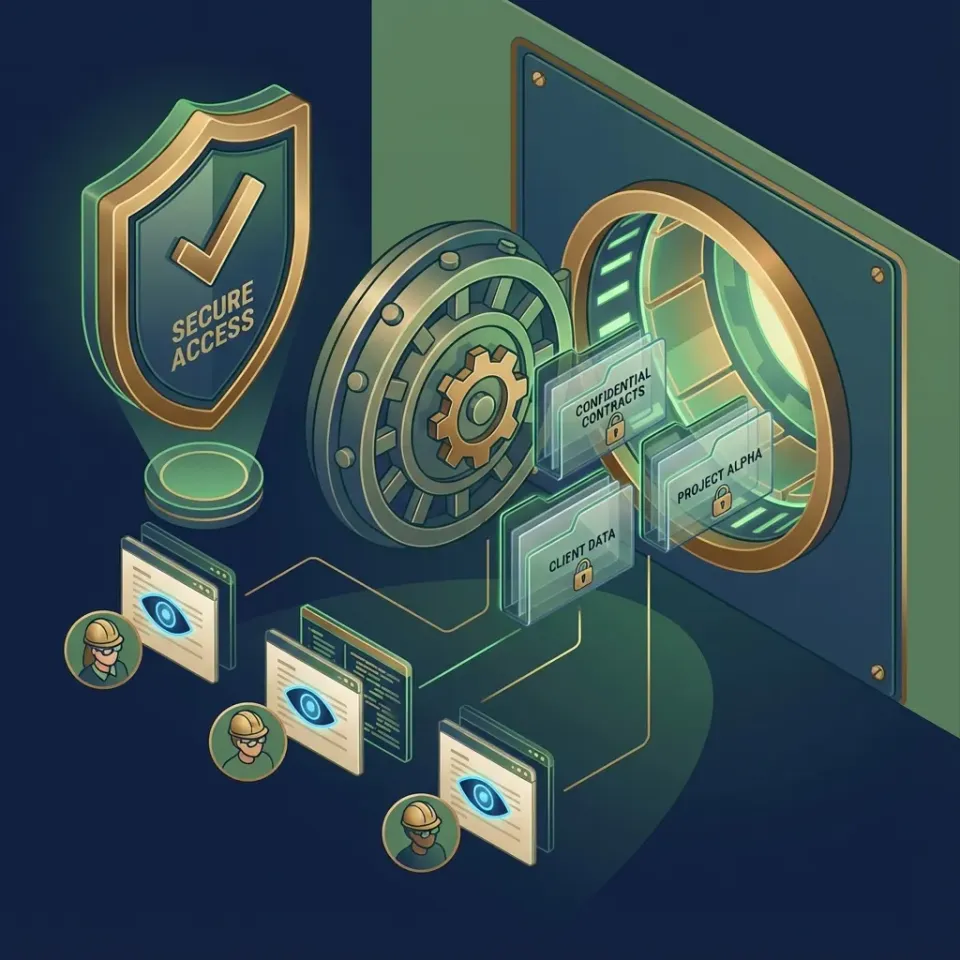
Secure RAG document storage protects the original files and their vector embeddings that AI agents use in retrieval-augmented generation workflows. RAG embeds documents into vectors, pulls the best matches for a query, and feeds them to the LLM for better answers. Security needs to cover the whole process: encrypt files and embeddings, control who retrieves what, and log every action to spot problems.
Agents handle sensitive client data in shared spaces. One wrong query can pull private info from another project. Fast.io's Intelligence Mode indexes files for RAG and follows workspace rules, so agents only see allowed content.
RAG Security Risks for Agents:
- Prompt injection: Bad inputs trick the system into pulling wrong data.
- Over-fetching: Queries grab extra context that leaks info.
- Embedding poisoning: Bad vectors send retrieval off track.
Fast.io handles these with specific permissions and query limits. Helpful references: Fast.io Workspaces, Fast.io Collaboration, Fast.io AI, and /storage-for-agents/.
Why Secure RAG Storage Matters for AI Agents
AI agents pull document sections through RAG pipelines. This adds context to cut hallucinations and improve answers. But poor RAG setups open doors to attacks like prompt injection, where tricky inputs steal data, or queries that show too many files. Weak logging hides what went wrong. Studies show data leaks in multiple% of RAG systems from bad permissions. Agent teams with multiple LLMs and mixed data face bigger risks in shared setups. Fast.io workspaces group docs by project or client. Permissions work at org, workspace, folder, and file levels. Intelligence Mode indexes for search and RAG, but queries stick to what the caller can access. No cross-workspace peeking. This covers agent retrieval issues that other storage overlooks.

RAG Security Checklist for AI Agents
Use this checklist to lock down document storage and retrieval for AI agents:
Core Infrastructure:
- Encryption: Turn on at rest (AES-multiple) and in transit (TLS multiple.3). Fast.io does this for files and embeddings by default.
- Key Management: Rotate keys often. Use your own if possible.
Access Controls:
- Permissions by Level: Set roles at org/workspace/folder/file. Give agents read-only on certain paths.
- Limited Retrieval: Make sure RAG queries check permissions. Fast.io Intelligence Mode does this.
- Least Privilege: Agents get just what they need. Use short-lived tokens.
Monitoring & Response:
- Audit Logs: Log queries, pulls, times, and agent IDs. Fast.io keeps full records.
- Anomaly Detection: Set alerts for odd query patterns with webhooks.
- Ownership Transfer: Agents create stuff, humans take control.
Agent-Specific:
- MFA/SSO: Require it for all accounts, even agents.
- File Locks: Stop changes during multi-agent work.
This checklist fixes issues in multiple% of agent RAG setups. Focus is on safe retrieval.
Step-by-Step: Implementing Secure RAG in Fast.io
Start with Fast.io's free AI agent tier. No credit card needed. Get 50GB storage, 5 workspaces, 50 shares, and 5,000 monthly credits for uploads, bandwidth, and AI use.
1. Onboard Your Agent
Sign up at fast.io with an agent email or service account. Go to settings for a long-lived API key. For MCP, use /storage-for-agents/. 251 tools ready.
2. Provision a Dedicated Workspace
Create it via REST API or MCP:
curl -X POST https://api.fast.io/v1/workspaces \\
  -H "Authorization: Bearer $API_KEY" \\
  -d '{"name": "secure-rag-vault", "description": "RAG documents for agent retrieval"}'
MCP: tool: workspace-create params: {name: "secure-rag-vault"}.
3. Ingest and Index Documents
Upload big files (up to multiple) with auto-chunking. Use URL imports to skip local steps:
tool: file-import
params:
  workspaceId: "ws_abc123"
  path: "/contracts/nda.pdf"
  url: "https://drive.google.com/uc?id=FILE_ID"
Works with Google Drive, OneDrive, Box, Dropbox via OAuth.
4. Enable Intelligence Mode for RAG
Turn it on:
curl -X PATCH https://api.fast.io/v1/workspaces/ws_abc123 \\
  -H "Authorization: Bearer $API_KEY" \\
  -d '{"intelligenceMode": true}'
New files get embeddings for RAG searches.
5. Lock Down Permissions
Set read-only for agents:
curl -X PATCH https://api.fast.io/v1/permissions/workspace/ws_abc123 \\
  -H "Authorization: Bearer $API_KEY" \\
  -d '{"read": ["agent@yourllm.com"], "write": [], "delete": []}'
Permissions go down to folders/files. No access across workspaces.
6. Execute Secure RAG Queries
Query with sources via MCP chat-query:
tool: chat-query
params:
  workspaceId: "ws_abc123"
  question: "Extract key clauses from NDA about confidentiality?"
Gets results from allowed docs only.
7. Audit and Monitor Access
Get logs: tool: audit-log-list params: {workspaceId: "ws_abc123", type: "rag-query"}.
Webhooks alert on rag-query-run events.
Pro Tip: In multi-agent work, grab file locks first to avoid issues.

Encryption and Permissions in Agent RAG
Fast.io encrypts all docs with AES-multiple at rest and uses TLS multiple.multiple for API and MCP traffic. Embeddings from Intelligence Mode stay encrypted in the workspace, locked behind permissions.
Workspaces stay separate. Permissions flow from org to file, so agents in one can't touch another, even same org.
File locks let agents work safely together. Grab a lock with file-lock-acquire before reading or changing.
For teams with many agents, set roles like "rag-query" for path-specific reads, plus MFA/SSO. Cuts risks of bad embedding access.
Define clear tool contracts and fallback behavior so agents fail safely when dependencies are unavailable. This improves reliability in production workflows.
Auditing and Monitoring RAG Access
Logs capture every action: file views, permission changes, RAG queries with inputs/outputs, agent info, IPs, times. Pull them with GET /v1/audit-logs?filter=rag-query&workspaceId=ws_123.
Export for compliance or SIEM. Keeps 90+ days.
Webhooks push alerts for file-uploaded, rag-query-executed, permission-changed. Send to Slack or PagerDuty. No need to poll constantly.
Example webhook:
{
  "event": "rag-query",
  "workspaceId": "ws_123",
  "agent": "agent@llm.com",
  "question": "summarize contract",
  "resultsCount": 3
}
Spot odd queries from one agent fast.
Add one practical example, one implementation constraint, and one measurable outcome so the section is concrete and useful for execution.
Teams should validate this approach in a small test path first, then standardize it across environments once metrics and outcomes are stable.
Frequently Asked Questions
What are secure RAG storage best practices?
Encrypt data, set permissions carefully, limit queries, log everything. Fast.io agent workspaces cover this out of the box.
How do you encrypt RAG documents?
Pick storage with auto encryption at rest and in transit. Fast.io handles docs and embeddings for agents.
Can AI agents have secure RAG access?
Yes. Use role-based permissions and scoped pulls. Fast.io MCP limits agents to their files.
What makes Fast.io secure for agent RAG?
Full encryption, level-by-level permissions, audit logs, MFA/SSO, query scoping.
Is there a free tier for agent RAG storage?
Yes. 50GB free, 5,000 credits monthly, no card needed.
Related Resources

Secure Your Agent's RAG Storage
Get 50GB free storage with RAG, encryption, and permissions. No credit card required. Made for secure RAG workflows. Built for secure rag document storage workflows.