How to Set Up a Vendor Collaboration Portal
Guide to vendor collaboration portals. A vendor portal gathers file sharing, approvals, and supplier chats in one secure spot. It fixes email overload, version mix-ups, and delayed feedback from old tools. Fast.io lets you build branded workspaces fast. Vendors join as unlimited guests. You control access closely, track logs, and turn on Intelligence Mode to tag files and search content automatically.
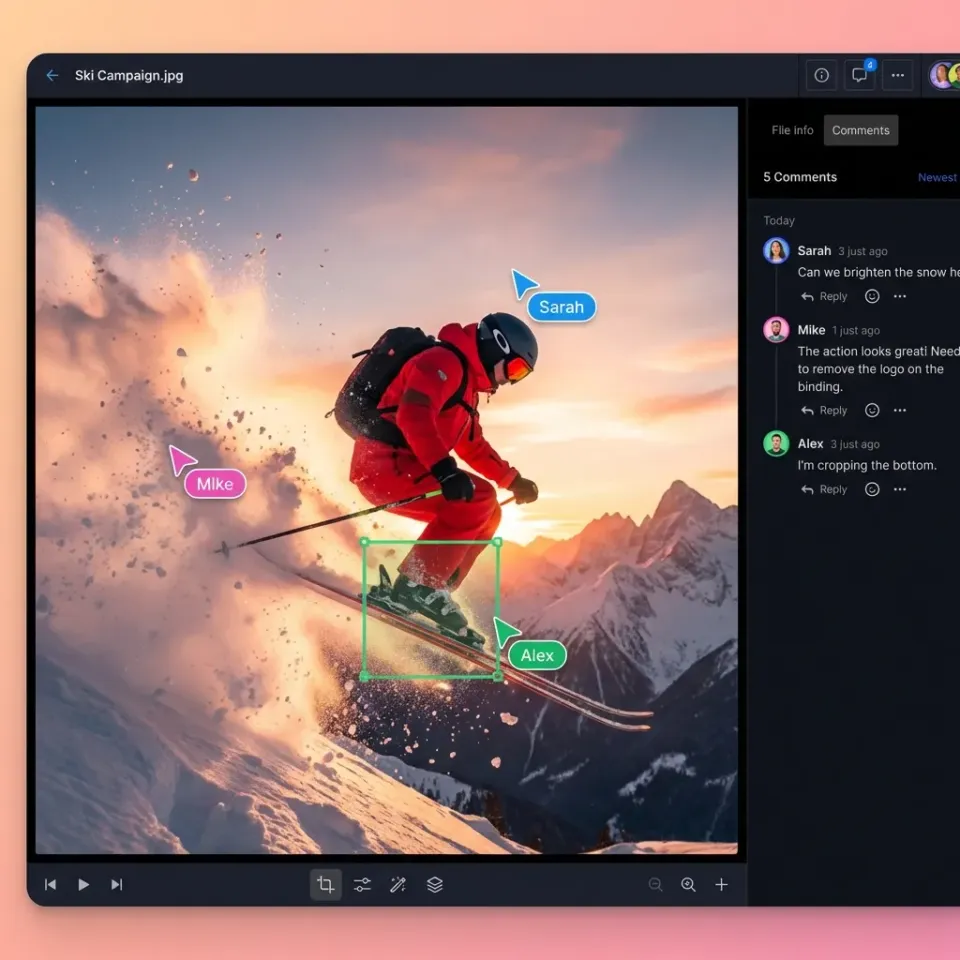
What Is a Vendor Collaboration Portal?
A vendor collaboration portal is a web platform for companies to work with suppliers on documents, bids, approvals, and projects.
It replaces email threads, FTP sites, and generic cloud folders. Everyone stays on the latest file versions.
Suppliers use a branded link or login to view requirements, upload bids or invoices, track progress. Your team sets access, comments on files, checks logs.
Supply chain teams handle contracts, specs, reports, RFPs with it. Manufacturers approve parts. Construction manages subcontractor bids. Procurement screens vendors.
Consider a manufacturer sharing engineering drawings in a secure folder. Suppliers review, ask questions via comments, submit quotes and files. Procurement chooses a winner and approves digitally. Logs capture everything.
Fast.io supports this. Vendors have unlimited guest access. Brand the portal with logo, colors, custom domain. Permissions cover single files. See real-time activity. Intelligence Mode tags uploads like 'invoice-Q1-multiple' or 'bid-steel-parts'.
Deals close faster, errors decrease, and relationships strengthen.
Helpful references: Fast.io Workspaces, Fast.io Collaboration, and Fast.io AI.

Why Set Up a Vendor Collaboration Portal?
Without a dedicated portal, vendor collaboration relies on email attachments, shared drives, or FTP sites. Attachments get buried in inboxes, multiple versions create confusion, and feedback loops drag on for weeks.
Public cloud folders risk data leaks, with no process controls or audit trails.
A vendor collaboration portal combines supplier file sharing, structured uploads, real-time notifications, and approval workflows in one branded space.
Approvals that took weeks now complete in days. Suppliers get instant status updates, no chasing emails. Products ship with accurate specs from shared files.
For RFPs, notify vendors of new ones automatically. Bids arrive with supporting docs. Reviewers flag issues with inline comments. Suppliers reply in threads. Complete history aids winner selection.
Fast.io costs less than ShareFile or Box, with no per-user fees for unlimited guests. AI in Intelligence Mode scans submissions, auto-tags 'bid-Q1-steel', flags mismatches.
Manufacturing example: Share CAD drawings, receive supplier quotes and certs securely.
Teams cut bid cycles to one-third the time and reduced errors with AI summaries.
Most supply chains run on digital platforms these days. Automation cuts down on manual errors.
To implement: Pilot with key suppliers, track cycle time and errors before/after. Document processes for repeatability.

Key Features of Effective Vendor Portals
Strong vendor portals share these key features. Platforms like Fast.io come with them ready to use.
Branded Access
Vendors reach a portal branded with your logo, colors, and custom domain. It builds trust and improves adoption. Fast.io Business plan supports full customization, generating share links like vendors.yourdomain.com.
Granular Permissions
Permissions at organization, workspace, folder, and file levels. Vendors upload to bids only, read specs. Fast.io roles: Viewer, Editor, Admin; add domain restrictions, expiration.
Audit Logs
Complete logs of views, downloads, comments, changes, with timestamps and IPs. Essential for compliance. Fast.io tracks per-file and workspace activity, export to CSV.
Unlimited Guest Access
Invite suppliers without accounts or seat costs. Scales to thousands. Fast.io guests are free, no limits.
Inline Previews
Preview docs, images, videos, CAD without downloads. Fast.io universal engine streams HLS video, waveforms for audio.
Automated Workflows
Auto-alerts on uploads, approval chains, status changes. Fast.io webhooks to Slack/ERP, activity feeds.
AI Auto-Tagging and Search
AI tags uploads ('invoice-2026Q1'), extracts data, enables semantic search. Fast.io Intelligence Mode: Query "steel bids under $multiple from last month" with citations.
AI agents use multiple MCP tools to populate portals automatically.
These features help turn basic portals into solid vendor management tools.
How to Choose Vendor Portal Software
Select software based on price, setup speed, scalability, and workflow match.
Check:
- User or usage pricing
- Guest limits
- Branding, custom flows
- SSO, API, AI integration
- Onboarding speed, docs
Quick look:
| Feature | Fast.io | ShareFile | Box | Coupa |
|---|---|---|---|---|
| Guest Users | Unlimited | Limited | Per seat | Enterprise |
| Branding | Full | Yes | Basic | Custom |
| AI Tagging | Native | No | No | Add-on |
| Pricing | Usage-based | Per user $10+ | Per user $15+ | High |
| Max File | 250GB+ | 100GB | 5GB | Varies |
| Setup | Minutes | Days | Days | Weeks |
Fast.io suits agent-based teams. Agents build portals with the API or MCP, tag files, handle ownership transfers, and configure webhooks.

Step-by-Step Setup Guide for Fast.io
Set up your vendor collaboration portal on Fast.io in under multiple minutes. Follow these steps for a production-ready supplier portal file sharing system.
1. Sign Up and Create Organization Visit fast.io/signup. Enter email, create a free account (no credit card needed). Get multiple monthly credits for storage (multiple credits/GB), bandwidth, AI. Agent tier offers multiple free, multiple credits. Fast.io stores files at the organization level: they remain even if users leave or change.
2. Create Dedicated Workspace Dashboard > New Workspace. Name: "Vendor Portal - Q1 multiple". Description: "Supplier bids, specs, approvals". Set private. Workspaces isolate projects, with independent members and settings.
3. Brand Your Portal Settings > Branding. Upload logo (PNG/SVG), pick colors from palette. Business plan: custom domain via DNS. Generate public share link. Test: opens branded page with password prompt.
4. Build Folder Structure + New Folder: - Specs (vendor read-only) - Bids (vendor upload-only) - Invoices (upload + team review) - Archive (read-only post-approval) Right-click folders for quick perms.
5. Set Permissions Add test guest via email/link. Permissions tab: Guests - upload Bids/Invoices, read Specs. Team - full. Granular: folder-level overrides, IP/domain whitelist.
6. Activate Intelligence Mode Toggle ON. Auto-indexes files for RAG. AI tags uploads (e.g., 'bid-steel-parts-multiple'), extracts metadata. Test query: "List bids over $multiple".
7. Configure Notifications & Logs Alerts > Email on uploads/downloads. Webhooks for ERP/Slack. Audit logs always on, filter by user/action.
8. Test End-to-End Share link with test vendor. Upload sample bid PDF/CAD. Verify tagging, search, no unauthorized access. Onboard: Email template with link, naming rules (BID-VENDOR-PART-DATE.pdf), max sizes.
Pro Tips & Constraints - Large files (multiple+): Use chunked uploads.
- Scale: Unlimited workspaces/guests.
- Measurable: Track avg approval time pre/post (target multiple% reduction). Edge case: High-volume uploads, monitor credits, upgrade if needed. This sets up a solid vendor management workspace ready for production.
Best Practices for Vendor Management
Follow these best practices to keep your vendor management workspace running well.
Vendor Onboarding Send automated welcome emails that include the share link and a multiple-minute video tutorial. Mandate naming: BID-[Vendor]-[Part#]-[YYYYMMDD].pdf. List supported formats/sizes (Fast.io: any type, multiple+).
Folder Organization Use: Active RFPs, Under Review, Approved Suppliers, Archive. Auto-expire shares multiple days post-approval. Tag folders for search.
Efficient Reviews Run weekly sync meetings in the portal. Add threaded inline comments on files and @mention vendors or team members. Follow Mode for live walkthroughs, sync views real-time.
Use AI Features Query Intelligence Mode: "Summarize all bids from Acme", "Flag late submissions", "Extract invoice totals". Auto-categorize uploads by content.
Security Protocols Password-protect shares, domain whitelist (e.g., *.supplier.com). Team MFA/SSO. Regular log reviews.
Performance Metrics Track: Bid submission rate, avg approval time (target <48hrs), error rate (non-compliant files). Dashboard shows trends.
Case Study: Manufacturing Implementation A midsize manufacturer managing multiple suppliers rolled out Fast.io portals. Bid turnaround dropped multiple (multiple to multiple days), errors fell multiple% via AI mismatch detection. Suppliers preferred branded access over email.
Integrations & Scale API/MCP for ERP sync (auto-pull invoices). Webhooks trigger approvals. For multiple+ vendors, segment by region/product. Train admins quarterly. Document rules in workspace README. Regular audits ensure compliance and optimization.
Frequently Asked Questions
What are the best vendor collaboration portals?
Fast.io, ShareFile, Box, SAP Ariba work well. Fast.io adds branding and AI for agent use.
How do I build a vendor portal?
On Fast.io, make a workspace, brand link, add guests, permissions. Turn on AI tagging.
What features does a supplier portal need?
Branded access, guest uploads, permissions, logs, previews, notifications.
Can vendors upload large files?
Yes. Fast.io handles multiple+ with previews.
Is Fast.io free for vendors?
Yes, unlimited guests, no extra seats.
Related Resources

Set Up Your Vendor Portal Today
Branded portals with unlimited guests and AI tagging. Free tier has 50GB storage. Built for vendor collaboration. Built for vendor collaboration portal workflows.