How to Share Documents Securely Without Risking a Data Breach
Secure document sharing is the practice of transmitting sensitive files using encryption, access controls, and audit trails to protect confidential information from unauthorized access. This guide covers the five essential practices that reduce breach risk by 74% and explains how to implement them without slowing down your team.
What Makes Document Sharing Insecure?
Most document sharing happens through channels never designed for security: email attachments, consumer file sharing apps, and USB drives passed around the office. The numbers tell a troubling story. According to recent industry research, 83% of organizations have experienced document-related data breaches. Human error accounts for 95% of these security incidents. People send files to the wrong recipient, forget to revoke access after a project ends, or use weak passwords that get compromised. The problem isn't carelessness. It's that most sharing tools don't have security built in. Email has no access controls. Consumer apps prioritize convenience over protection. Without the right tools, even careful people make mistakes. Three factors determine whether document sharing is secure:
- Encryption: Is the file protected during transfer and storage?
- Access control: Can you limit who sees what and revoke access when needed?
- Audit trail: Can you prove who accessed which files and when? If your current sharing method lacks any of these, your documents are at risk.
Helpful references: Fast.io Workspaces, Fast.io Collaboration, and Fast.io AI.
5 Best Practices for Secure Document Sharing
These five practices form the foundation of secure document sharing. Organizations that implement all five reduce their breach risk by 74%.
1.
Use End-to-End Encryption
End-to-end encryption means files are encrypted before they leave your device and only decrypted when the intended recipient accesses them. Unlike transport-layer encryption (where data might be readable on intermediate servers), E2E encryption ensures that even the service provider cannot read your files. Look for platforms that use AES-256 encryption, the same standard used by governments and financial institutions. This level of encryption would take billions of years to crack with current technology.
2.
Set Granular Permissions
"View only" and "full access" aren't enough. Effective permission systems let you control access at multiple levels:
- Organization level: Who can join your workspace
- Folder level: Which teams see which projects
- File level: Individual document restrictions
- Action level: View, download, edit, or share permissions
Review permissions quarterly. People change roles, leave projects, and switch companies. Stale permissions are a leading cause of data exposure.
3.
Enable Link Controls
Sharing links create the most common security gaps. A link forwarded to the wrong person gives them full access. Secure link controls include:
- Password protection: Require a password to access shared content
- Expiration dates: Links automatically stop working after a set time
- Domain restrictions: Only allow access from specific email domains
- Download limits: Prevent recipients from saving local copies
For sensitive documents, enable all four. The minor inconvenience is worth the protection.
4.
Require Multi-Factor Authentication
Passwords alone are not enough. Credential stuffing attacks use stolen password databases to break into accounts. MFA adds a second verification step, typically a code from your phone, that attackers cannot easily obtain. Enforce MFA for all users with access to sensitive documents. This single step blocks the vast majority of automated account takeover attempts.
5.
Maintain Audit Logs
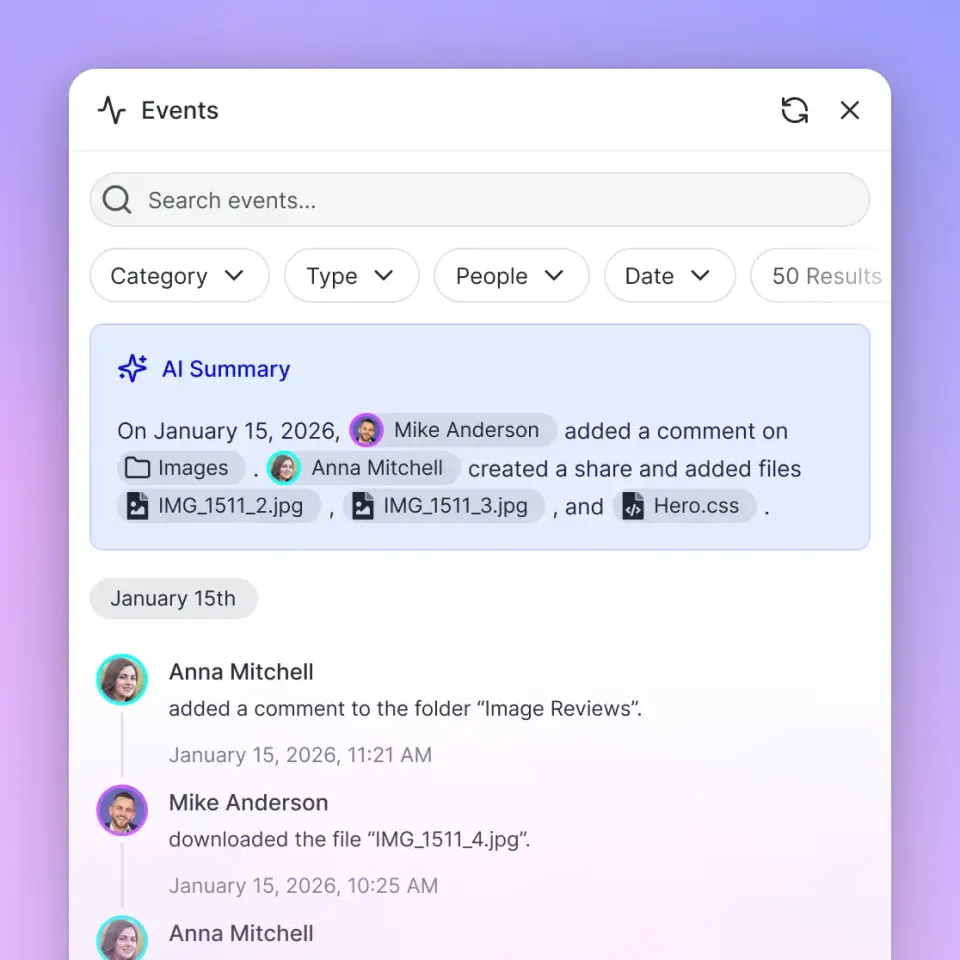
If you ever need to answer "who accessed this file and when?", you need audit logs. Complete logs track:
- File views and downloads
- Permission changes
- Login attempts (successful and failed)
- Link creation and revocation
Audit logs serve two purposes: they help investigate incidents after they occur, and they deter bad actors who know their actions are being recorded.



Run Share Documents Securely Without Risking A Data Breach workflows on Fast.io
Stop risking data breaches with insecure file sharing. Fast.io provides AES-256 encryption, granular permissions, and complete audit trails.
Is Email Safe for Sharing Documents?
No. Email is one of the worst ways to share confidential documents. Standard email has no encryption at rest. Your attachment sits unprotected on mail servers, often for years. Email providers can read your attachments. Hackers who breach those servers get access to everything. Email also has no access control. Once you send a file, you cannot unsend it. You cannot prevent the recipient from forwarding it. You cannot revoke access after a project ends or an employee leaves. Some email providers offer encrypted email, but this requires both sender and recipient to use the same provider and configure encryption correctly. In practice, this rarely happens.
Better alternatives to email attachments:
- Secure sharing links: Send a link instead of the file. You can revoke access or set expiration dates.
- Client portals: Give external parties a dedicated space to access their documents. No email required.
- Encrypted file transfer: Purpose-built services that encrypt files end-to-end and provide access controls. If you must email a document, at least password-protect the file and send the password through a different channel (text message or phone call).
What Encryption Is Best for Document Sharing?
AES-256 encryption is the current standard for protecting documents. It's used by banks, governments, and healthcare organizations worldwide. No successful attack against properly implemented AES-256 has ever been recorded. But the algorithm is only part of the picture. How encryption is implemented matters more than which cipher you pick.
Encryption at rest protects files stored on servers. If an attacker breaches the storage system, they get encrypted data they cannot read.
Encryption in transit protects files while they travel over the network. Look for TLS 1.3, the current standard for secure connections.
End-to-end encryption combines both and adds a key feature: the service provider never has access to your decrypted files. Even if their servers are compromised, your data stays protected.
Zero-knowledge encryption goes one step further. The provider cannot access your data even if they wanted to. You hold the only keys. For most business document sharing, AES-256 with encryption at rest and in transit provides sufficient protection. For highly sensitive documents (legal, financial, medical), look for end-to-end or zero-knowledge options.

Setting Up Secure Document Sharing for Your Team
Implementing secure document sharing requires both technical controls and team training. Here's a practical approach.
Choose the
Right Platform
Your platform should provide:
- AES-256 encryption at rest and in transit
- Granular permissions at folder and file level
- Link controls (password, expiration, domain restriction)
- SSO integration with your identity provider
- Complete audit logs
- Unlimited external sharing without per-user costs
Test the platform with your actual workflows before committing. Security that slows people down gets bypassed.
Configure
Default Security Settings
Set secure defaults so team members don't need to remember to enable them:
- Default link expiration: 30 days
- Require password for external links
- Disable public links for sensitive folders
- Enable MFA for all accounts
Train Your Team
Technical controls only work if people use them correctly. Cover these topics:
- Why secure sharing matters (use real breach examples)
- How to share externally without email attachments
- How to recognize phishing attempts
- When to escalate security concerns
Keep training short and practical. Short hands-on sessions are more effective than lengthy lectures.
Review and
Audit Regularly
Security is not a one-time setup. Schedule quarterly reviews to:
- Remove access for departed employees and completed projects
- Check for overly permissive sharing settings
- Review audit logs for unusual activity
- Update security policies as needs change
Sharing Documents with External Parties
Sharing with clients, vendors, and partners is trickier. They're outside your organization's security perimeter, but they still need access to sensitive documents.
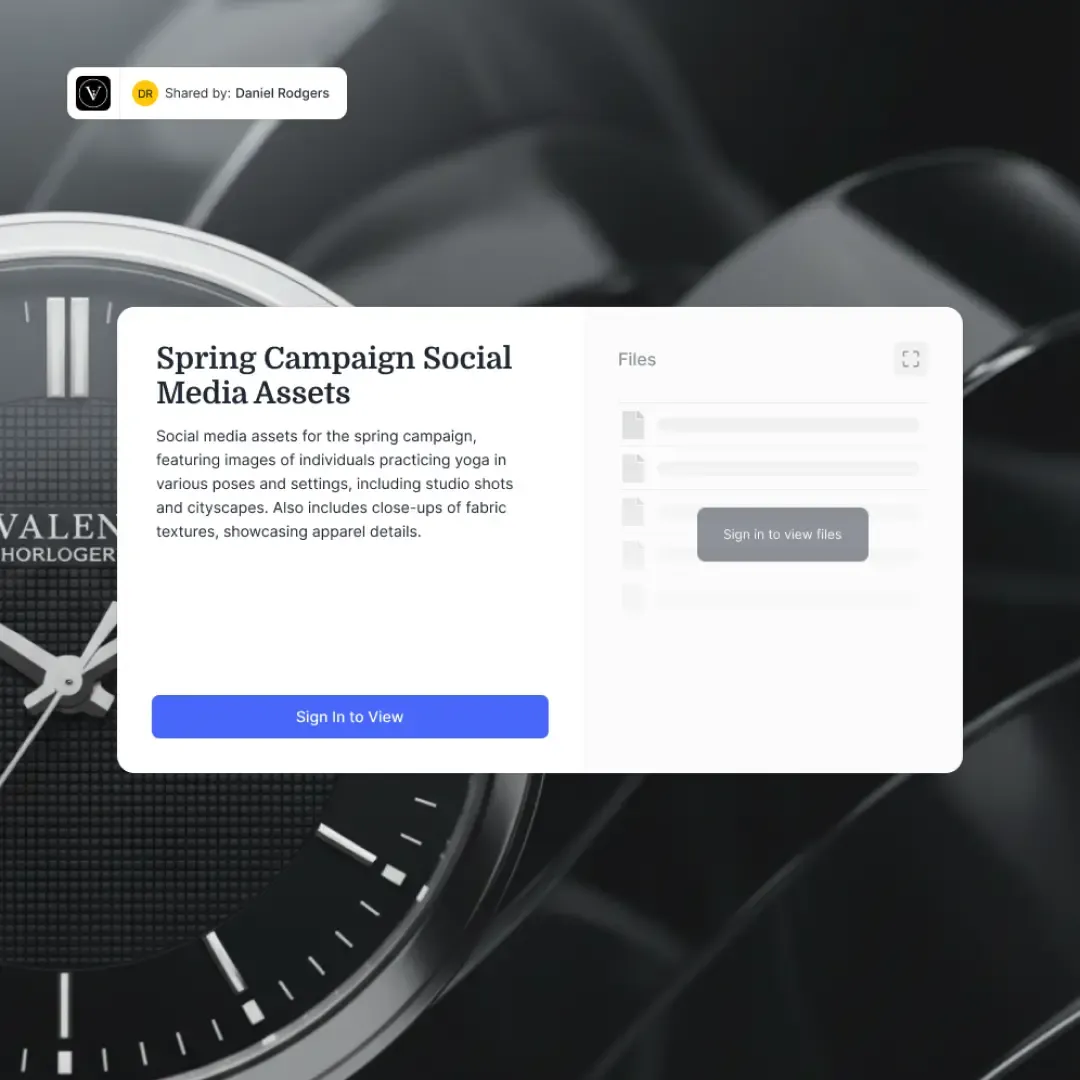
Client portals work well here. Instead of emailing files back and forth, give each external party a dedicated space with just their documents. They can access files without needing accounts on your platform. You maintain full control over what they see and when access expires. For one-time transfers, secure sharing links with multiple protections work well:
- Password required (sent through a separate channel)
- 7-day expiration
- Domain restriction to recipient's company email
- View-only access (no downloads)
For ongoing relationships like deal rooms or project collaboration, create dedicated workspaces with appropriate permissions. The external party gets a consistent location to find their documents, and you get complete visibility into their access. Avoid giving external parties the same access level as internal team members. Create separate permission groups with limited scope. When the engagement ends, revoke the entire group's access with one action.
What to Do After a Document Security Incident
Even with strong security practices, incidents happen. Having a response plan reduces damage and speeds recovery.
Immediate actions (first hour):
- Revoke access to affected documents and folders
- Disable compromised user accounts
- Document what you know: which files, which users, what timeframe
- Notify your security team or IT administrator
Investigation (first 24 hours):
- Pull audit logs for affected documents
- Identify the scope: what was accessed, by whom, when
- Determine the root cause: phishing, credential theft, insider action
- Assess whether personal or regulated data was exposed
Response (first week):
- Notify affected parties if required by law or contract
- Reset passwords for all potentially affected accounts
- Review and tighten security controls that failed
- Document lessons learned for future prevention
The key is having this plan before you need it. Practice the response process so everyone knows their role when an incident occurs.
Frequently Asked Questions
What is the safest way to share documents?
The safest method uses end-to-end encryption, granular access controls, and complete audit logging. Share via secure links with password protection and expiration dates rather than email attachments. Platforms with AES-256 encryption and SSO integration provide the strongest protection for business documents.
How do I securely share confidential documents?
For confidential documents: (1) Use a platform with AES-256 encryption, (2) enable password protection on shared links, (3) set short expiration dates (7-14 days), (4) restrict access to specific email domains, (5) disable download permissions when possible, and (6) require MFA for all users with access. Review audit logs regularly to detect unauthorized access attempts.
Is email safe for sharing documents?
No. Email lacks encryption at rest, offers no access controls, and cannot revoke access once sent. Email attachments remain on servers indefinitely and can be forwarded without your knowledge. For sensitive documents, use secure sharing links or client portals instead. If you must email a document, password-protect the file and send the password separately.
What encryption is best for document sharing?
AES-256 encryption is the current standard, used by governments and financial institutions worldwide. Look for platforms that provide encryption both at rest (files stored on servers) and in transit (files moving over networks). For highly sensitive documents, end-to-end encryption ensures even the service provider cannot access your files.
How do I share large documents securely?
Large documents require platforms designed for big files. Email attachment limits (typically 25MB) force people into insecure workarounds. Use a cloud platform that supports large file uploads with the same security controls as small files: encryption, access controls, and audit logging. Secure sharing links work regardless of file size.
What are the risks of insecure document sharing?
Insecure sharing exposes organizations to data breaches, regulatory fines, competitive intelligence theft, and reputation damage. 83% of organizations have experienced document-related breaches, with human error causing 95% of incidents.
Related Resources

Run Share Documents Securely Without Risking A Data Breach workflows on Fast.io
Stop risking data breaches with insecure file sharing. Fast.io provides AES-256 encryption, granular permissions, and complete audit trails.