How to Choose a Photo Delivery Service for Professional Photographers
A photo delivery service is an online platform that enables photographers to share, proof, and deliver high-resolution images to clients. This guide covers what to look for, how the top platforms compare, and how to set up a delivery workflow that works.
What Is a Photo Delivery Service?
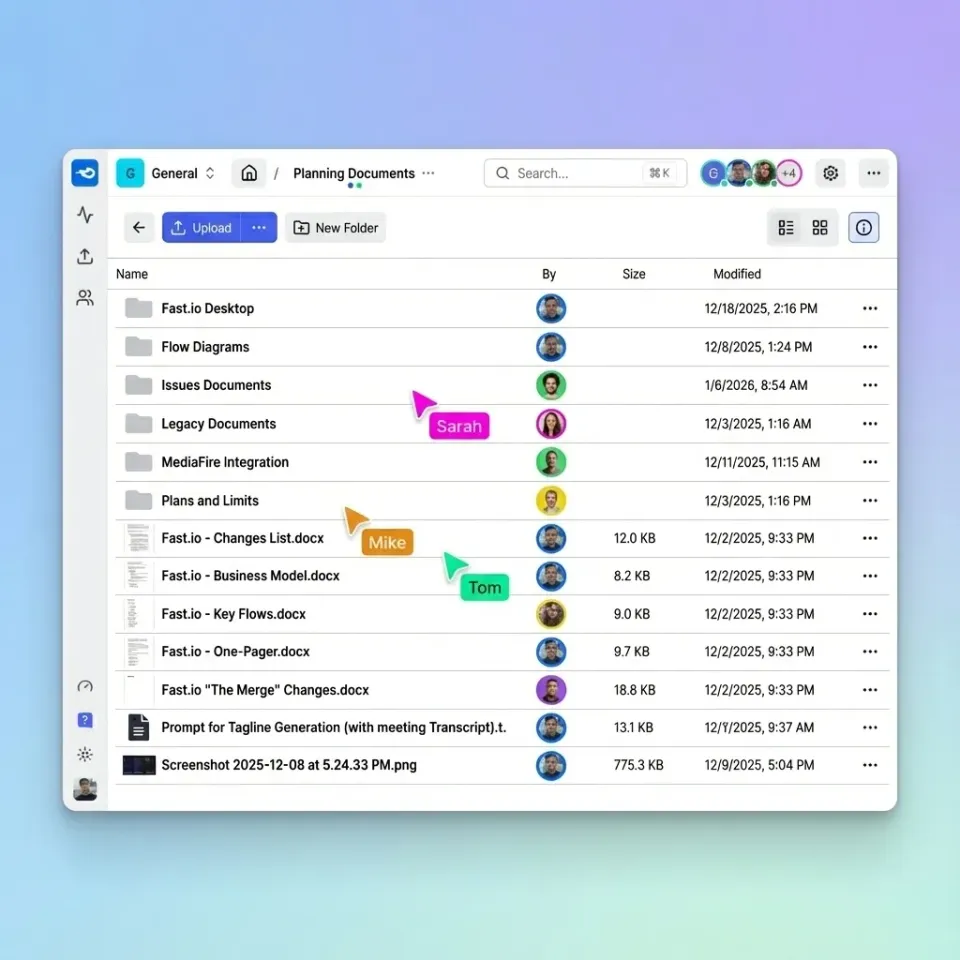
A photo delivery service is an online platform that lets photographers share, proof, and deliver high-resolution images to clients. Professional photographers deliver hundreds to thousands of images per wedding, with RAW files typically tens of megabytes each. A single wedding shoot produces tens to hundreds of gigabytes of files. Email attachments cap out at 25MB. Consumer file-sharing tools like WeTransfer work for small batches, but they lack proofing features, branding options, and the access controls that professional work requires. The vast majority of clients now prefer online galleries over physical delivery methods like USB drives or DVDs. A photo delivery service bridges the gap between shooting and handoff, giving clients a way to browse, select favorites, and download their images without technical friction.
Why Photographers Need a Dedicated Delivery Platform
Generic file sharing creates problems that grow with your client volume.
File Size Limits
Most email services cap attachments at 25MB. A single RAW file exceeds that. Even consumer cloud storage like Google Drive requires clients to have accounts, navigate unfamiliar interfaces, and figure out bulk downloads on their own.
No Proofing Workflow
Wedding and portrait photographers often deliver hundreds of images but need clients to select dozens for albums or retouching. Without proofing tools, this becomes an email thread of "I like the third one from the family portraits" with no clear reference.
Missing Professionalism
A WeTransfer link gets the job done, but it doesn't reinforce your brand. When a client opens a gallery with your logo, your colors, and a curated presentation, it validates the premium you charge. First impressions extend past the shoot.
No Delivery Tracking
"Did you get the photos?" becomes a guessing game without read receipts. Professional delivery platforms track when clients access galleries, which images they view, and whether they've downloaded files. This data tells you when to follow up and confirms delivery for your records.

What to Look for in a Photo Delivery Service
The right platform depends on your photography type and client expectations. Here's what matters most:
High-Resolution File Support
Your delivery service should handle files as they are, not compress or convert them. Look for:
- No file size limits (or generous limits for large files)
- Support for RAW formats (CR3, NEF, ARW, RAF)
- PSD and layered file preview
- Fast upload speeds with resume capability
Proofing and Selection Tools
Clients need to browse, favorite, and communicate selections back to you:
- Single-click favorites
- Comment or note functionality
- Ability to share access with family members or colleagues
- Clear visibility into client selections
Branding and Presentation
Your gallery should look like yours:
- Custom logo and colors
- Your domain name (gallery.yourstudio.com)
- Branded email notifications
- No "Powered by [Platform]" watermarks on paid plans
Access Controls
Protect client work and manage permissions:
- Password protection
- Expiration dates
- View-only vs. download access
- Domain restrictions for corporate clients
- Download tracking
Video Support
If you shoot hybrid photo/video (common for weddings and events), your platform should handle both. HLS streaming plays video instantly. Clients watch without downloading the full file first.
How Professional Photographers Deliver Photos
The delivery workflow follows a predictable pattern. Here's how to set it up:
Step 1: Cull and Edit
Before delivery, finish post-processing. Clients receive final images, not works in progress. Most photographers use Lightroom or Capture One, then export to their delivery platform via plugin or manual upload.
Step 2: Create the Gallery
Upload your images and organize them. For weddings, common structures include:
- Getting Ready
- Ceremony
- Family Portraits
- Reception
- Highlights
For corporate events, organize by time block or session type. For portraits, keep it simple with a single folder unless the shoot covered multiple looks or locations.
Step 3: Configure Access Settings
Match your delivery terms to your access controls:
- Password: Required for most client work
- Expiration: 30-90 days is typical for standard delivery
- Downloads: Full resolution for clients who purchased digital files; web resolution for social sharing; no downloads for proofing-only galleries
Step 4: Brand the Experience
Add your logo, select colors that match your brand, and customize the gallery URL if possible. A gallery at gallery.yourstudio.com/johnson-wedding reinforces your brand more than a random string of characters.
Step 5: Notify the Client
Send the gallery link via email with clear instructions. Most platforms let you customize this notification. Include:
- How to access (password, if applicable)
- What they can do (download, favorite, share)
- Any deadlines (expiration dates, album selection due dates)
Step 6: Track and Follow Up
Check delivery analytics. If a client hasn't accessed the gallery within a week, send a reminder. If they've viewed but not downloaded, they may have questions or technical issues.
Photo Delivery Platforms Compared
Here's how the main options stack up for professional photo delivery:
Pixieset
The default choice for wedding photographers. Strong proofing tools, print integration, and polished gallery templates. Pricing starts free (3GB), with generous storage at published pricing. Per-photographer pricing makes studios expensive.
Best for: Wedding and portrait photographers selling prints
Pic-Time
Similar to Pixieset with added marketing automation. Sends reminder emails and promotes print sales automatically. AR previews let clients see how prints look on their walls. generous storage starts at published pricing.
Best for: Photographers who want built-in marketing
CloudSpot
Simple delivery with instant download links. Clients access photos with one click; photographers can add downloads to the first email. Payment processing at 2.5% per transaction. More affordable than the wedding-focused platforms.
Best for: Event photographers who prioritize speed over print sales
Lightfolio
Stripped-down galleries without the CRM and marketing features. Handles video alongside photos. Free plan with 1GB storage; paid plans for more.
Best for: Photographers wanting simple, affordable delivery
Fast.io
Skips print sales to focus on professional file delivery. Branded client portals with custom domains, fine-grained access controls, and HLS video streaming for hybrid work. Usage-based pricing with 25 seats included on Pro; extra seats at published pricing.
Best for: Commercial photographers, studios with teams, hybrid photo/video delivery
Key differentiators:
- No per-seat pricing (add clients and team members without cost jumps)
- Organization-owned files (archive stays when staff leave)
- Universal RAW previews in browser
- Password protection, expiration dates, and view-only options
Choosing by Photography Type
Different workflows need different tools.
Wedding Photography
Print sales matter. Clients want to order albums, wall prints, and gifts. Pixieset and Pic-Time built their businesses around this market, with proofing tools designed for selecting album images and storefronts integrated with print labs.
Portrait Photography
High-volume portrait studios (seniors, families, headshots) need efficient delivery more than elaborate galleries. ShootProof and similar platforms offer workflow tools for managing many sessions. CloudSpot works for fast turnaround.
Commercial and Corporate Photography
Corporate clients rarely need print sales. They want professional delivery, licensing documentation, and downloads that work without creating accounts. Fast.io's client portals handle this without the wedding features you'd never use. Password protection, domain restrictions, and download tracking satisfy corporate IT requirements.
Event Photography
Speed wins for events. Conference clients expect images within 24-48 hours. Marketing teams need quick access for social media. CloudSpot's instant download links and Fast.io's shareable galleries work well when turnaround matters more than proofing workflows.
Hybrid Photo/Video
Wedding cinematographers, corporate event teams, and content creators often deliver both stills and video from the same shoot. Platforms with HLS streaming (like Fast.io) play video instantly without buffering. Photography client gallery platforms that also support video avoid splitting deliverables across multiple services.
Frequently Asked Questions
What is the best way to deliver photos to clients?
Use a dedicated photo delivery platform rather than email or consumer file-sharing. Upload your edited images, create a password-protected gallery, configure download settings, and send clients a branded link. This provides a professional experience with proofing tools, download tracking, and branding that reinforces your business. For wedding clients, platforms like Pixieset and Pic-Time add print sales. For commercial work, delivery-focused options like Fast.io provide branded portals without the wedding-centric features.
How do professional photographers deliver photos?
Professional photographers use online gallery platforms that let clients browse, select favorites, and download images. The workflow includes culling and editing, uploading to the delivery platform, configuring access controls (password, expiration, download permissions), branding the gallery, and sending clients a link. Most platforms track when clients access the gallery and which images they download, allowing photographers to follow up if needed.
What platform do photographers use to send photos?
Wedding and portrait photographers commonly use Pixieset, Pic-Time, or ShootProof for their proofing and print-sales features. Commercial photographers often choose delivery-focused platforms like Fast.io or CloudSpot that prioritize branding and access controls over print fulfillment. The right choice depends on whether you need print integration, how many team members require access, and whether you deliver video alongside photos.
How do I send high-resolution photos to clients?
Upload full-resolution files to a photo delivery platform that doesn't compress uploads. Create a client gallery with download permissions set to allow full-resolution access. Share the password-protected link with your client. Avoid email (25MB attachment limits), consumer file-sharing with compression, or USB drives that can fail. Professional platforms handle large files per upload and track when clients download, confirming delivery for your records.
Is a photo delivery service worth the cost?
For photographers with many sessions per year, yes. A delivery platform saves time over managing downloads manually, can increase print sales compared to email delivery, and presents a professional image that supports premium pricing. Monthly costs range from free (with limits) to published pricing for generous storage. The time saved on a single wedding delivery often exceeds the monthly cost.
What's the difference between a photo delivery service and cloud storage?
Cloud storage (Google Drive, Dropbox) stores files and allows basic sharing. A photo delivery service adds proofing tools, client-facing galleries, branding options, download controls, and tracking. Cloud storage asks clients to navigate your folder structure. A delivery service presents curated galleries designed for browsing. For professional photography, dedicated delivery platforms improve the client experience and save administrative time.
Related Resources

Start with photo delivery service on Fast.io
Fast.io provides branded client portals with password protection, download tracking, no per-seat pricing, and support for large RAW files.