How to Replace Frame.io When Your Video Workflow Runs on AI Agents
Frame.io is excellent for human review, but AI-augmented video production needs a storage layer where agents can trigger events, extract metadata, and move files between stages programmatically. This guide compares Frame.io's limitations for automated workflows against developer-first alternatives built for agent access.

The Shift from Human Review to Agent-Driven Production
Video production used to follow a strict sequence: upload a raw file, wait for producer notes, make revisions, repeat. That works for small projects with a few stakeholders, but it falls apart when you need to process dozens of clips per hour across social formats, languages, and aspect ratios.
Today, teams deploy AI agents that scan raw footage for usable takes, generate transcripts, pull together rough cuts, tag scenes with metadata, and resize deliverables for every platform. These agents need to read directories, write metadata, and trigger downstream events through an API. A browser-based review UI designed for human eyeballs is the wrong interface for that kind of work.
AI video agent adoption has grown roughly 300% year-over-year as production teams automate repetitive tasks like transcoding, QC checks, and platform-specific versioning. The bottleneck is rarely the AI model itself. It's the storage layer sitting underneath. If your storage treats programmatic access as a second-class citizen, every agent in your pipeline waits on artificial friction.
The question isn't whether to use AI in video production. It's whether your file platform can keep up with agents that work at machine speed.

Where Frame.io Hits a Wall for Automated Workflows
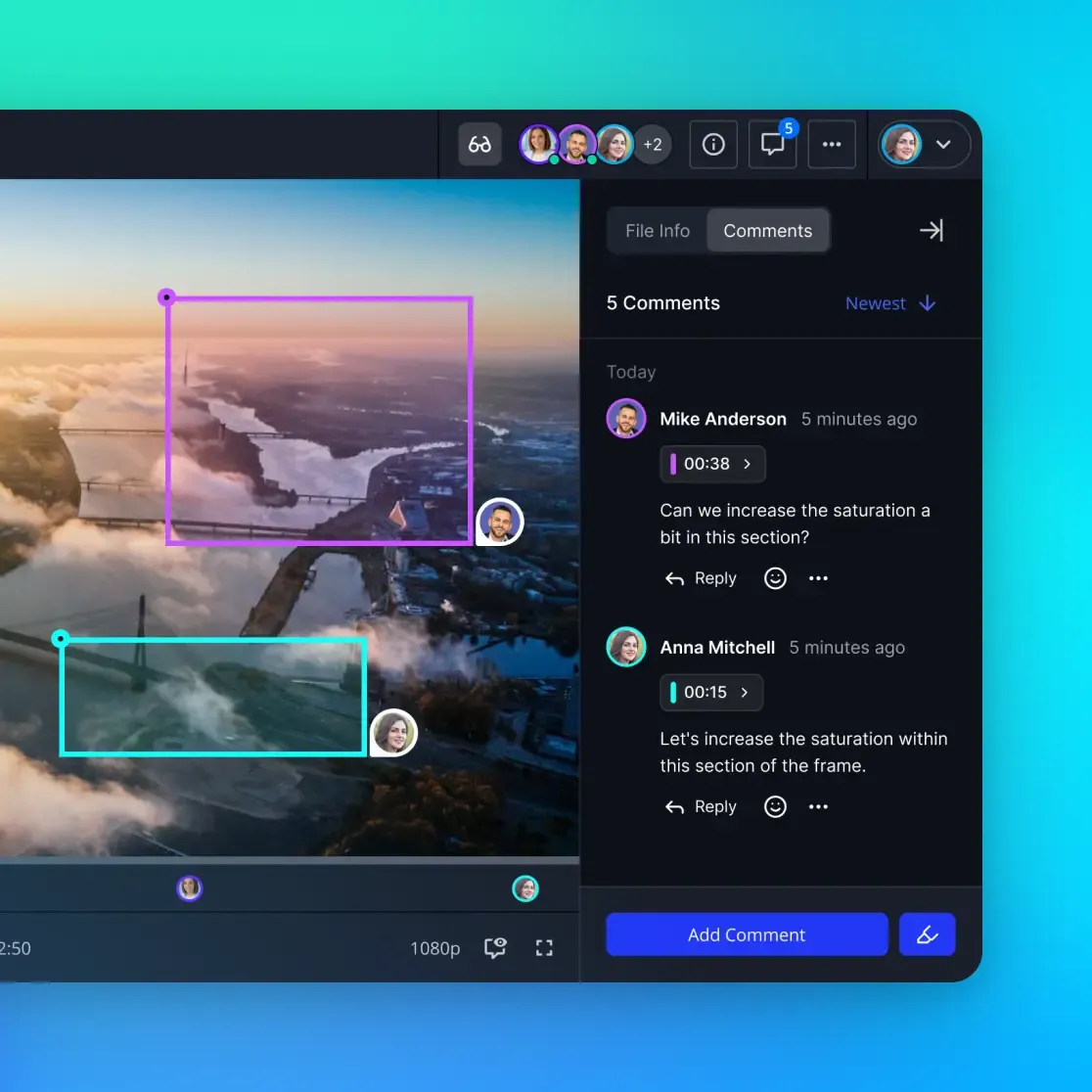
Frame.io is a well-designed review tool. Frame-accurate comments, smooth scrubbing, and tight Premiere Pro integration make it a strong choice for editorial teams that work entirely through a browser. But once you introduce AI agents into the production pipeline, several limitations become blockers.
API rate limits throttle agent workflows. Frame.io's API endpoints use progressive rate limiting that ranges from 10 requests per minute on some paths to 100 requests per second on others. That's fine for a human uploading a cut, but an agent processing metadata across hundreds of clips will hit 429 errors quickly. When your agent gets throttled for minutes at a time, real-time pipelines stall.
The V4 API transition broke existing automations. Developers on the Frame.io forum have reported that the move to V4 removed critical endpoints like asset search and version management. Teams that built integrations on V2 faced a choice between migrating to an unstable beta or staying on a deprecated API. For mission-critical production systems, that volatility is a real risk.
No built-in intelligence layer. Frame.io stores files, but it doesn't index them for semantic search or AI queries. If you want agents to find "every drone shot of the coastline at sunset," you need to build a separate vector database, ingest pipeline, and search interface. That's weeks of engineering work before you even start on the actual production workflow.
Pricing penalizes high-volume work. Frame.io's Pro plan starts at $15/month per seat with 2TB shared storage. The Team plan is $25/seat with 3TB. For a 10-person post house managing terabytes of raw footage, costs escalate quickly, and you're still paying for a review UI your agents don't use.
None of these are bugs. Frame.io was designed as a human collaboration tool, and it does that job well. The problem is that AI-augmented production needs something different: a headless, API-native storage layer where programmatic access is the primary interface.
What an Agent-Native Video Platform Looks Like
An AI-augmented video workflow needs four things from its storage layer: programmable access, event-driven triggers, built-in intelligence, and a way for agents and humans to share the same workspace without stepping on each other.
Fast.io was designed around these requirements. Instead of wrapping an API around a review UI, Fast.io exposes an MCP server with 19 consolidated tools that let agents manage workspaces, files, permissions, AI queries, and workflow operations directly. Agents connect via Streamable HTTP at /mcp or legacy SSE at /sse and work alongside human collaborators in the same workspace.
Here's what that means in practice:
Built-in RAG without extra infrastructure. Enable Intelligence Mode on a workspace and every uploaded file gets automatically indexed for semantic search. An agent can ask "find all interview clips where the subject mentions product pricing" and get back results with citations. No separate vector database, no custom ingest pipeline, no additional cost for the indexing itself.
Webhooks for reactive workflows. When a raw clip lands in an "Incoming" folder, a webhook fires immediately. Your agent picks it up, runs QC checks, extracts metadata, transcodes to delivery specs, and moves the finished file to a "Ready for Review" folder. The editor gets notified when everything is organized and tagged. No polling, no manual handoff.
File locks for multi-agent coordination. When multiple agents work on the same project, file locks prevent conflicts. Agent A acquires a lock while writing metadata, Agent B waits until the lock releases, and both agents proceed without corrupting each other's work.
URL Import skips local I/O entirely. Pull files from Google Drive, OneDrive, Box, or Dropbox via OAuth without downloading to a local machine first. For teams migrating from Frame.io or consolidating footage from multiple cloud sources, this saves hours of manual transfers.
The free agent plan includes 50GB of storage, 5,000 monthly credits, 5 workspaces, and 50 shares with no credit card required. That's enough to build and test a full production pipeline before committing to a paid tier.



Build Your Agent-Driven Video Pipeline
Start with 50GB of free storage and an MCP server with 19 tools. Connect your AI agents, enable Intelligence Mode, and let automation handle the production mechanics. No credit card required.
Checklist: Why AI Teams Switch from Frame.io
If you're evaluating whether your current platform fits an agent-driven workflow, run through this list. Each item represents a real friction point that production teams encounter when scaling automation on review-first platforms.
- Your agents hit rate limits daily. If automated processes regularly return 429 errors or queue for minutes between batches, your storage layer is throttling production speed.
- You maintain a separate search infrastructure. Building and hosting a vector database just to make your video library queryable by content is engineering overhead that a platform with built-in intelligence eliminates.
- API changes break your integrations. If a platform's API is a secondary feature that changes without migration paths, every automation you build carries maintenance risk.
- Agents and editors use different systems. When agents write to S3 and editors review in Frame.io, you need glue code to sync state between them. A shared workspace removes that entire layer.
- You pay for UI features your agents ignore. Frame-accurate commenting and smooth playback are valuable for humans, but agents don't need a browser UI. Paying per-seat for features that only half your "team" uses inflates costs.
- Ownership handoff requires manual work. If an agent builds a project structure but a human needs to manually recreate it in a client-facing tool, you're duplicating effort. Fast.io's ownership transfer lets an agent create an org, build workspaces, populate files, and hand everything to a human client while keeping admin access.
Teams that check three or more of these boxes typically see the biggest gains from switching to an API-first platform.
Building an Agent-Led Video Pipeline on Fast.io
Here's a concrete workflow for a post-production team that delivers social media content across platforms. The same pattern applies to localization, corporate video, and broadcast prep.
Step 1: Set Up the Workspace
Create a workspace in Fast.io with Intelligence Mode enabled. This means every file uploaded gets indexed automatically for semantic search and AI chat. Create a folder structure that your agents understand: /incoming, /processing, /review, /approved, /delivery.
Step 2: Connect Your Agent via MCP
Your agent connects to Fast.io's MCP server at /storage-for-agents/. Authentication uses a standard API key as a Bearer token. The agent now has access to 19 tools covering storage operations, workspace management, AI queries, and workflow actions like tasks, worklogs, and approvals.
Step 3: Automate the Ingest Pipeline
Configure a webhook on the /incoming folder. When a new file arrives, the webhook fires and your agent:
- Validates the file (codec, resolution, frame rate, audio channels)
- Extracts metadata and writes it back to the file's properties
- Runs a visual analysis to tag scenes, detect faces, and identify locations
- Moves the file to
/processingwith updated tags
Step 4: Generate Deliverables
The agent monitors /processing and triggers transcoding jobs for each target platform. A 16:9 master becomes 9:16 for Reels, 1:1 for feed posts, and 4:5 for Stories. Each version lands in /review with platform-specific metadata.
Step 5: Human Review and Approval
Editors open the workspace in Fast.io's UI, review the agent's work, and approve or request changes. They can search the entire library semantically, asking questions like "show me all versions of the product demo" through the built-in AI chat. Approved files move to /delivery where the agent picks them up for distribution.
Step 6: Log Everything
The agent appends worklog entries after each batch, describing what it processed and any issues it flagged. When a human reviews the workspace later, they have a complete audit trail of every automated action.
This pipeline removes the manual steps that typically consume the most editor time: file organization, metadata entry, format conversion, and delivery logistics. The human focuses on creative decisions while the agent handles production mechanics.
Comparing Frame.io and Fast.io for Agent Workflows
Both platforms serve video teams, but they optimize for different users. Here's a direct comparison for teams building AI-augmented production systems.
Programmatic access. Frame.io offers a REST API with progressive rate limiting. Fast.io offers a REST API plus an MCP server with 19 tools designed for agent interaction. The MCP interface means agents can discover available operations dynamically rather than hardcoding endpoint URLs.
Intelligence and search. Frame.io relies on manual tags and filenames for search. Fast.io's Intelligence Mode auto-indexes every uploaded file for semantic search and provides a built-in AI chat that returns answers with file citations.
Event-driven workflows. Frame.io supports webhooks for basic events. Fast.io provides webhooks plus Server-Sent Events for real-time streaming, and the MCP server includes workflow primitives like tasks, approvals, and worklogs that agents can manage directly.
Storage and pricing. Frame.io Pro starts at $15/seat/month with 2TB shared storage. Fast.io's free agent plan provides 50GB, 5,000 credits, 5 workspaces, and 50 shares with no seat-based pricing and no credit card required. For teams where most "users" are agents, eliminating per-seat costs changes the economics significantly.
Ownership and handoff. Frame.io uses standard permission sharing. Fast.io supports full ownership transfer where an agent creates an organization, builds out the workspace, and transfers it to a human client while retaining admin access. This is designed specifically for agency workflows where you build a deliverable environment and hand it to a client.
LLM compatibility. Fast.io works with any LLM: Claude, GPT-4, Gemini, LLaMA, or local models. The MCP server is model-agnostic by design. Frame.io's integrations are built around specific partner tools like TwelveLabs rather than offering a general-purpose agent interface.
For teams that primarily need human-to-human review with tight Adobe integration, Frame.io remains a strong choice. For teams building automated production systems where agents handle the bulk of file operations, Fast.io is purpose-built for that workflow.
Frequently Asked Questions
Is there an AI-friendly alternative to Frame.io?
Fast.io is designed for AI-augmented workflows. It provides an MCP server with 19 tools that let agents manage files, run semantic queries, and trigger workflow events programmatically. The free agent plan includes 50GB of storage, 5,000 monthly credits, and 5 workspaces with no credit card required.
How do AI agents integrate with video review?
Agents connect to a storage platform via API or MCP and perform tasks like metadata extraction, scene tagging, transcoding, and file routing automatically. On Fast.io, agents use the same workspace as human editors. The agent handles repetitive production tasks while humans focus on creative review and approval.
What are Frame.io's API rate limits?
Frame.io's API uses progressive rate limiting that varies by endpoint, ranging from 10 requests per minute on some paths to 100 requests per second on others. Requests exceeding the limit receive a 429 HTTP error. For agents processing hundreds of files per hour, these limits can create significant pipeline delays.
Can AI agents search video content on Fast.io?
Yes. When Intelligence Mode is enabled on a workspace, Fast.io automatically indexes every uploaded file. Agents can then run semantic queries like 'find all clips where the presenter discusses pricing' and receive results with specific file citations. No separate vector database or ingest pipeline is needed.
How does Fast.io handle large video files?
Fast.io supports chunked uploads for large files and provides HLS streaming for video playback. The URL Import feature lets you pull large files directly from Google Drive, OneDrive, Box, or Dropbox via OAuth without downloading to a local machine first, which saves significant time when consolidating footage from multiple sources.
Related Resources

Build Your Agent-Driven Video Pipeline
Start with 50GB of free storage and an MCP server with 19 tools. Connect your AI agents, enable Intelligence Mode, and let automation handle the production mechanics. No credit card required.