How to Share Files Securely with Encryption
Encrypted file sharing protects files with cryptographic algorithms during transfer and storage, ensuring only authorized recipients can access the content. This guide covers how encryption works, the three types you need to know (at-rest, in-transit, and end-to-end), and practical steps to share sensitive documents without exposing them to interception or unauthorized access.
What Is Encrypted File Sharing?
Encrypted file sharing is the practice of protecting digital files with cryptographic algorithms before, during, and after transfer between users. The encryption converts readable data into scrambled ciphertext that only someone with the correct decryption key can read. Here's what happens when you share an encrypted file:
- The file gets encrypted using an algorithm like AES-256
- Only the encrypted version travels across the network
- The recipient's device decrypts the file using an authorized key
- The original, readable file appears only on authorized devices
Without the decryption key, intercepted files are useless. AES-256 encryption, the current standard, would take billions of years to crack with existing computing technology. Most file sharing services offer some form of encryption, but the implementation varies widely. The security of your files depends on where encryption happens and who holds the keys.
Helpful references: Fast.io Workspaces, Fast.io Collaboration, and Fast.io AI.
Three Types of Encryption You Need to Know
Not all encryption is equal. Understanding these three types helps you evaluate whether a file sharing service actually protects your data.
Encryption At Rest
This protects files stored on servers. When your files sit on a provider's hard drives, at-rest encryption ensures that physical theft of hardware or unauthorized server access won't expose your data.
What it protects against: Data center breaches, physical theft of drives, unauthorized admin access to storage systems.
What it doesn't protect against: Interception during upload or download.
Encryption In Transit
This protects files while they move between your device and the server. TLS (Transport Layer Security) or SSL protocols create an encrypted tunnel for data transmission.
What it protects against: Man-in-the-middle attacks, network eavesdropping, packet sniffing on public WiFi.
What it doesn't protect against: A compromised server, or a service provider that can access your decrypted files.
End-to-End Encryption (E2EE)
The strongest option. Files are encrypted on your device before upload and only decrypted on the recipient's device. The service provider never has access to decryption keys.
What it protects against: Everything above, plus the service provider itself. Even if subpoenaed, the provider can't hand over readable files.
Trade-off: Some features like server-side search or preview may be limited because the server can't read file contents.

Why 43% of Cyberattacks Target Small Businesses
You might think sophisticated encryption is only for large enterprises handling state secrets. The data says otherwise. Small and medium businesses face disproportionate risk. According to security research, 43% of cyberattacks target small businesses. The reason is straightforward: attackers expect weaker defenses. Common attack vectors involving file sharing:
- Phishing links that mimic legitimate file sharing notifications
- Man-in-the-middle attacks on unencrypted transfers
- Credential theft from users who reuse passwords
- Social engineering to gain access to shared folders
Encrypted file sharing addresses the technical vulnerabilities. But encryption alone isn't enough. You also need access controls, audit logging, and user education to build a complete defense.


Run Share Files Securely With Encryption workflows on Fast.io
Fast.io protects your sensitive documents with AES-256 encryption, detailed access controls, and complete audit trails.
How to Evaluate a Secure File Sharing Service
When comparing encrypted file sharing options, check for these specific capabilities:
Encryption Standards
Look for AES-256 encryption. Anything less (like AES-128 or older DES) offers weaker protection. Confirm the service encrypts both at rest and in transit as a baseline.
Access Controls
Fine-grained permissions matter. You should be able to control access at multiple levels:
- Organization-wide defaults
- Workspace or project-level settings
- Folder-specific permissions
- Individual file restrictions
The best services let you set view-only access (preventing downloads), domain restrictions (limiting access to specific email domains), and password requirements.
Link Security Features
Shared links should support:
- Password protection for an additional authentication layer
- Expiration dates so access automatically revokes
- Download limits to prevent mass copying
- Watermarking to trace leaked documents
Audit Capabilities
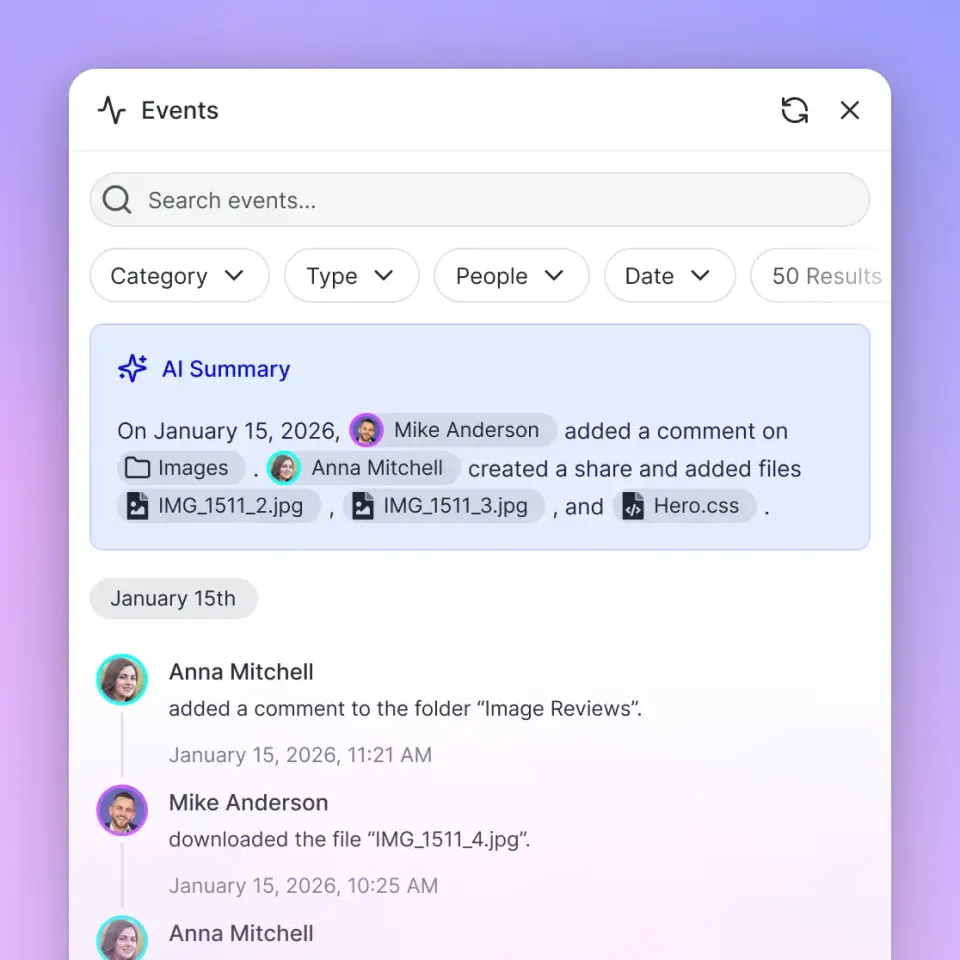
Complete activity logs show who accessed what, when, and from where. This is essential for compliance requirements and investigating potential breaches. Look for logging that tracks views, downloads, permission changes, and login attempts.
Authentication Options
SSO (Single Sign-On) integration with providers like Okta, Azure AD, or Google reduces password fatigue and centralizes access control. Multi-factor authentication adds another verification layer.

Practical Steps for Encrypted File Sharing
Here's how to share sensitive files securely, regardless of which service you use:
Before Sharing
- Classify the sensitivity level. Not every file needs maximum protection. Reserve your most restrictive settings for genuinely sensitive documents. 2. Verify recipient identity. Confirm email addresses before sharing. A typo sends your files to a stranger. 3. Set appropriate permissions. Default to view-only unless the recipient genuinely needs to download or edit.
During the Share
- Use password protection for external shares. Send the password through a different channel (text, phone call) than the link itself. 5. Set expiration dates. One week is reasonable for most project shares. Extend only if needed. 6. Avoid public links. "Anyone with the link" settings are convenient but risky. Use named recipients when possible.
After Sharing
- Monitor access logs. Check who actually opened the files. Unexpected activity may indicate a breach. 8. Revoke access when complete. Don't leave old shares active indefinitely. Clean up after projects conclude. 9. Update shared files in place. Versioning beats sending new links for each revision, reducing link sprawl and maintaining access controls.
What Encryption Does Dropbox Use?
This is one of the most searched questions about encrypted file sharing, so let's address it directly. Dropbox uses AES-256 encryption for files at rest and SSL/TLS for files in transit. This is solid protection against external attackers and network interception. Dropbox does not offer zero-knowledge or end-to-end encryption by default. Dropbox holds the encryption keys, which means:
- Dropbox employees with sufficient access could theoretically read your files
- Dropbox can comply with legal requests to decrypt and hand over data
- A breach of Dropbox's key management systems could expose file contents
For most business use cases, Dropbox's encryption is adequate. For highly sensitive documents (legal discovery, M&A materials, medical records), you may want a service with client-side encryption where only you control the keys. The same analysis applies to most mainstream services: Google Drive, OneDrive, and Box all use similar encryption models. They protect against external threats but not against the provider itself.
When to Use a Data Room vs. Standard Sharing
Virtual data rooms (VDRs) are purpose-built for high-stakes document sharing. They're overkill for everyday collaboration but essential for certain scenarios.
Use a data room when:
- Sharing due diligence materials for M&A transactions
- Distributing legal case files to multiple parties
- Managing board documents with fiduciary requirements
- Running funding rounds with confidential financials
- Handling intellectual property licensing negotiations
Data rooms add features beyond basic encrypted sharing:
- View analytics showing exactly which pages each recipient viewed and for how long
- Dynamic watermarking with viewer-specific information baked into each view
- Instant access revocation that works even for already-downloaded files (via DRM)
- Q&A workflows for structured communication during deals
For routine team collaboration and client delivery, standard encrypted sharing with proper access controls is sufficient and easier to use.
Frequently Asked Questions
What is the highly secure way to share files?
The highly secure method is end-to-end encrypted file sharing where files are encrypted on your device before upload and only decrypted on the recipient's device. Combined with password protection, expiration dates, and audit logging, this approach protects against network interception, server breaches, and even the service provider accessing your files.
Is encrypted file sharing safe?
Encrypted file sharing is safer than unencrypted alternatives, but security depends on implementation. AES-256 encryption is practically unbreakable with current technology. That said, encryption alone doesn't prevent risks like phishing, weak passwords, or social engineering. Combine encryption with strong access controls, multi-factor authentication, and user training for complete protection.
What encryption does Dropbox use?
Dropbox uses AES-256 encryption for files stored on their servers and SSL/TLS encryption for files in transit. This protects against external attackers and network interception. Dropbox holds the encryption keys, so they can technically access file contents and comply with legal requests for data.
What's the difference between encryption at rest and in transit?
Encryption at rest protects files stored on servers from physical theft or unauthorized access to storage systems. Encryption in transit protects files moving between your device and the server from network interception. Both are necessary for complete protection. End-to-end encryption provides both plus protection from the service provider itself.
Do I need end-to-end encryption for business file sharing?
It depends on your sensitivity requirements. For most business documents, standard encryption at rest and in transit is adequate. End-to-end encryption is recommended for highly confidential materials like legal documents, medical records, financial data, or intellectual property where you can't risk even the service provider having access.
Related Resources

Run Share Files Securely With Encryption workflows on Fast.io
Fast.io protects your sensitive documents with AES-256 encryption, detailed access controls, and complete audit trails.