7 Brandfolder Alternatives That Won't Break Your Budget
Brandfolder is a solid digital asset management platform, but at published pricing minimum, it's overkill for most teams. This guide compares seven alternatives that deliver brand asset organization, distribution, and governance at price points that actually match your needs. This guide covers brandfolder alternative with practical examples.
Why Teams Look for Brandfolder Alternatives
Brandfolder does brand asset management well. The problem? It's built for enterprise budgets. At published pricing as the starting point, you're paying for features many teams never touch. The pricing model charges per feature, meaning costs balloon quickly when you need add-ons like additional admins or advanced analytics. Three common reasons teams switch:
- Price shock: That initial quote often doubles once you spec out what you actually need
- Complexity overhead: Enterprise-grade tools require enterprise-grade training
- Rigid contracts: Annual commitments lock you in before you know if it fits
The good news: the DAM market has matured. Several alternatives now offer comparable asset organization and distribution without the six-figure annual commitment.
Helpful references: Fast.io Workspaces, Fast.io Collaboration, and Fast.io AI.
What to Look for in a Brandfolder Alternative
Before comparing specific tools, know what actually matters for brand asset management:
Must-haves:
- Centralized asset library with folder organization
- Search that finds files by metadata, not just filenames
- Controlled sharing with permissions and link expiration
- Version control so outdated assets don't slip through
Nice-to-haves:
- Brand guidelines and templates
- Usage analytics
- Integrations with your existing tools
- White-label portals for external partners
Watch out for:
- Per-seat pricing that punishes team growth
- Storage limits that force awkward file purges
- Feature-gated tiers that upsell you constantly
Switching platforms is a significant decision, so it pays to evaluate alternatives carefully. Consider not just the features on paper, but the actual workflow experience: how intuitive is the interface, how fast are uploads, and how well does it handle the specific file types your team works with every day.
Quick Comparison: Brandfolder vs Top Alternatives
Pricing current as of January 2026. All figures are approximate and may vary based on storage and features selected.
1. Fast.io: Usage-Based Pricing Without Per-Seat Costs
Fast.io takes a different approach to team storage and asset management. Instead of charging per user, you pay based on what you actually store and transfer.
Why it works for brand assets:
The core problem with DAM pricing is that brand assets need to reach lots of people. Your marketing team uploads files. Your sales team downloads them. Agencies, partners, and freelancers all need access. Per-seat pricing punishes you for doing exactly what the tool is meant to enable. Fast.io includes 25 seats on the Pro plan, with additional seats at published pricing each. Compare that to Brandfolder's feature-based pricing or Bynder's custom quotes.
Key features for brand management:
- Unlimited workspaces for organizing brand assets by campaign, region, or product line
- Branded client portals with your logo and colors
- Granular permissions: view-only, download, or full edit access
- Link controls including password protection, expiration dates, and domain restrictions
- Audit logs tracking who accessed what and when
Where it excels:
- Teams with lots of external collaborators (agencies, partners, vendors)
- Organizations tired of calculating per-seat costs
- Companies that need professional sharing without enterprise contracts
Limitations:
- Not a full-featured DAM with advanced metadata schemas
- No native brand guideline templates (though you can share PDFs)



Start with brandfolder alternative on Fast.io
See how Fast.io's usage-based pricing can save your team thousands compared to Brandfolder.
2. Canto: The Mid-Market Standard
Canto is a veteran DAM platform, making it one of the oldest players. It sits in the middle ground between enterprise tools like Brandfolder and simpler file sharing.
Strengths:
- Solid search with AI-powered tagging
- Good integrations with Adobe Creative Cloud
- Established track record with media companies
Considerations:
- Per-user pricing still adds up for larger teams
- Interface feels dated compared to newer tools
- Implementation can take weeks
Best for: Established marketing teams that value proven reliability over newer tools. Consider how this fits into your broader workflow and what matters most for your team. The right choice depends on your specific requirements: file types, team size, security needs, and how you collaborate with external partners. Testing with a free account is the fast way to know if a tool works for you.
3. Bynder: Enterprise Customization
Bynder competes directly with Brandfolder at the enterprise level. It offers extensive customization and workflow automation that large organizations need.
Strengths:
- Highly customizable metadata and taxonomy
- Advanced workflow automation
- Strong creative project management features
Considerations:
- Custom pricing means you won't know costs until sales calls
- Requires dedicated admin time to configure properly
- Overkill for teams under 50 people
Best for: Large enterprises that need complex approval workflows and have IT resources to manage the platform. Consider how this fits into your broader workflow and what matters most for your team. The right choice depends on your specific requirements: file types, team size, security needs, and how you collaborate with external partners. Testing with a free account is the fast way to know if a tool works for you.
4. Dash: Simple and Affordable
Dash positions itself as the "anti-enterprise" DAM. It's intentionally simple, with a flat monthly rate starting at $49. Strengths:
- Genuinely easy to use with minimal training
- Predictable pricing with no surprises
- Quick setup (hours, not weeks)
Considerations:
- Limited advanced features
- Basic permission controls
- May outgrow it as needs expand
Best for: Small marketing teams or startups that need basic asset organization without complexity. Consider how this fits into your broader workflow and what matters most for your team. The right choice depends on your specific requirements: file types, team size, security needs, and how you collaborate with external partners. Testing with a free account is the fast way to know if a tool works for you.
5. Stockpress: Unlimited Users Included
Stockpress differentiates itself by including unlimited users on every plan. If per-seat costs are your main frustration with Brandfolder, this addresses it directly.
Strengths:
- AI-powered automatic tagging
- Unlimited internal and external users
- Flexible metadata customization
Considerations:
- Newer platform with less market presence
- Fewer integrations than established players
- Storage-based pricing can still add up
Best for: Organizations with many stakeholders who need asset access but limited budgets. Consider how this fits into your broader workflow and what matters most for your team. The right choice depends on your specific requirements: file types, team size, security needs, and how you collaborate with external partners. Testing with a free account is the fast way to know if a tool works for you.
6. Frontify: Brand Guidelines Focus
Frontify started as a brand guideline tool and expanded into asset management. If maintaining brand consistency across distributed teams is your primary goal, it's worth considering.
Strengths:
- Strong brand guideline creation tools
- Digital asset management included
- Good collaboration features for brand teams
Considerations:
- Per-user pricing
- Asset management is secondary to brand guidelines
- May not suit pure DAM use cases
Best for: Organizations where brand guideline distribution matters as much as asset management. Client-facing file sharing reflects your brand. A white-label portal with your logo, colors, and custom domain creates a professional impression that generic download links cannot match. This matters especially for creative agencies and professional services firms where presentation is part of the deliverable.
7. Air: Built for Creative Teams
Air is a newer entrant designed specifically for creative workflows. It combines asset management with visual collaboration features.
Strengths:
- Modern, visual interface
- Strong version control for creative files
- Built-in feedback and approval tools
Considerations:
- Higher price point for what you get
- Per-user pricing
- Less suited for non-creative asset types
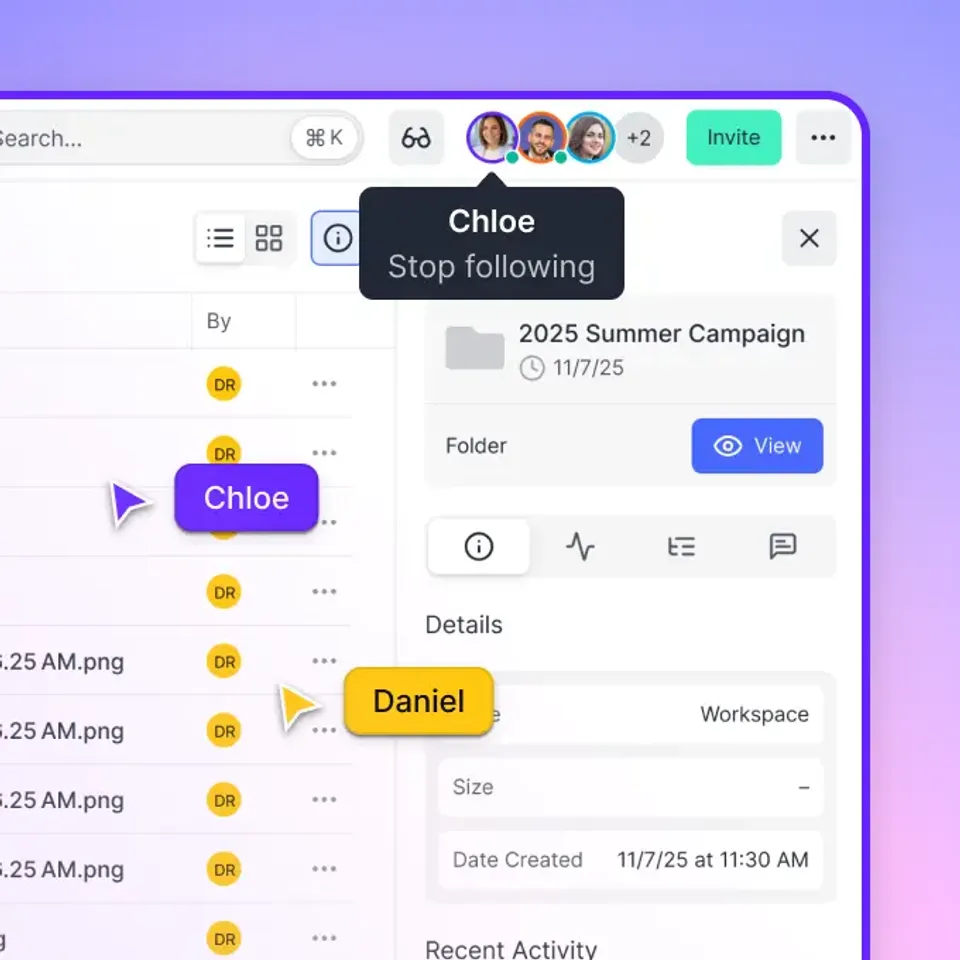
Best for: Design and video teams that need to manage creative assets and gather feedback in one place. Effective team collaboration starts with shared context. When everyone works from the same organized workspace, you eliminate the confusion of scattered files and version conflicts. Real-time presence indicators and threaded comments keep discussions focused and productive.
How to Choose the Right Alternative
Picking a Brandfolder alternative comes down to three questions:
1. How many people need access?
If dozens of external partners, agencies, or stakeholders need your brand assets, per-seat pricing will hurt. Look at Fast.io, Stockpress, or Dash for more flexible models.
2. How complex are your workflows?
Enterprise approval chains with multiple stakeholders need Bynder or Frontify. Simple "upload and share" workflows work fine with Dash or Fast.io.
3. What's your actual budget?
Be realistic. Brandfolder at published pricing costs published pricing minimum. Many teams can achieve 80% of the functionality for under $5,000 annually.
Making the Switch
Most DAM migrations follow this pattern:
- Export your asset library (most tools support bulk download)
- Map your folder structure to the new platform
- Re-create permission groups
- Update shared links and embed codes
- Communicate the change to stakeholders
Budget several weeks for migration depending on library size. Start with a pilot group before rolling out company-wide.
Frequently Asked Questions
Is there a free alternative to Brandfolder?
No enterprise-grade DAM offers a free tier with meaningful functionality. Dash starts at published pricing, which is the lowest priced option for serious brand asset management. Some tools offer free trials.
What is similar to Brandfolder?
Bynder is the closest competitor with similar enterprise features and pricing. For mid-market alternatives, Canto and Air offer comparable functionality. For budget-friendly options with different pricing models, Fast.io and Stockpress provide brand asset management without per-seat costs.
How much does Brandfolder cost?
Brandfolder pricing starts at approximately published pricing, with costs increasing based on features, storage, and administrative users needed. There's no free tier, and pricing requires a custom quote from their sales team. Annual contracts are standard.
What is the best brand asset management software?
The best choice depends on your team size and budget. For enterprises with complex workflows, Bynder or Brandfolder itself remain strong options. For growing teams that need cost predictability, Fast.io's usage-based model or Stockpress's unlimited users offer better value. Small teams with simple needs should consider Dash for its simplicity and low cost.
Can I migrate from Brandfolder to another DAM?
Yes, most DAM platforms support bulk import from other systems. The typical migration involves exporting your asset library, re-creating your folder structure and permissions in the new tool, and updating any shared links or embed codes. Budget several weeks for a complete migration depending on library size.
Related Resources

Start with brandfolder alternative on Fast.io
See how Fast.io's usage-based pricing can save your team thousands compared to Brandfolder.