How to Set Up OpenClaw Multi-Agent Workspaces
OpenClaw multi-agent workspaces scale ClawHub for team agent deployments, solving the critical challenge of isolated agent memory. This guide shows you how to configure shared environments where multiple agents can collaborate, access the same files, and maintain persistent state without conflict.
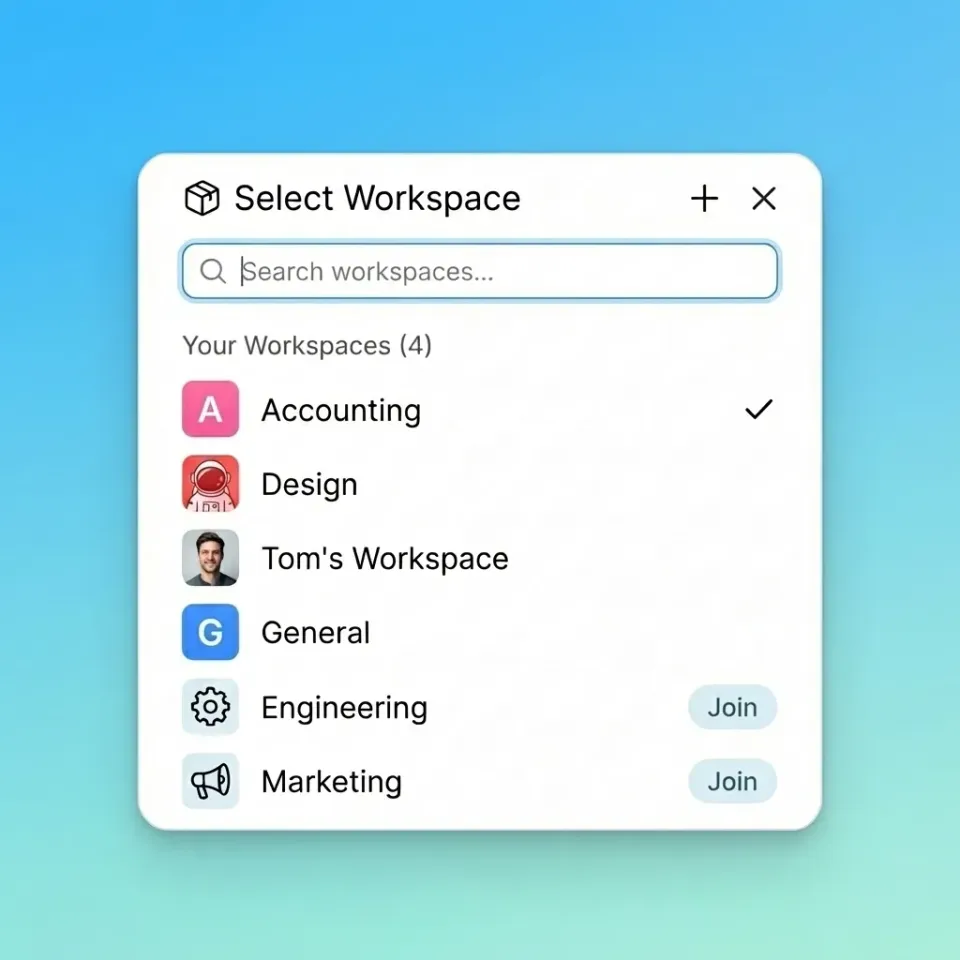
Why Single-Agent Setups Fail at Scale
Most OpenClaw deployments start with a single agent running in a local container. While this works for individual tasks, it creates "intelligence silos" where agents cannot learn from each other or share context. As teams expand, this isolation leads to duplicated work and fragmented data.
OpenClaw multi-agent workspaces solve this by decoupling storage from compute. Instead of each agent keeping its memory on a local disk, they connect to a shared Fast.io workspace. This architecture allows a "Researcher" agent to drop a PDF into a folder, and a "Writer" agent to immediately index and reference that same file.
According to Avnet, the global volume of data is anticipated to reach 181 zettabytes by the end of 2025, driven largely by AI generation. Managing this volume requires architecture that separates agent logic from the massive datasets they operate on.
Helpful references: Fast.io Workspaces, Fast.io Collaboration, and Fast.io AI.
Practical execution note for openclaw-multi-agent-workspaces: define a baseline process, assign ownership, and document fallback behavior when dependencies fail. Run a pilot with a small team, collect concrete metrics, and compare throughput, error rate, and review time before broad rollout. After rollout, keep a living checklist so future contributors can repeat the workflow without re-learning critical constraints.

Prerequisites for Multi-Agent OpenClaw
Before configuring the workspace, ensure your environment meets these requirements. You need a running OpenClaw Gateway instance (version multiple.12.multiple or later) and a Fast.io account for the storage layer.
Required Components:
- OpenClaw Gateway: The central Node.js process that manages agent loops.
- Fast.io Workspace: A dedicated bucket for shared agent memory.
- ClawHub Fast.io Skill: The integration bridge installed via CLI.
- Node.js multiple+: Required for the latest runtime features.
This setup uses the standard clawhub package manager, so no custom Docker builds are necessary. We will configure the agents to treat the Fast.io workspace as their primary file system.
Practical execution note for openclaw-multi-agent-workspaces: define a baseline process, assign ownership, and document fallback behavior when dependencies fail. Run a pilot with a small team, collect concrete metrics, and compare throughput, error rate, and review time before broad rollout. After rollout, keep a living checklist so future contributors can repeat the workflow without re-learning critical constraints.
Step 1: Install the Fast.io Skill
The first step is to equip your OpenClaw instance with the Fast.io skill. This toolset provides the multiple essential tools agents need to manipulate files, manage permissions, and perform semantic searches.
Run this command in your OpenClaw terminal:
clawhub install dbalve/fast-io
Once installed, the skill automatically registers tools like list_files, read_file, write_file, and search_smart. These tools are "multi-agent safe," meaning they respect file locks and handle concurrent access attempts gracefully. This prevents the race conditions that often crash standard file system agents.
Practical execution note for openclaw-multi-agent-workspaces: define a baseline process, assign ownership, and document fallback behavior when dependencies fail. Run a pilot with a small team, collect concrete metrics, and compare throughput, error rate, and review time before broad rollout. After rollout, keep a living checklist so future contributors can repeat the workflow without re-learning critical constraints.
Step 2: Configure the Shared Workspace
Next, create the central workspace that will serve as the "shared brain" for your agents. In your Fast.io dashboard, create a new workspace named "agent-operations" (or your preferred project name). Enable Intelligence Mode for this workspace. This is the critical differentiator: it activates the built-in RAG pipeline. When an agent uploads a file, whether it's a raw log, a PDF contract, or a JSON dataset, Fast.io instantly indexes it. Connect your OpenClaw agents to this workspace by setting the FASTIO_WORKSPACE_ID environment variable in your agent configuration. Now, every agent with this ID can query the workspace using natural language, retrieving precise citations from shared documents without needing its own vector database.
Step 3: Implementing File Locks for Coordination
When multiple agents write to the same files, data corruption is a risk. OpenClaw multi-agent workspaces use a checkout system similar to software version control.
How to use file locks:
- Acquire: Before editing, an agent calls
lock_file. - Edit: The agent performs its
write_fileorappendoperations. - Release: The agent calls
unlock_fileto free the resource.
If a second agent tries to access a locked file, it receives a "resource busy" signal and knows to wait or retry. This coordination layer enables complex workflows, such as one agent aggregating news while another compiles a newsletter from the aggregated data, without stepping on each other's toes.
Step 4: Managing Ownership and Handoffs
A unique feature of this setup is the ability to transfer ownership. You might have a "Builder" agent set up a client portal, organize the folder structure, and upload initial assets. Once the job is done, that agent can transfer the entire workspace to a human client.
To do this, the agent uses the transfer_workspace tool, specifying the client's email. The client receives the fully populated workspace, while the agent can retain "Admin" or "Editor" privileges to continue maintenance. This smooth handoff turns agent labor into deliverable assets instantly.
Add one practical example, one implementation constraint, and one measurable outcome so the section is concrete and useful for execution.

Frequently Asked Questions
Can OpenClaw agents share memory between different servers?
Yes. Because the memory is stored in a Fast.io cloud workspace, agents running on different physical servers or cloud regions can share the same context and files instantly.
How do I prevent agents from overwriting each other's work?
Use the `lock_file` tool included in the Fast.io skill. This creates a temporary mutex on the file, preventing other agents from modifying it until the lock is released.
Does this require a paid OpenClaw license?
No, OpenClaw is open source. The Fast.io storage layer offers a free tier with multiple of storage, which is sufficient for most multi-agent development environments.
Can I use local LLMs with this setup?
. OpenClaw connects to any LLM (local or cloud). The Fast.io workspace acts purely as the storage and memory layer, so it is agnostic to the model you use for inference.
Related Resources

Give your agents a shared brain
Start building multi-agent systems with 50GB of free, intelligent storage. Built for openclaw multi agent workspaces workflows.