Best Frame.io Alternatives for Video Review in 2026
Frame.io alternatives are video collaboration platforms that offer review, approval, and feedback features, often at lower prices or with different feature sets. Since Adobe acquired Frame.io, many teams have started exploring independent options with better storage limits and more flexible pricing. This guide compares seven alternatives based on real-world testing and user feedback.
Why Teams Are Looking for Frame.io Alternatives
Frame.io built a strong reputation as a video review platform, but several factors are pushing teams to explore alternatives:
Pricing concerns: Frame.io Pro uses per-seat pricing with limited storage per plan. Video teams frequently outgrow these storage allowances. Many teams find this adds up fast, especially when project archives accumulate.
Adobe acquisition uncertainty: Following Adobe's acquisition of Frame.io, some teams worried about the platform's independence. Enterprise customers now get deeper Premiere Pro integration, but smaller teams on tighter budgets sometimes feel left behind. The v4 API, for example, is only available to enterprise customers.
Storage limits: Video files are large and can quickly consume significant storage space. Frame.io's storage tiers force difficult decisions about what to keep and what to archive elsewhere.
Feature gaps: Frame.io focuses primarily on review and approval. Teams that need project management, asset organization, or long-term storage often cobble together multiple tools.
Helpful references: Fast.io Workspaces, Fast.io Collaboration, and Fast.io AI.
What to Look for in a Frame.io Alternative
Not every video collaboration tool solves the same problems. Before switching, identify what matters most to your workflow:
Review features
- Frame-accurate commenting (can you pin notes to specific timecode?)
- Version comparison (side-by-side or overlay?)
- Approval workflows (who signs off and when?)
Storage and delivery
- How much storage is included per plan?
- Are there file size limits?
- Can you deliver final files to clients from the same platform?
Team structure
- Per-seat pricing vs. usage-based pricing
- Guest access for clients (do they need accounts?)
- Permissions and access control
Integrations
- Does it work with your NLE (Premiere, DaVinci Resolve, Final Cut)?
- Can you connect project management tools?
- API access for custom workflows
Long-term viability
- Is the company independent or part of a larger ecosystem?
- What's the product roadmap?
- How responsive is support?
Top 7 Frame.io Alternatives Compared
Based on testing and user feedback, here are seven Frame.io alternatives worth considering:
1. Fast.io
Best for: Teams that need video review plus long-term storage and client delivery
Fast.io takes a different approach than Frame.io. Instead of per-seat pricing, it uses usage-based credits. A team of 25 can run on roughly published pricing for 5TB, compared to published pricing for Frame.io with the same headcount. Key features:
- HLS streaming (Netflix-style adaptive bitrate, not progressive download)
- Frame-accurate comments on video timelines
- Branded client portals for delivery
- Organization-owned files (content stays when employees leave)
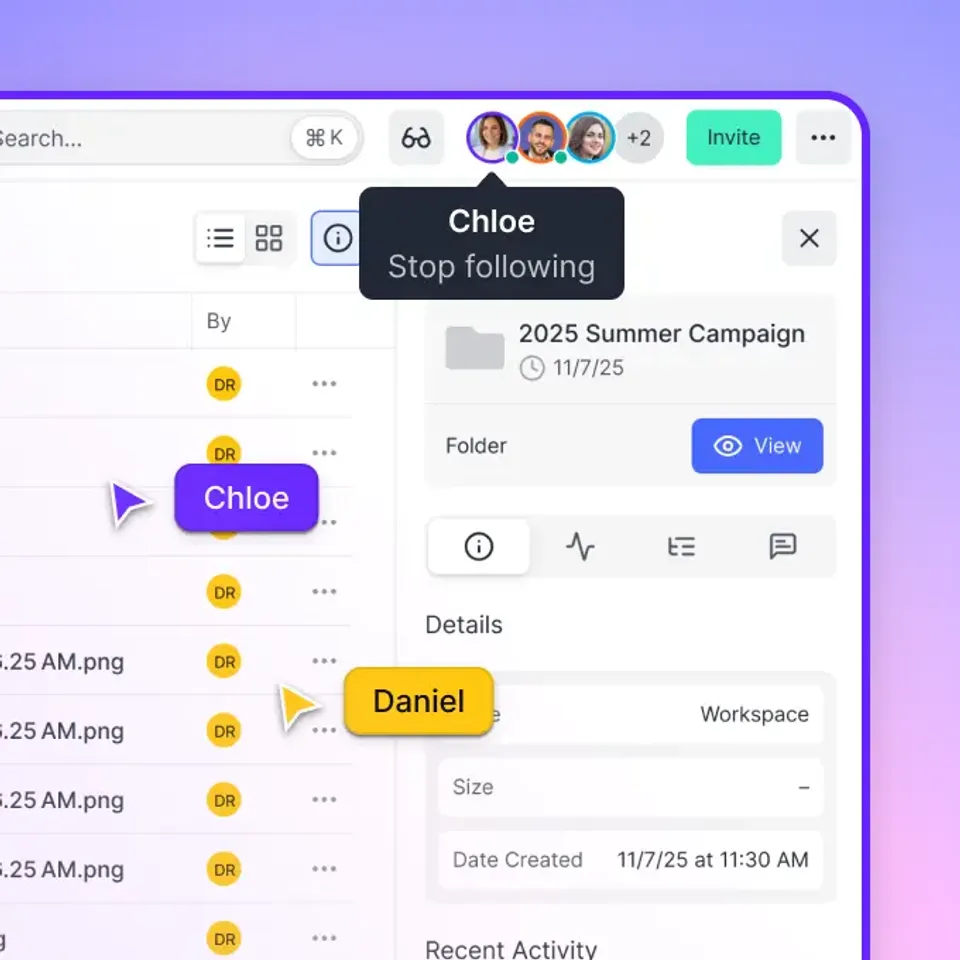
- Real-time presence indicators (see who's viewing what)
The tradeoff: Fast.io doesn't have native NLE plugins like Frame.io does. You upload files manually or via API rather than pushing directly from Premiere.
2. Ziflow
Best for: Agencies managing multiple content types beyond video
Ziflow handles video, images, documents, and web content in one proofing platform. It's particularly strong for teams that review marketing materials across formats, not just video. Key features:
- Multi-format proofing (video, audio, images, PDFs, HTML)
- Regulatory compliance tools for healthcare and financial services
- More integrations than Frame.io (Asana, Monday, Slack, etc.)
- Batch comments and automated workflows
Pricing starts around published pricing/month. Storage limits vary by plan.
3. Wipster
Best for: Straightforward video review without complexity
Wipster has been competing with Frame.io for over a decade. It focuses on simplicity: upload a video, share a link, collect time-stamped feedback. Key features:
- Clean, minimal interface
- Time-coded comments with drawing tools
- Approval tracking and version management
- works alongside Vimeo
Wipster works well for teams that want "just review" without the overhead of a full production platform.
4. Krock.io
Best for: Animation studios and large teams needing flat-fee pricing
Krock.io combines media review with project management. Its standout feature: unlimited user plans at a flat monthly fee. For large teams, this can dramatically reduce costs compared to per-seat tools. Key features:
- Storyboard and animatic review tools
- Built-in project management (tasks, timelines, calendars)
- Asset library for organizing reference materials
- Unlimited users on higher tiers
The interface is more complex than Frame.io, which suits teams that want everything in one place but can overwhelm simpler workflows.
5. SyncSketch
Best for: VFX, animation, and game development teams
SyncSketch specializes in reviewing complex media: 3D models, animations, and image sequences. It's the go-to choice for VFX studios that need to review CG work frame by frame. Key features:
- 3D model review with turntable playback
- Image sequence support (EXR, DPX)
- Synchronized playback for remote sessions
- Drawing and annotation tools
Less suited for traditional video editing workflows. Best for studios working with CG assets.
6. Vimeo
Best for: Teams that also need video hosting and distribution
Vimeo is primarily a video hosting platform, but its Teams and Enterprise plans include review features. If you already use Vimeo for publishing, adding review keeps everything in one place. Key features:
- Time-coded comments and approvals
- Privacy controls (password, domain restriction)
- Video hosting and embedding
- Analytics on viewer engagement
Review features are less specialized than dedicated tools. Works best when review is secondary to hosting.
7. Filestage
Best for: Structured approval workflows with multiple stakeholders
Filestage focuses on approval processes rather than creative collaboration. It's designed for content that needs sign-off from multiple departments (legal, brand, compliance). Key features:
- Multi-stage approval workflows
- Due dates and automated reminders
- Compare versions side by side
- Supports video, images, documents, audio
Less emphasis on frame-accurate video tools. Better for final approval stages than iterative creative review.


Start with frame.io alternative on Fast.io
See how Fast.io's usage-based pricing and HLS streaming compare to your current workflow.
Feature Comparison Table
Here's how the top alternatives stack up on key features:
The right choice depends on whether you prioritize storage (Fast.io), multi-format proofing (Ziflow), simplicity (Wipster), or all-in-one project management (Krock.io).
Switching from Frame.io: What to Expect
Moving to a new platform takes planning. Here's a realistic timeline:
Week 1: Audit your current usage
- Export your Frame.io project list and storage usage
- Identify active projects vs. archives
- Document your team's permission structure
Week 2: Trial your top choices
- Most alternatives offer free trials (Fast.io, Ziflow, and Wipster all do)
- Test with a real project, not just sample files
- Involve at least one editor, one producer, and one client
Week 3: Make the decision
- Compare costs at your actual team size
- Factor in storage for archived projects
- Consider integration requirements
Week 4: Migrate
- Download critical Frame.io projects
- Upload to new platform
- Update client links and team workflows
- Keep Frame.io active for 30 days as backup
Most teams can transition within a month without disrupting active productions.

When Frame.io Is Still the Right Choice
Frame.io isn't the wrong choice for everyone. It makes sense if:
- You're deeply integrated with Adobe Creative Cloud and want native Premiere/After Effects panels
- Your team is small (under 5 users) and storage needs are modest
- You specifically need Frame.io's camera-to-cloud workflow for production
- Enterprise features like advanced SSO and audit logging are requirements
Adobe has continued investing in Frame.io since the acquisition. If you're already in the Adobe ecosystem and don't mind the per-seat costs, switching may create more friction than it solves. The users who benefit most from alternatives are:
- Mid-size teams (10-50 people) where per-seat costs add up
- Studios with large archives that exceed Frame.io storage tiers
- Teams that need client delivery and review in one platform
- Organizations that prefer vendor independence from Adobe
Frequently Asked Questions
What is a cheaper alternative to Frame.io?
Fast.io is typically the most cost-effective alternative for teams over 5 users, using usage-based pricing instead of per-seat fees. A 25-person team can operate on roughly published pricing compared to published pricing on Frame.io. Krock.io also offers flat-fee unlimited user plans that reduce costs for large teams.
Is Frame.io worth the price?
Frame.io is worth the price for small teams (under 5 users) who need tight Adobe integration and don't require extensive storage. For larger teams or studios with big archives, the per-seat pricing and storage limits often push total costs higher than alternatives that offer more flexible pricing models.
What happened to Frame.io after Adobe bought it?
Following Adobe's acquisition of Frame.io. Since then, Frame.io has gained deeper integration with Premiere Pro and After Effects, particularly for enterprise customers. However, some advanced features like the v4 API are now enterprise-only, and smaller teams have noted that pricing hasn't become more competitive.
Can I use Frame.io alternatives with Premiere Pro?
Most Frame.io alternatives don't have native Premiere Pro panels like Frame.io does. You'll typically upload exports manually or use API integrations. Fast.io, Ziflow, and Wipster all work with any NLE since they're browser-based, but require an extra upload step.
Which Frame.io alternative has the best video streaming?
Fast.io uses HLS (HTTP Live Streaming), the same adaptive bitrate technology Netflix uses. This means instant playback and smooth scrubbing without buffering, even for large files. Most other alternatives, including Frame.io itself, use progressive download which requires more buffering.
Related Resources

Start with frame.io alternative on Fast.io
See how Fast.io's usage-based pricing and HLS streaming compare to your current workflow.