5 Best Backblaze Alternatives for Teams & Creatives (2025)
Backblaze is excellent for low-cost backup, but it's designed for cold storage rather than active work. Creative teams often outgrow Backblaze when they need to share files, review video, or collaborate with clients. This guide compares five alternatives that offer better sharing, faster access, and team-focused features.
Why Look for a Backblaze Alternative?
Backblaze dominates two specific markets: unlimited personal backup (published pricing) and cheap object storage (B2 at $6/TB). It is excellent at both. However, Backblaze is designed for cold storage, data you save and hope to never touch. It becomes a bottleneck when you try to use it for active work.
The limitations that drive teams away include:
- No easy sharing: You cannot send a branded link to a client from Backblaze Personal Backup. The "share" functionality is an afterthought, limited to simple download links without expiration dates, passwords, or tracking.
- Slow recovery: Restoring large amounts of data often requires mailing a physical hard drive. If you need 5TB of data back today to meet a deadline, Backblaze's download speeds and preparation times can be a dealbreaker.
- No visual interface: B2 requires third-party FTP clients like Cyberduck just to see your files. There is no native file browser that renders thumbnails, previews video, or lets you organize content visually.
- No collaboration: There are no comments, no version tracking for teams, and no video previews. You are working in a vacuum.
- File Ownership Issues: With Backblaze Personal Backup, files are tied to a specific computer. If an employee leaves and takes their laptop, or wipes it, that backup chain is broken. If you need a digital dumpster for old files, keep Backblaze. It is the cheapest insurance policy you can buy. But if you need a workspace where your team can store, share, and discuss active projects, you need a different kind of platform.
Helpful references: Fast.io Workspaces, Fast.io Collaboration, and Fast.io AI.
1. Fast.io: Best for Creative Teams
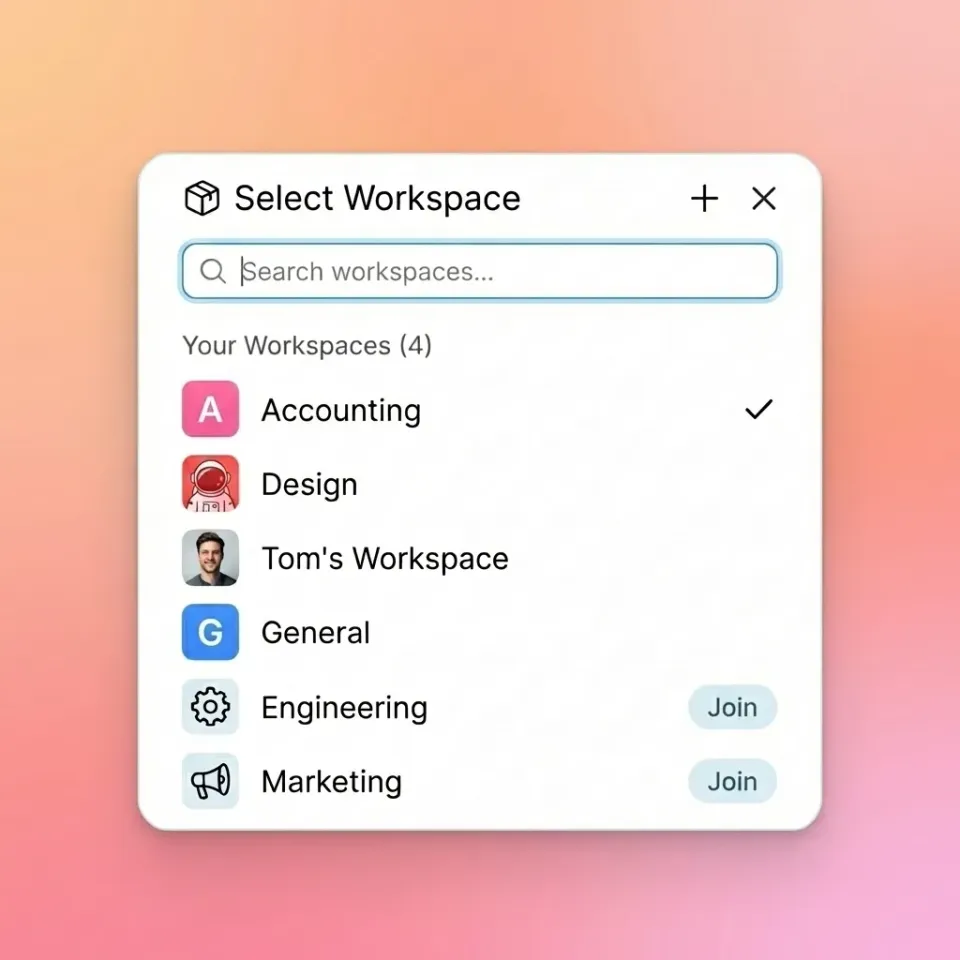
Fast.io is the active storage alternative for teams who find Backblaze too limiting. While Backblaze hides your files in a vault, Fast.io puts them in a visual, collaborative workspace. For video production teams, photographers, and agencies, Fast.io bridges the gap between massive storage capacity and client-friendly delivery. It combines the scale of object storage (like Backblaze B2) with the user experience of a high-end asset management platform.
Active Storage vs. Cold Backup
The fundamental difference is accessibility. Fast.io uses a global edge network to serve files instantly. When you upload a video to Fast.io, it is immediately available to stream, share, and preview. Backblaze B2 is optimized for storage density, not retrieval speed.
Why it beats Backblaze for teams:
- Instant Visual Access: Browse terabytes of data in a visual interface without FTP clients. See thumbnails of RAW photos, PSD files, and 3D models directly in the browser.
- HLS Video Streaming: Watch video files instantly in 1080p without downloading them first. Backblaze forces you to download the entire file to view it, which is impossible with 50GB ProRes files on a mobile connection.
- Unlimited Guest Access: Share files with unlimited clients and freelancers without paying for extra seats. Backblaze B2 charges for egress (downloads), so every time a client downloads a file, you pay. Fast.io includes bandwidth in the plan.
- Organization-Owned Files: Data belongs to the company, not the employee's personal account. This centralized ownership model is critical for agency continuity.
Usage-Based Pricing
Fast.io operates on a usage-based model similar to B2 but with more predictable costs for teams. You pay for the storage you use. Unlike Dropbox or Box, you don't pay published pricing for every freelancer who needs to view a folder.
Best for: Video production companies, ad agencies, architectural firms, and any team handling large media assets.


Stop Archiving, Start Collaborating for backblaze alternative
Fast.io gives your team a visual workspace for all your files, with streaming previews and branded sharing. It's storage you can actually use.
2. IDrive: Best for Personal Backup
If you strictly want a "set it and forget it" backup service like Backblaze Personal Backup, IDrive is the strongest direct competitor. IDrive differentiates itself by backing up all your devices, computers, tablets, and phones, under a single account. Backblaze limits you to one computer per license. If you have a desktop, a laptop, and a home server, Backblaze costs published pricing. IDrive covers them all for one price.
The Restore Process
Like
Backblaze, IDrive offers a physical courier service (IDrive Express). They send you a hard drive with your data for faster restoration. This matters because downloading 5TB of data over a typical cable connection takes weeks.
Pros:
- Multi-Device Support: Backs up unlimited devices (PC, Mac, iOS, Android) on one account.
- True Archiving: Unlike Backblaze, IDrive does not automatically delete files from your backup just because you deleted them from your computer (unless you run a specific cleanup). Backblaze deletes files from the backup after 30 days (or 1 year with extra fee) if they vanish from the source drive.
- Snapshots: Point-in-time recovery allows you to roll back to a specific date, protecting against ransomware that encrypts your local files.
Cons:
- Storage Limits: IDrive is not unlimited. Personal plans cap at 5TB or 10TB. If you have 20TB of data, Backblaze is the only viable option.
- Upload Speeds: Many users report slower upload speeds compared to Backblaze's multi-threaded engine.
- Interface: The UI is functional but dated, resembling Windows 7-era software.
Verdict: Choose IDrive if you want to back up a household of devices without paying separate subscriptions for each one, and your total data is under 10TB.
3. Wasabi: Best for Raw B2 Object Storage
For developers, IT teams, and MSPs using Backblaze B2 for offsite server backups, Wasabi is the direct rival. It positions itself as "hot cloud storage" that is faster than Amazon S3 and cheaper than S3, with a simpler pricing model than Backblaze. Wasabi's main claim is speed and simplicity. Unlike Backblaze B2, Wasabi does not charge for egress (downloading your data) or API requests.
The Egress Fee Trap
Backblaze B2 charges $0.01 per GB for downloads. This sounds cheap, but if you need to restore 10TB of data, that's a $100 fee just to get your own data back. If you run a media server where clients download files constantly, those fees add up. Wasabi eliminates this entirely.
Pros:
- No Egress Fees: Download as much as you want without penalty. This makes costs predictable.
- Performance: Wasabi generally offers faster time-to-first-byte performance than B2, making it better for active applications.
- S3 Compatibility: 100% compliant with the AWS S3 API, meaning it works with almost any backup software (Veeam, MSP360, Cyberduck).
Cons:
- Minimum Retention Policy: Wasabi charges for a minimum of 90 days of storage. If you upload a file and delete it the next day, you still pay for 90 days of storage for that file. This makes it poor for temporary files.
- Minimum Storage Volume: You are billed for a minimum of 1TB ($6.99/mo), even if you only store 10GB.
- No Built-in Tools: Like B2, Wasabi is raw storage. You need to bring your own software to use it.
Verdict: Switch to Wasabi if you are a developer or IT manager tired of calculating egress fees, or if you need faster read performance than B2 offers.
4. Dropbox: Best for Document Sync
Dropbox is the opposite of Backblaze. While Backblaze is cheap, slow, and bottomless, Dropbox is expensive, fast, and capped. For teams that work primarily with documents, spreadsheets, and PDFs, Dropbox's sync engine is hard to beat. It keeps local copies of active files on your computer while offloading older ones to the cloud.
Sync vs. Backup
It is important to understand that Dropbox is not a backup solution. It is a synchronization tool. If you delete a file on your computer, Dropbox deletes it from the cloud instantly. If you get ransomware, the encrypted files are synced to the cloud. (Dropbox Rewind can help, but it's not a true backup strategy).
Pros:
- Block-Level Sync: Dropbox splits files into chunks and only uploads the changed parts. This makes saving large Photoshop files fast after the initial upload.
- Integration Ecosystem: Works with Slack, Zoom, Adobe Creative Cloud, and Microsoft Office out of the box.
- Dropbox Paper: A lightweight, collaborative document editor that is great for brainstorming.
- Universal Adoption: Everyone knows how to use Dropbox; training is unnecessary.
Cons:
- Cost: At published pricing/month for the standard business plan, it is more expensive than Backblaze.
- Storage Limits: "Unlimited" storage on Dropbox is becoming harder to get, with the company moving towards capped plans (e.g., 15TB for teams).
- Resource Heavy: The Dropbox desktop app is known for consuming significant RAM and CPU.
Verdict: Use Dropbox for active documents and daily collaboration. Use Backblaze to back up the computers that run Dropbox. They are complementary, not mutually exclusive.
5. CrashPlan: Best for Enterprise Endpoints
CrashPlan focuses on the enterprise market. It provides endpoint backup for hundreds or thousands of employee laptops. Unlike Backblaze, which has a distinct "Personal" vs "Business" split, CrashPlan is built entirely for business continuity. It offers highly granular control over retention policies, encryption keys, and deployment.
Enterprise-Grade Control
CrashPlan allows IT admins to configure exactly what gets backed up and when. You can prevent users from pausing backups, enforce CPU usage limits, and remotely wipe data from stolen laptops.
Pros:
- generous storage: CrashPlan for Small Business offers generous storage per device.
- Deleted File Retention: You can configure CrashPlan to keep deleted files forever. Backblaze forces a 30-day or 1-year limit. This is critical for legal hold requirements.
- Linux Support: CrashPlan has a headless Linux client, which is rare in the consumer backup space.
Cons:
- Resource Usage: The Java-based client can be heavy on system resources, sometimes slowing down older machines.
- Restore Speed: Restoring files via the app can be slower than downloading a zip file, due to the way it reconstructs file versions.
- Pricing: At roughly published pricing per device, it is slightly more expensive than Backblaze, but the feature set justifies it for businesses.
Verdict: Best for IT managers deploying backup to 500+ employee laptops who need strict compliance and retention controls.
Comparison Table: Features & Pricing

Cloud Storage vs. Cloud Backup: What's the Difference?
The terms are often used interchangeably, but they serve different purposes. Understanding the difference is key to choosing the right alternative.
Cloud Backup (Backblaze, IDrive, CrashPlan)
- Goal: Disaster recovery.
- Method: Automatic background process copies new files.
- Access: Slow. You restore data only when something goes wrong.
- File Structure: Mirrors your hard drive exactly.
- Sharing: Difficult or impossible.
- Cost: Low (often flat rate).
Cloud Storage (Fast.io, Dropbox, Wasabi)
- Goal: Accessibility and collaboration.
- Method: You manually place files here, or work directly from the cloud.
- Access: Instant. You open, edit, and share files daily.
- File Structure: Organized by project, team, or client (independent of your hard drive).
- Sharing: Built-in, with permissions and tracking.
- Cost: Higher (per GB or per user).
The Hybrid Approach Most professional teams need both. You need active cloud storage (like Fast.io) for the 5TB of projects you are currently working on and delivering to clients. You need cloud backup (like Backblaze) for the 50TB of raw footage from 2021 that you might never need again but can't delete.
How to Choose the Right Alternative
Your choice depends on whether you need to store data or use data.
Choose Fast.io if: You are a creative team (video, design, marketing) that needs to store massive files but also share them with clients. You need the cost benefits of cloud storage without losing the ability to preview and comment on work. You want to stop paying "per seat" for every freelancer.
Choose IDrive if: You are a home user with three computers and two iPads. You want insurance against a hard drive crash and don't need to share files often. The multi-device support is the main draw.
Choose Wasabi if: You are a developer building an app and need an S3-compatible backend that doesn't charge you for retrieving data. The predictable pricing model is ideal for high-traffic storage buckets.
Choose CrashPlan if: You are an IT director ensuring that 500 employee laptops are backed up to meet compliance regulations. The retention policies and legal hold capabilities are necessary for enterprise environments.
Choose Dropbox if: Your team lives in Word docs and spreadsheets. The sync speed for small files is unmatched, and the cost is justifiable for the productivity boost in administrative workflows.
Frequently Asked Questions
Is there a free alternative to Backblaze?
There is no true 'unlimited' free alternative to Backblaze. Google Drive offers 15GB free, and Mega offers 20GB free, but these are tiny compared to Backblaze's unlimited backup. For massive amounts of data, you will always pay a storage cost. The question is whether you pay per computer (Backblaze) or per terabyte (Fast.io/Wasabi).
Is Wasabi cheaper than Backblaze?
It depends on how you use it. Wasabi charges $6.99/TB/month with no download fees. Backblaze B2 charges $6/TB/month but adds $0.01/GB for downloads. If you download your data frequently (more than 20% of your total storage per month), Wasabi becomes cheaper. If you only write data and never read it (pure archive), Backblaze B2 is slightly cheaper.
Why is Backblaze so slow to upload?
Backblaze is designed as a background service, so it throttles itself to avoid slowing down your computer. It also deduplicates and encrypts data locally before sending it. For faster transfers, active cloud storage like Fast.io uses multi-threaded uploading to maximize your available bandwidth, making it much faster for moving large files immediately.
Does Backblaze own my files?
No, Backblaze does not claim ownership of your content, but with Personal Backup, the files are tied to your personal account. In a business setting, this can be problematic if an employee leaves. Solutions like Fast.io use 'Organization-Owned' storage, where the company retains control of the files regardless of which user uploaded them.
Related Resources

Stop Archiving, Start Collaborating for backblaze alternative
Fast.io gives your team a visual workspace for all your files, with streaming previews and branded sharing. It's storage you can actually use.