How to Master AI Agent Orchestration
AI agent orchestration is the coordination of multiple AI agents working together to accomplish complex tasks. By defining workflows, communication patterns, and shared storage, developers can build systems that outperform single models. This guide covers essential patterns, frameworks, and storage strategies.

What is AI Agent Orchestration?
AI agent orchestration is the coordination and management of multiple AI agents working together to accomplish complex tasks through defined workflows and communication patterns. Think of it as the difference between a freelance writer and a full editorial newsroom. A single agent can write code, but an orchestrated system can plan the architecture, write the code, review it for security flaws, and write the documentation simultaneously.
In an orchestrated system, a "manager" or "router" agent typically breaks down high-level goals into sub-tasks and delegates them to specialized "worker" agents. This approach allows for specialization. One agent might be optimized for Python coding (using a specific fine-tuned model), while another is optimized for creative writing.
If you're evaluating options, our AI agent framework comparison covers the major platforms in detail.
Key components of orchestration include:
- Task Decomposition: Breaking complex goals into manageable steps.
- Routing: Sending the right task to the agent with the right tools.
- State Management: Keeping track of the overall progress and shared data. See our guide on AI agent state management for implementation patterns.
- Conflict Resolution: Handling disagreements or merging outputs from multiple agents.
Why Single Agents Fail at Scale
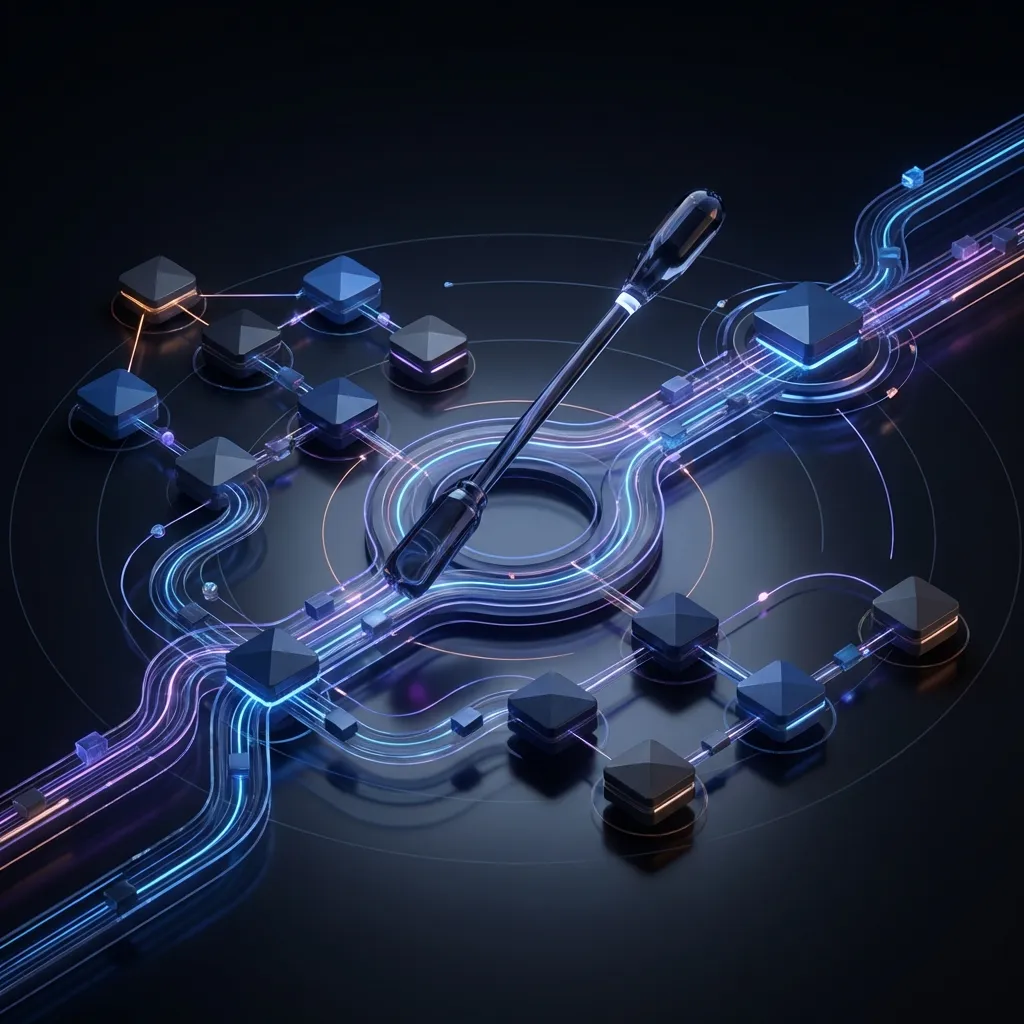
While Large Language Models (LLMs) are powerful, they suffer from context window limits and "drift" when handling long, multi-step processes. Asking a single agent to "build a marketing campaign" often results in hallucination or generic output.
Multi-agent systems solve this by enforcing separation of concerns. By assigning distinct roles (e.g., Researcher, Writer, Editor), you constrain the action space for each agent, leading to higher accuracy and reliability. This is why 70% of enterprise AI projects involve multiple coordinated agents.
Also, multi-agent systems can handle 10x more complex tasks than single agents by parallelizing work. While one agent scrapes data, another can begin drafting the outline, significantly reducing the total time to completion for complex workflows.
Four Essential Orchestration Patterns
To build effective agent swarms, you need to choose the right communication structure. These are the four standard patterns used in frameworks like LangChain and AutoGen.
1. Sequential (The Chain)
Agents pass work in a strict linear line. The output of Agent A becomes the input of Agent B.
- Best for: Defined processes like "Research → Draft → Edit".
- Pros: Easy to debug and implement.
- Cons: Slowest method; one failure breaks the chain.
2. Parallel (Fan-Out/Fan-In)
A manager agent breaks a task into sub-tasks and sends them to multiple agents at once. The results are then aggregated.
- Best for: Researching multiple topics simultaneously or voting systems.
- Pros: Fast; maximizes throughput.
- Cons: Complex aggregation logic required.
3. Hierarchical (The Boss)
A top-level supervisor agent creates a plan and delegates to team leaders, who delegate to workers.
- Best for: Very complex, open-ended goals like "Build a software application".
- Pros: Scalable; handles high complexity.
- Cons: Can become expensive due to token usage overhead.
4. Event-Driven (The Network)
Agents react to environment changes (e.g., a new file appearing, a webhook) rather than direct commands.
- Best for: Reactive systems like customer support or monitoring.
- Pros: Highly responsive and loosely coupled.
- Cons: Hardest to debug; race conditions can occur.


Give Your Agents a Shared Brain
Stop passing huge contexts. Give your agent swarm a shared, intelligent workspace with Fast.io. Free for agents.
The Hidden Challenge: State & Artifact Storage
Most orchestration guides focus on the "thinking" (LLMs) but ignore the "memory" (storage). When Agent A generates a lengthy report, where does it put it for Agent B to review? Passing the entire text in the context window is expensive and slow.
The solution is shared, intelligent storage. Agents need a file system where they can dump artifacts (PDFs, code files, images) that other agents can reference by URL or path. For a deeper look at how this works across distributed teams, see multi-agent file sharing.
Fast.io provides this infrastructure specifically for agents:
- Universal File System: Agents can use standard file operations (via MCP) to read/write to a shared cloud workspace.
- File Locks: Prevent race conditions in parallel workflows by locking files during edits.
- Intelligence Mode: When an agent uploads a file, Fast.io automatically indexes it. The next agent doesn't need to read the file; it can simply query the workspace intelligence to extract key facts.
- Webhooks: Trigger an "Editor Agent" automatically whenever a "Writer Agent" saves a
draft.mdfile.
Top Orchestration Frameworks Compared
Don't build your orchestrator from scratch. These frameworks provide the scaffolding you need.
LangGraph (LangChain)
Focuses on stateful, graph-based workflows. You define nodes (agents) and edges (logic).
- Best for: Production applications requiring strict control and loops.
- Key Feature: Persistence layer that allows human-in-the-loop approval steps. Learn more in our LangGraph persistence guide.
CrewAI
Built on top of LangChain, it focuses on role-playing. You define "Agents" with backstories and "Tasks".
- Best for: Getting started quickly; content generation and research crews.
- Key Feature: Intuitive API that mimics a human team structure.
Microsoft AutoGen
Enables agents to converse with each other to solve tasks. Highly flexible and capable of code execution.
- Best for: Coding tasks and complex problem solving.
- Key Feature: "Conversable" agents that can ask for human help when stuck.
Step-by-Step: Building Your First Swarm
Ready to orchestrate? Follow this roadmap to deploy your first multi-agent system.
- Define the Goal: Be specific. Instead of "do market research," use "Find the top competitors for X, analyze their pricing, and generate a comparison table."
- Choose Your Pattern: For the example above, a Parallel pattern works best. One manager spawns several search tasks in parallel.
- Set Up Storage: Create a Fast.io workspace. Install the Fast.io MCP server so your agents can save their findings to persistent files.
- Define Roles: Create a "Researcher" (with browser access) and an "Analyst" (with code interpreter or spreadsheet tools).
- Implement Webhooks: Configure Fast.io to trigger the Analyst agent only after the Researcher has saved all the data files.
Frequently Asked Questions
What is AI agent orchestration?
AI agent orchestration is the process of managing the interactions and workflows of multiple AI agents. It involves assigning tasks, routing communications, and maintaining shared state to ensure agents work together effectively toward a common goal.
How do agents share files in an orchestrated system?
Agents share files by writing to a central cloud storage layer rather than passing data through context windows. Using a tool like Fast.io allows agents to save artifacts (PDFs, code, images) that other agents can access via URL or standard file paths.
What is the difference between LangGraph and CrewAI?
LangGraph is a lower-level framework focused on defining precise control flows, loops, and state persistence, making it ideal for complex production apps. CrewAI is a higher-level framework focused on role-playing and team dynamics, making it easier to set up for general tasks.
Can I run agent orchestration locally?
Yes, frameworks like AutoGen and CrewAI can run with local LLMs (via Ollama or LM Studio). However, for file storage and sharing, you will still need a local shared directory or a cloud workspace if agents are distributed.
What are the benefits of multi-agent systems?
Multi-agent systems offer specialization, parallel processing, and resilience. By splitting tasks among specialized agents, you reduce errors, overcome context window limits, and can complete complex workflows significantly faster than a single agent.
Related Resources

Give Your Agents a Shared Brain
Stop passing huge contexts. Give your agent swarm a shared, intelligent workspace with Fast.io. Free for agents.